How to Link Twitter to Facebook
Open Twitter.. Click your profile icon.. Click Settings and privacy.
Steps
1
Open Twitter.
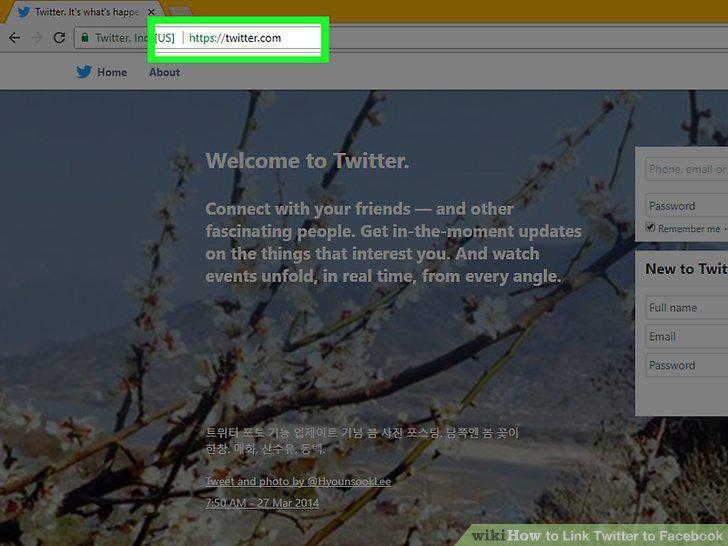
Open Twitter.
2
Click your profile icon.
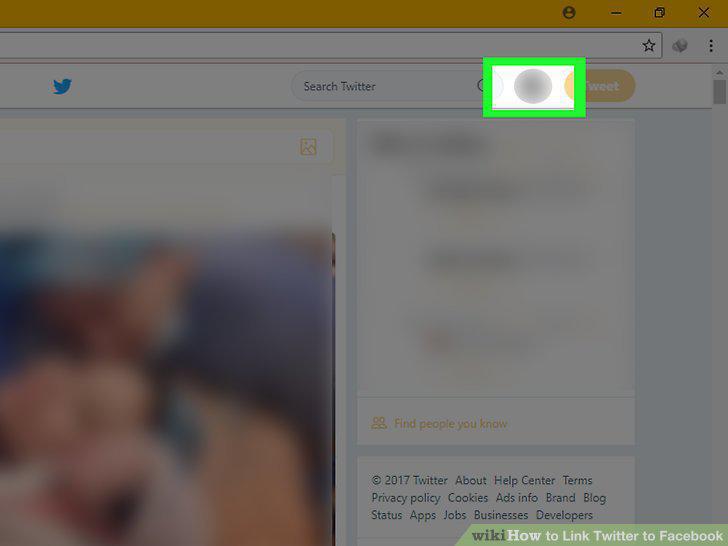
Click your profile icon.
3
Click Settings and privacy.
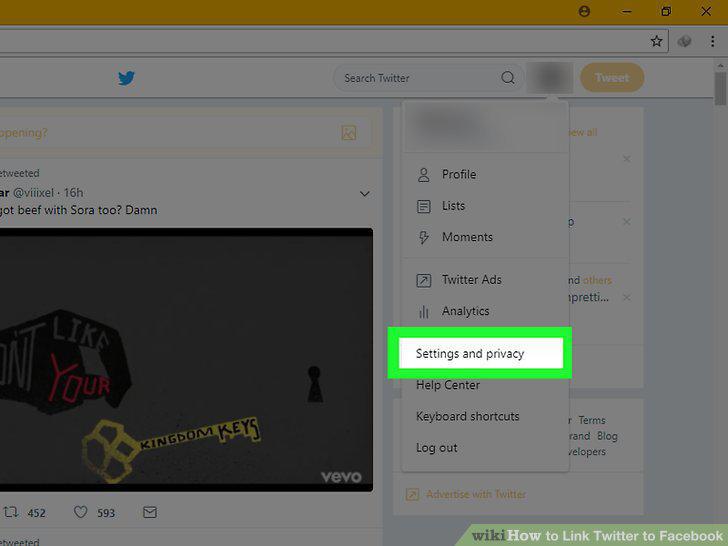
Click Settings and privacy.
4
Click the Apps tab.
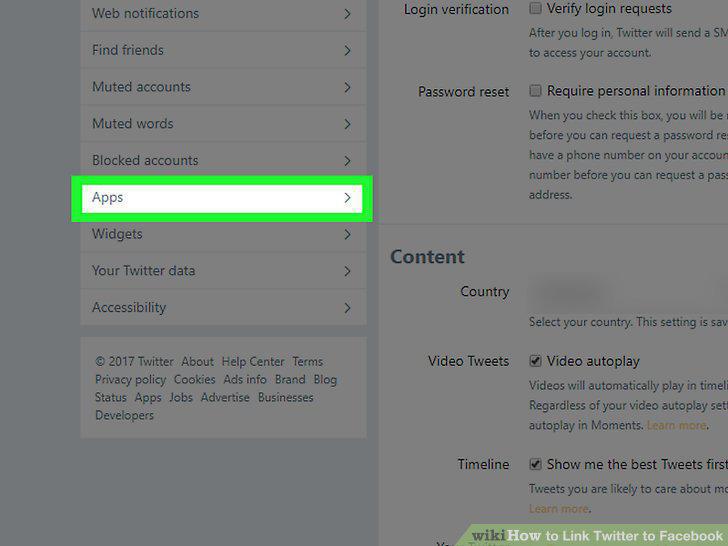
Click the Apps tab.
5
Click Connect to Facebook.
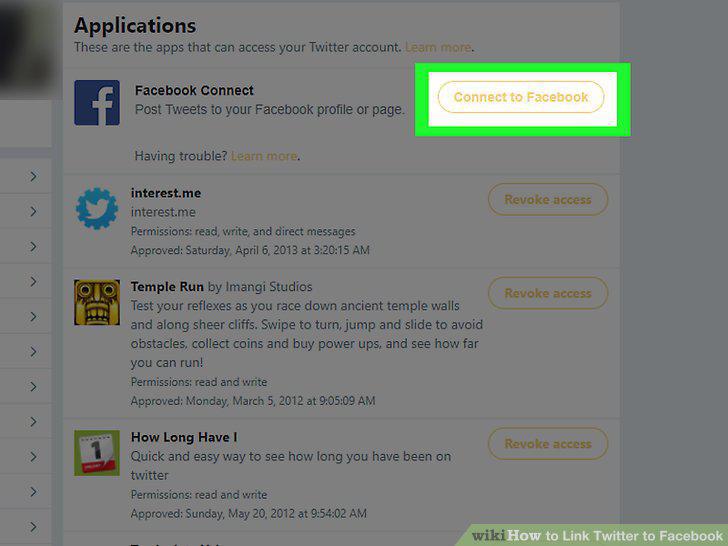
Click Connect to Facebook.
6
Log into Facebook.
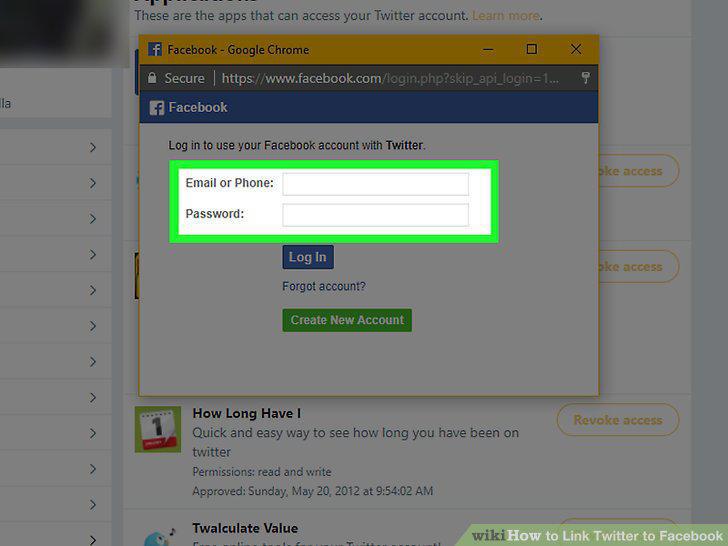
Log into Facebook.
7
Click OK.
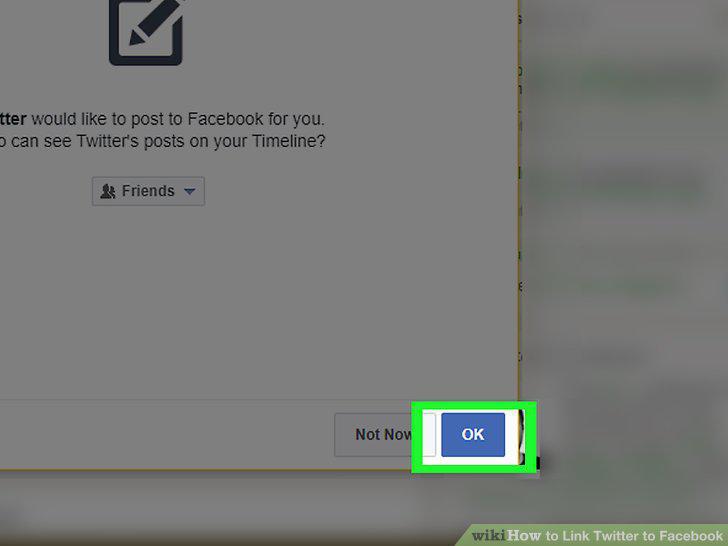
Click OK.
Comments (0)
No comments yet. Be the first to share your thoughts!