How to Control a Computer with Your Phone
Download TeamViewer on your computer.. Double-click the installer file to begin installing TeamViewer.. Open TeamViewer on your computer.
Steps
1
Download TeamViewer on your computer.

Download TeamViewer on your computer.
2
Double-click the installer file to begin installing TeamViewer.
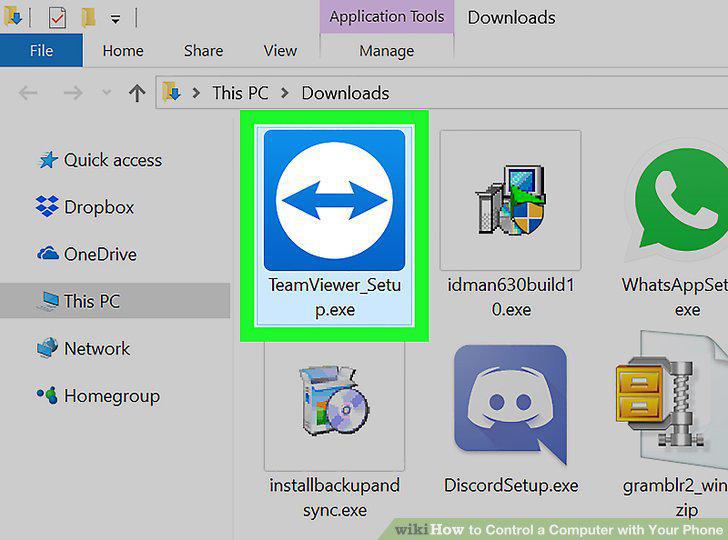
Double-click the installer file to begin installing TeamViewer.
3
Open TeamViewer on your computer.
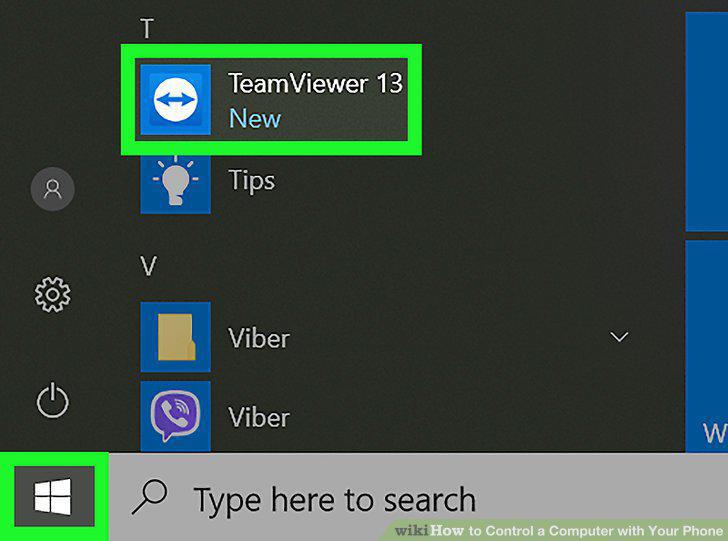
Open TeamViewer on your computer.
4
Download TeamViewer on your phone.
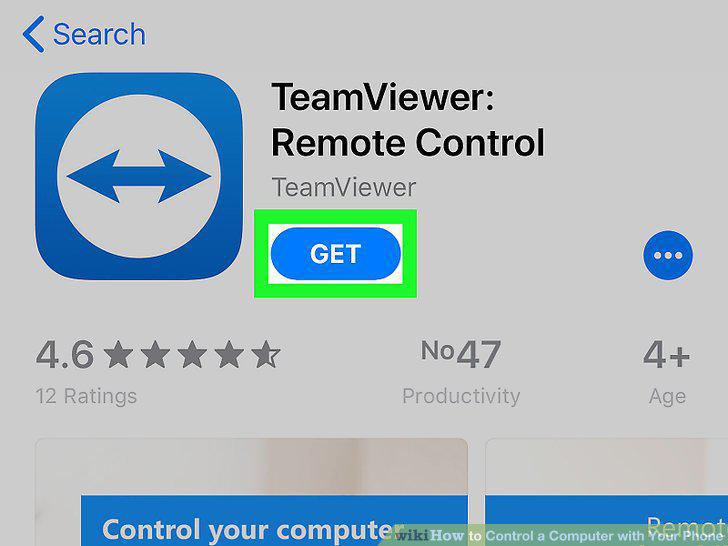
Download TeamViewer on your phone.
5
Open TeamViewer on your phone.
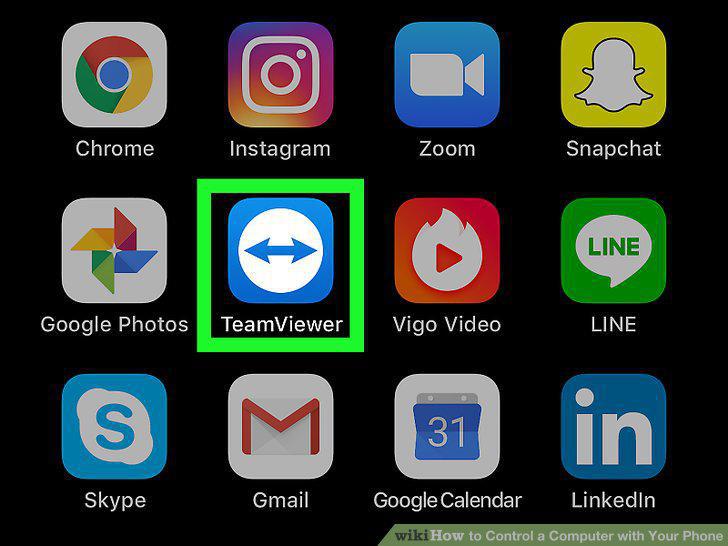
Open TeamViewer on your phone.
6
Type your computer's ID on your phone.
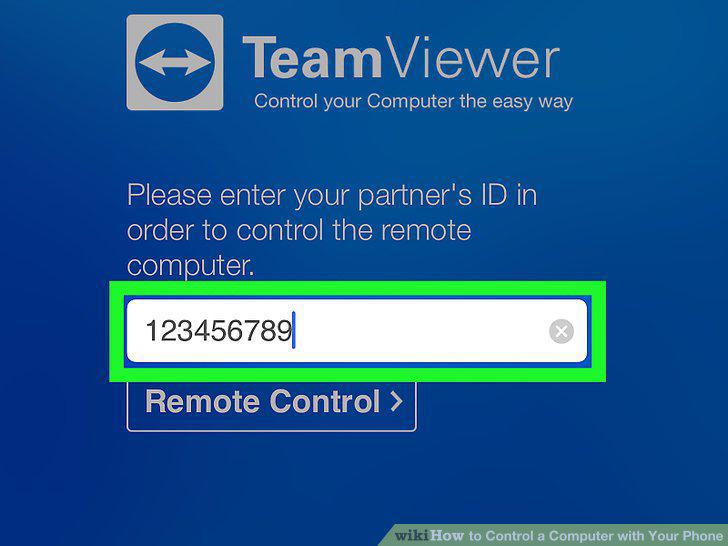
Type your computer's ID on your phone.
7
Tap Remote Control.
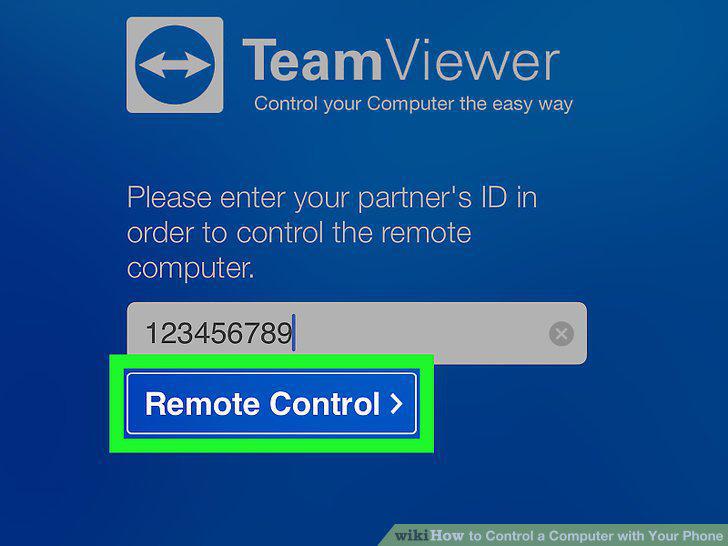
Tap Remote Control.
8
Type the computer's password on your phone.
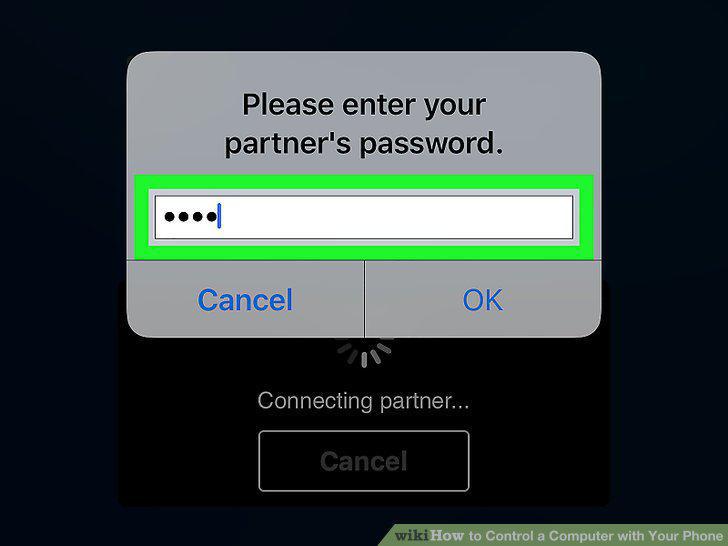
Type the computer's password on your phone.
9
Tap Ok.
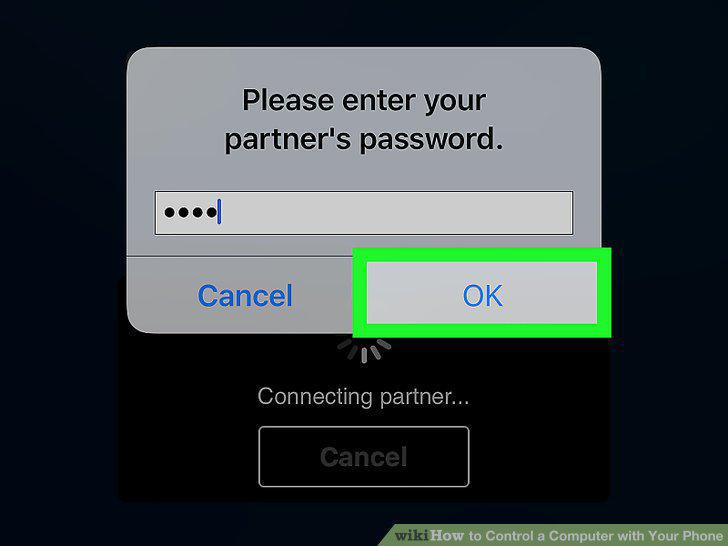
Tap Ok.
10
Tap Continue.
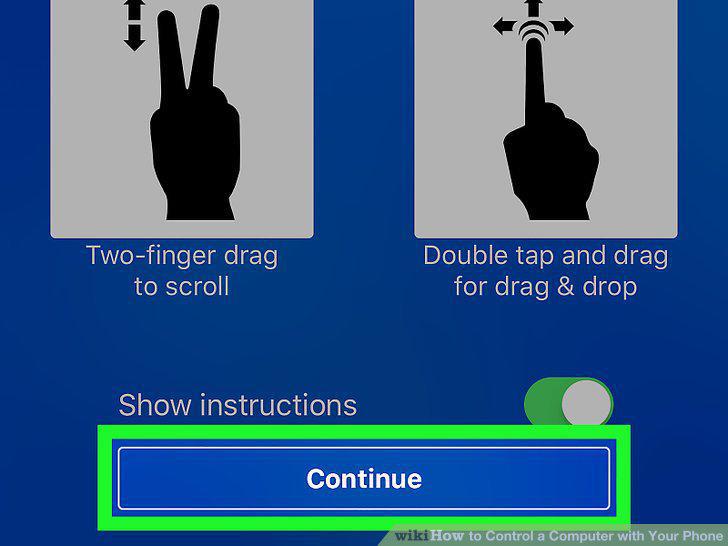
Tap Continue.
Comments (0)
No comments yet. Be the first to share your thoughts!