How to Forward iPhone Texts
Open Messages.. Select a conversation.. Tap and hold a message.
Steps
1
Open Messages.
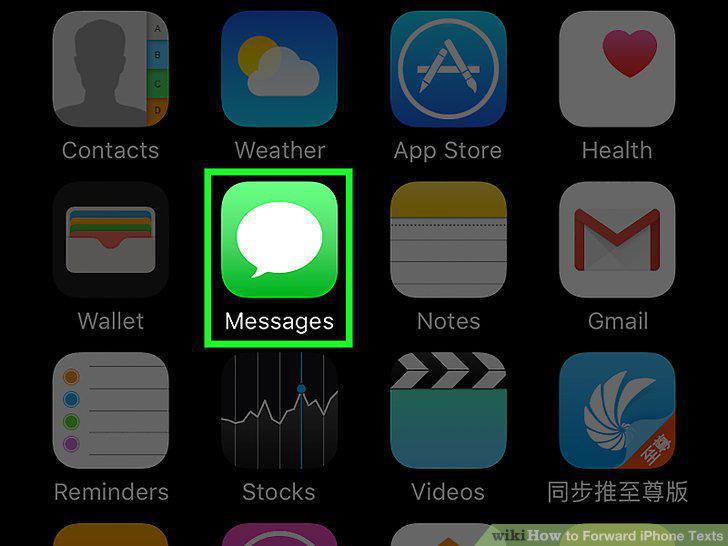
Open Messages.
2
Select a conversation.
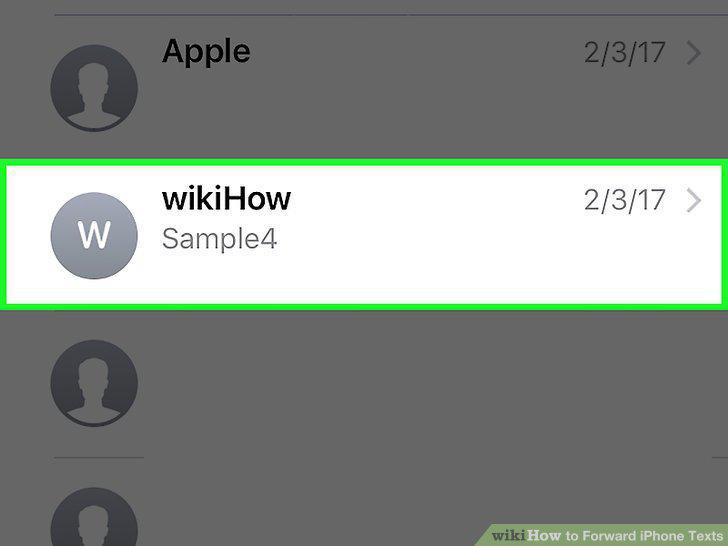
Select a conversation.
3
Tap and hold a message.
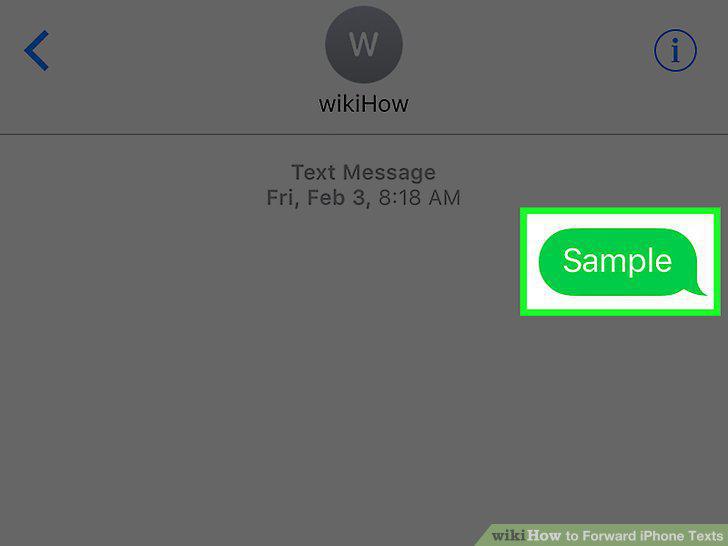
Tap and hold a message.
4
Tap More.
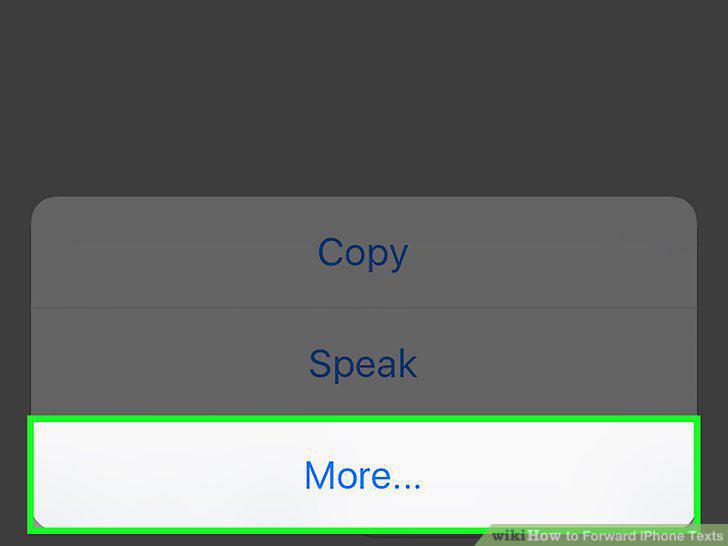
Tap More.
5
Tap Share.

Tap Share.
6
Enter the name of a contact into the "To:
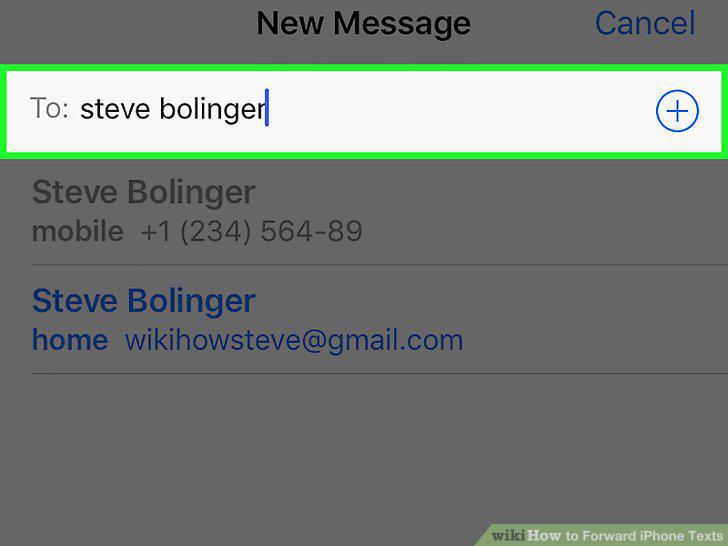
Enter the name of a contact into the "To:
7
Tap Send.
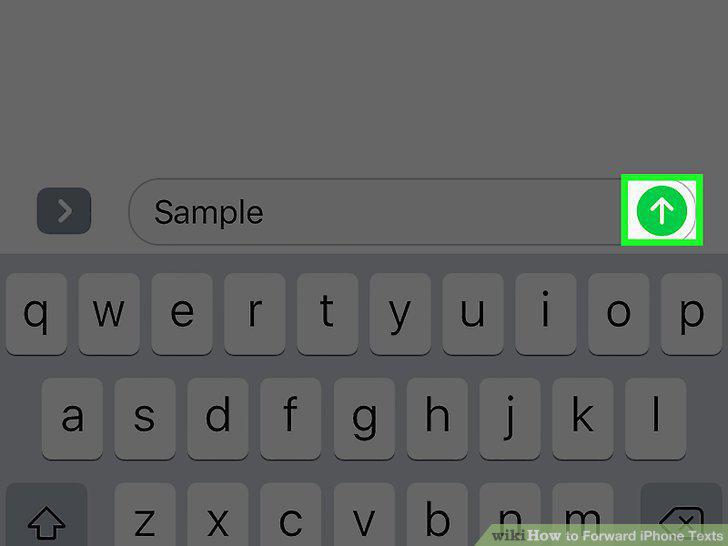
Tap Send.
Comments (0)
No comments yet. Be the first to share your thoughts!