How to Change Instagram Story Font on Android
Open the Instagram app.. Tap on the profile icon.. Tap the camera-shaped button.
Steps
1
Open the Instagram app.
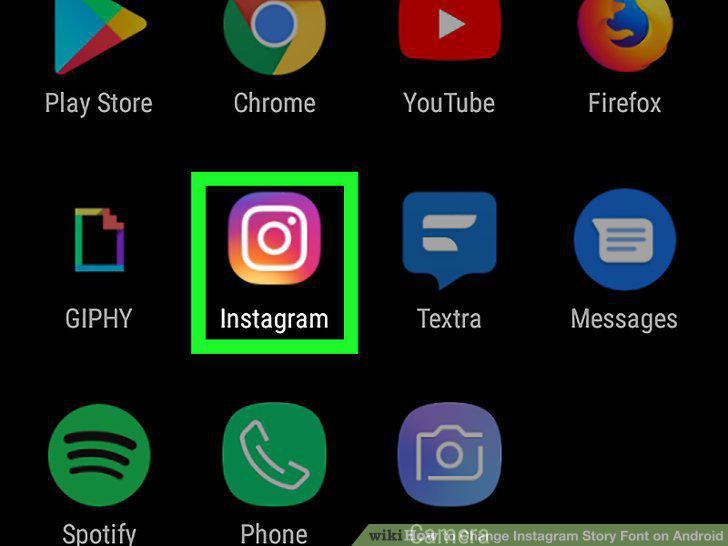
Open the Instagram app.
2
Tap on the profile icon.

Tap on the profile icon.
3
Tap the camera-shaped button.
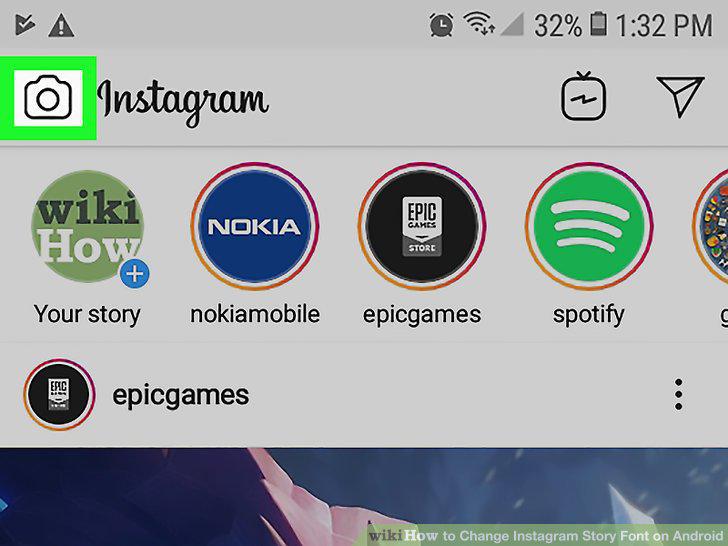
Tap the camera-shaped button.
4
Tap or hold the circular button in the bottom-center of the screen.
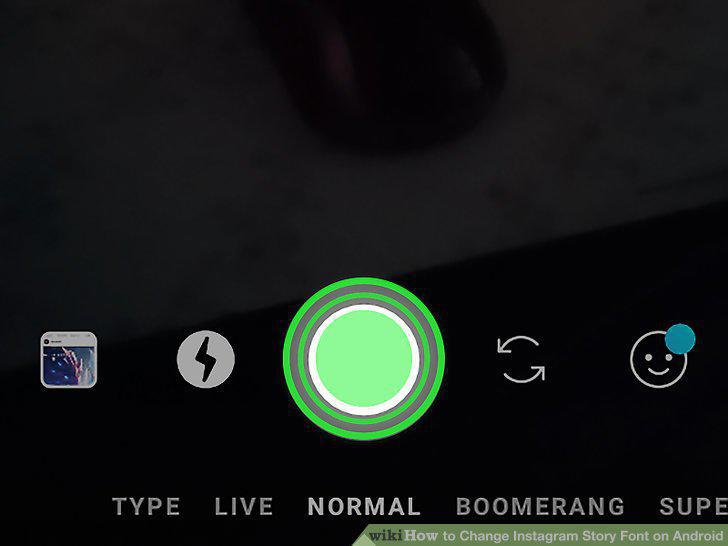
Tap or hold the circular button in the bottom-center of the screen.
5
Tap the Text (Aa) icon.
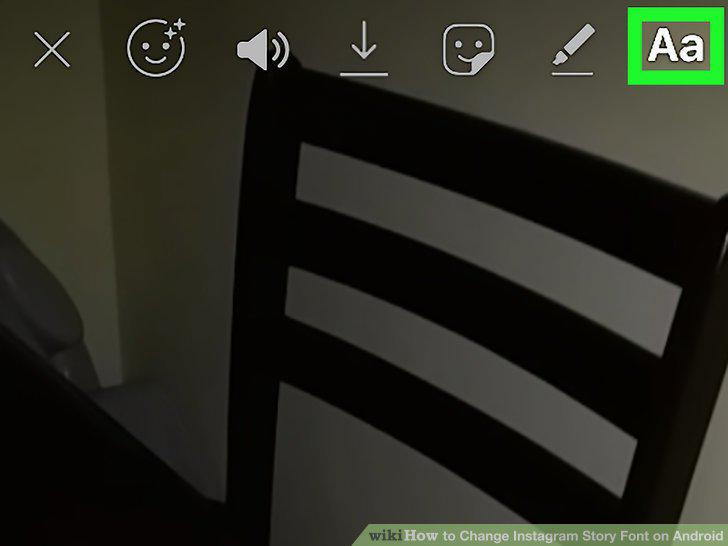
Tap the Text (Aa) icon.
6
Type in sample text.

Type in sample text.
7
Tap the (Style) key.

Tap the (Style) key.
8
Tap Done.

Tap Done.
Comments (0)
No comments yet. Be the first to share your thoughts!