How to Send Zip Files on iPhone or iPad
Open the Files app on your iPhone or iPad.. Navigate to the folder or drive that contains the zip file.. Tap and hold the zip file.
Steps
1
Open the Files app on your iPhone or iPad.
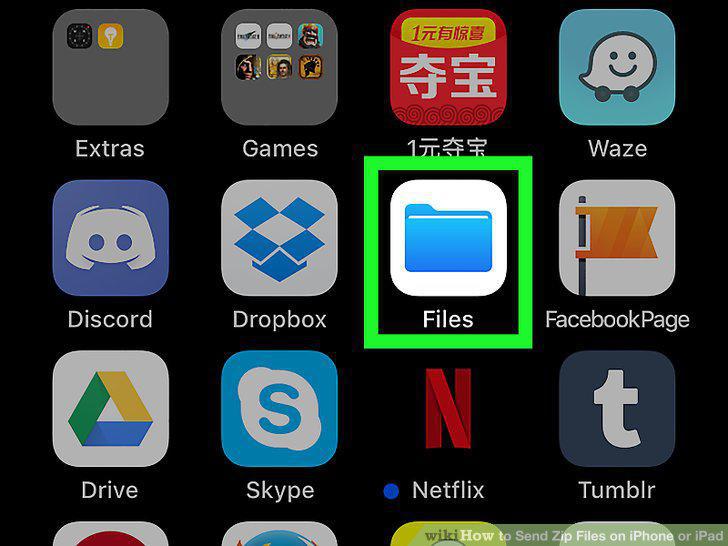
Open the Files app on your iPhone or iPad.
2
Navigate to the folder or drive that contains the zip file.
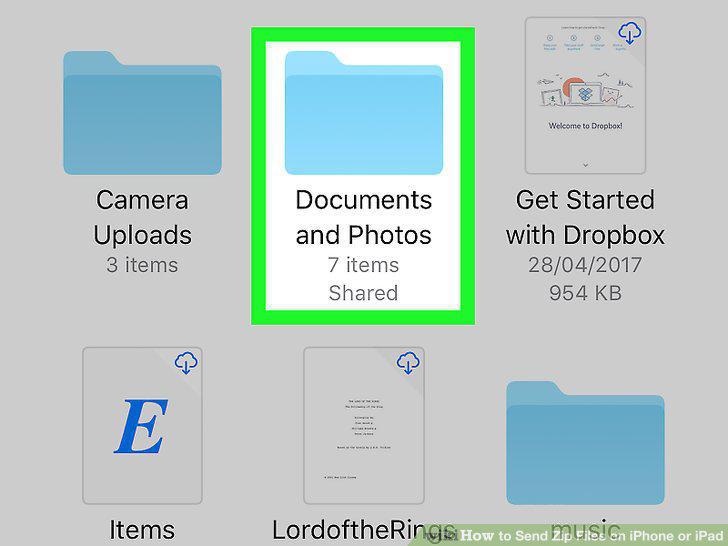
Navigate to the folder or drive that contains the zip file.
3
Tap and hold the zip file.
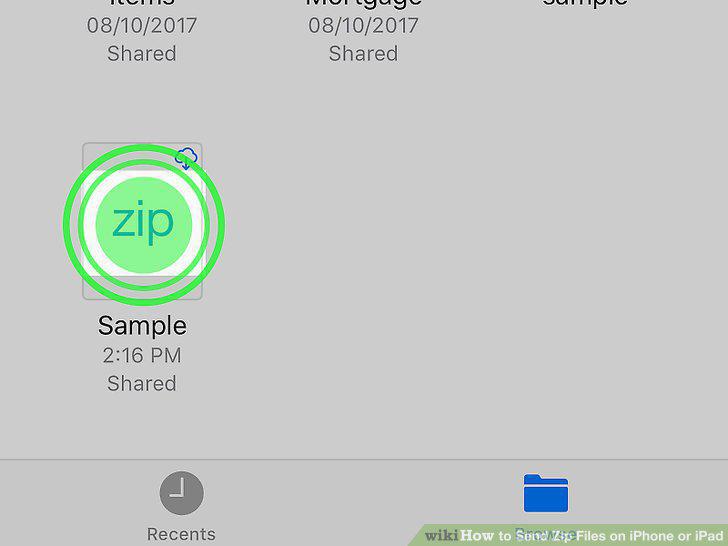
Tap and hold the zip file.
4
Tap the right-arrow in the menu until you see "Share.
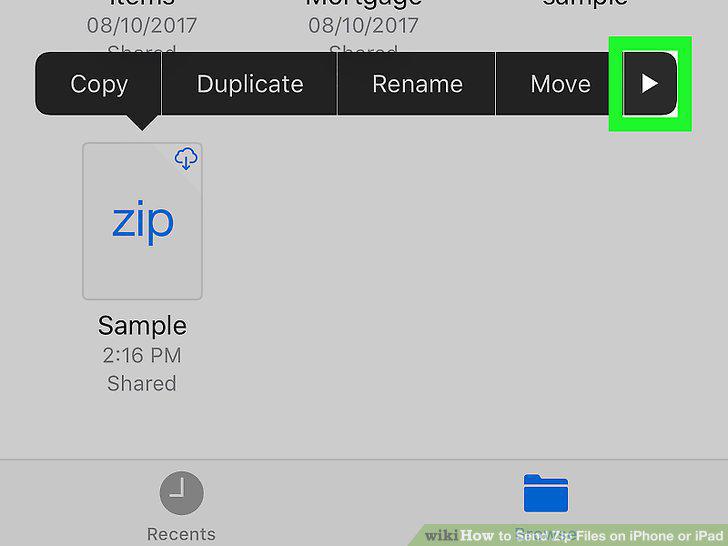
Tap the right-arrow in the menu until you see "Share.
5
Tap Share.
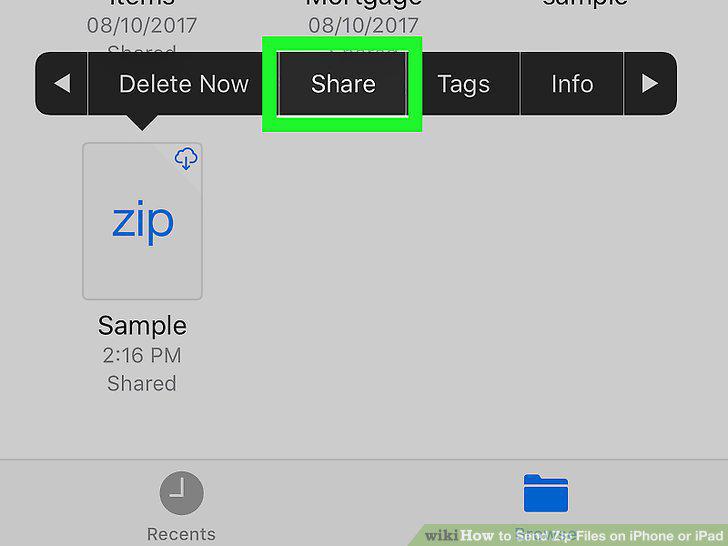
Tap Share.
6
Select how to share the file.
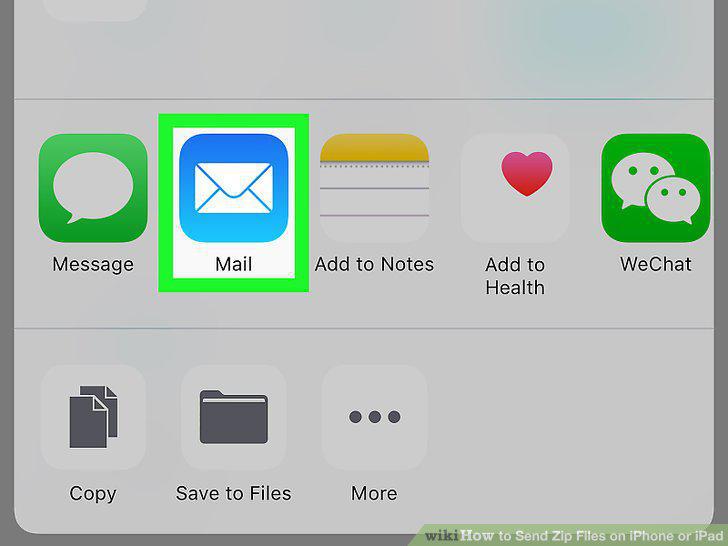
Select how to share the file.
7
Enter a recipient.
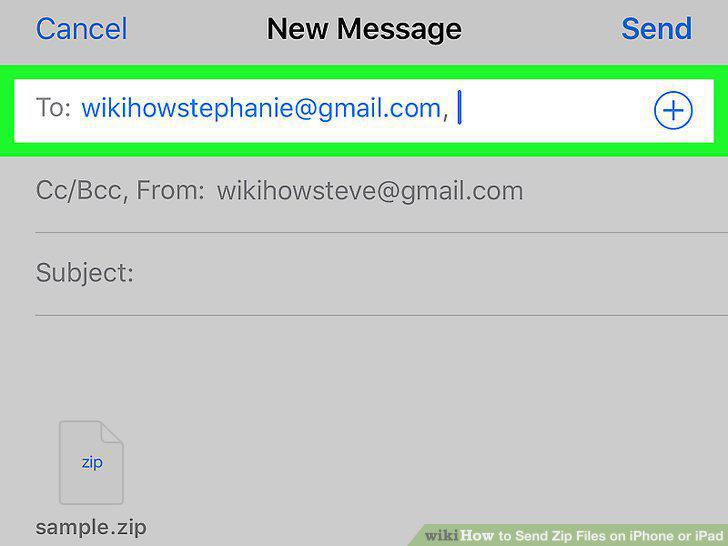
Enter a recipient.
8
Send the message.
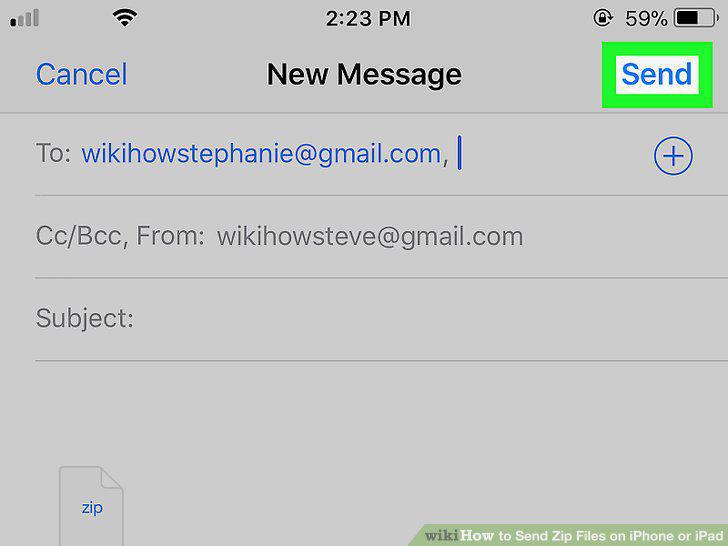
Send the message.
Comments (0)
No comments yet. Be the first to share your thoughts!