How to Get Twitch Notifications on Android
Open the Twitch app and tap Log In.. Enter your username and password and tap Log In again.. Tap your profile picture at the top right of your screen.
Steps
1
Open the Twitch app and tap Log In.
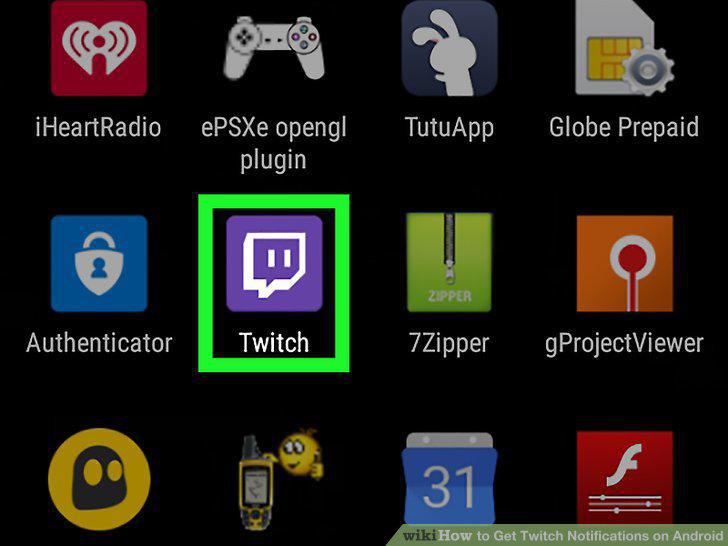
Open the Twitch app and tap Log In.
2
Enter your username and password and tap Log In again.
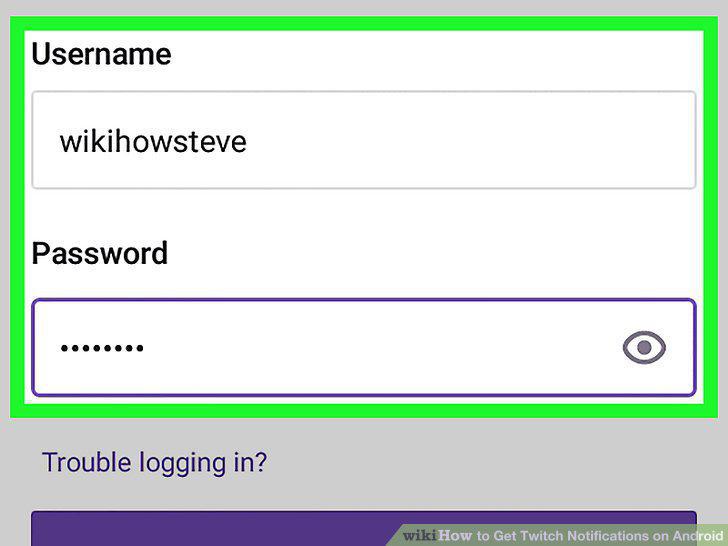
Enter your username and password and tap Log In again.
3
Tap your profile picture at the top right of your screen.
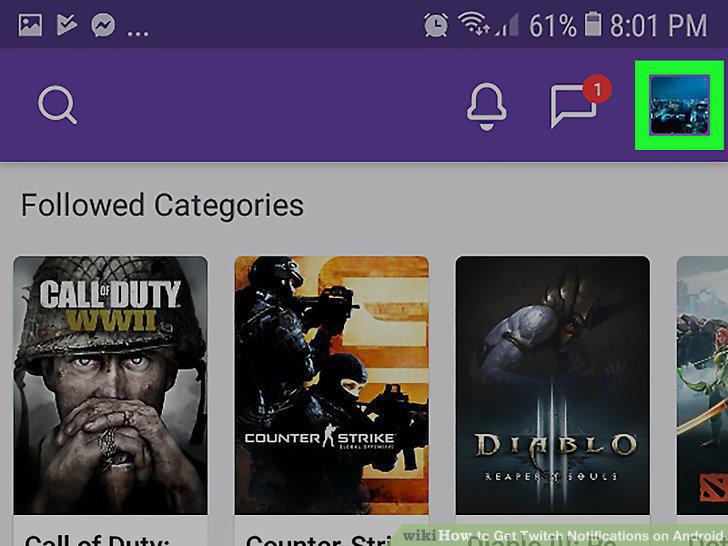
Tap your profile picture at the top right of your screen.
4
Tap the Settings icon at the top right.
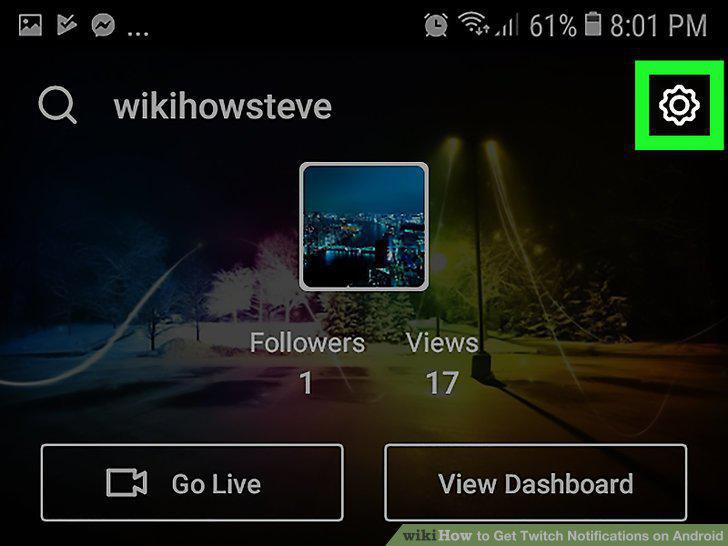
Tap the Settings icon at the top right.
5
Tap Settings on the menu that appears.
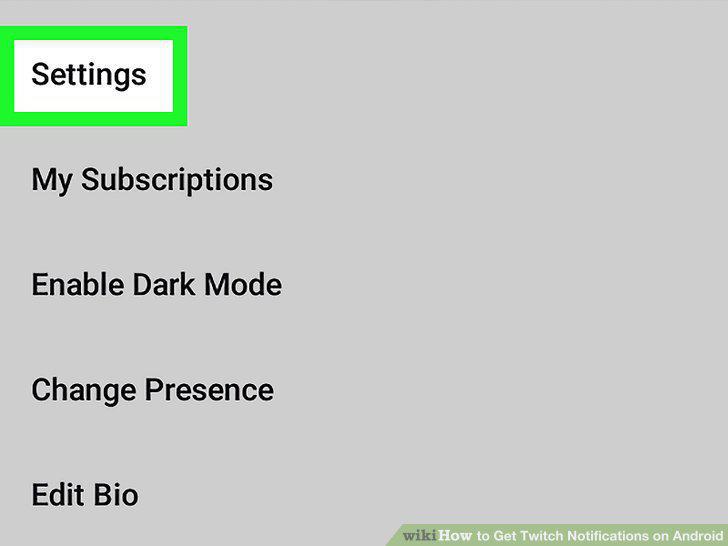
Tap Settings on the menu that appears.
6
Press Notifications.
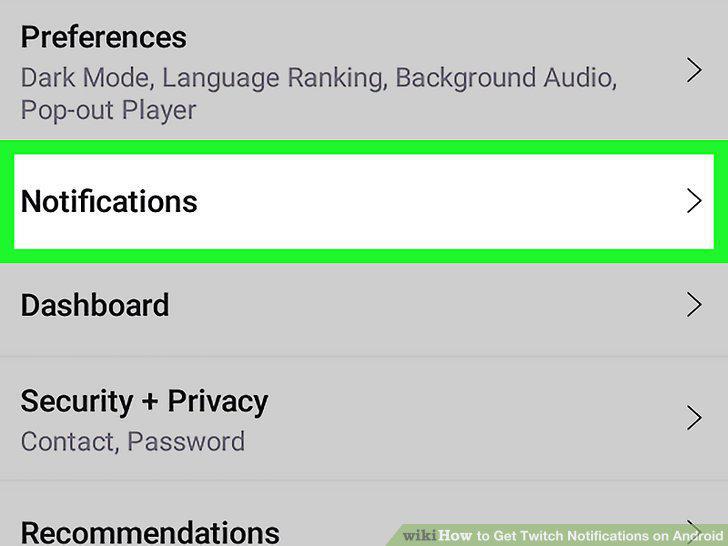
Press Notifications.
7
Press On mobile.
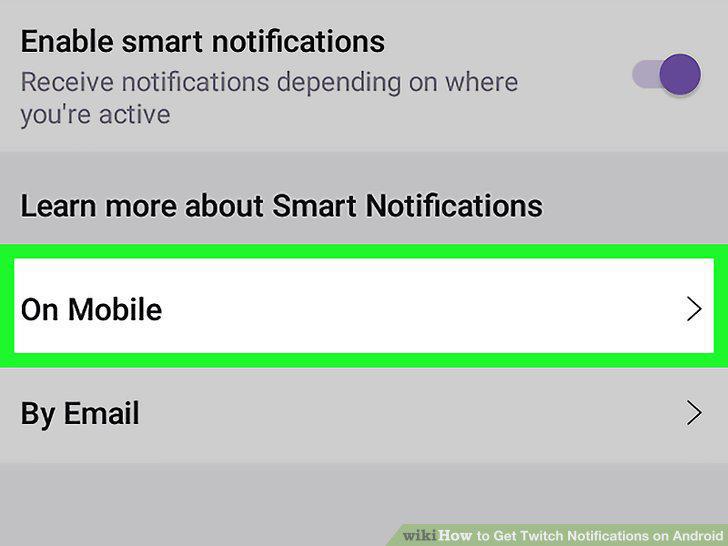
Press On mobile.
8
Toggle the notification settings.
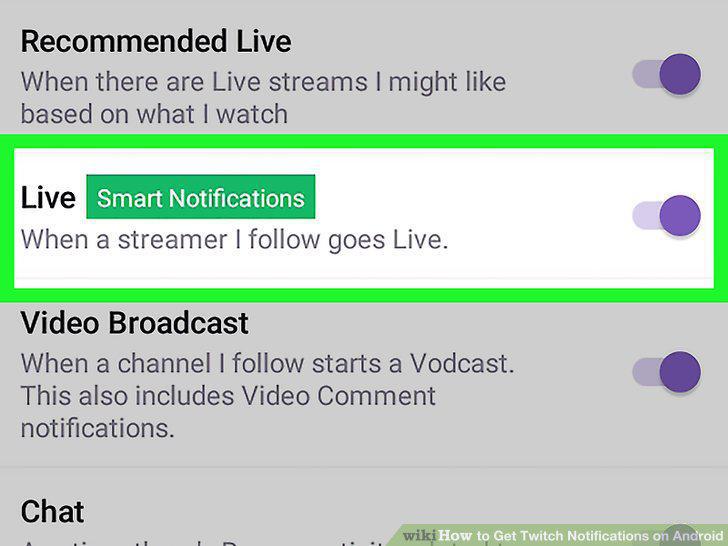
Toggle the notification settings.
Comments (0)
No comments yet. Be the first to share your thoughts!