How to Connect Fitbit Versa 2
Open the Fitbit app on your mobile device.. Tap your account picture.. Tap Set up a Device.
Steps
1
Open the Fitbit app on your mobile device.
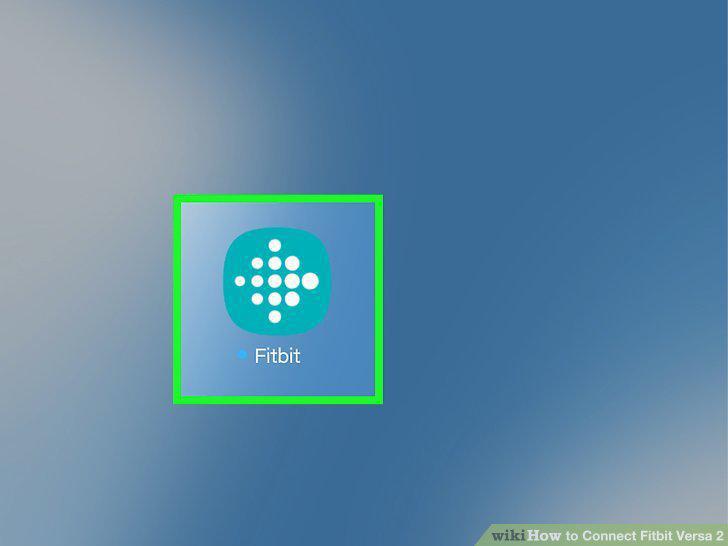
Open the Fitbit app on your mobile device.
2
Tap your account picture.
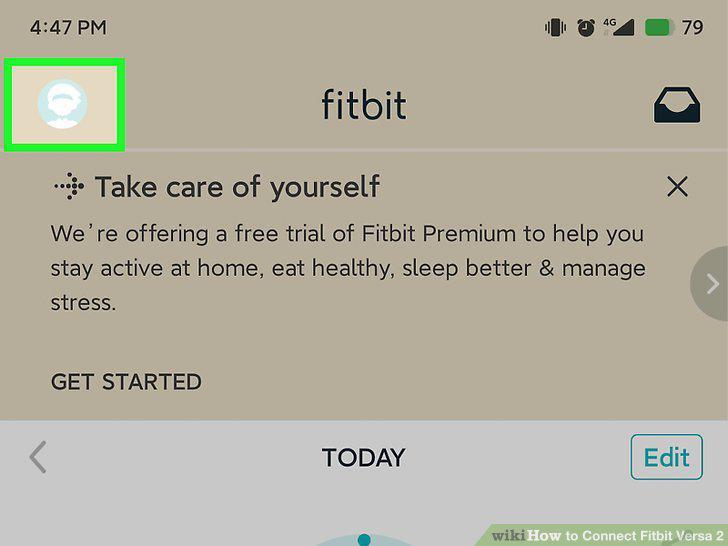
Tap your account picture.
3
Tap Set up a Device.
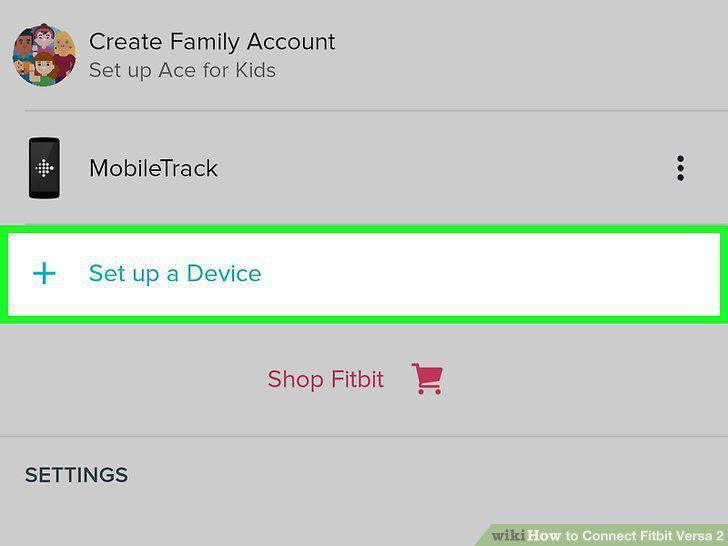
Tap Set up a Device.
4
Tap the Versa 2 and Set Up.
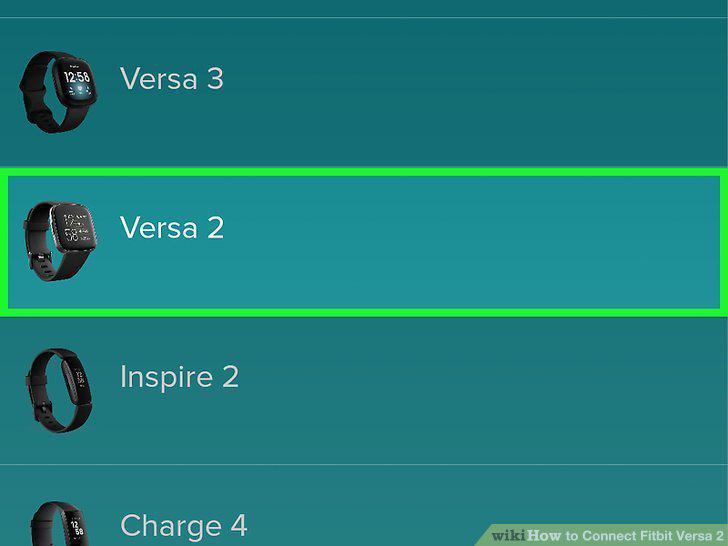
Tap the Versa 2 and Set Up.
5
Tap Accept and Next.
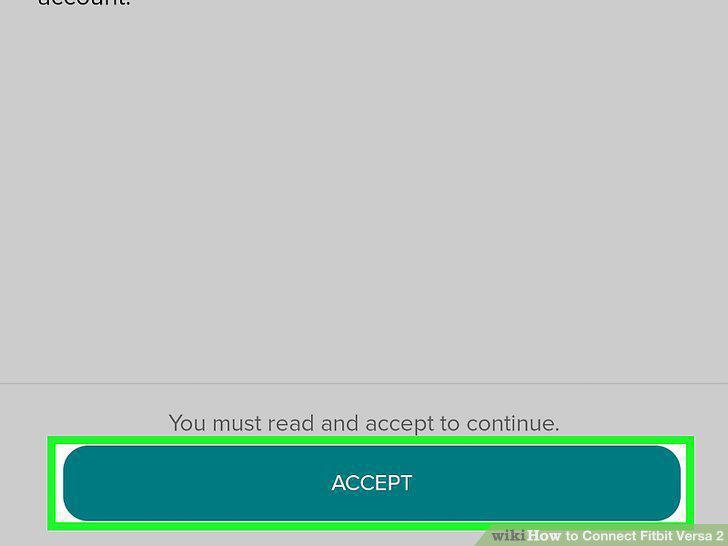
Tap Accept and Next.
6
Enter the digits displayed on the Versa 2 screen into the app, then tap Next.
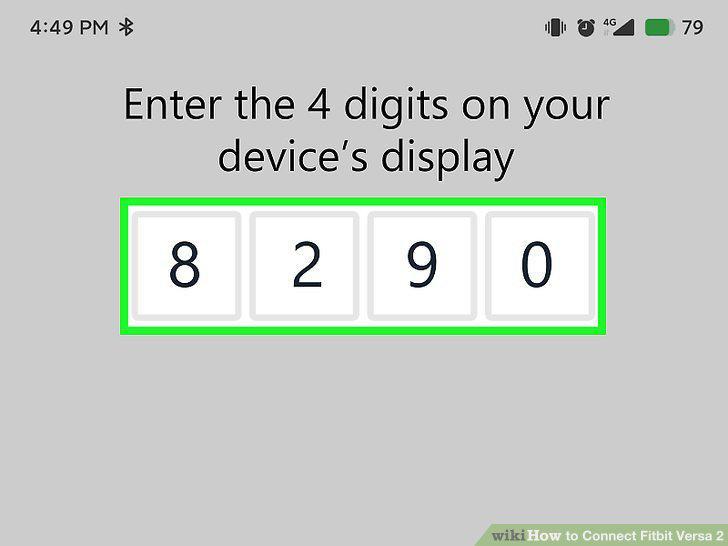
Enter the digits displayed on the Versa 2 screen into the app, then tap Next.
7
Tap to select your Wi-Fi network and enter your password.
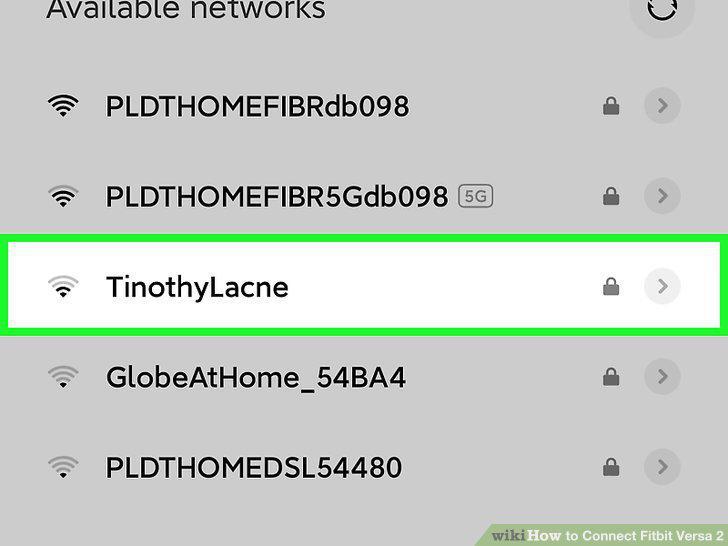
Tap to select your Wi-Fi network and enter your password.
8
Tap Continue.
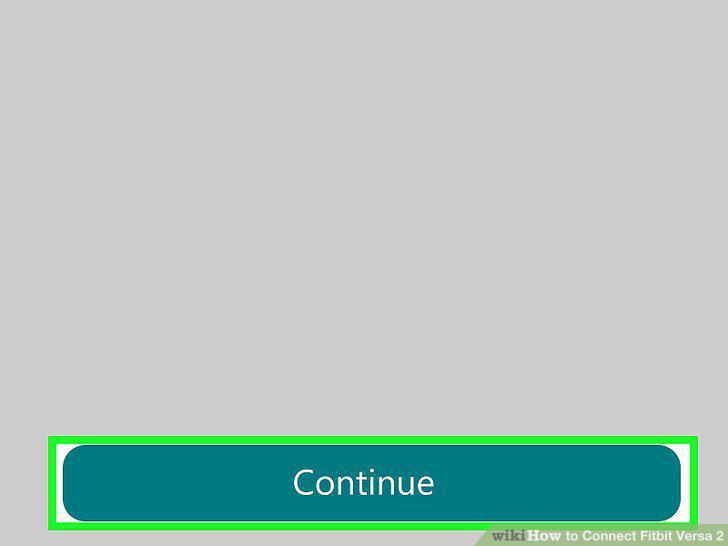
Tap Continue.
Comments (0)
No comments yet. Be the first to share your thoughts!