How to Access iPhone Files
Open the Files app on your iPhone.. Tap the Browse tab on the bottom-right.. Tap the location where your files are saved.
Steps
1
Open the Files app on your iPhone.
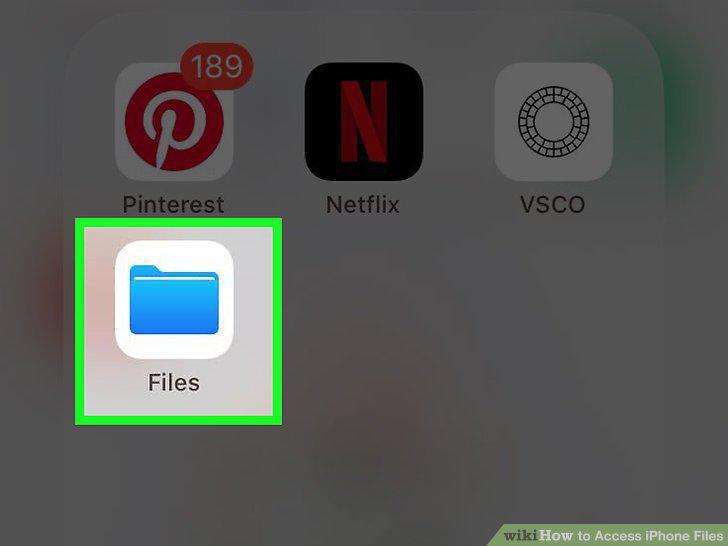
Open the Files app on your iPhone.
2
Tap the Browse tab on the bottom-right.
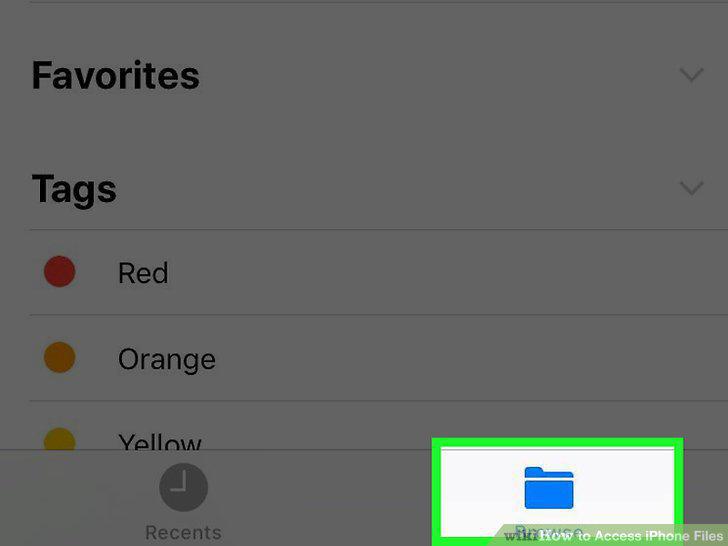
Tap the Browse tab on the bottom-right.
3
Tap the location where your files are saved.
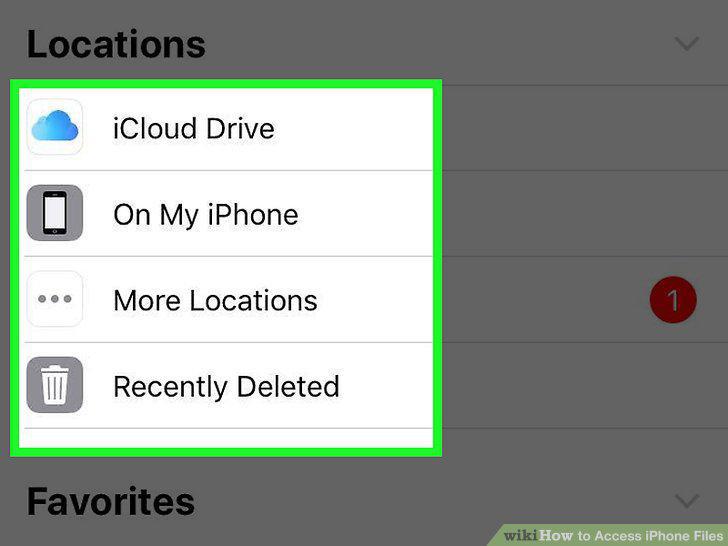
Tap the location where your files are saved.
4
Find and tap the file you want to open.
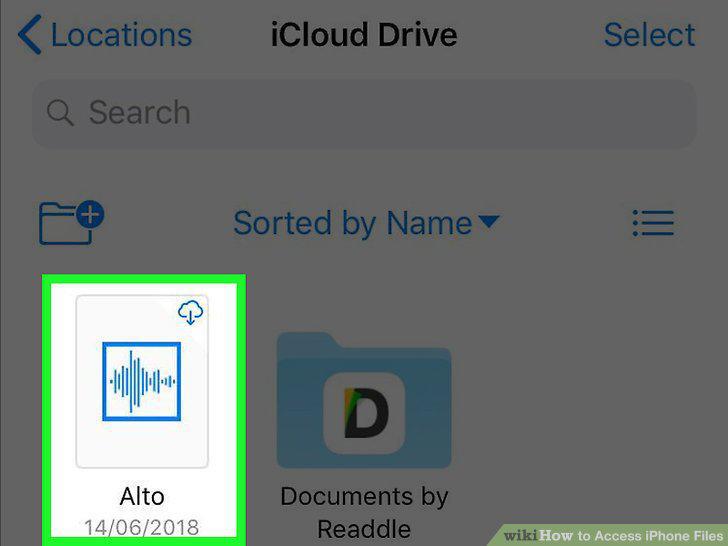
Find and tap the file you want to open.
Comments (0)
No comments yet. Be the first to share your thoughts!