How to Post Your Resume on Monster
Go to the Monster website.. Sign in to your account.. Create an account.
Steps
1
Go to the Monster website.
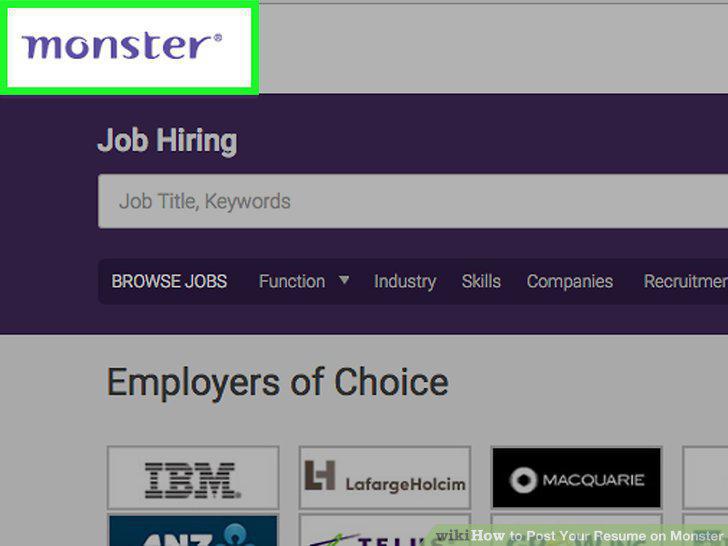
Go to the Monster website.
2
Sign in to your account.
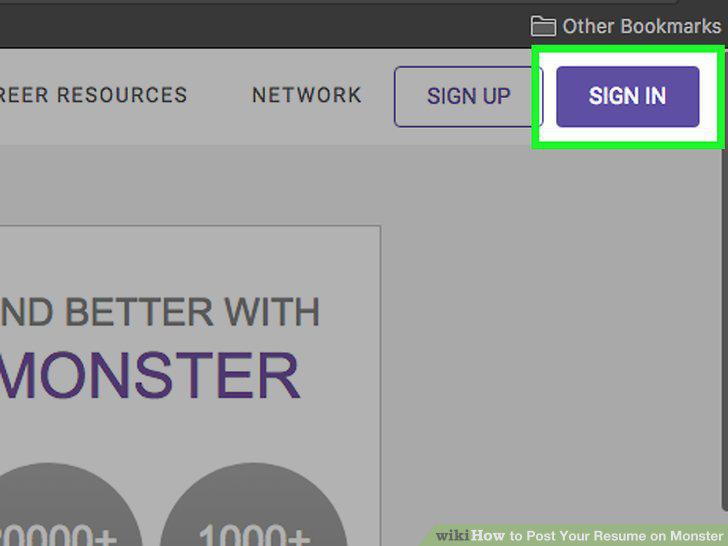
Sign in to your account.
3
Create an account.
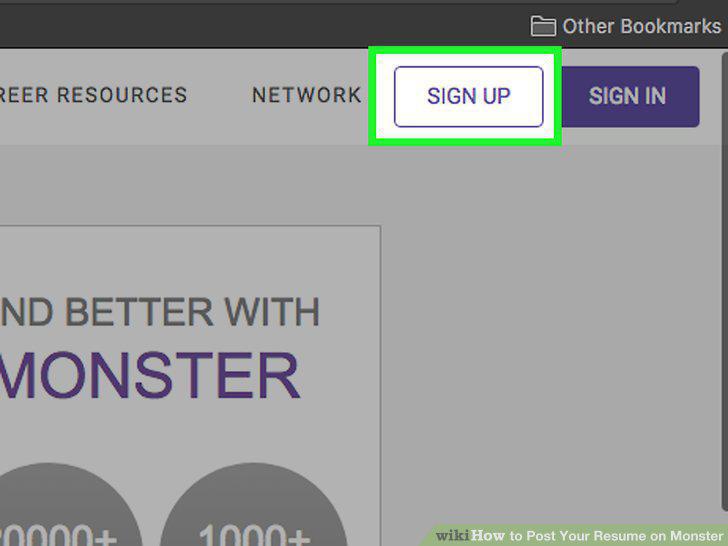
Create an account.
4
Choose whether you want Monster to sign you up using your Facebook account or if
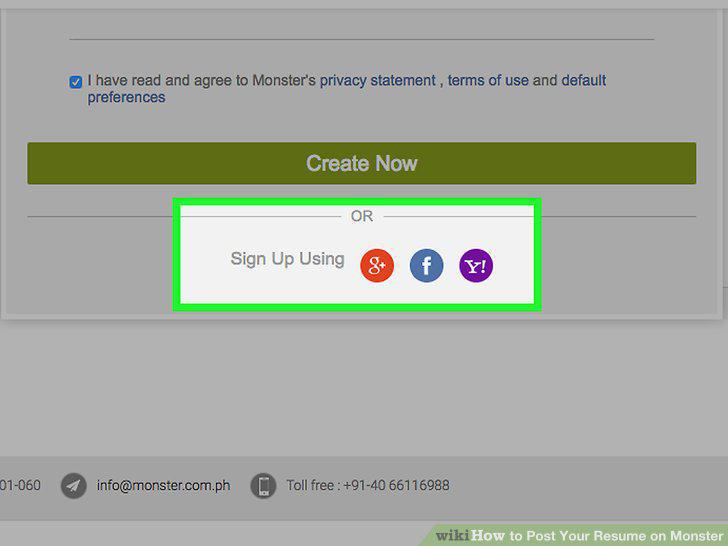
Choose whether you want Monster to sign you up using your Facebook account or if you want to sign up manually.
5
Enter your information.
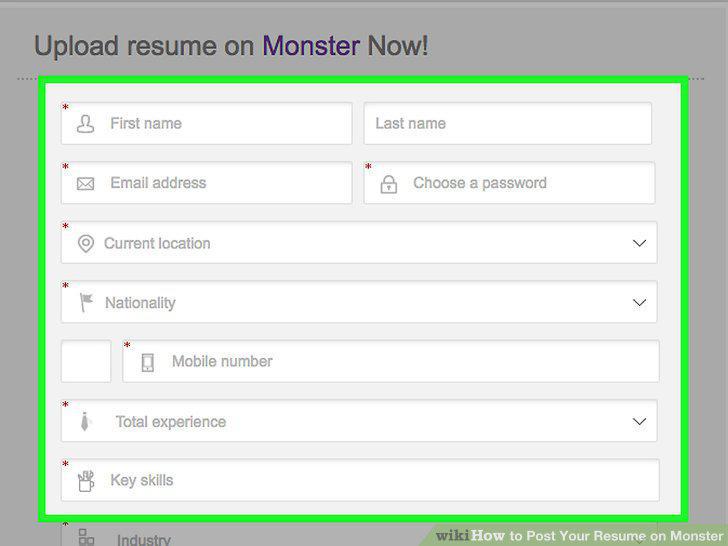
Enter your information.
6
Choose your file.
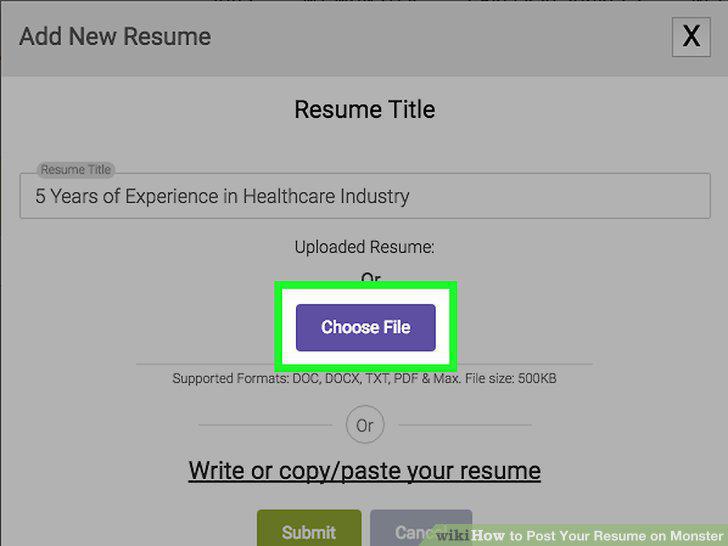
Choose your file.
7
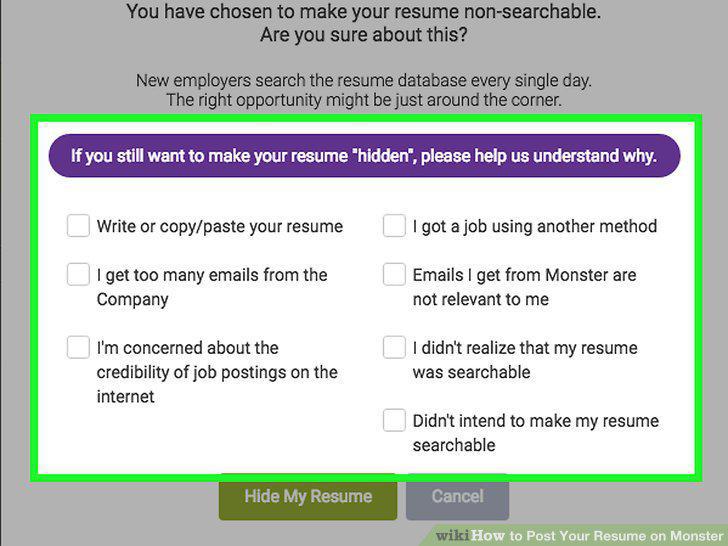
Choose whether or not you want your resume to be "searchable".
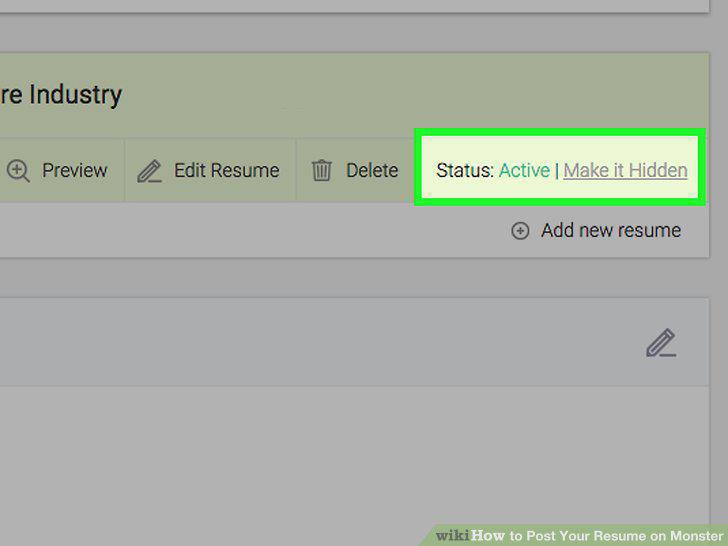
Choose whether or not you want your resume to be "searchable".
8
Choose whether or not you want your resume to be searchable by employers seeking
Choose whether or not you want your resume to be searchable by employers seeking diversity candidates.
9
Consider submitting your resume for a free evaluation by a resume expert.
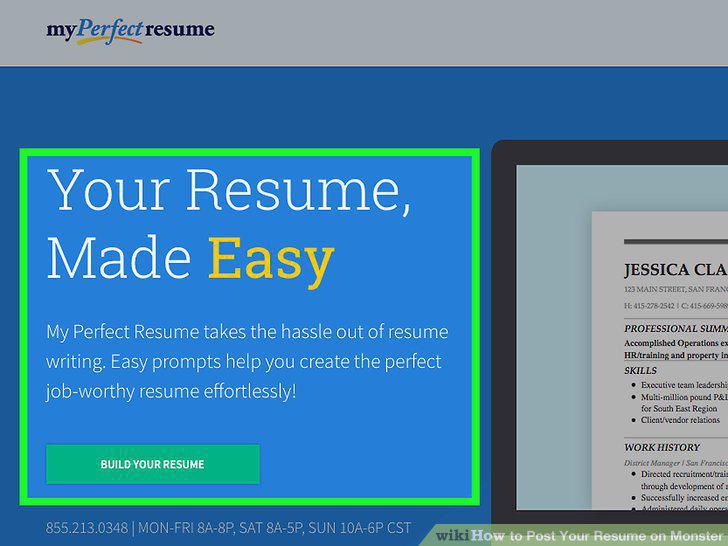
Consider submitting your resume for a free evaluation by a resume expert.
10
Enter your "Desired Job Title".
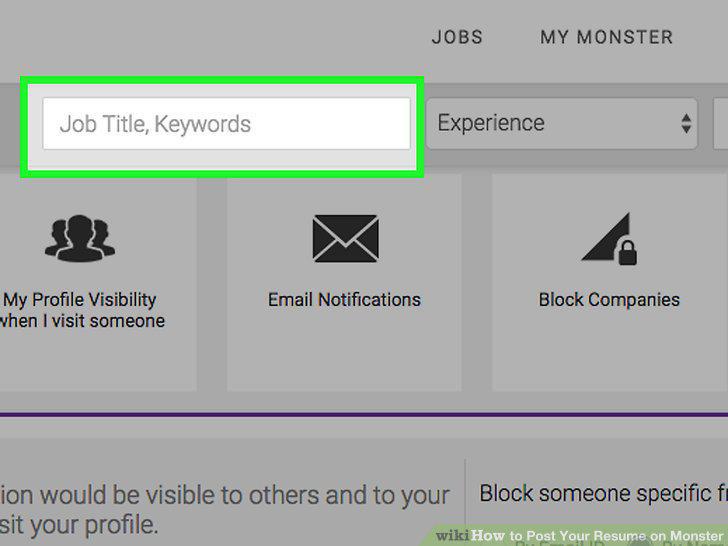
Enter your "Desired Job Title".
11
Choose your work authorization.
Choose your work authorization.
12
Fill out your profile as completely as possible.
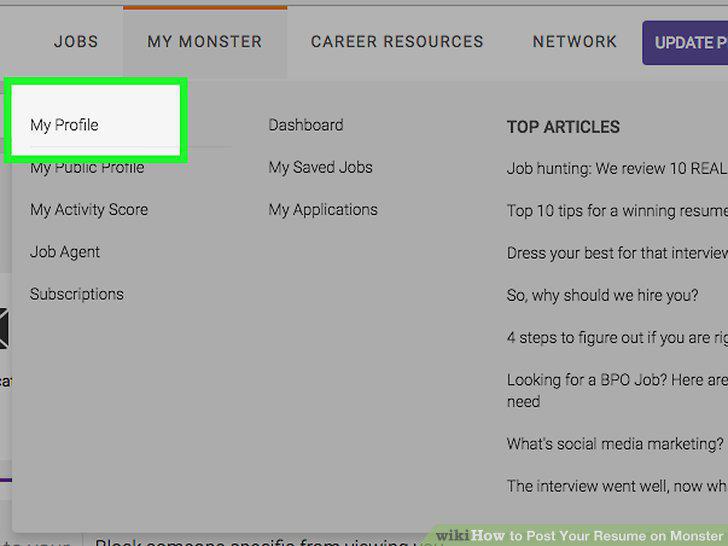
Fill out your profile as completely as possible.
13
Upload a picture.
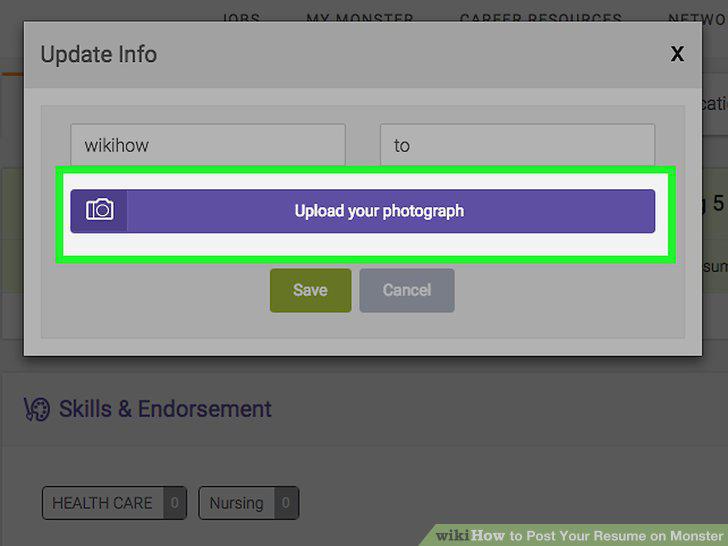
Upload a picture.
14
Edit your visibility.
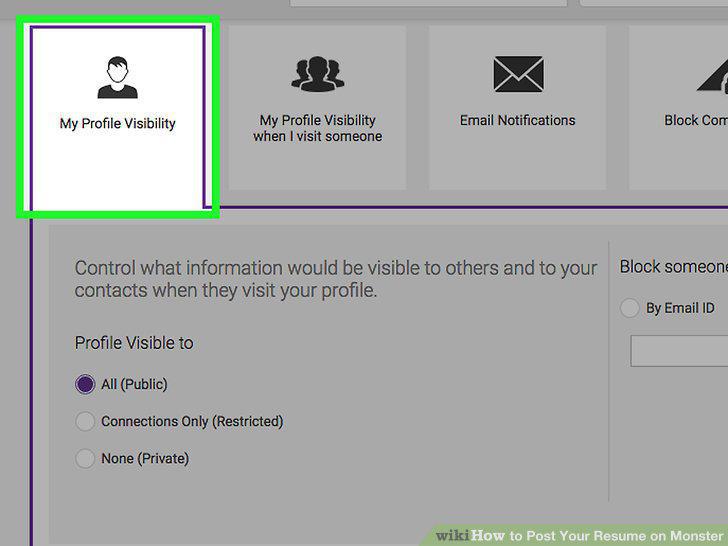
Edit your visibility.
15
Share your profile.
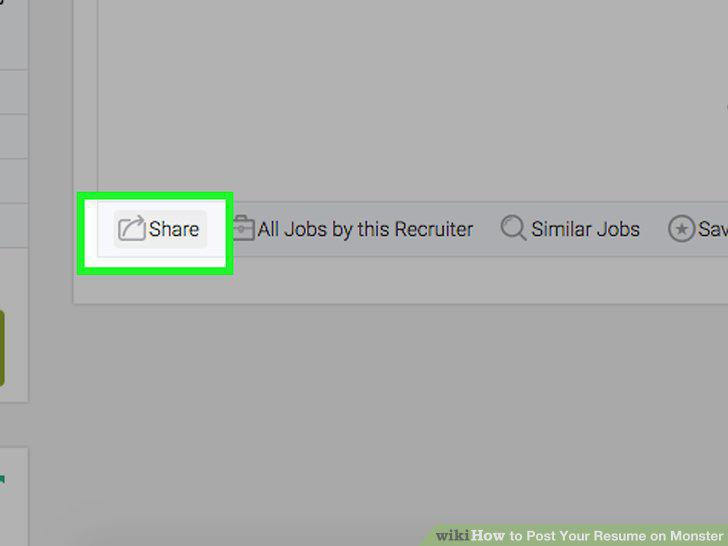
Share your profile.
Comments (0)
No comments yet. Be the first to share your thoughts!