How to Save an iPod from Water
Remove the iPod from the water.. Power off your iPod if it's still on.. Remove your case, headphones and anything else attached to your iPod.
Steps
1
Remove the iPod from the water.
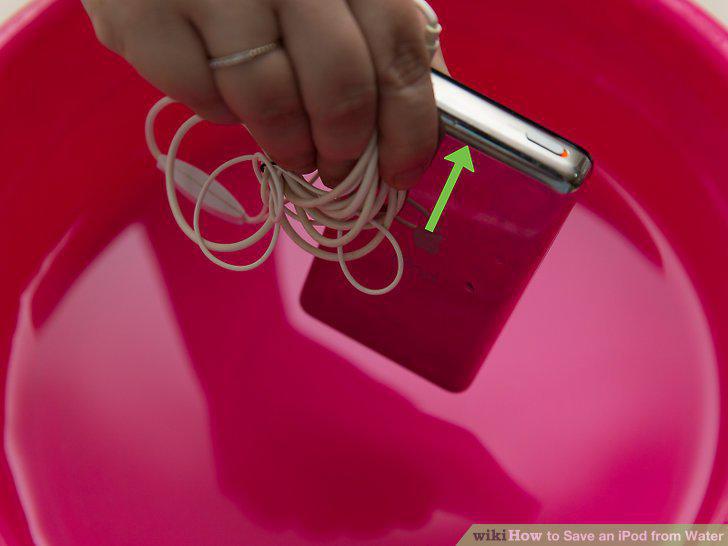
Remove the iPod from the water.
2
Power off your iPod if it's still on.
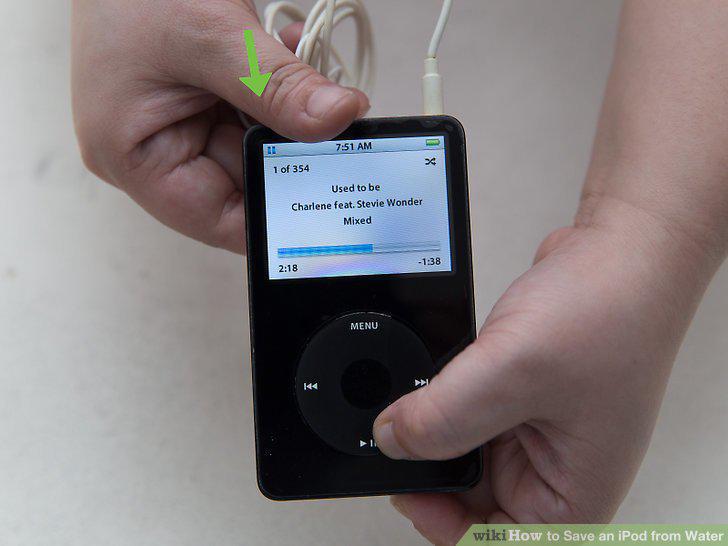
Power off your iPod if it's still on.
3
Remove your case, headphones and anything else attached to your iPod.
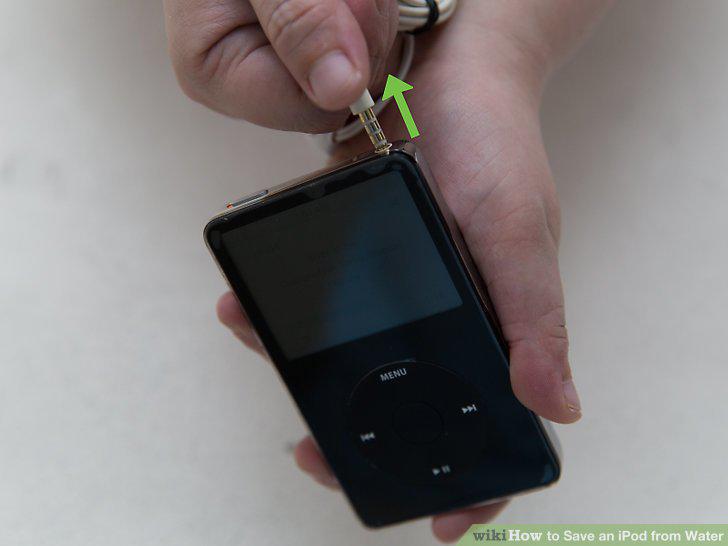
Remove your case, headphones and anything else attached to your iPod.
4
Get rid of any water on the outside of your iPod.
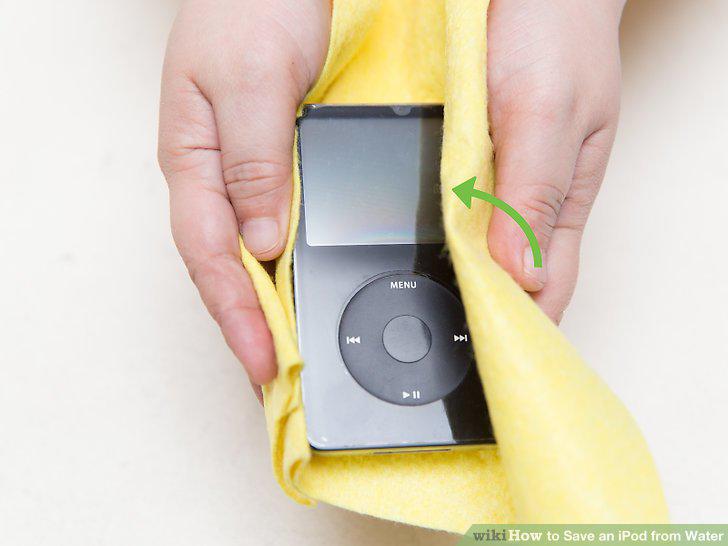
Get rid of any water on the outside of your iPod.
5
Place your iPod in a bag filled with uncooked rice.
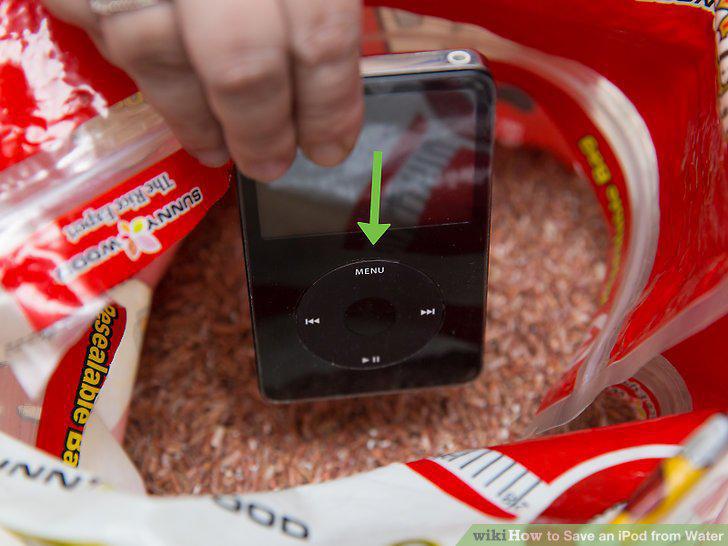
Place your iPod in a bag filled with uncooked rice.
6
Wait at least 24 hours.
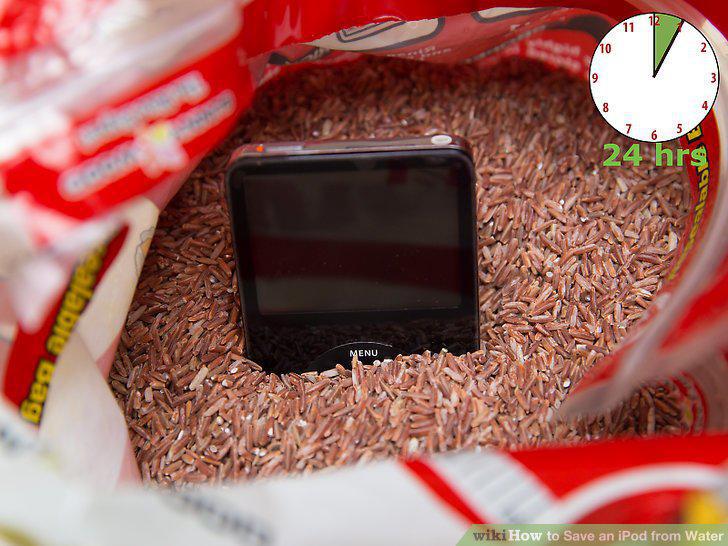
Wait at least 24 hours.
7
Try to power on your iPod.
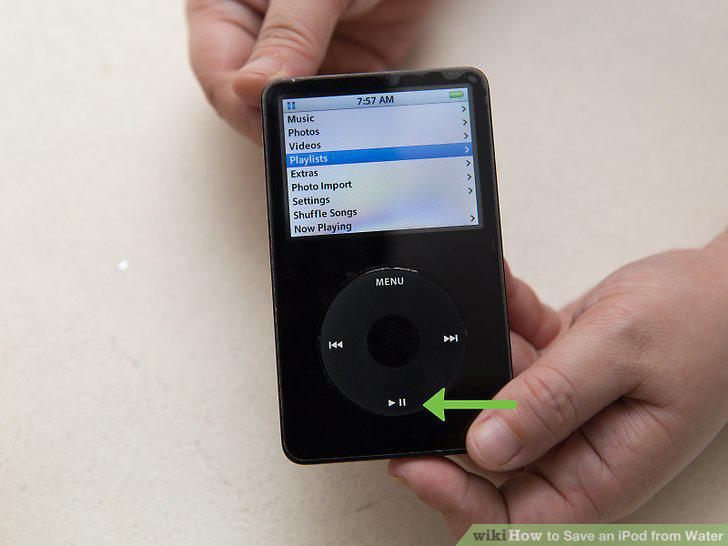
Try to power on your iPod.
8
Remove the iPod from the water.
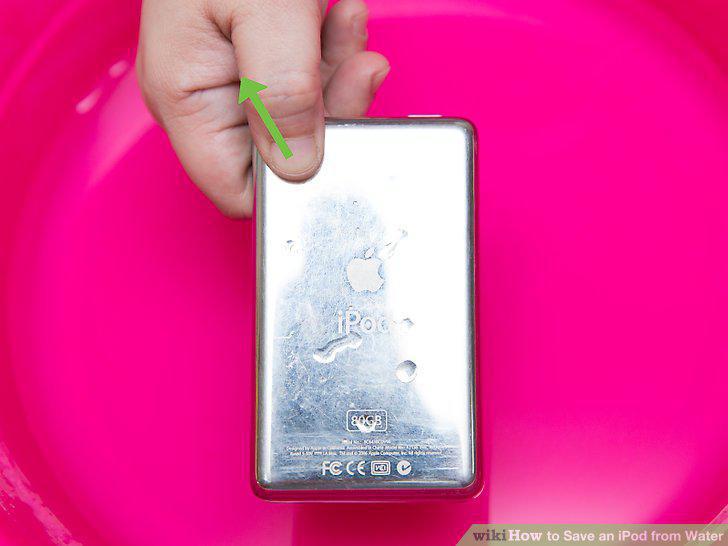
Remove the iPod from the water.
9
Make sure the device is powered off.
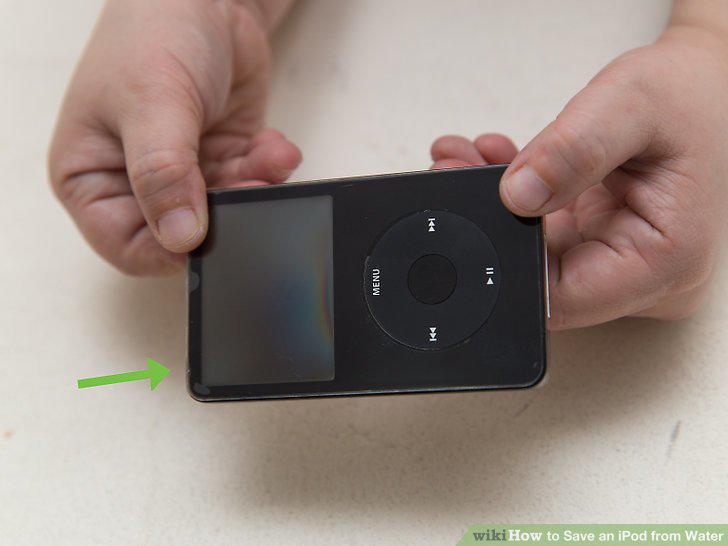
Make sure the device is powered off.
10
Wipe off any excess water.
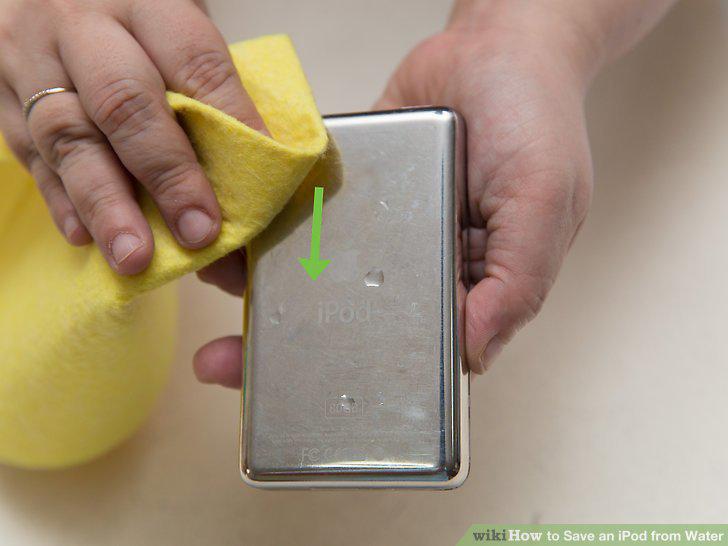
Wipe off any excess water.
11
Place the iPod in front of a fan.
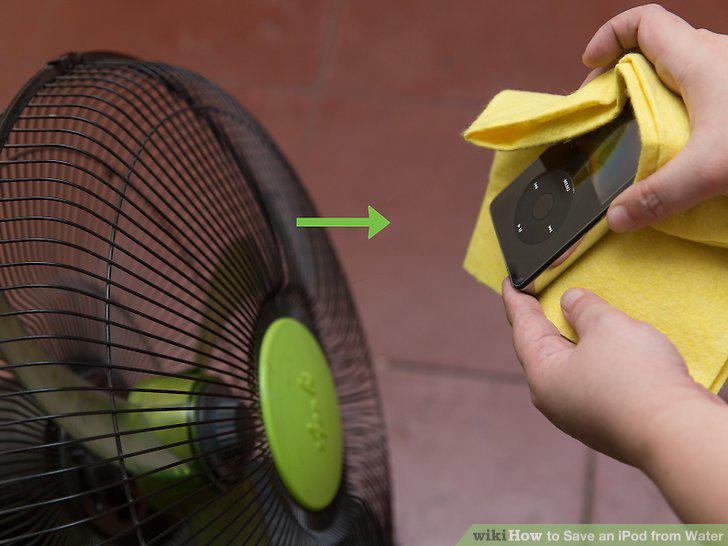
Place the iPod in front of a fan.
12
Wait for a day or more.
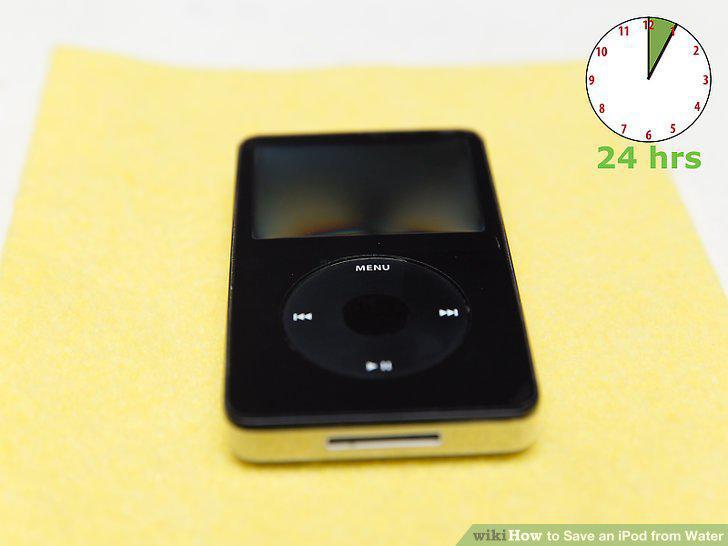
Wait for a day or more.
13
Try to power the device on.
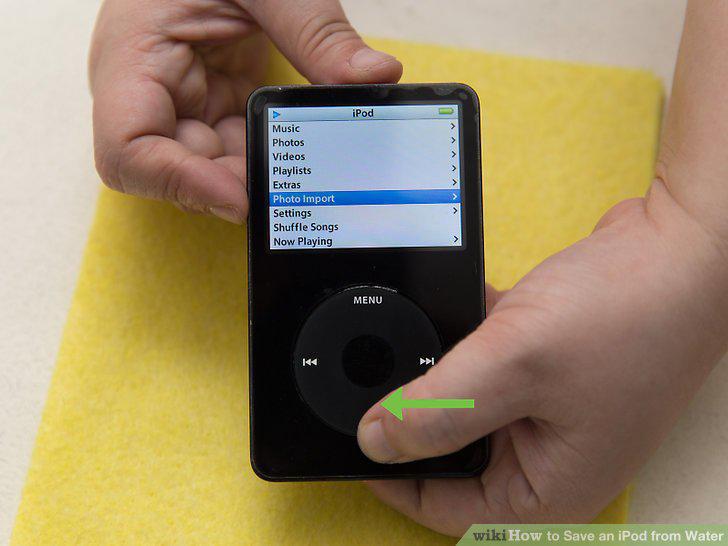
Try to power the device on.
Comments (0)
No comments yet. Be the first to share your thoughts!