How to Tell Who Has Viewed Your Instagram Story on iPhone or iPad
Open Instagram on your iPhone or iPad.. Tap your own story.. Swipe up on the story.
Steps
1
Open Instagram on your iPhone or iPad.
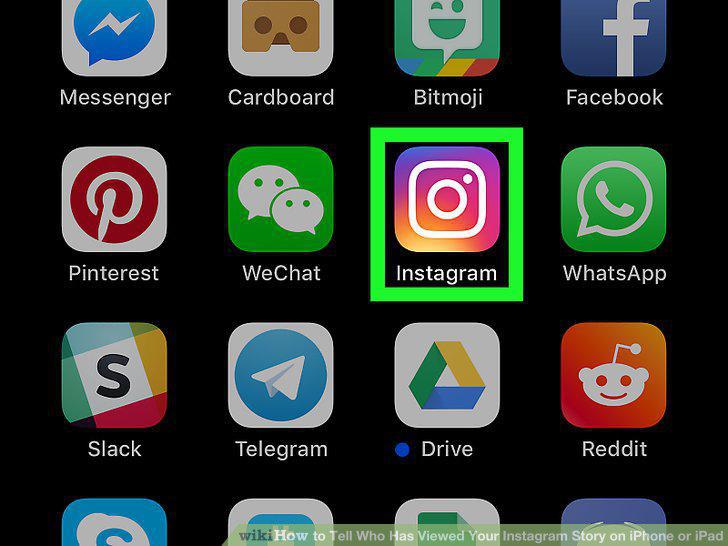
Open Instagram on your iPhone or iPad.
2
Tap your own story.
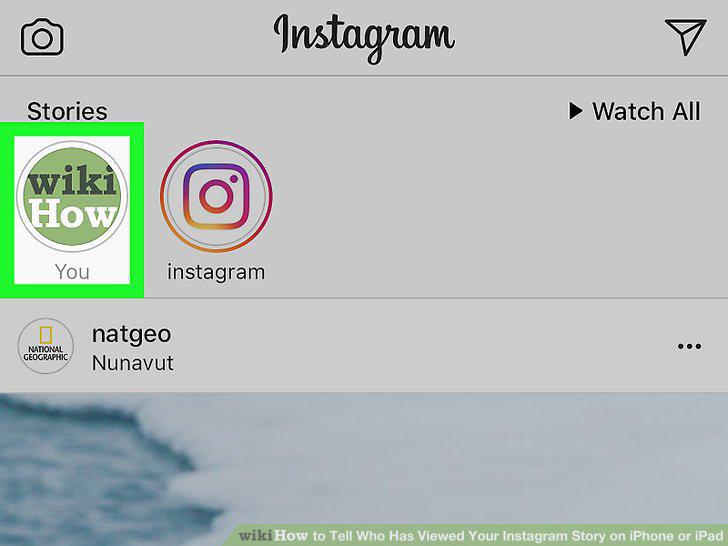
Tap your own story.
3
Swipe up on the story.
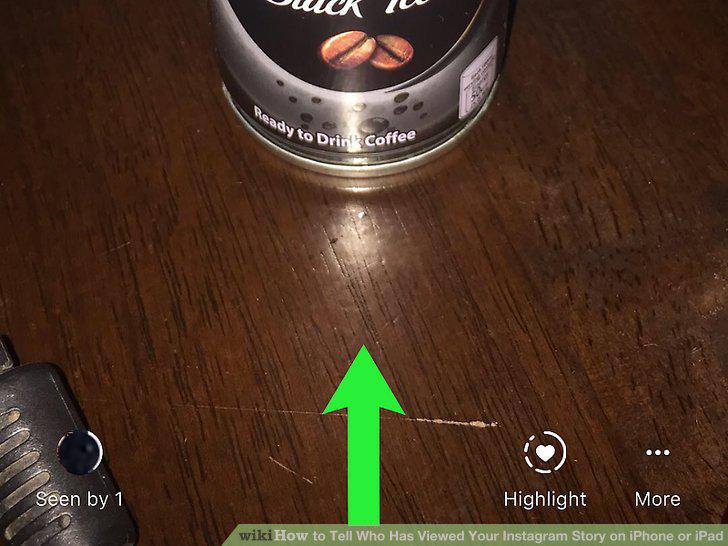
Swipe up on the story.
Comments (0)
No comments yet. Be the first to share your thoughts!