How to Mute the Microphone on Windows
Find the sound icon on your desktop taskbar.. Right-click the sound icon.. Click Recording Devices on the right-click menu.
Steps
1
Find the sound icon on your desktop taskbar.
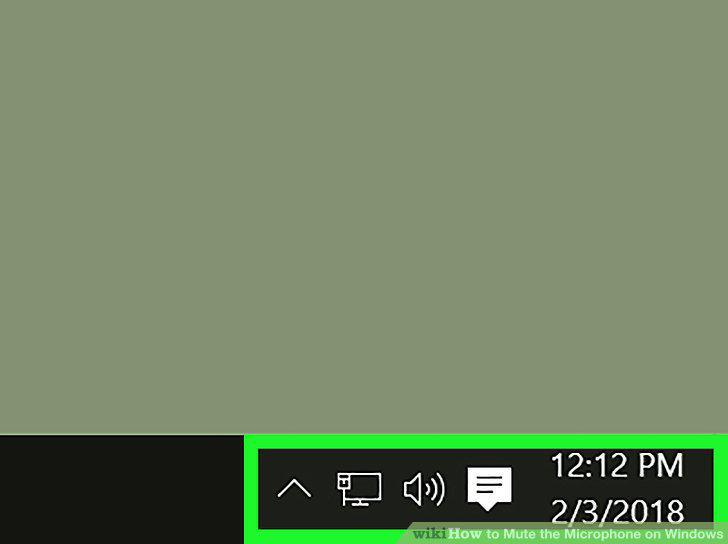
Find the sound icon on your desktop taskbar.
2
Right-click the sound icon.
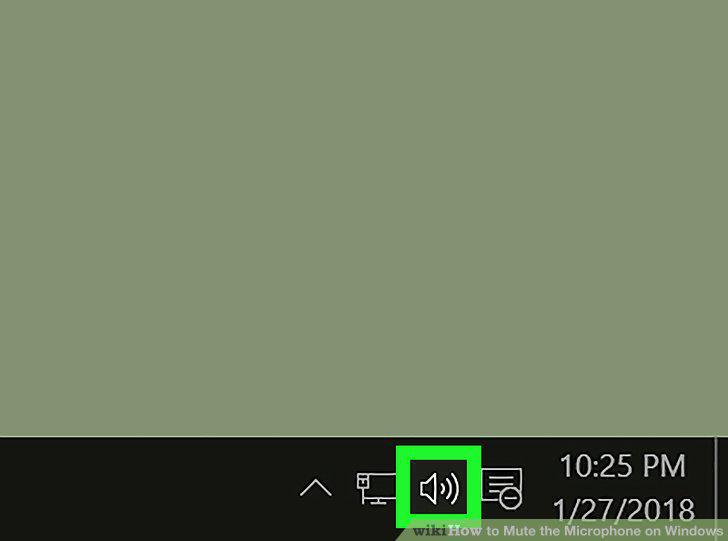
Right-click the sound icon.
3
Click Recording Devices on the right-click menu.
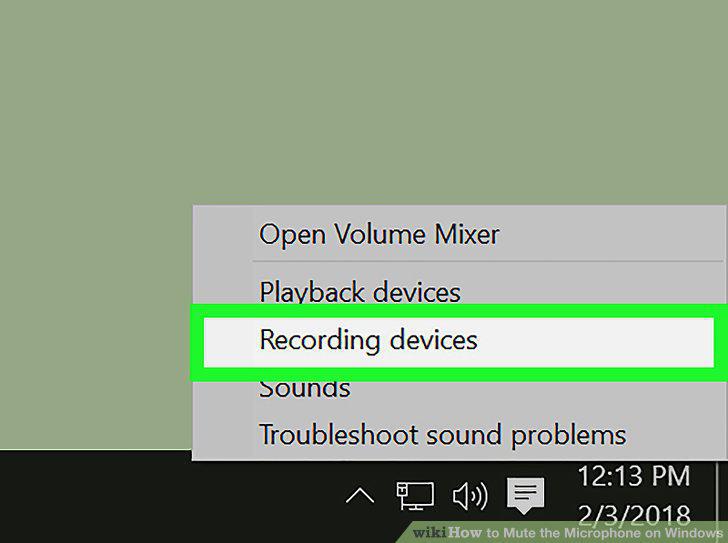
Click Recording Devices on the right-click menu.
4
Right-click your microphone on the list.
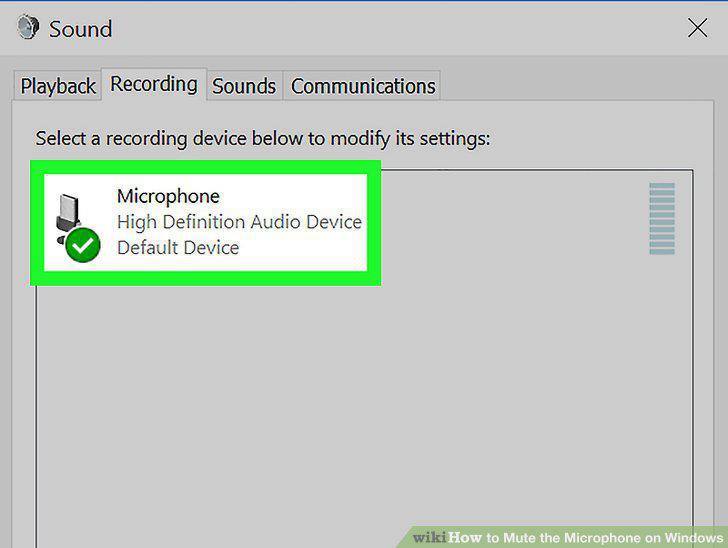
Right-click your microphone on the list.
5
Select Disable on the right-click menu.
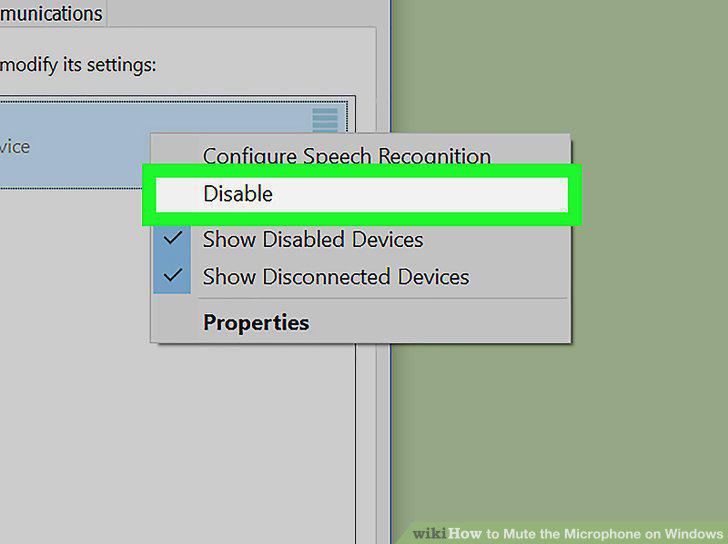
Select Disable on the right-click menu.
6
Right-click on the empty space on the Recording list.
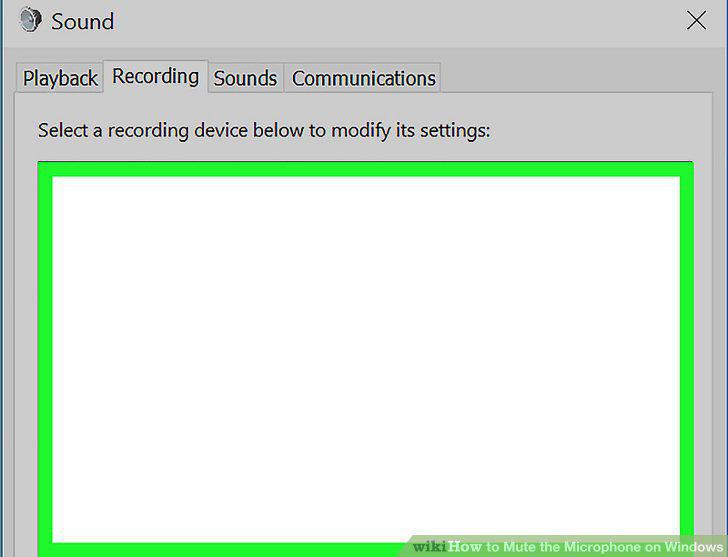
Right-click on the empty space on the Recording list.
7
Click and check Show Disabled Devices.
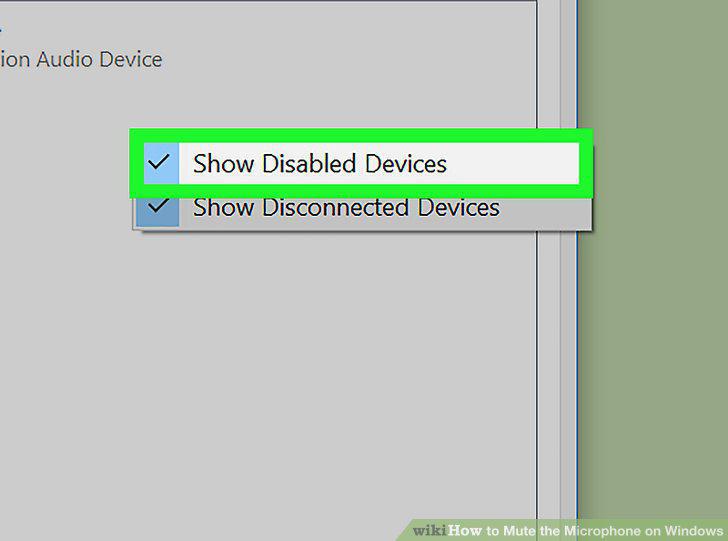
Click and check Show Disabled Devices.
Comments (0)
No comments yet. Be the first to share your thoughts!