How to Install an Antivirus
Understand the need for an antivirus program.. Acquire an antivirus program.. Install the antivirus program.
Steps
1
Understand the need for an antivirus program.
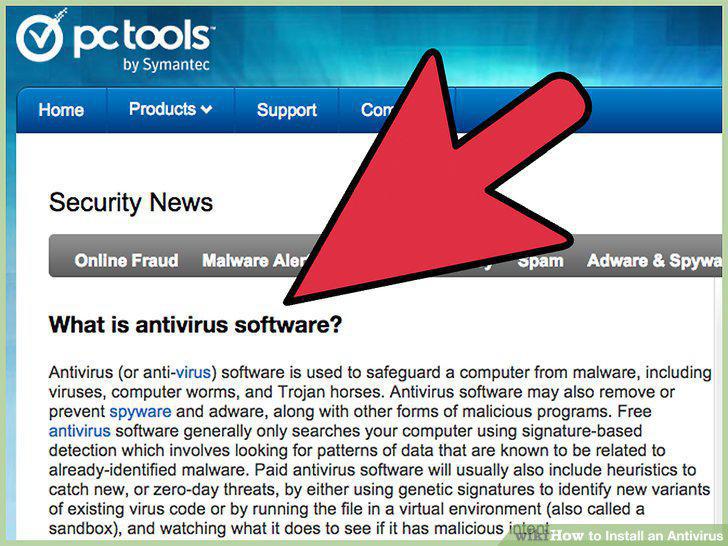
Understand the need for an antivirus program.
2
Acquire an antivirus program.
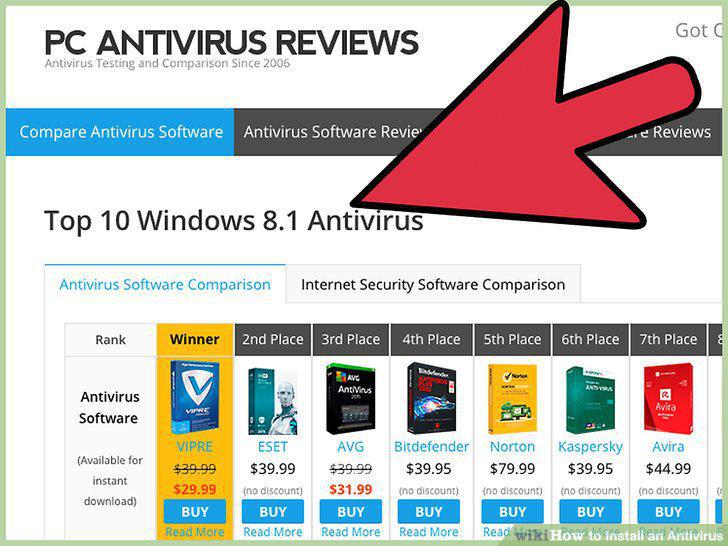
Acquire an antivirus program.
3
Install the antivirus program.
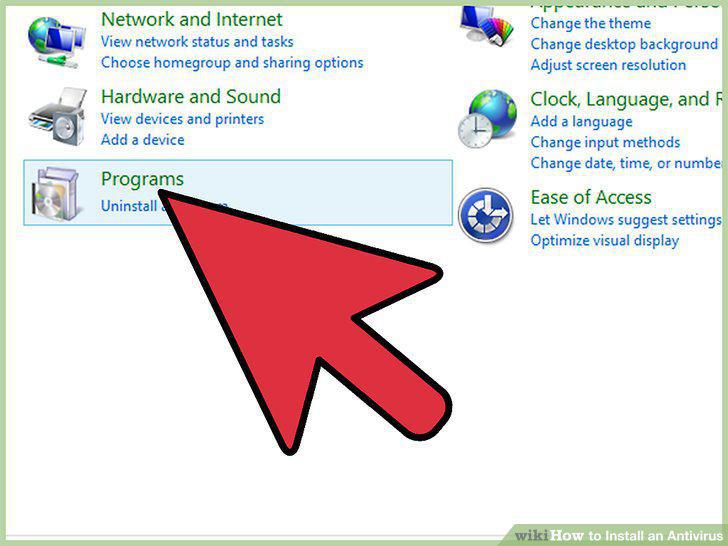
Install the antivirus program.
4
Update the program.
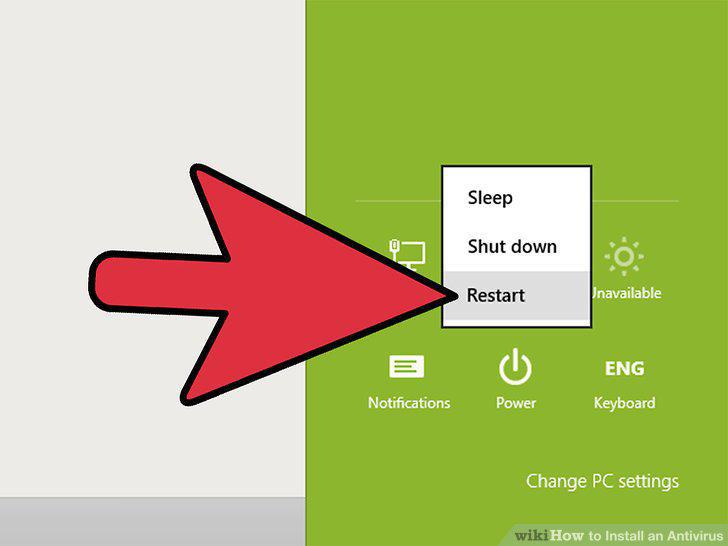
Update the program.
5
Scan your computer.
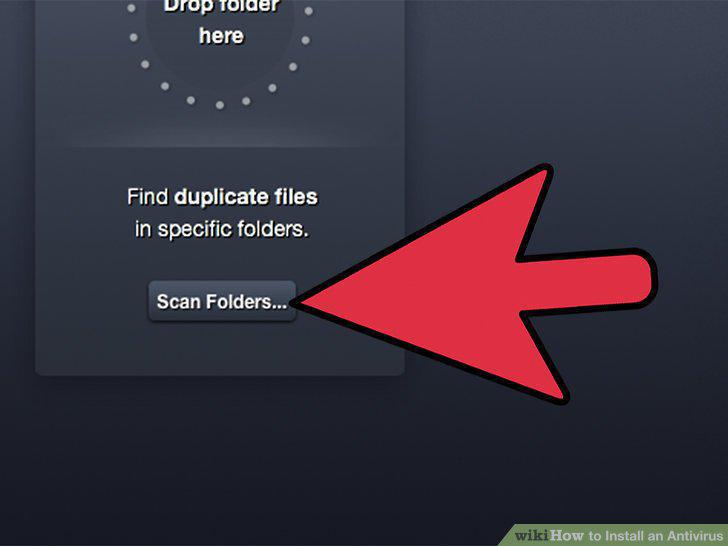
Scan your computer.
6
Set a scan schedule.
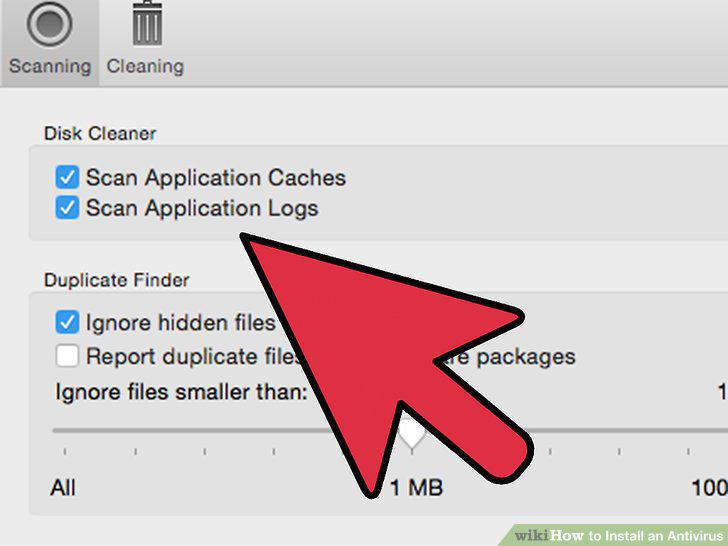
Set a scan schedule.
7
Keep Windows updated.
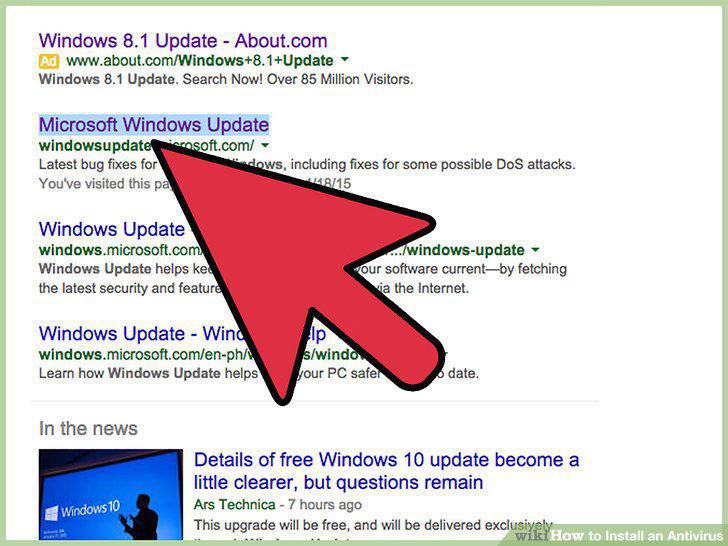
Keep Windows updated.
8
Understand the need for an antivirus program.
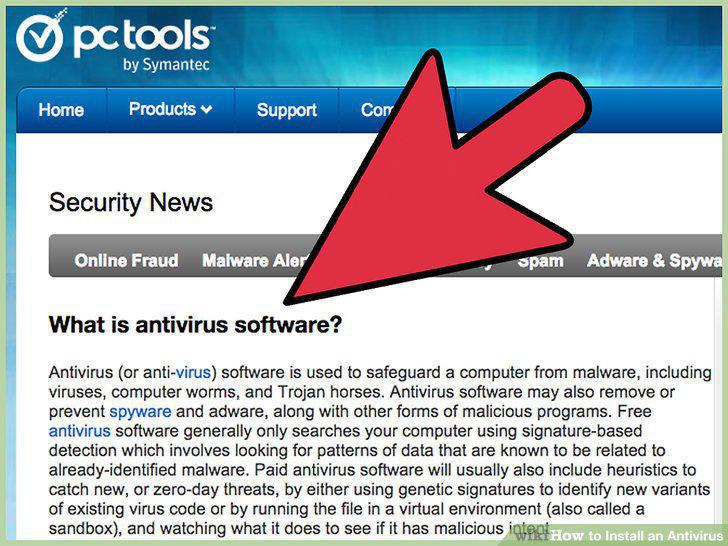
Understand the need for an antivirus program.
9
Acquire an antivirus program.

Acquire an antivirus program.
10
Install and run the antivirus software.
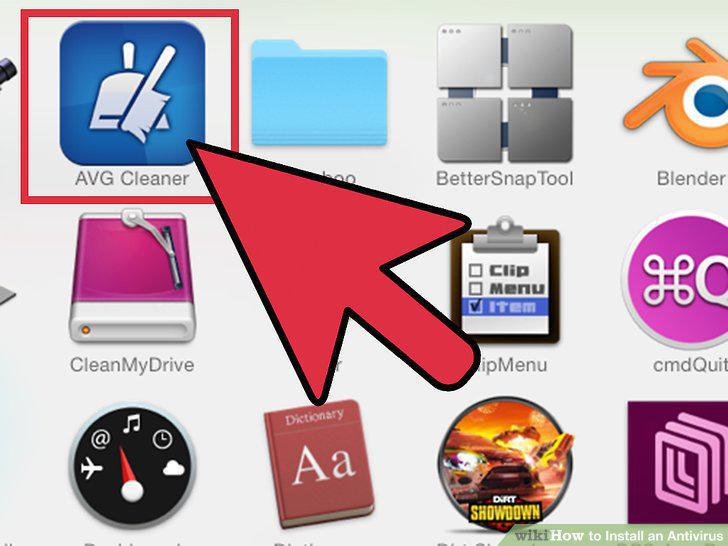
Install and run the antivirus software.
11
Update Mac OS X.
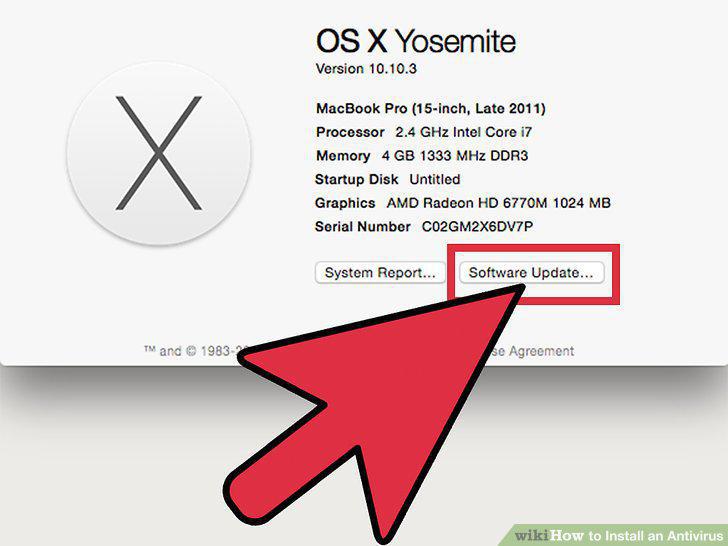
Update Mac OS X.
12
Understand the need for an antivirus program.
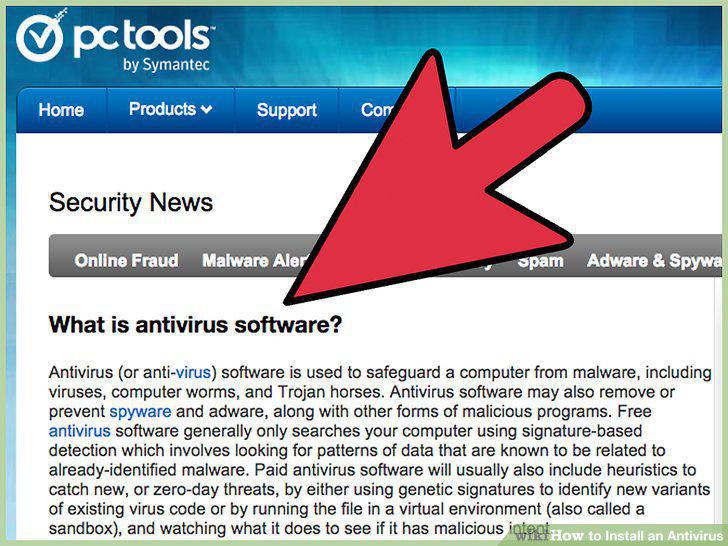
Understand the need for an antivirus program.
13
Acquire an antivirus program.
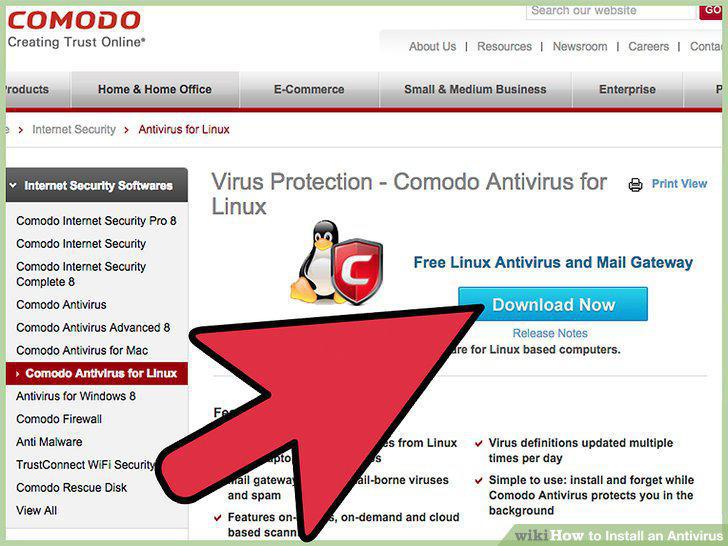
Acquire an antivirus program.
14
Install and run the antivirus software.
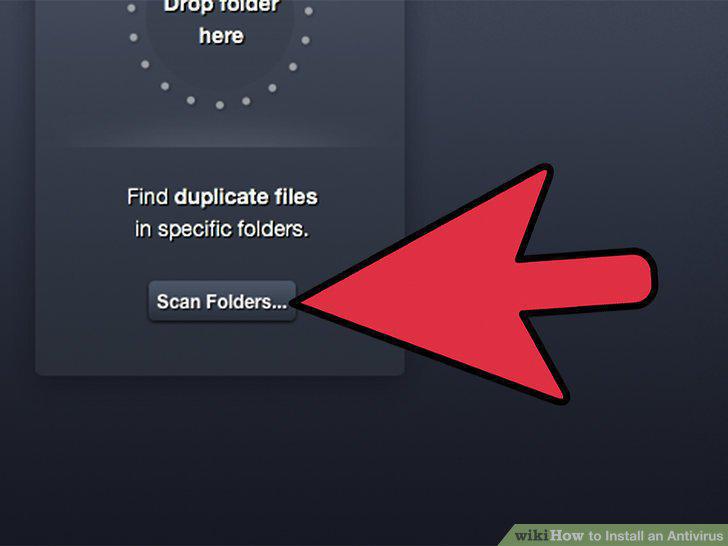
Install and run the antivirus software.
15
Update your Linux build.
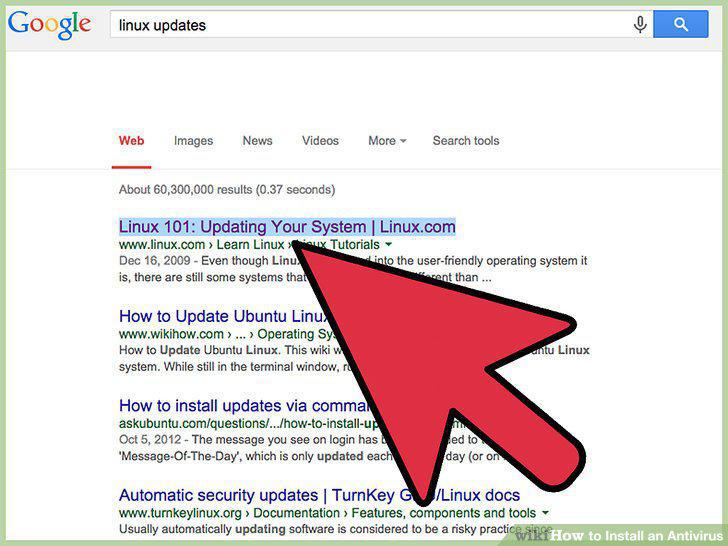
Update your Linux build.
Comments (0)
No comments yet. Be the first to share your thoughts!