How to Filter Search Results on Facebook
Open the Facebook app.. Tap the Home button in Facebook.. Tap on the Search field.
Steps
1
Open the Facebook app.
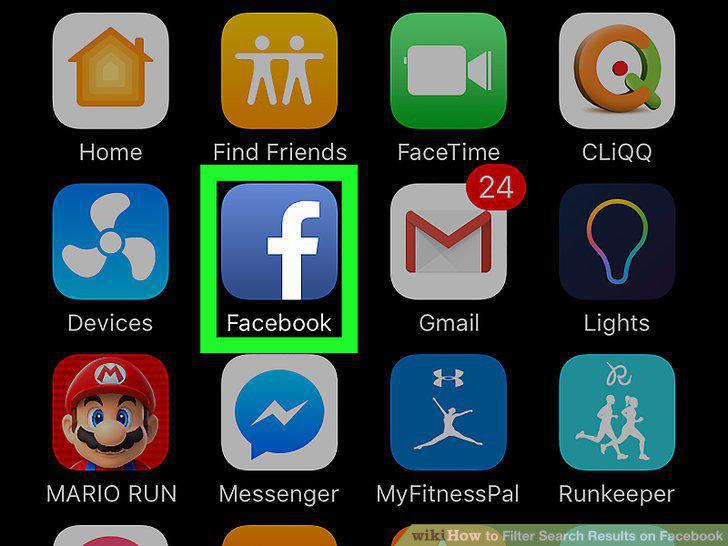
Open the Facebook app.
2
Tap the Home button in Facebook.

Tap the Home button in Facebook.
3
Tap on the Search field.
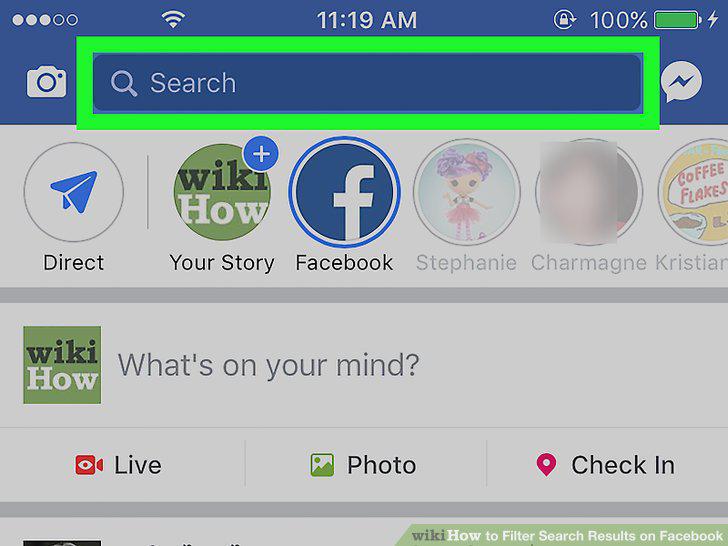
Tap on the Search field.
4
Enter the keyword you wish to search.
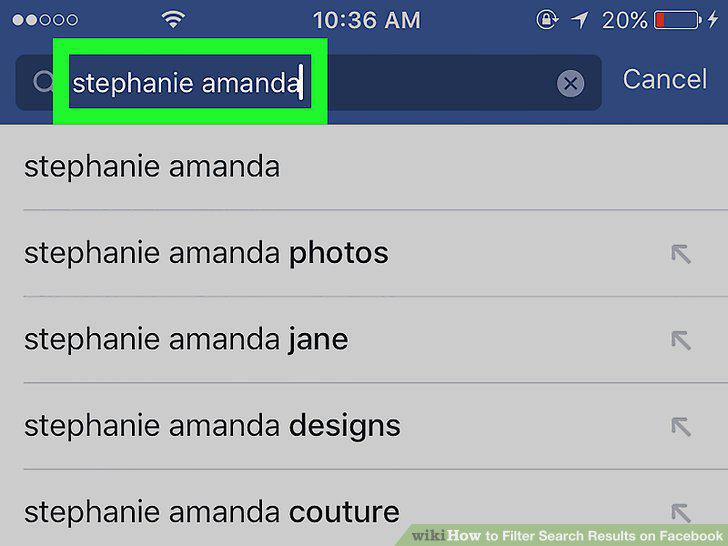
Enter the keyword you wish to search.
5
Tap the Search button on your keyboard.
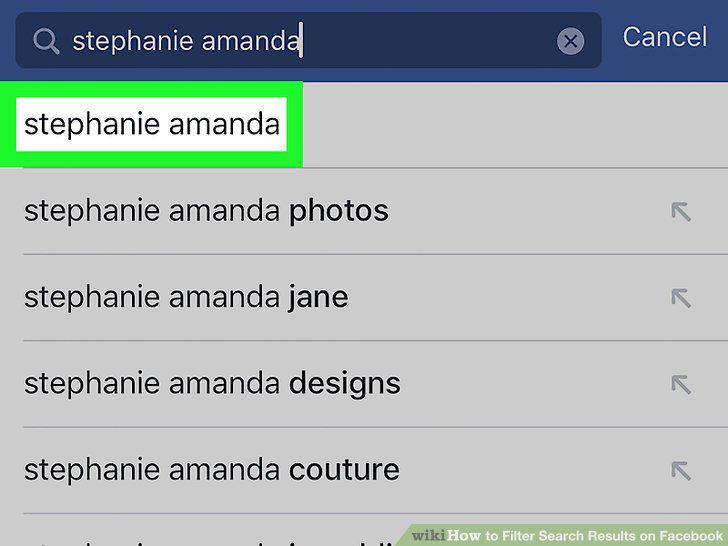
Tap the Search button on your keyboard.
6
Tap on a filter category.
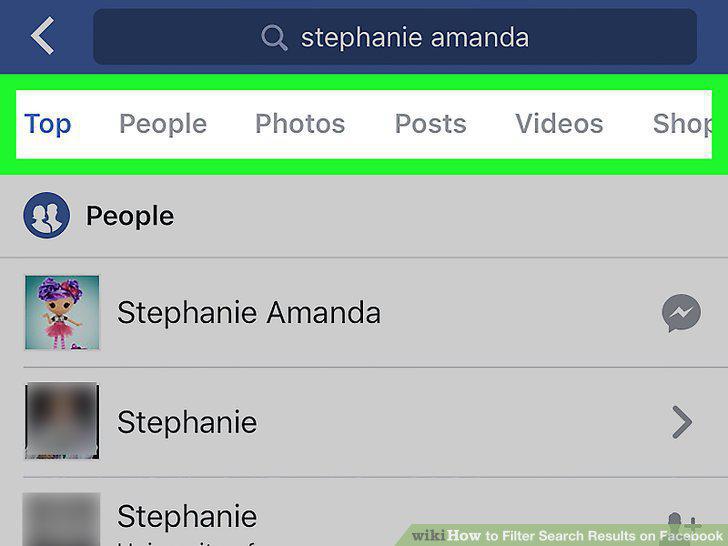
Tap on a filter category.
7
Go to Facebook.com.
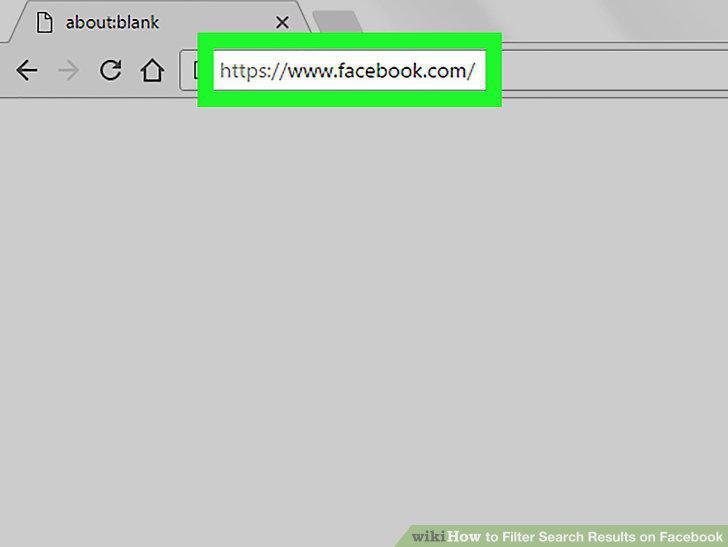
Go to Facebook.com.
8
Click on the Search field.
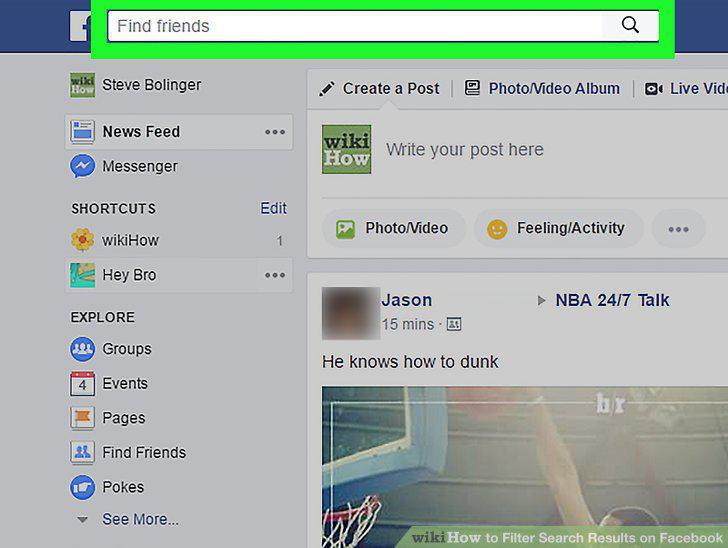
Click on the Search field.
9
Enter the keyword you wish to search.
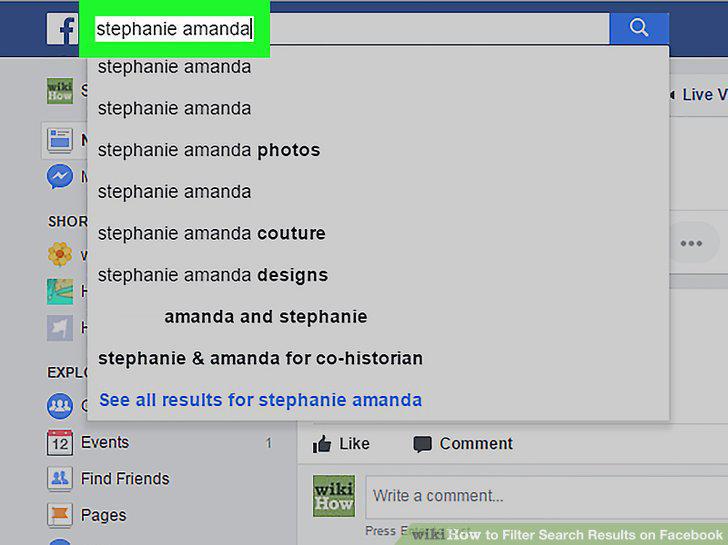
Enter the keyword you wish to search.
10
Click Find More Results at the bottom of the search list.
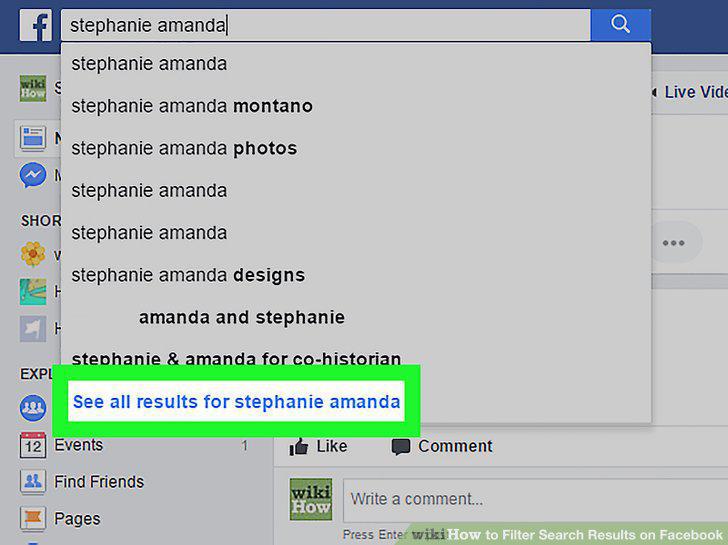
Click Find More Results at the bottom of the search list.
11
Click on a filter category on the left navigation bar.
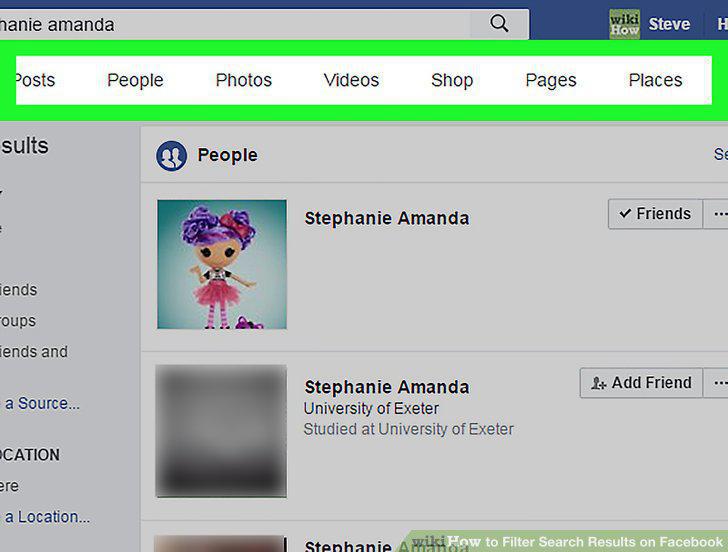
Click on a filter category on the left navigation bar.
Comments (0)
No comments yet. Be the first to share your thoughts!