How to Send an Encrypted Email in Gmail on Android
Open the Gmail app on your Android.. Tap the New Email button.. Enter your contact's email address into the "To" field.
Steps
1
Open the Gmail app on your Android.
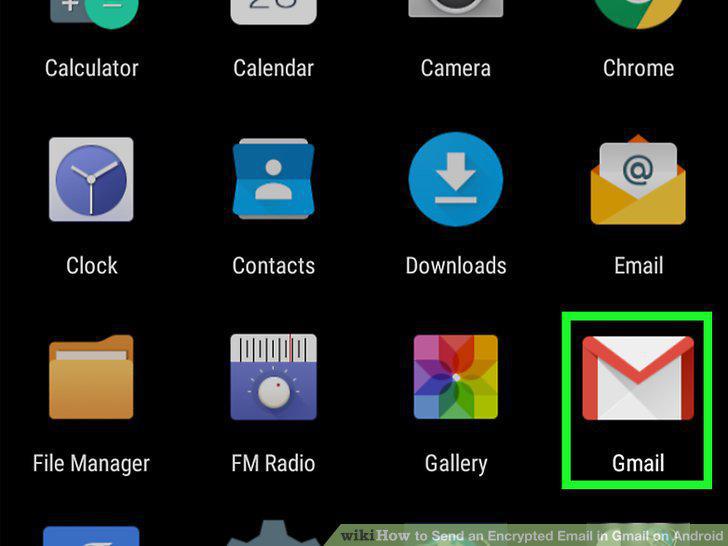
Open the Gmail app on your Android.
2
Tap the New Email button.
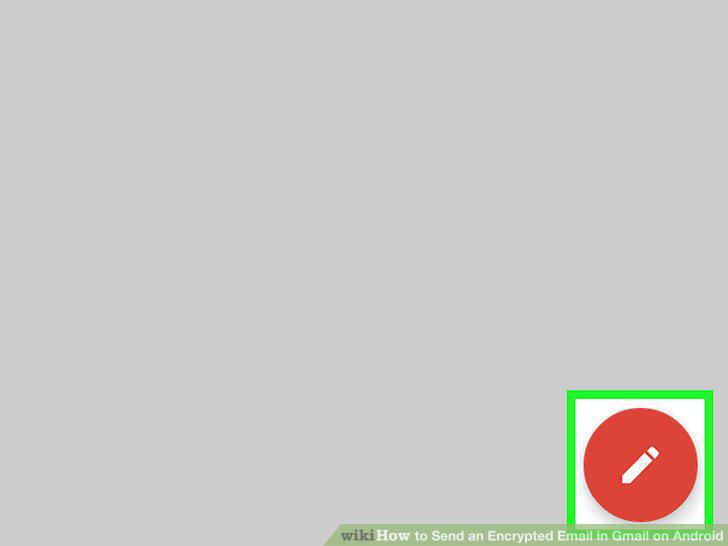
Tap the New Email button.
3
Enter your contact's email address into the "To" field.
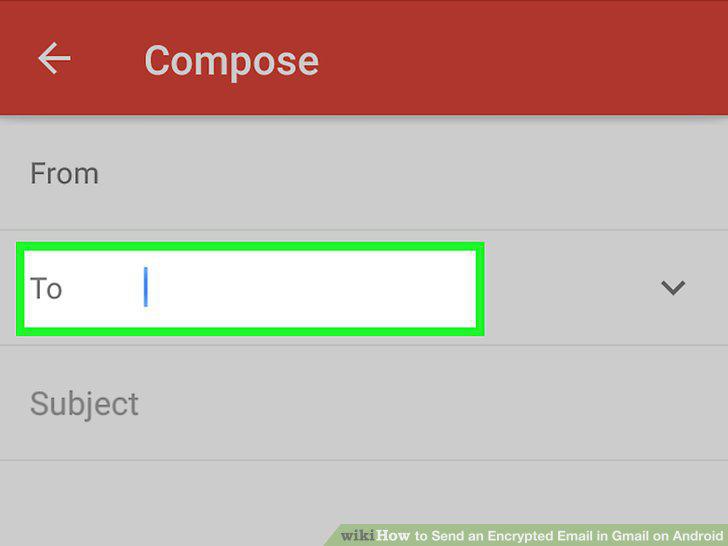
Enter your contact's email address into the "To" field.
4
Enter a subject line for your email.
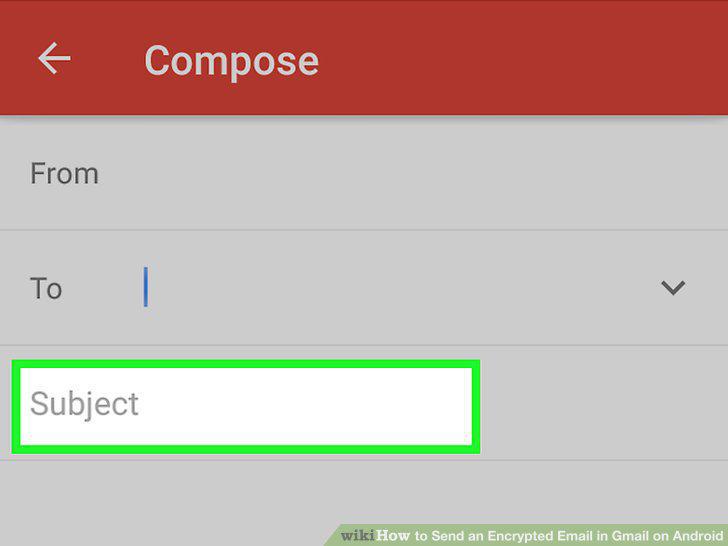
Enter a subject line for your email.
5
Check if there's a red, open lock icon next to the Subject field.
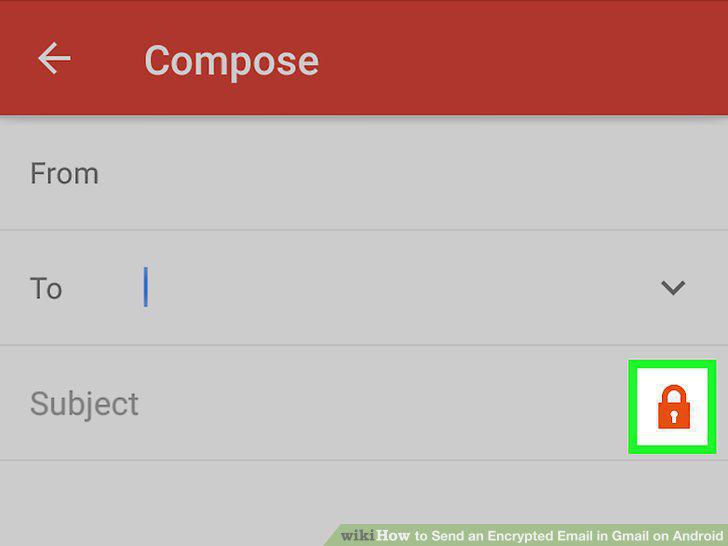
Check if there's a red, open lock icon next to the Subject field.
6
Write your email in the body field.
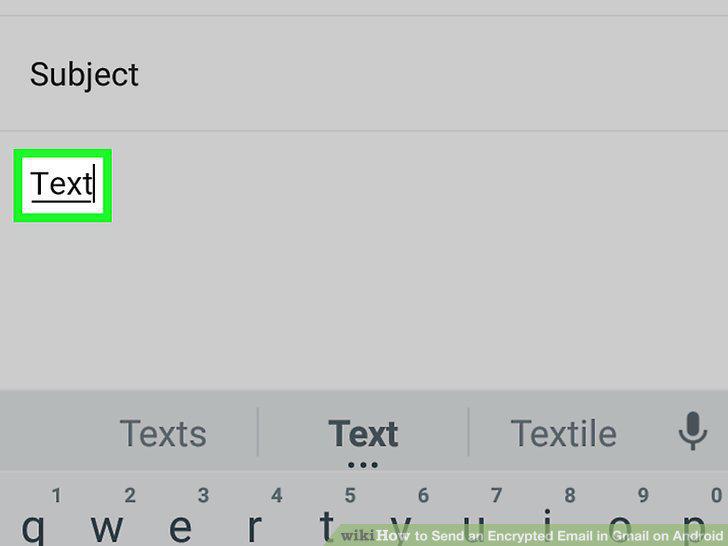
Write your email in the body field.
7
Tap the icon.
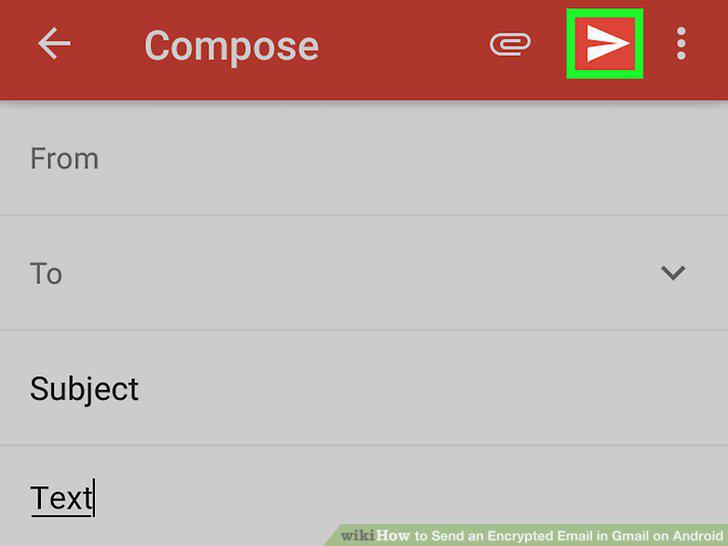
Tap the icon.
Comments (0)
No comments yet. Be the first to share your thoughts!