How to Send Files to a Signal Contact on Android
Open the Signal app on your Android device.. Tap the blue pencil icon.. Tap on a contact's name.
Steps
1
Open the Signal app on your Android device.
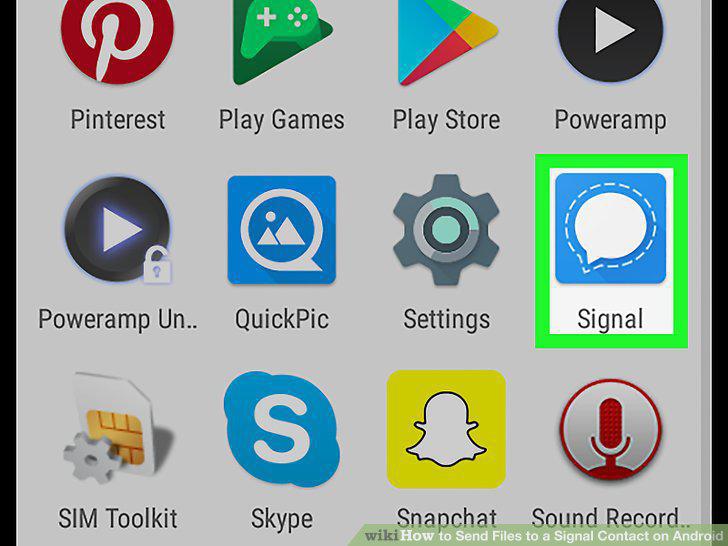
Open the Signal app on your Android device.
2
Tap the blue pencil icon.

Tap the blue pencil icon.
3
Tap on a contact's name.
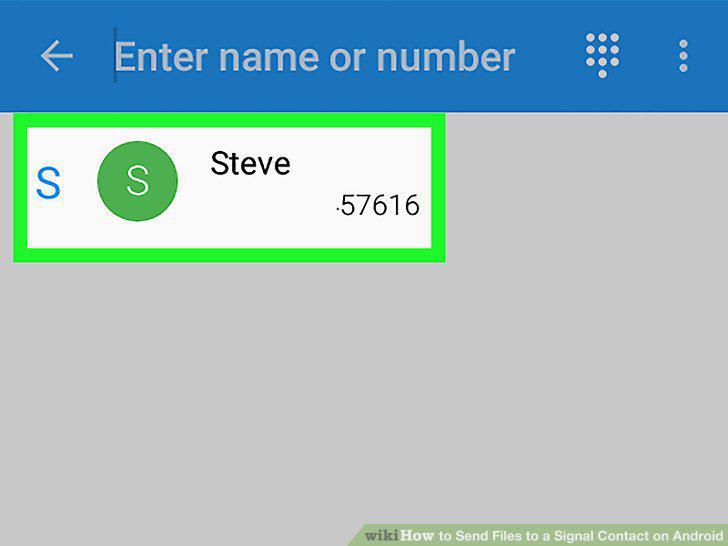
Tap on a contact's name.
4
Tap the three vertical dots icon.

Tap the three vertical dots icon.
5
Tap Add attachment.
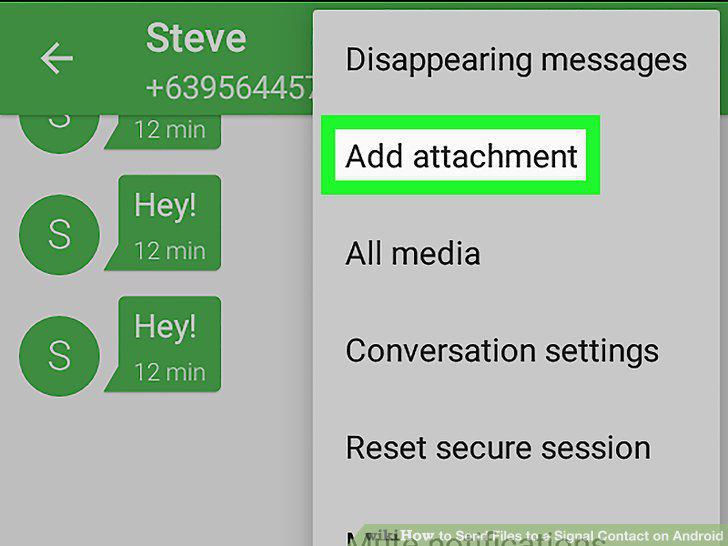
Tap Add attachment.
6
Tap File.
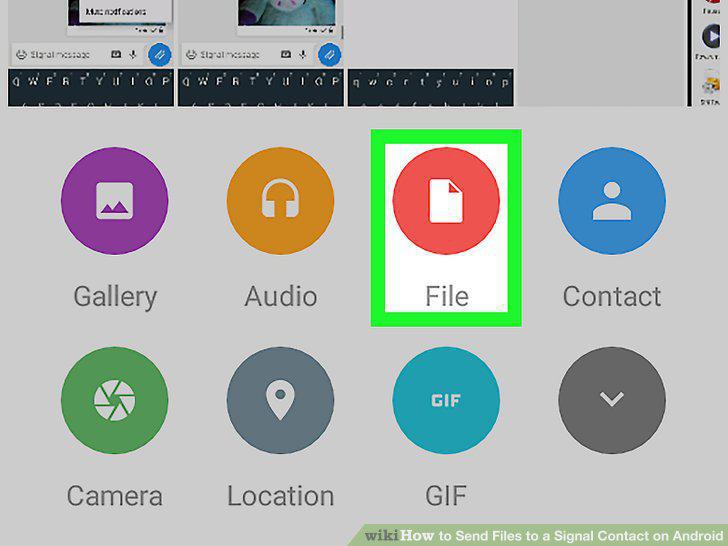
Tap File.
7
Tap on the document you want to send.
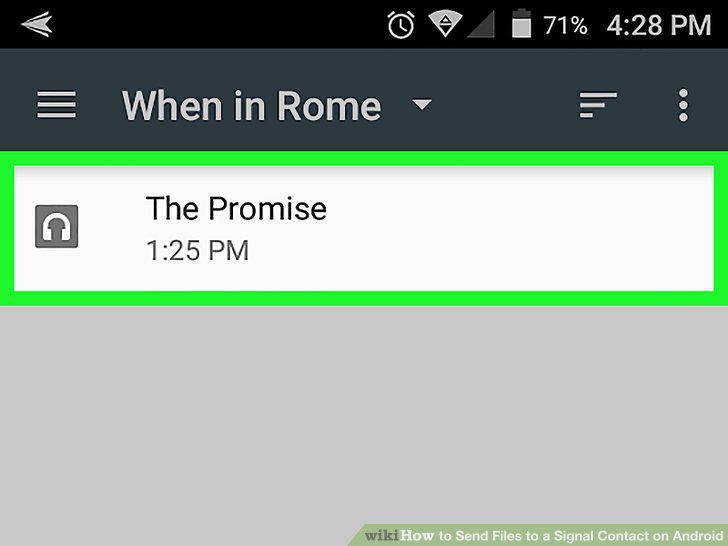
Tap on the document you want to send.
8
Tap the blue paper plane icon.
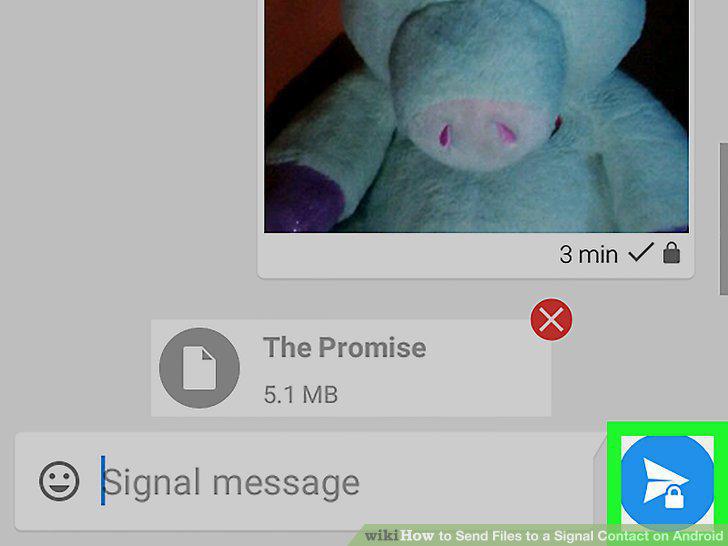
Tap the blue paper plane icon.
Comments (0)
No comments yet. Be the first to share your thoughts!