Steps
1
Open Zoom.
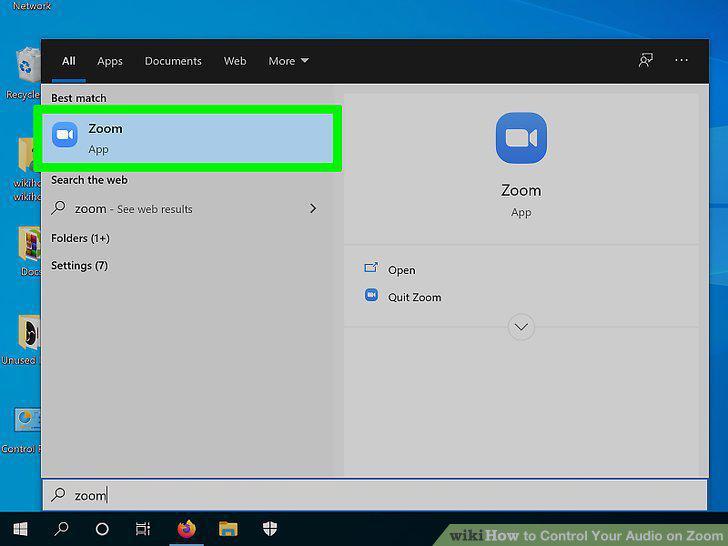
Open Zoom.
2
Click .
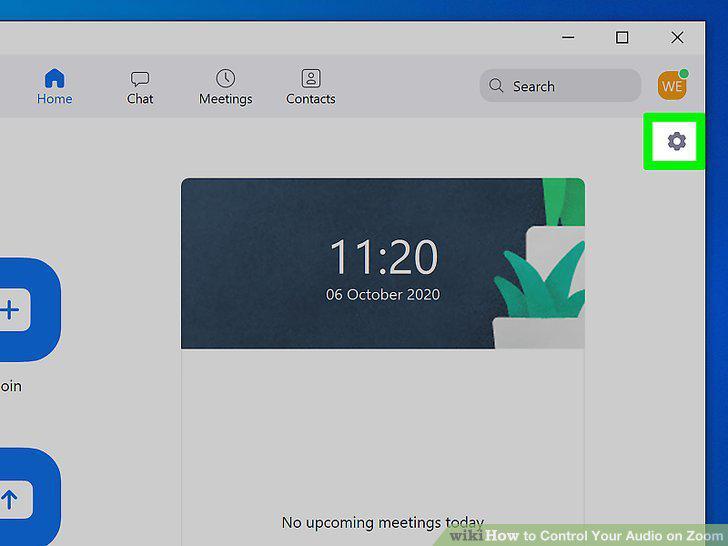
Click .
3
Click Audio.
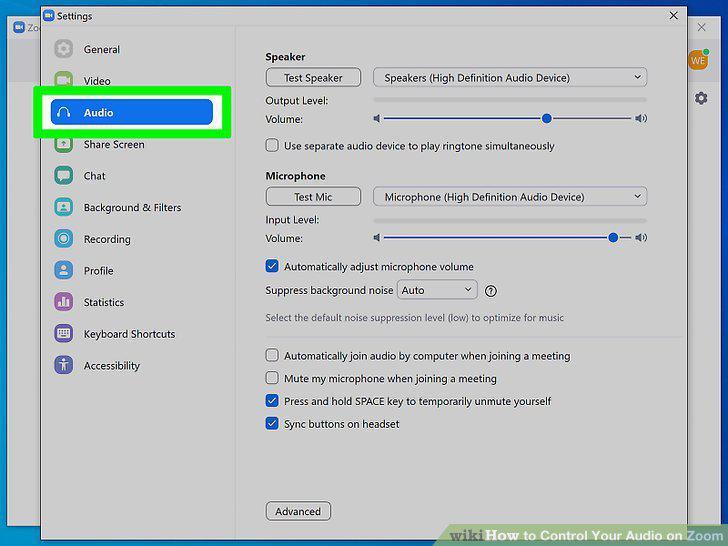
Click Audio.
4
Click Test Speaker and Test Mic to preview your audio.
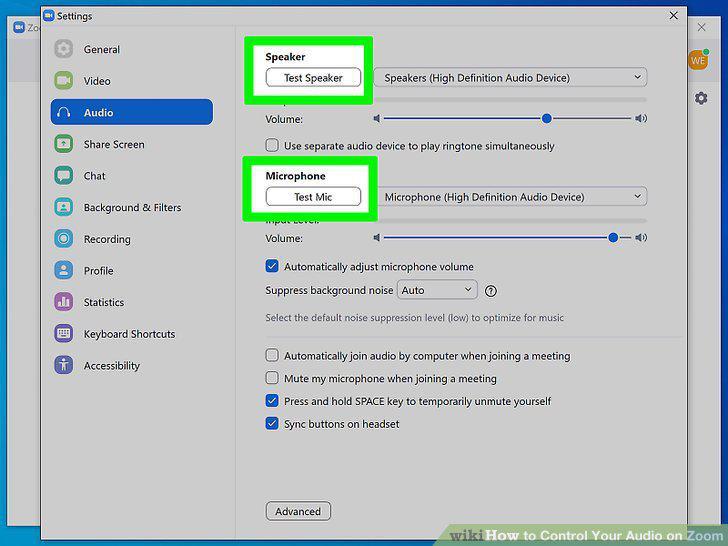
Click Test Speaker and Test Mic to preview your audio.
5
Drag the sliders next to volume in "Speaker" and "Microphone" accordingly.
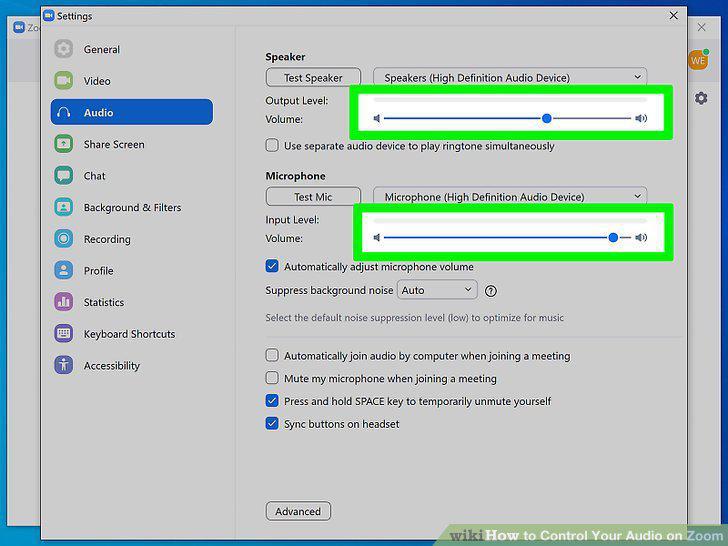
Drag the sliders next to volume in "Speaker" and "Microphone" accordingly.
6
Check and uncheck boxes as needed.
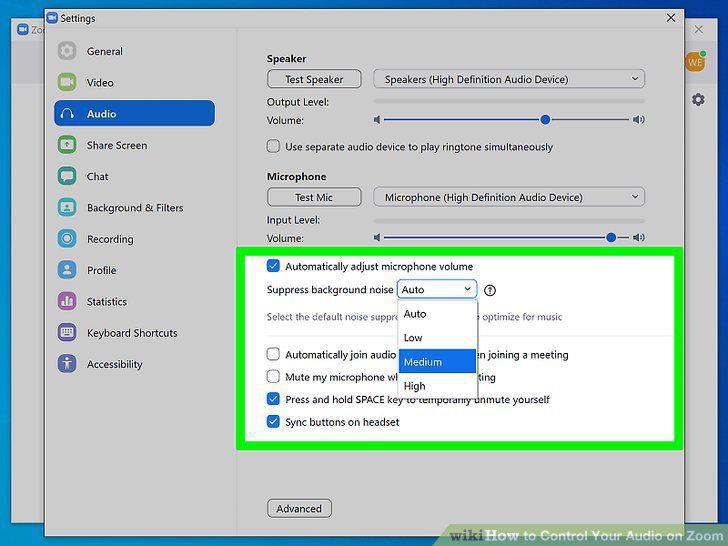
Check and uncheck boxes as needed.
7
Close out of the menu by clicking X.
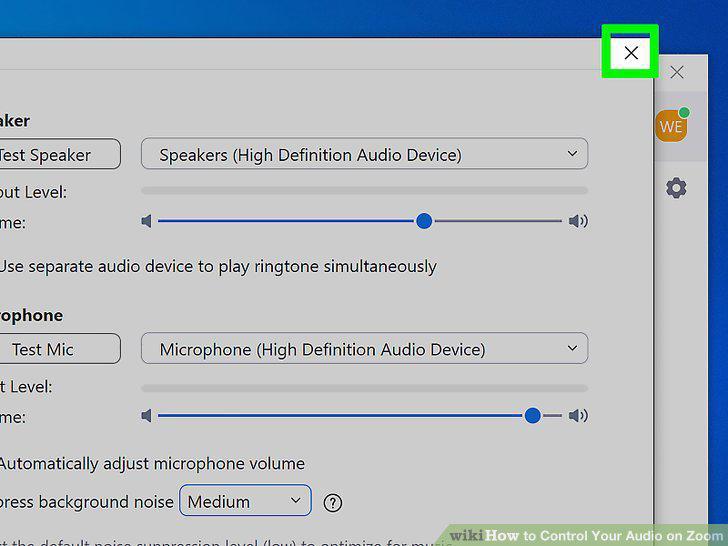
Close out of the menu by clicking X.
Comments (0)
No comments yet. Be the first to share your thoughts!