How to Remove a Hard Drive
Back up your data. Turn off your computer and unplug it from everything.. Open the computer case.
Steps
1
Back up your data
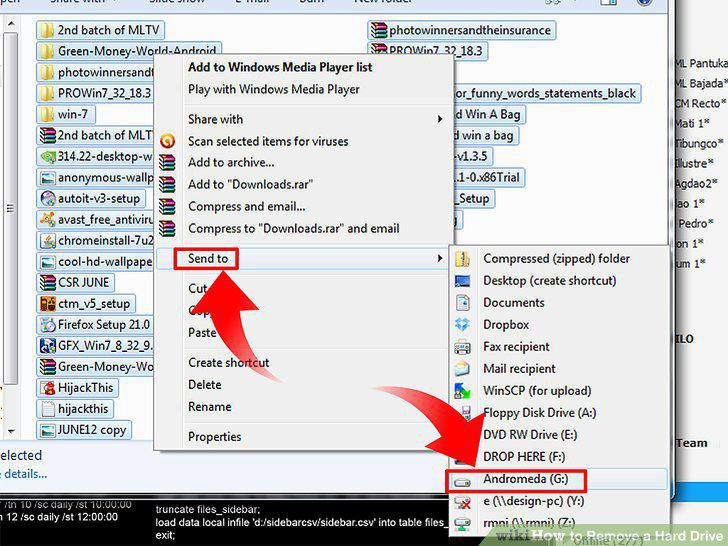
Back up your data
2
Turn off your computer and unplug it from everything.
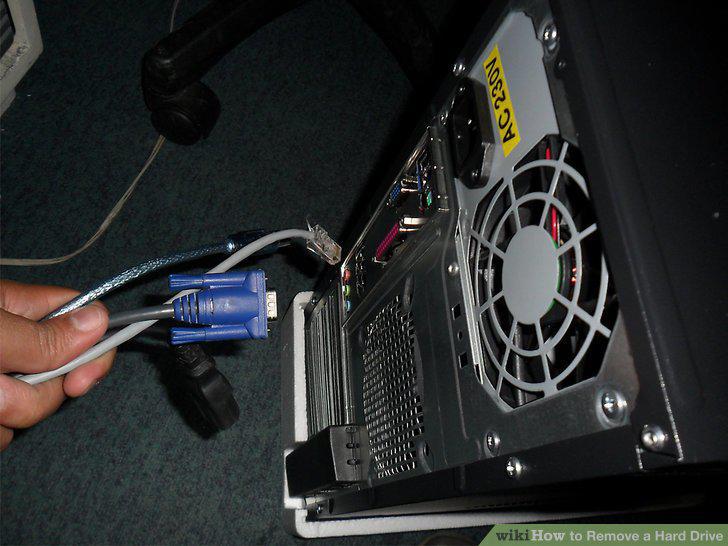
Turn off your computer and unplug it from everything.
3
Open the computer case.
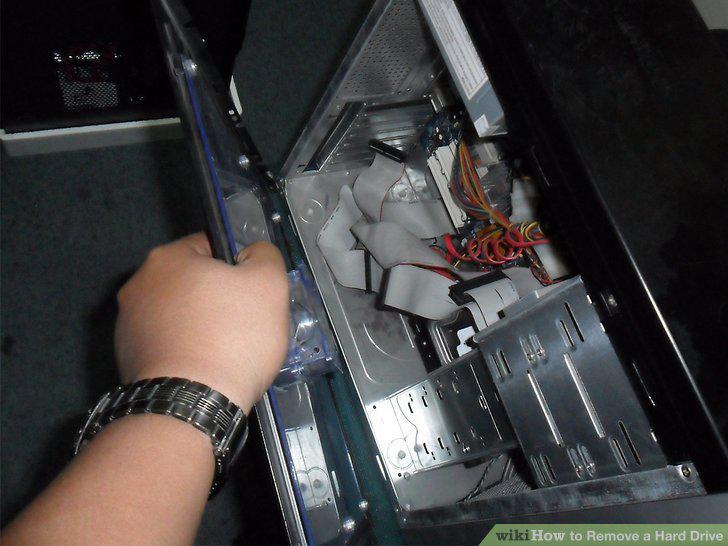
Open the computer case.
4
Locate the hard drive inside the computer case.
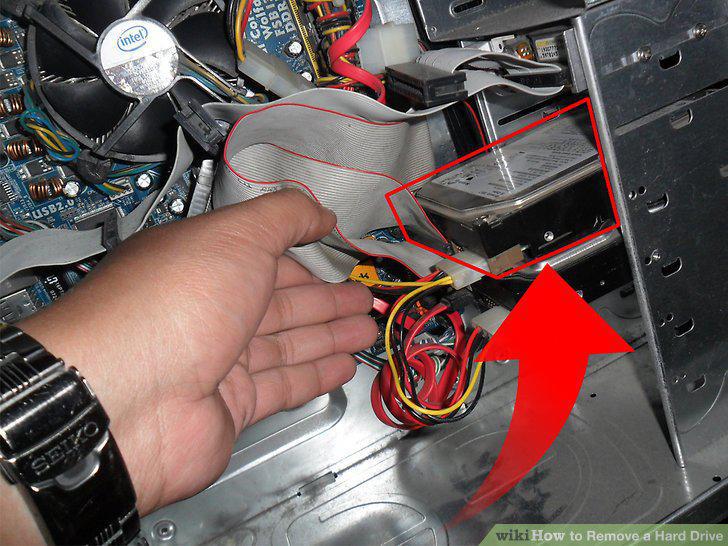
Locate the hard drive inside the computer case.
5
Determine how the hard drive is connected to the computer.
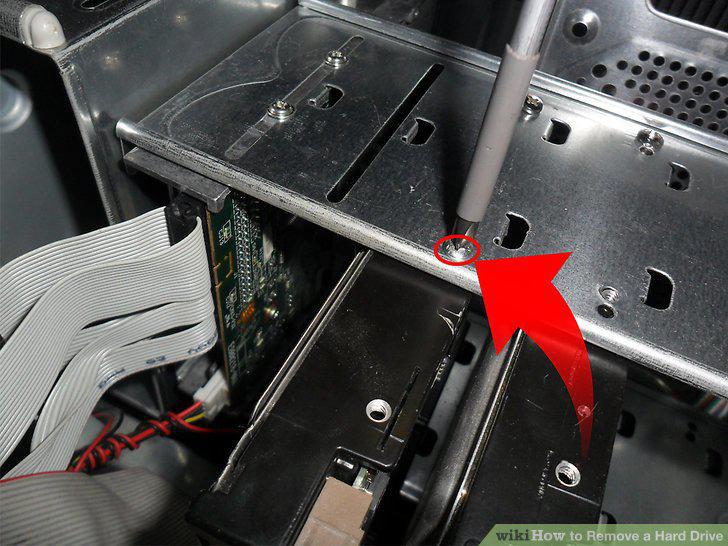
Determine how the hard drive is connected to the computer.
6
Take the hard drive from where it rested in the tower.
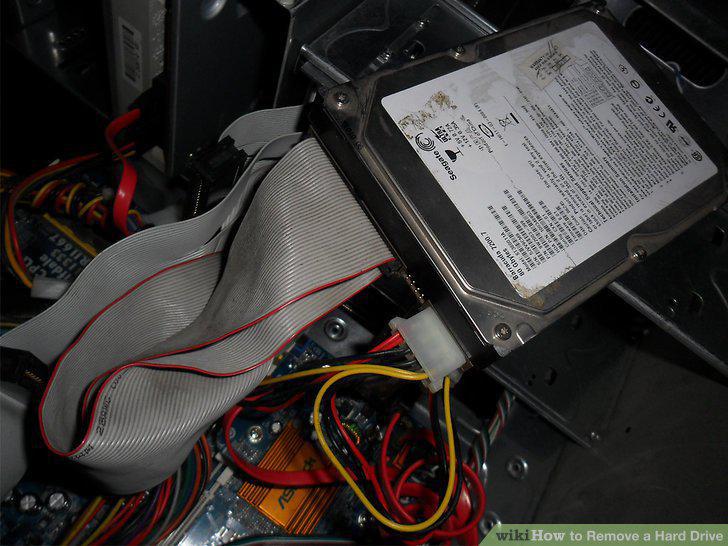
Take the hard drive from where it rested in the tower.
7
Remove the IDE ribbon cable.
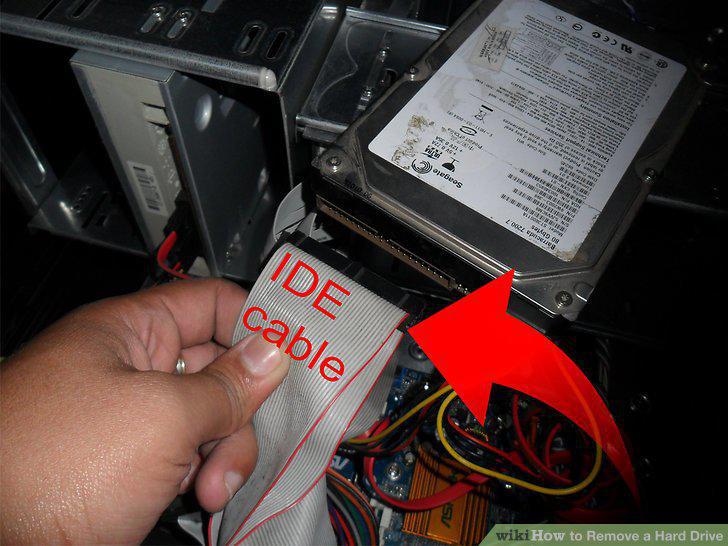
Remove the IDE ribbon cable.
8
Remove the power connector.
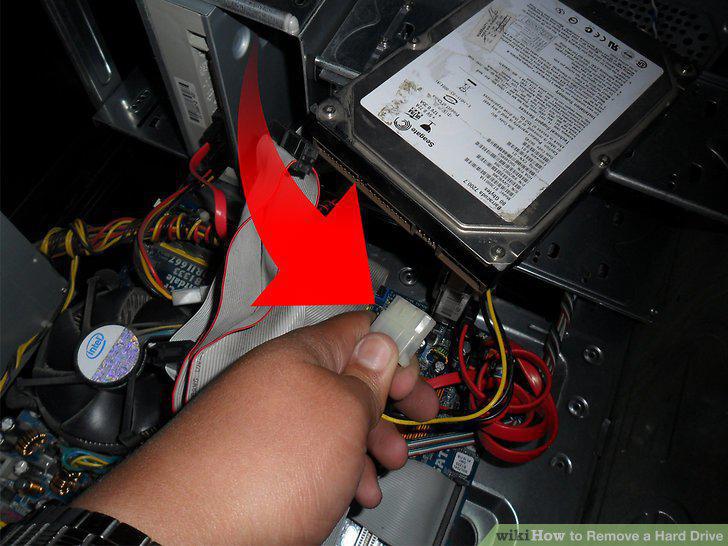
Remove the power connector.
9
Take the hard drive out of the case and put it into an anti-static bag.
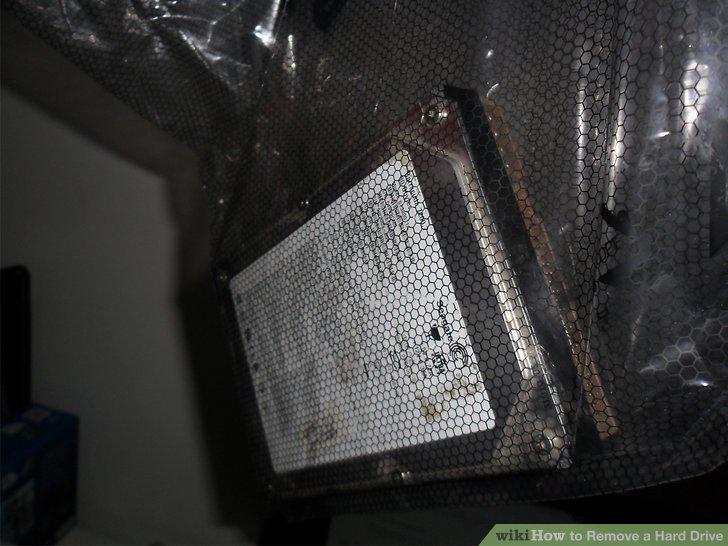
Take the hard drive out of the case and put it into an anti-static bag.
Comments (0)
No comments yet. Be the first to share your thoughts!