How to Move a WordPress Site
Backup your Wordpress site.. Export your database.. Create the new WordPress database on your new server.
Steps
1
Backup your Wordpress site.
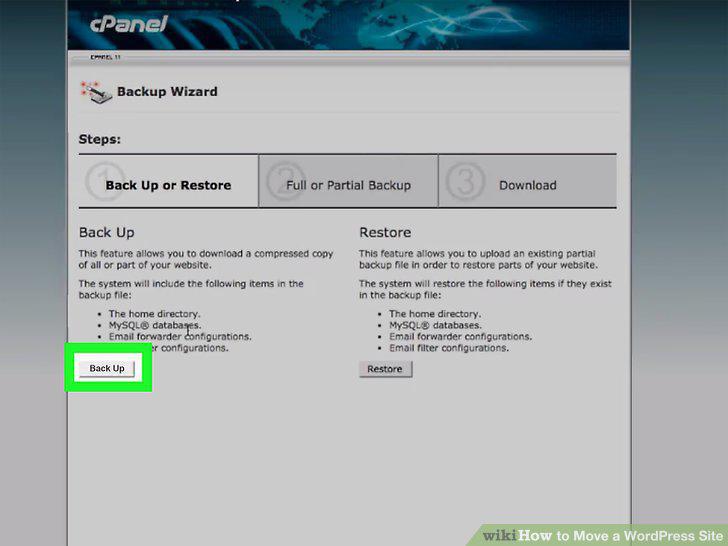
Backup your Wordpress site.
2
Export your database.
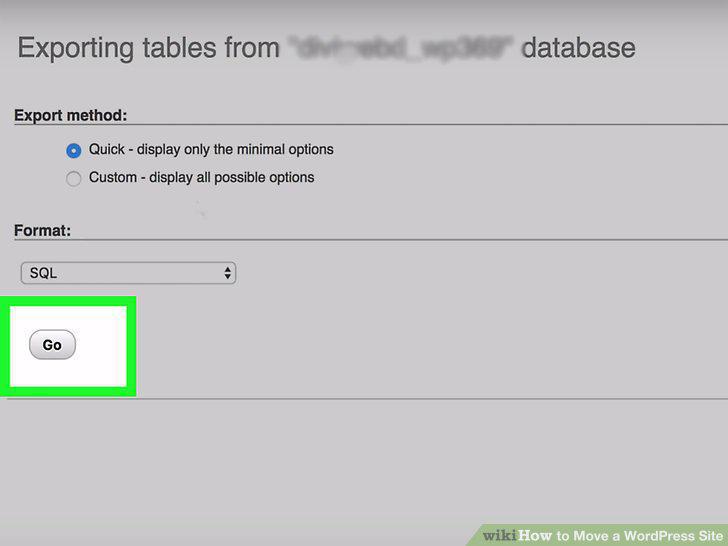
Export your database.
3
Create the new WordPress database on your new server.
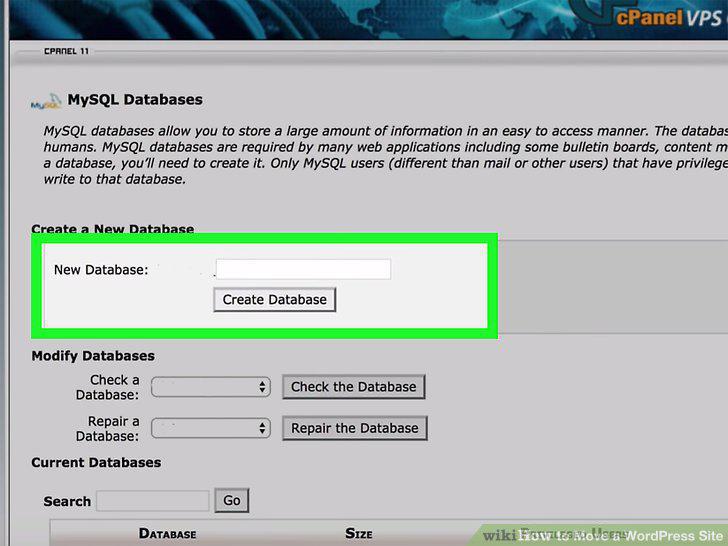
Create the new WordPress database on your new server.
4
Edit the wp-config.php file.
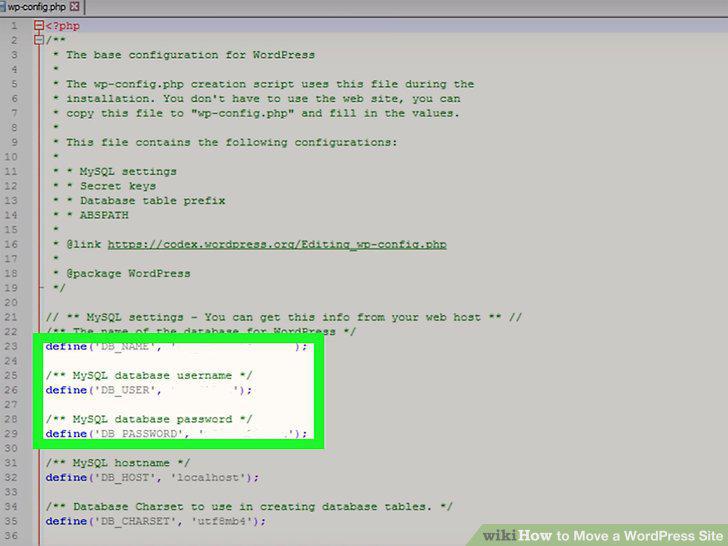
Edit the wp-config.php file.
5
Save and close wp-config.php.
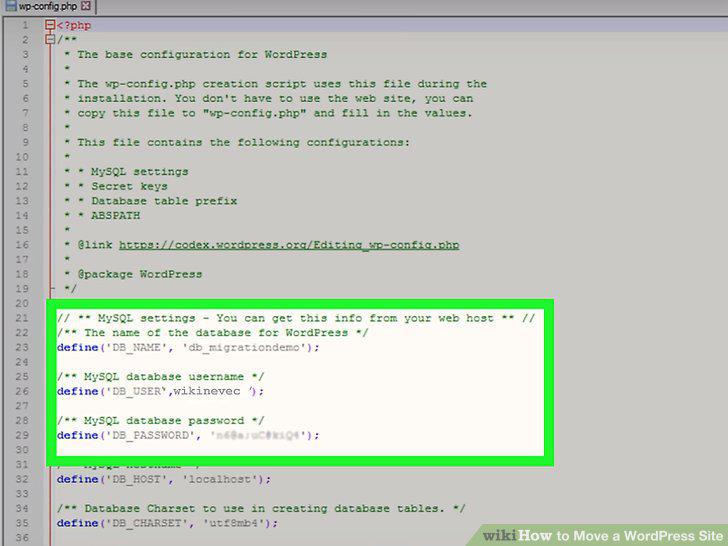
Save and close wp-config.php.
6
Import your database.
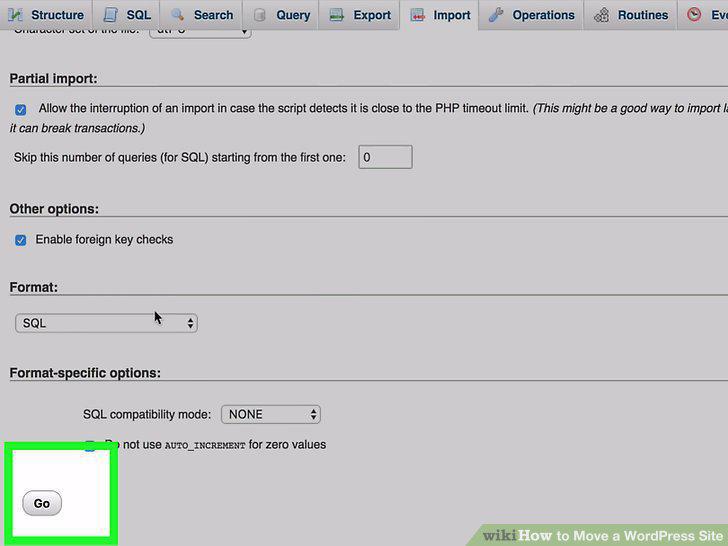
Import your database.
7
Upload the WordPress files to your new host.
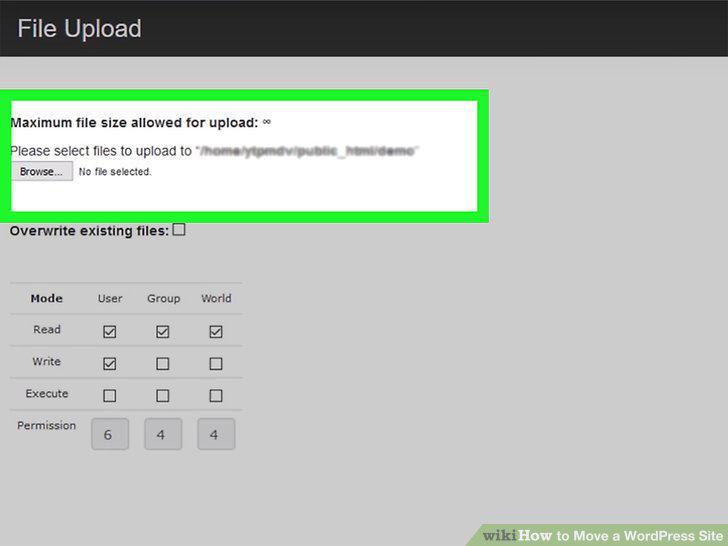
Upload the WordPress files to your new host.
8
Replace your old domain links with your new domain (optional).
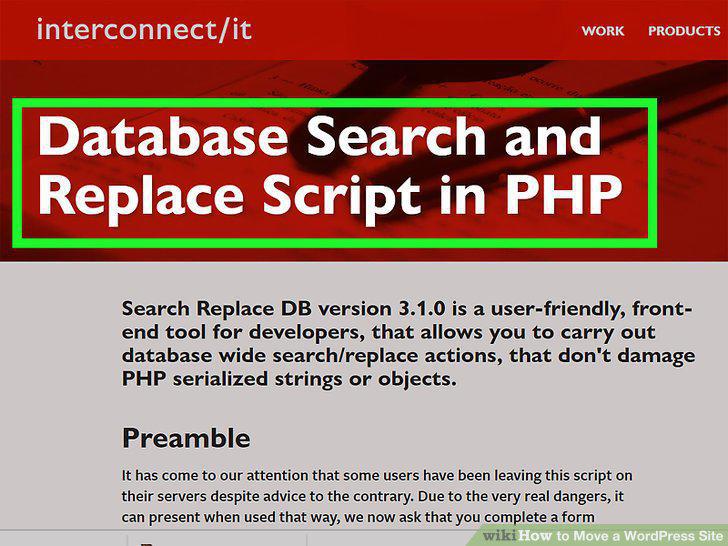
Replace your old domain links with your new domain (optional).
9
Reconfigure your domain's DNS settings.
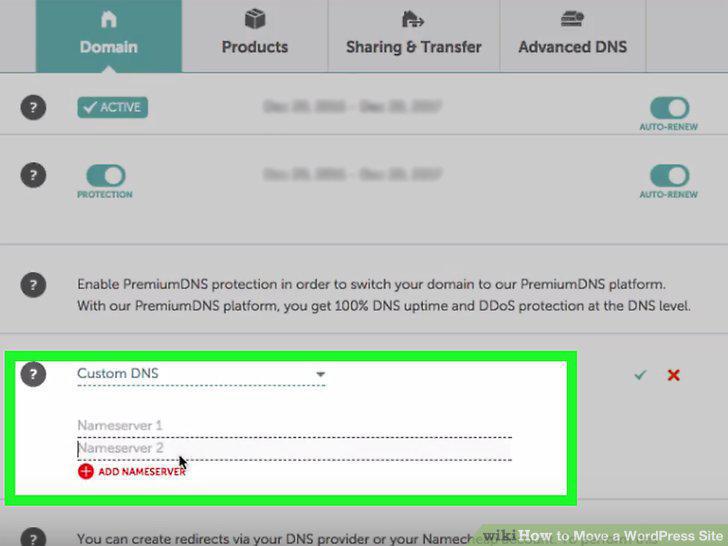
Reconfigure your domain's DNS settings.
10
Delete your old files.

Delete your old files.
Comments (0)
No comments yet. Be the first to share your thoughts!