How to Activate TracFone
Go to https://www.tracfone.com in a web browser.. Click ACTIVATE.. Click CONTINUE under "I have a TracFone Phone.
Steps
Go to https://www.tracfone.com in a web browser.

Go to https://www.tracfone.com in a web browser.
Click ACTIVATE.
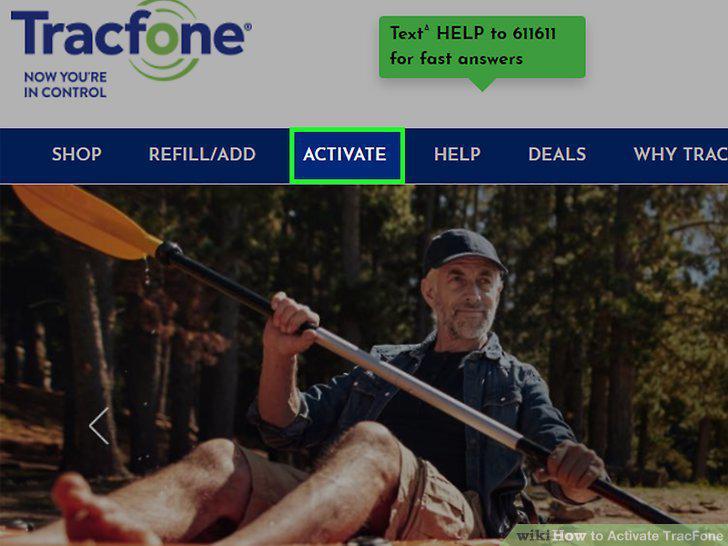
Click ACTIVATE.
Click CONTINUE under "I have a TracFone Phone.
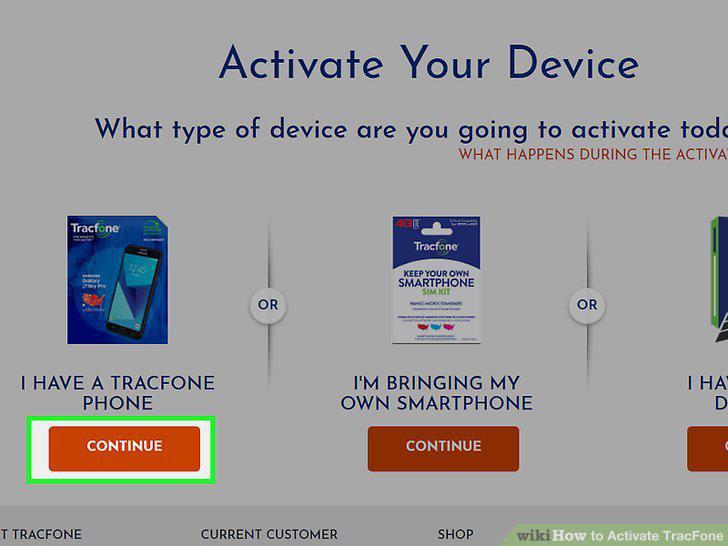
Click CONTINUE under "I have a TracFone Phone.
Enter the IMEI/MEID/serial number.
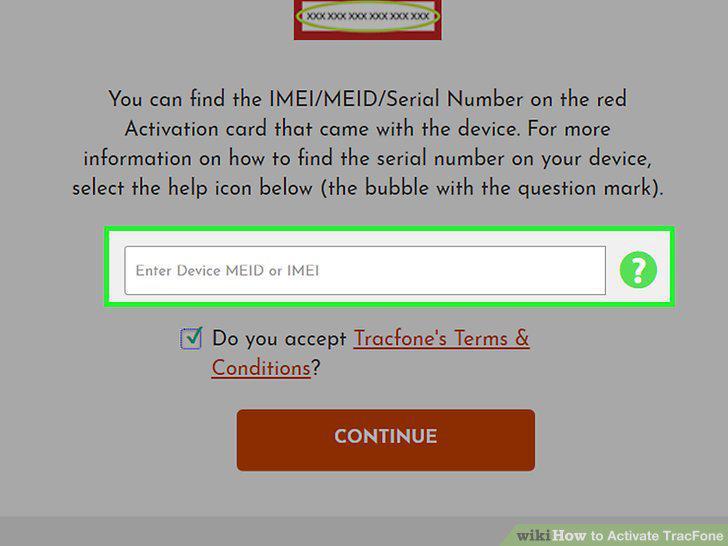
Enter the IMEI/MEID/serial number.
Review and accept the terms.
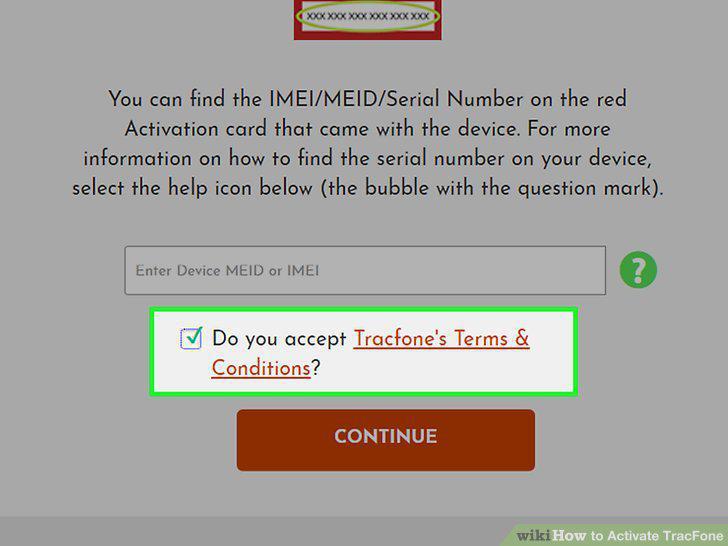
Review and accept the terms.
Click CONTINUE.
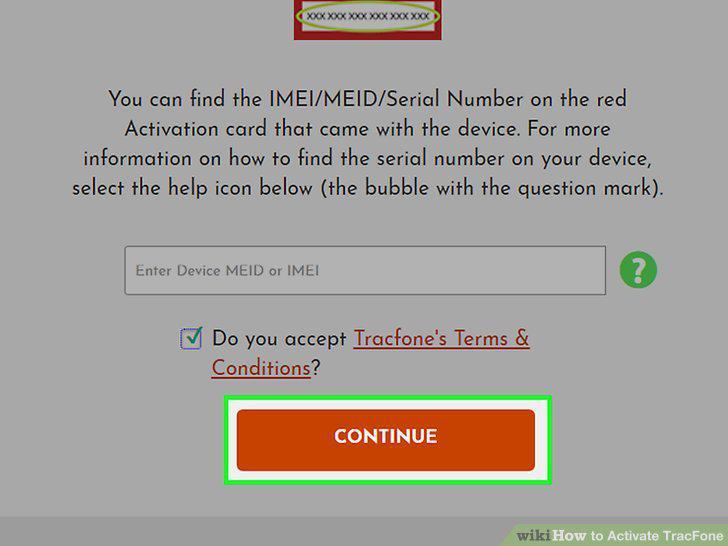
Click CONTINUE.
Enter your zip or postal code when prompted.
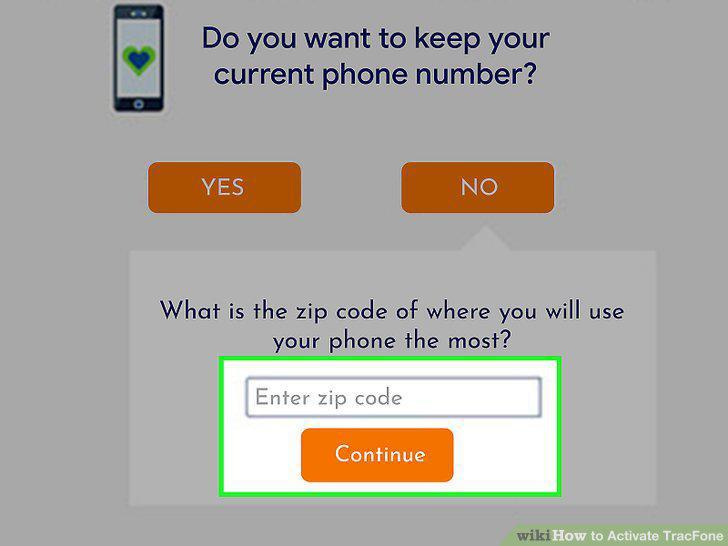
Enter your zip or postal code when prompted.
Select a plan and click CONTINUE.
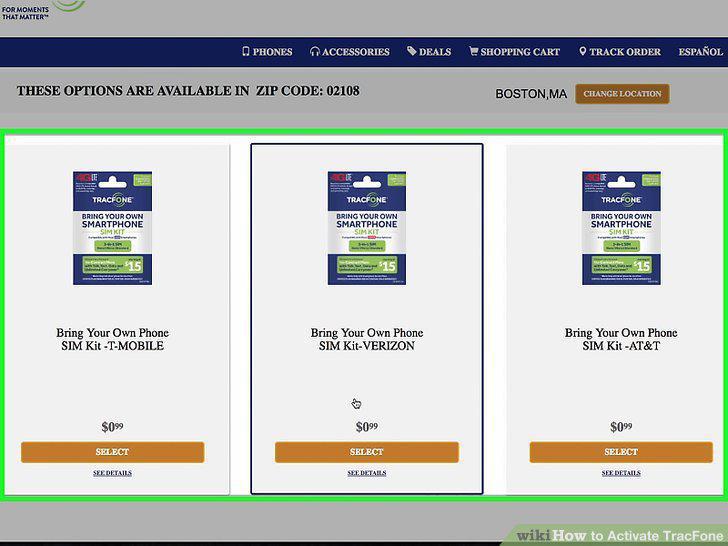
Select a plan and click CONTINUE.
Pay for your plan (and SIM, if necessary).
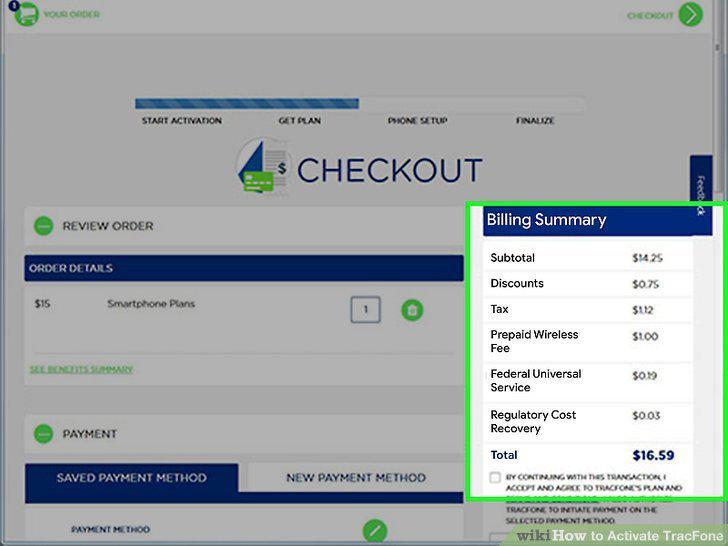
Pay for your plan (and SIM, if necessary).
Follow the on-screen instructions to complete the activation.
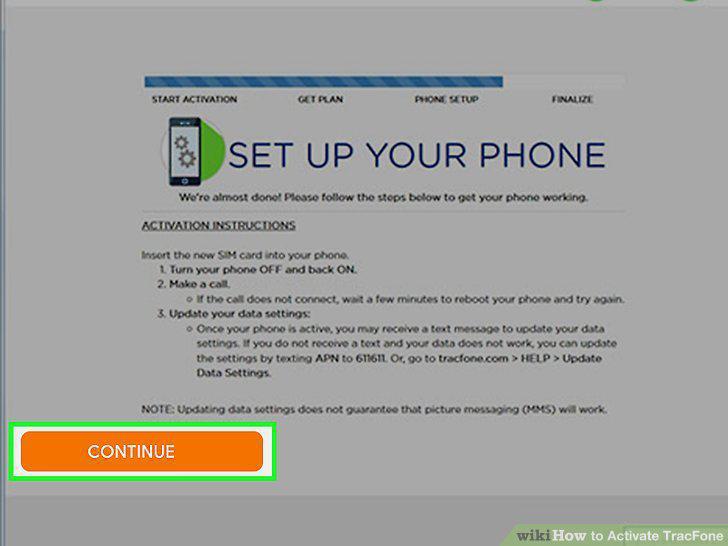
Follow the on-screen instructions to complete the activation.
Go to https://get.tracfone.com/bring-your-own-phone in a web browser.
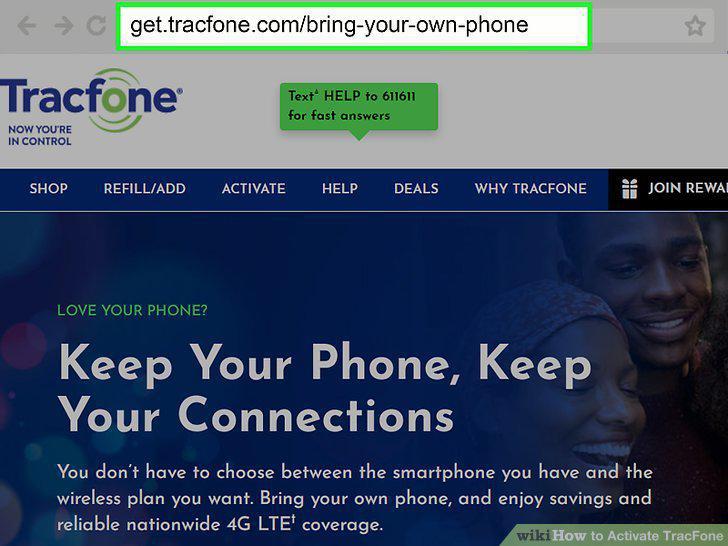
Go to https://get.tracfone.com/bring-your-own-phone in a web browser.
Scroll down and click GET STARTED.
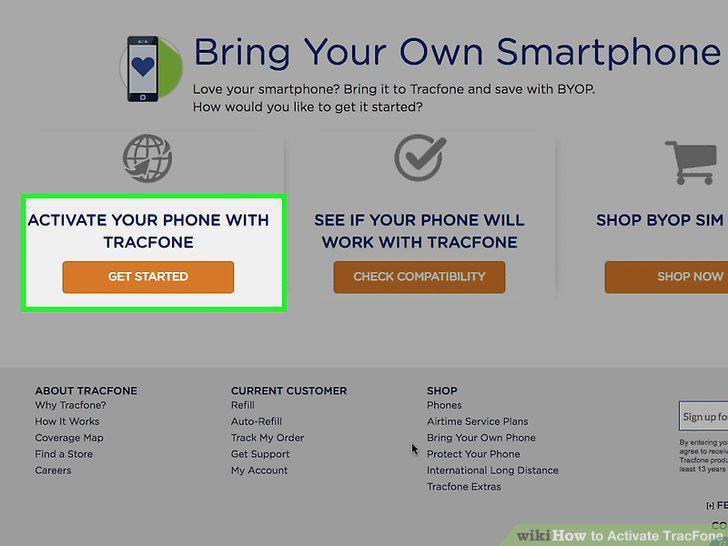
Scroll down and click GET STARTED.
Click SELECT under your carrier.
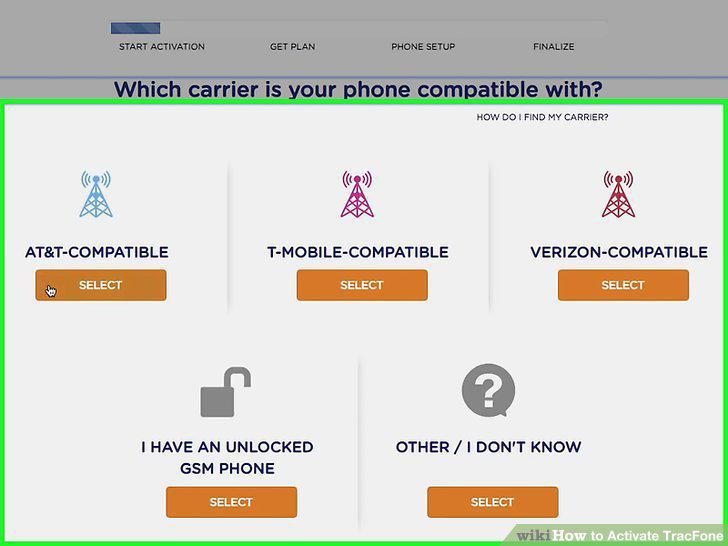
Click SELECT under your carrier.
Follow the on-screen instructions for your provider.
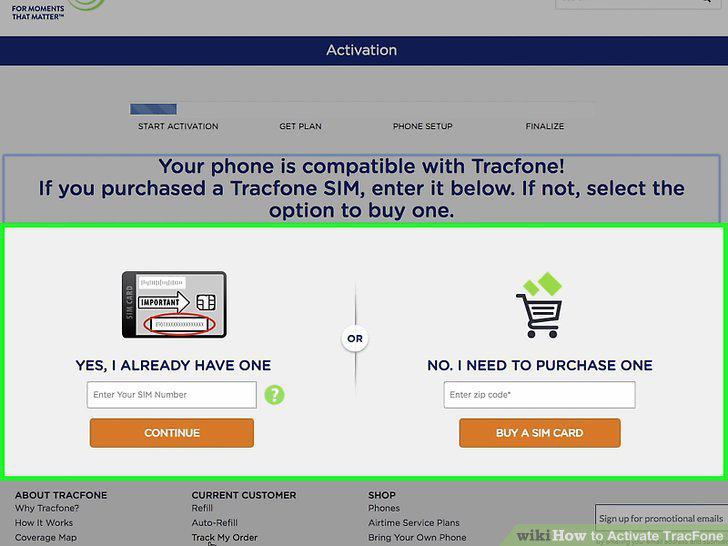
Follow the on-screen instructions for your provider.
Select a plan and click CONTINUE.
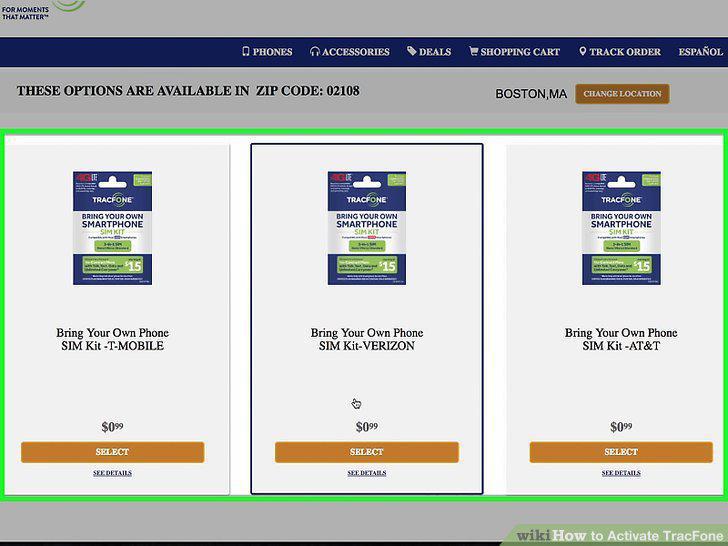
Select a plan and click CONTINUE.
Pay for your plan (and SIM, if necessary).
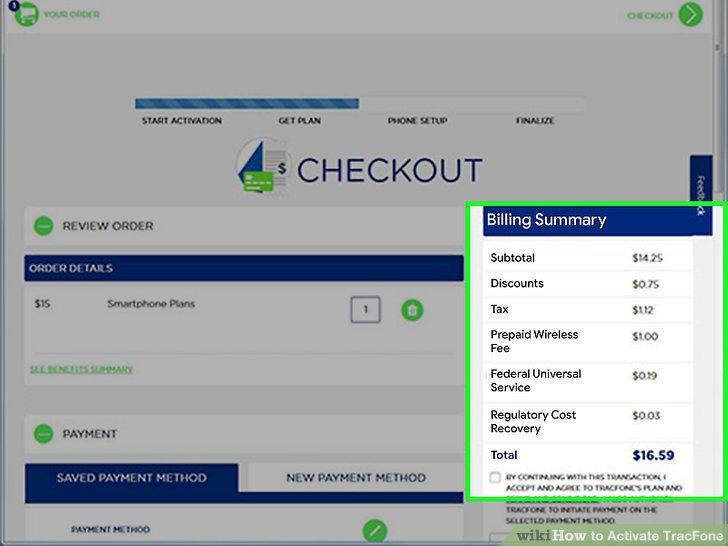
Pay for your plan (and SIM, if necessary).
Follow the on-screen instructions to complete the activation.
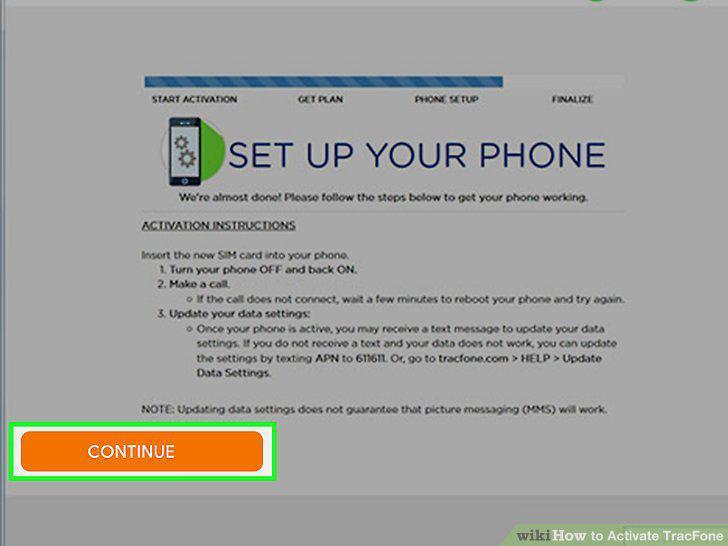
Follow the on-screen instructions to complete the activation.
Comments (0)
No comments yet. Be the first to share your thoughts!