How to Open Docx Files on Android
Open the Microsoft Word app.. Tap the Open icon (an open folder).. Tap the location of your file.
Steps
1
Open the Microsoft Word app.
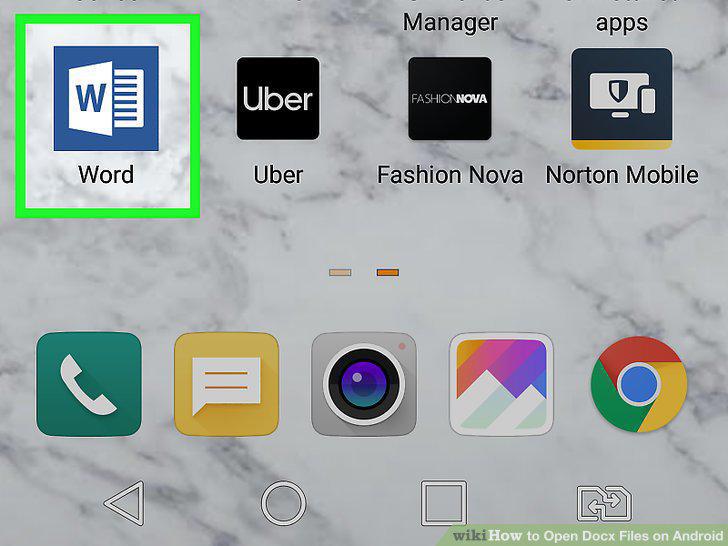
Open the Microsoft Word app.
2
Tap the Open icon (an open folder).
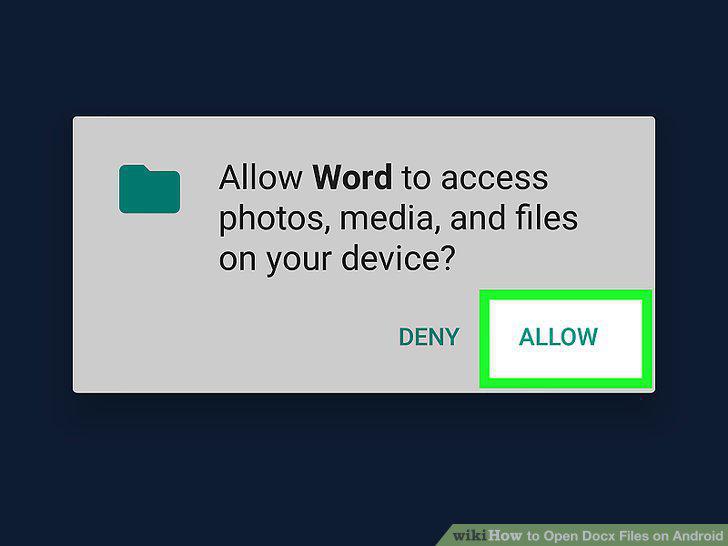
Tap the Open icon (an open folder).
3
Tap the location of your file.
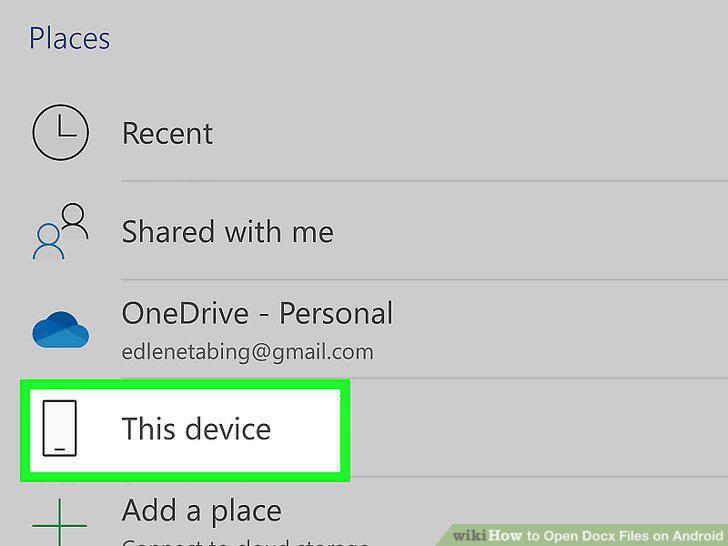
Tap the location of your file.
4
Navigate to your file.
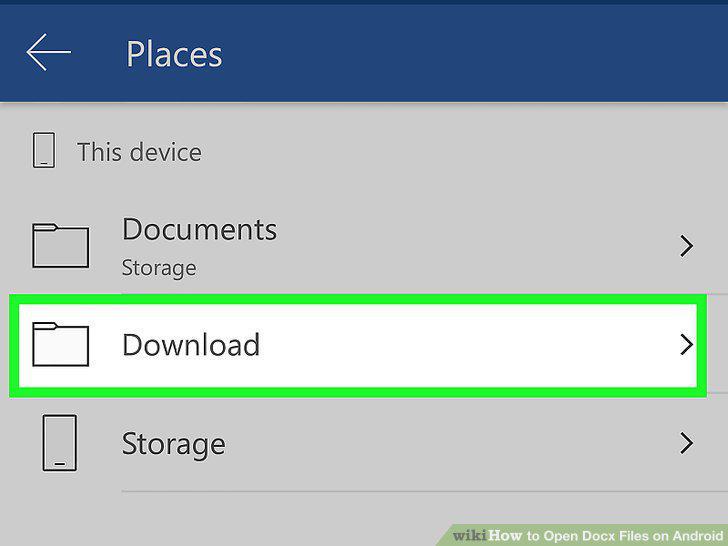
Navigate to your file.
5
Tap the file you want to open.
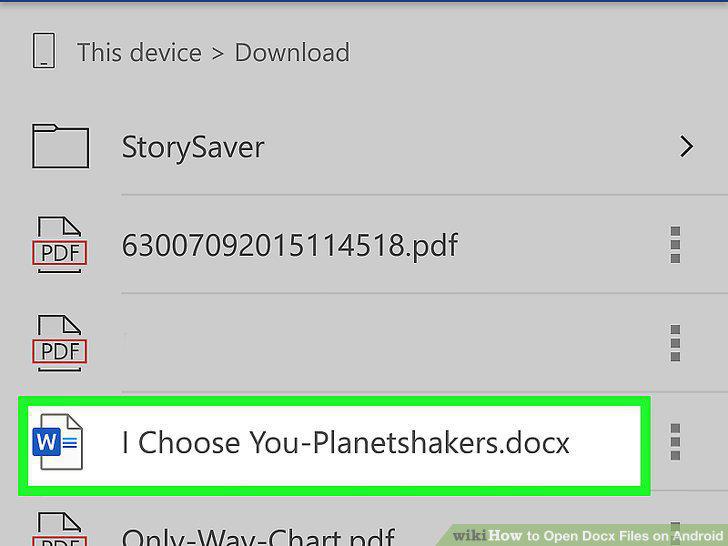
Tap the file you want to open.
6
Open the Google Docs app.
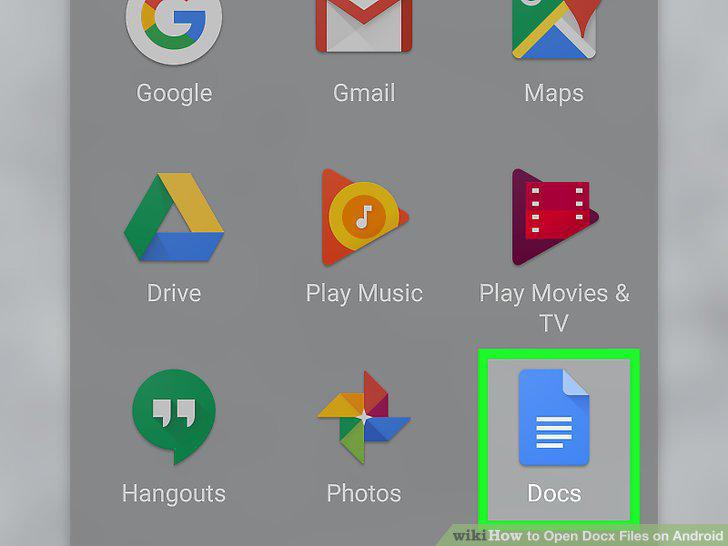
Open the Google Docs app.
7
Tap the folder icon.
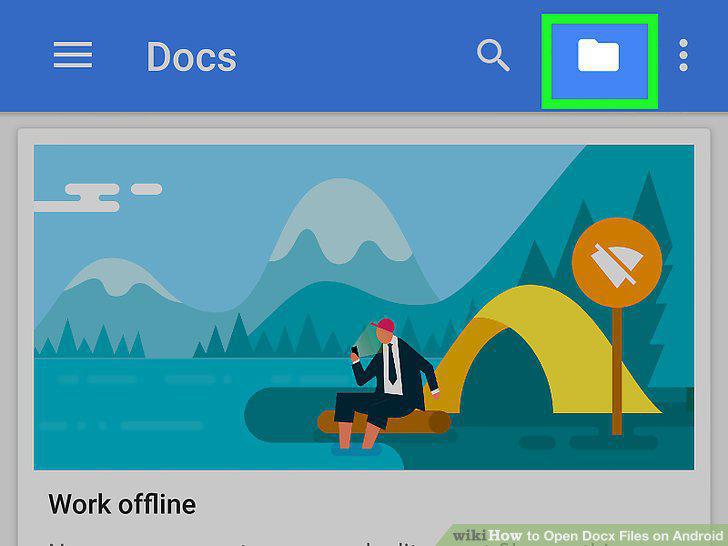
Tap the folder icon.
8
Tap Device Storage.
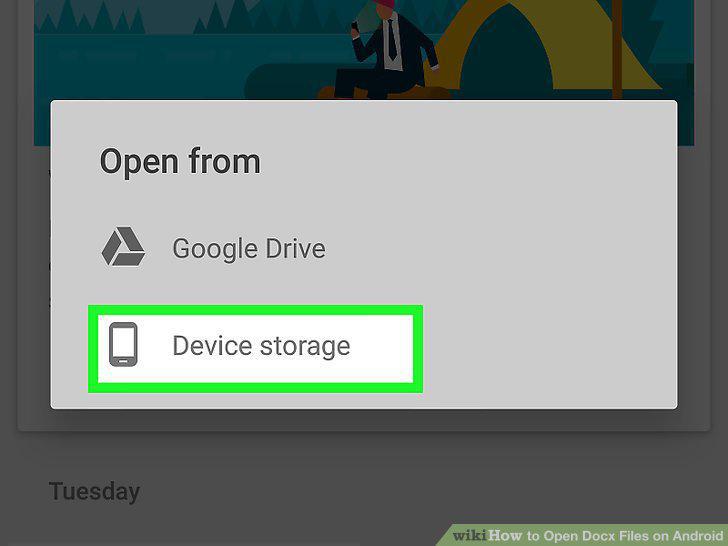
Tap Device Storage.
9
Navigate to your file.
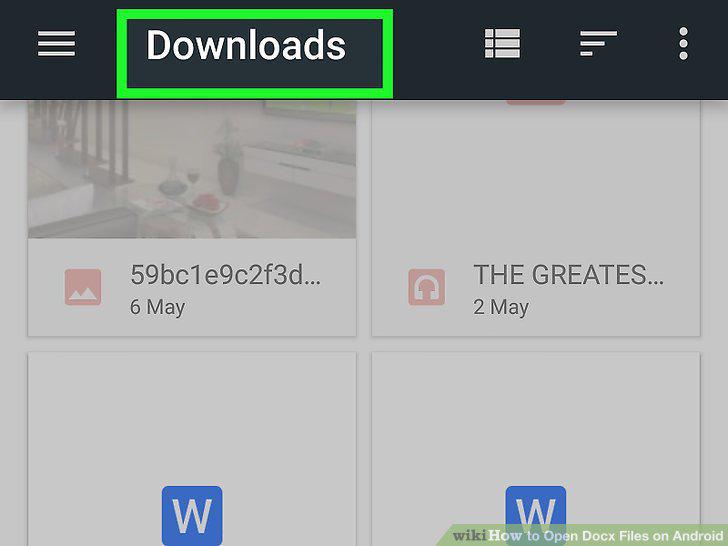
Navigate to your file.
10
Tap the file you want to open.
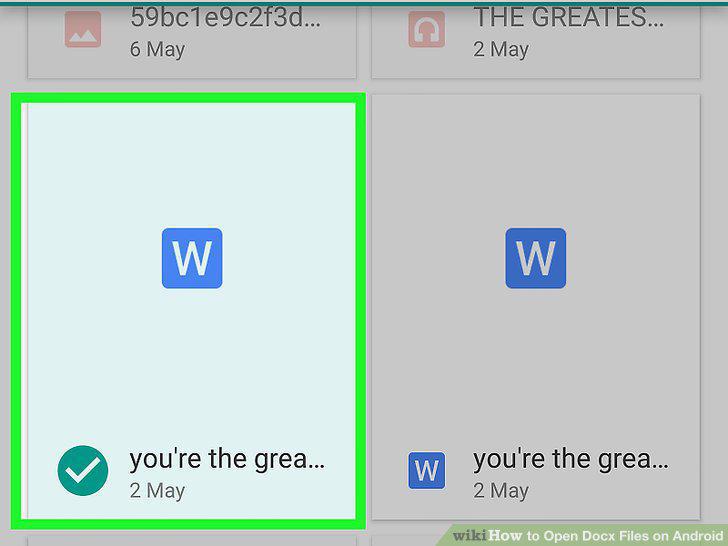
Tap the file you want to open.
Comments (0)
No comments yet. Be the first to share your thoughts!