How to Delete Your Dispo Account
Compose a new email message to support@dispo.fun.. Type "Delete my Dispo account" into the email's subject line.. Enter your contact information and Dispo username into the message.
Steps
1
Compose a new email message to support@dispo.fun.
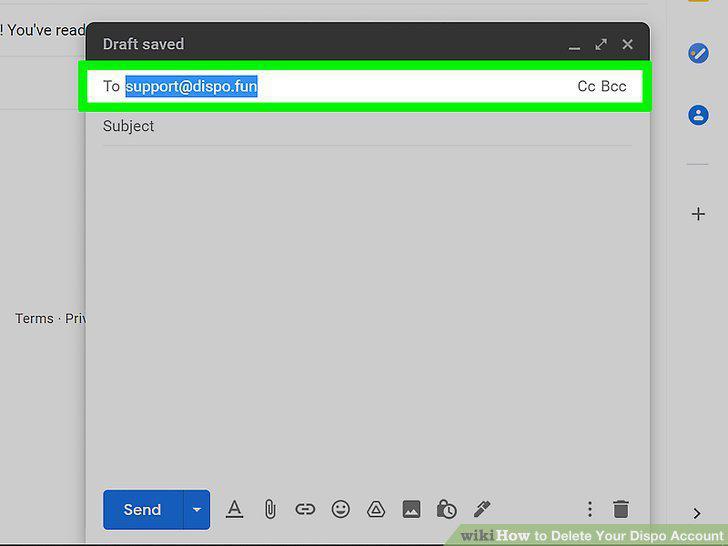
Compose a new email message to support@dispo.fun.
2
Type "Delete my Dispo account" into the email's subject line.
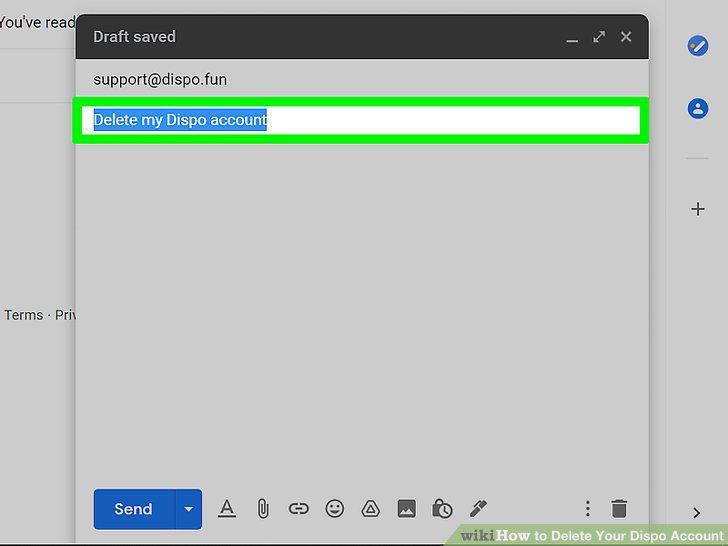
Type "Delete my Dispo account" into the email's subject line.
3
Enter your contact information and Dispo username into the message.
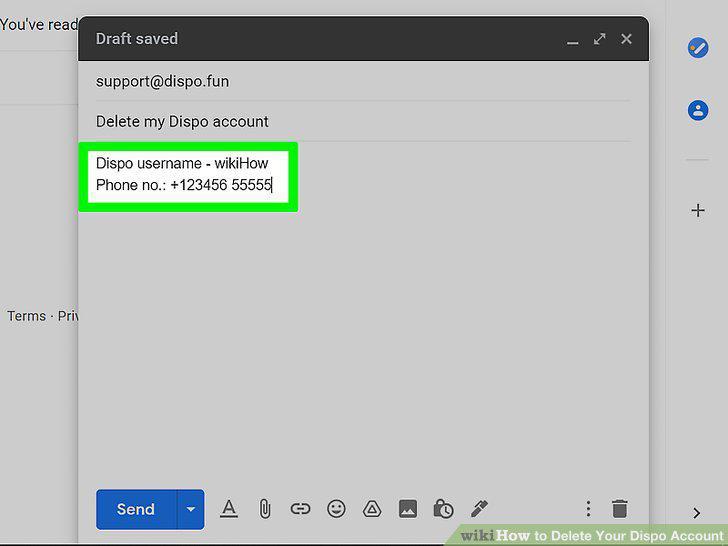
Enter your contact information and Dispo username into the message.
4
Type "Please delete my account as soon as possible" into the body of the email.
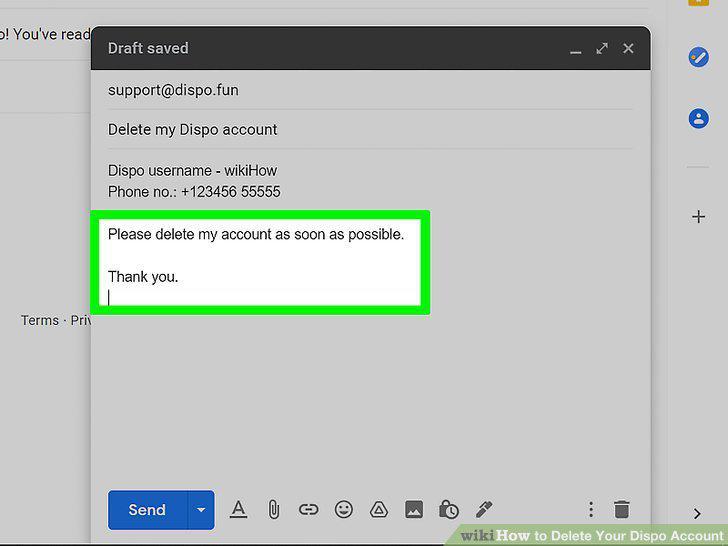
Type "Please delete my account as soon as possible" into the body of the email.
5
Send the message.
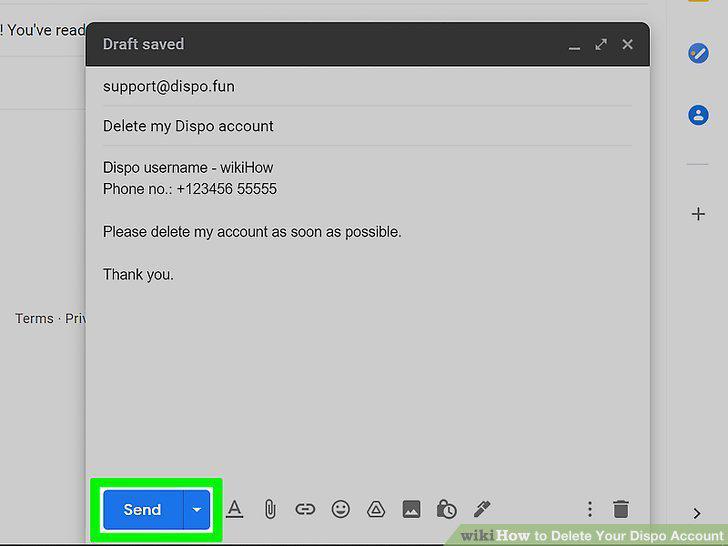
Send the message.
6
Request that your personal data be deleted (optional).
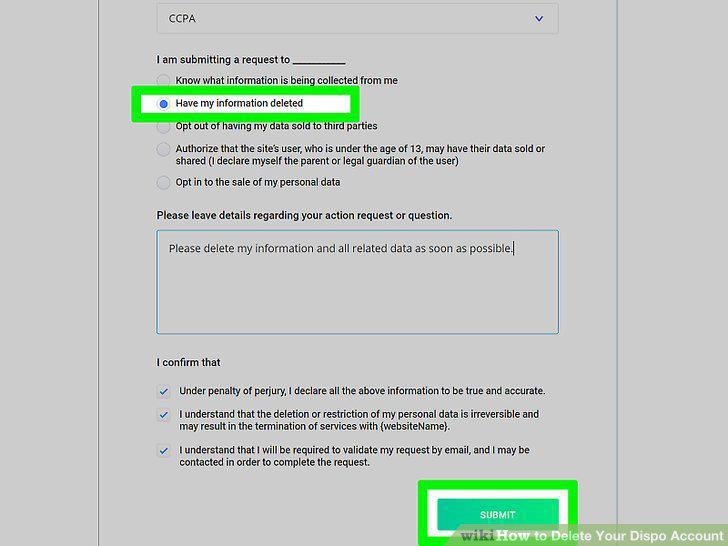
Request that your personal data be deleted (optional).
Comments (0)
No comments yet. Be the first to share your thoughts!