How to Download Playerunknown's Battlegrounds on Android
Press the Google Play Store app icon.. Type "PUGB Mobile" into the search bar.. Tap the green Install button.
Steps
1
Press the Google Play Store app icon.
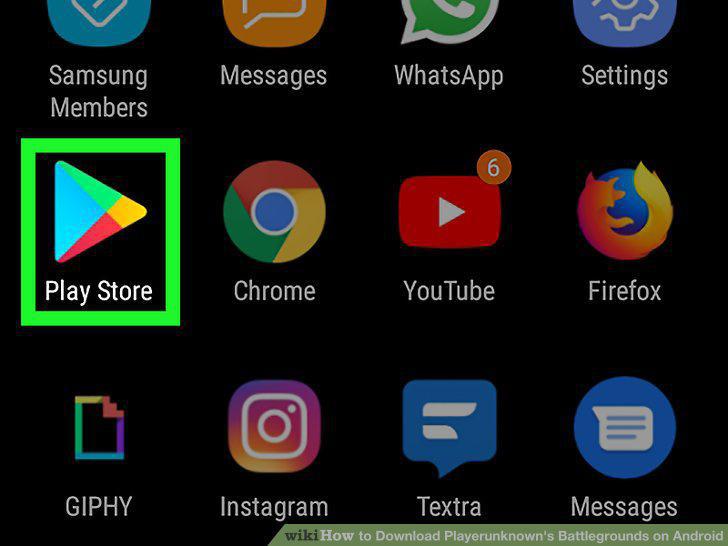
Press the Google Play Store app icon.
2
Type "PUGB Mobile" into the search bar.
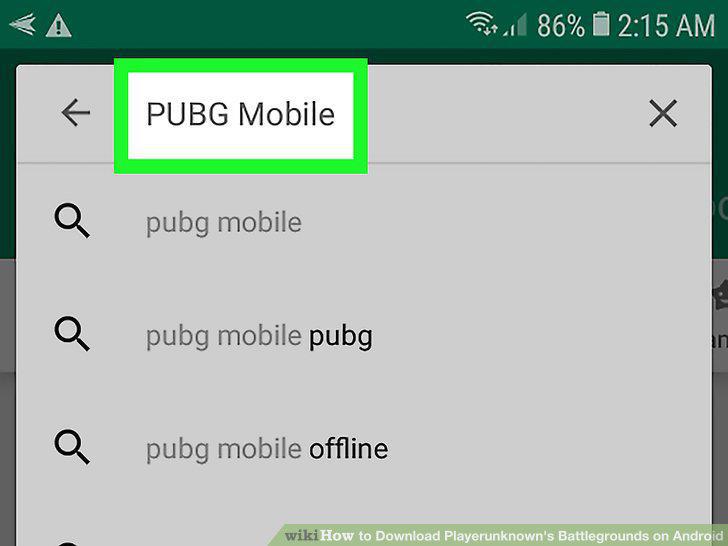
Type "PUGB Mobile" into the search bar.
3
Tap the green Install button.
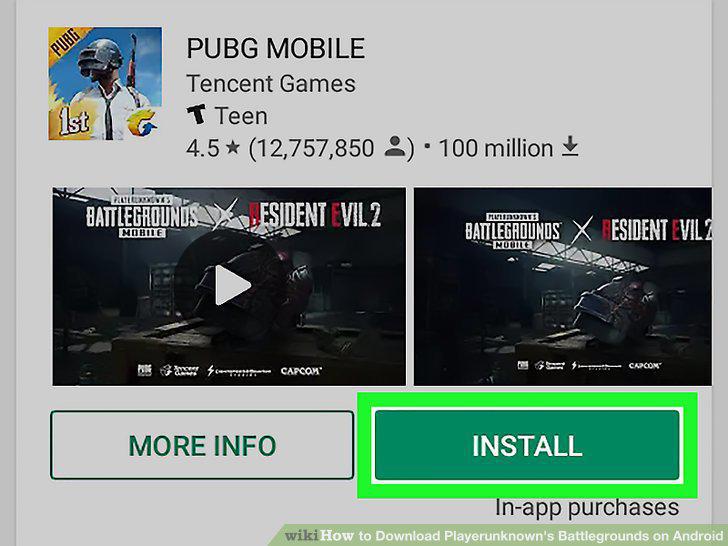
Tap the green Install button.
Comments (0)
No comments yet. Be the first to share your thoughts!