How to Highlight Text in a PDF Document
Open a PDF document in Adobe Reader.. Click on the highlighter tool.. Position the cursor at the beginning of the text you want to highlight.
Steps
1
Open a PDF document in Adobe Reader.
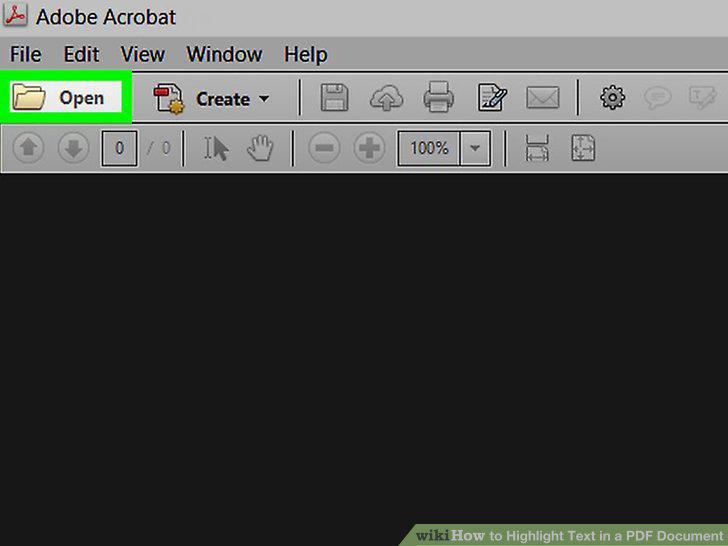
Open a PDF document in Adobe Reader.
2
Click on the highlighter tool.
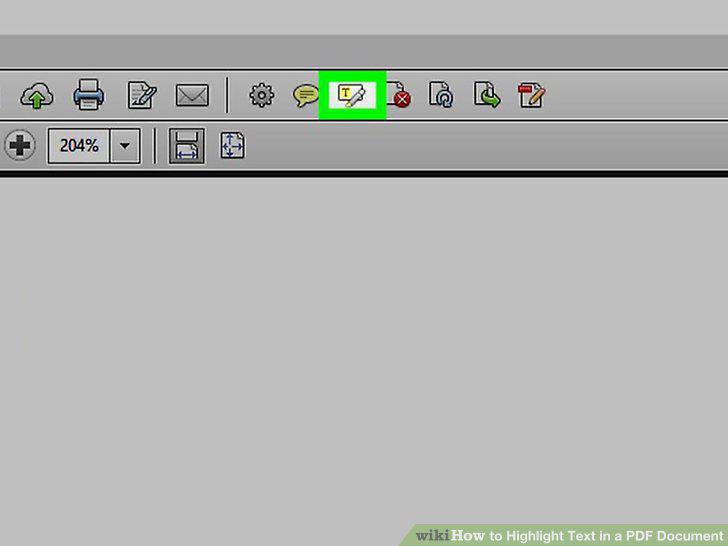
Click on the highlighter tool.
3
Position the cursor at the beginning of the text you want to highlight.
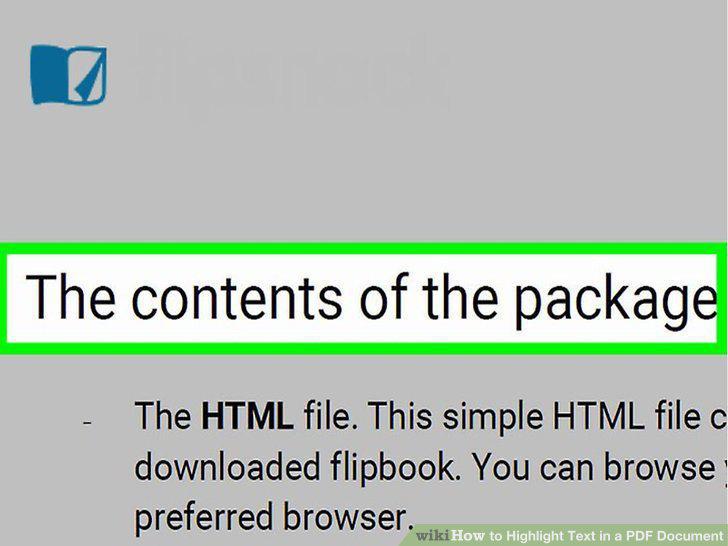
Position the cursor at the beginning of the text you want to highlight.
4
Click and hold, then drag the cursor across the text.
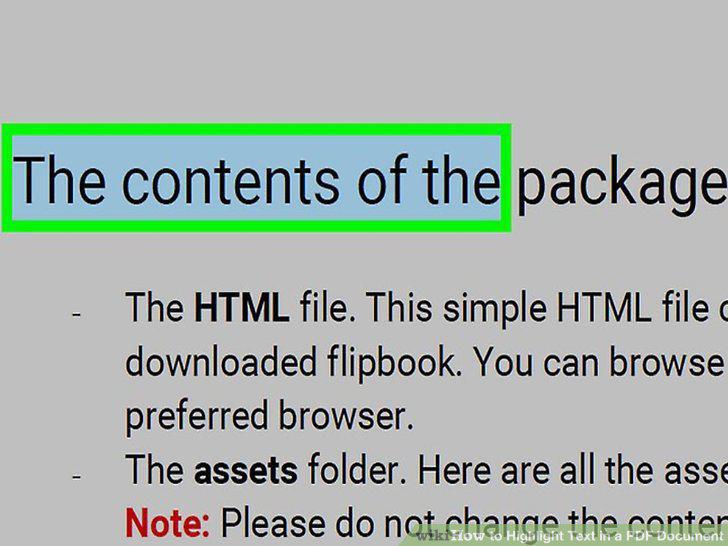
Click and hold, then drag the cursor across the text.
5
Release the click when you are done.
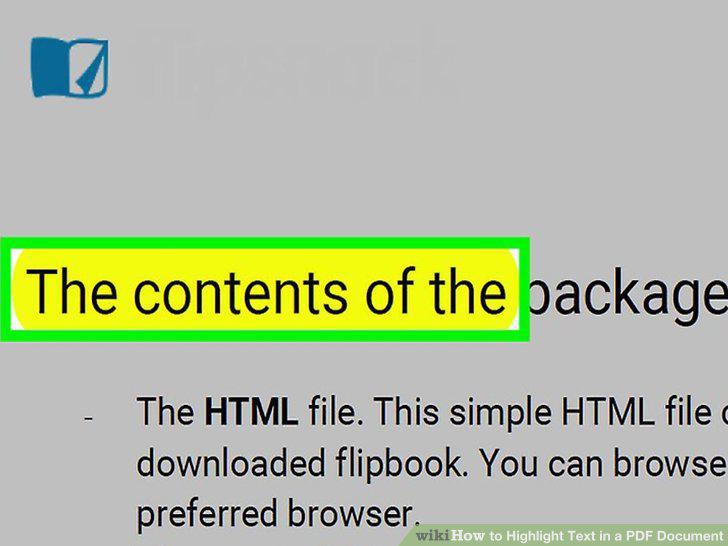
Release the click when you are done.
6
Click on File in the menu bar and Save in the drop-down menu.
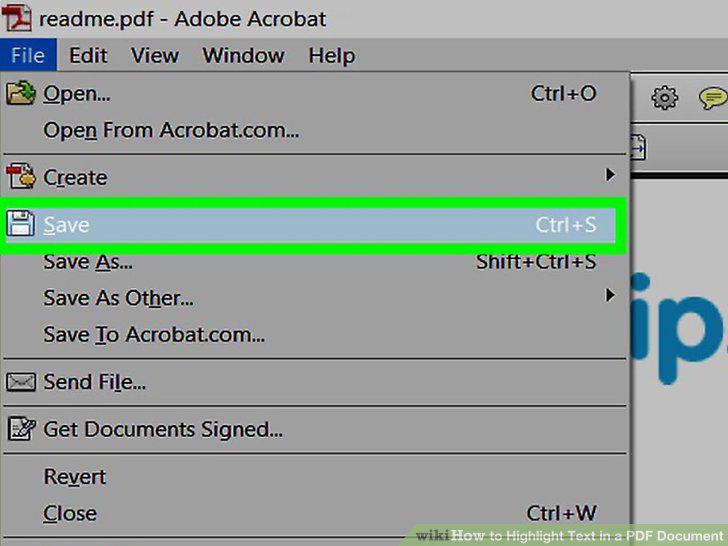
Click on File in the menu bar and Save in the drop-down menu.
7
Open a PDF document in the Preview app.
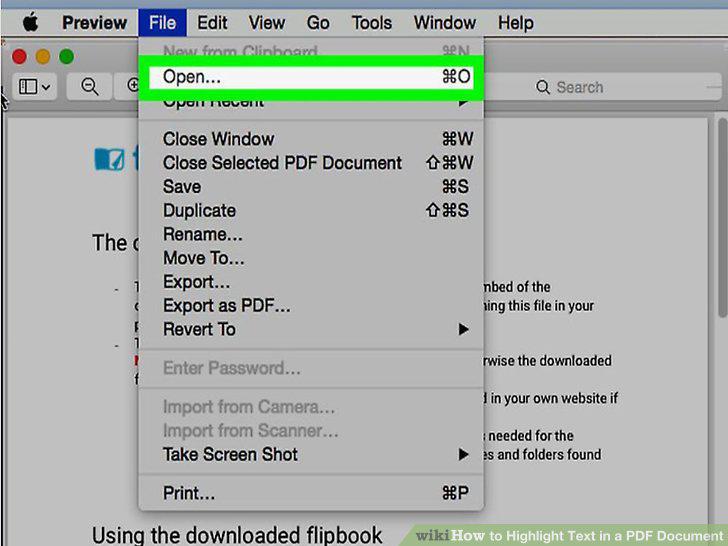
Open a PDF document in the Preview app.
8
Click on the highlighter tool.
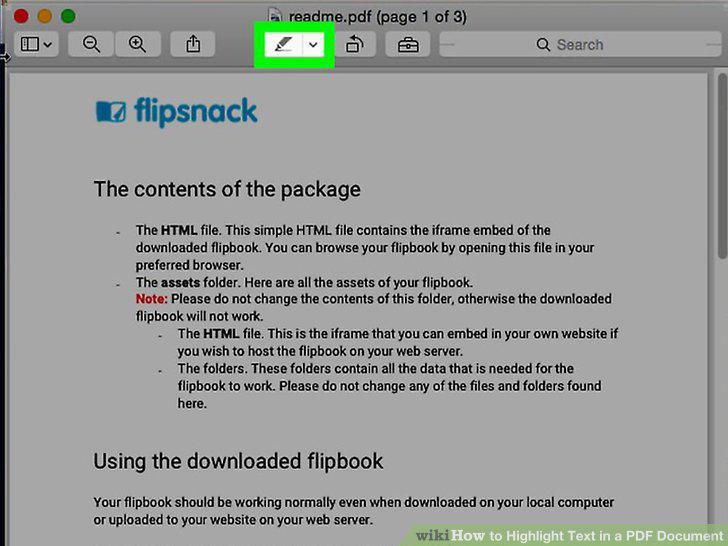
Click on the highlighter tool.
9
Position the cursor at the beginning of the text you want to highlight.
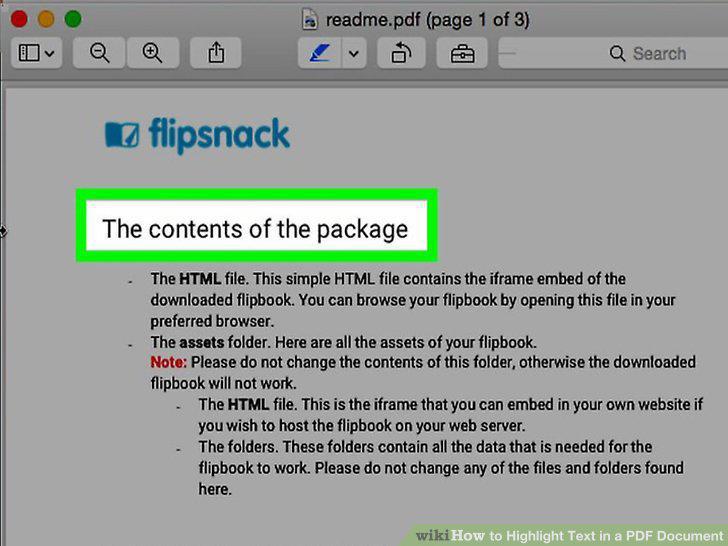
Position the cursor at the beginning of the text you want to highlight.
10
Click and hold, then drag the cursor across the text.
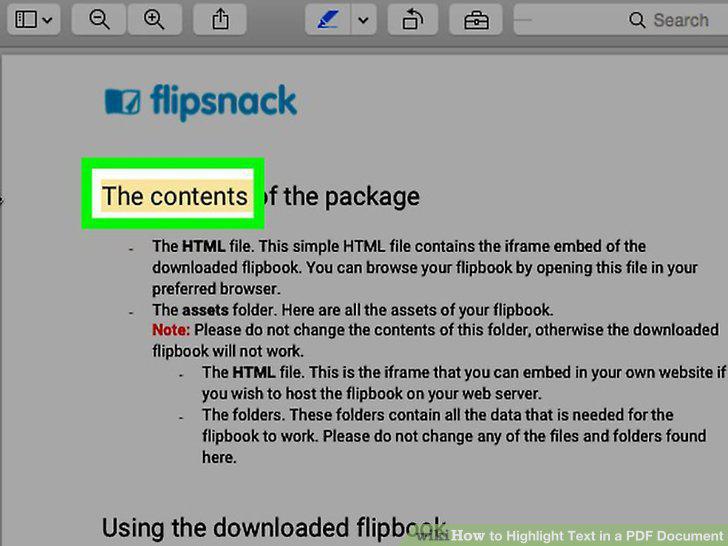
Click and hold, then drag the cursor across the text.
11
Release the click when you are done.
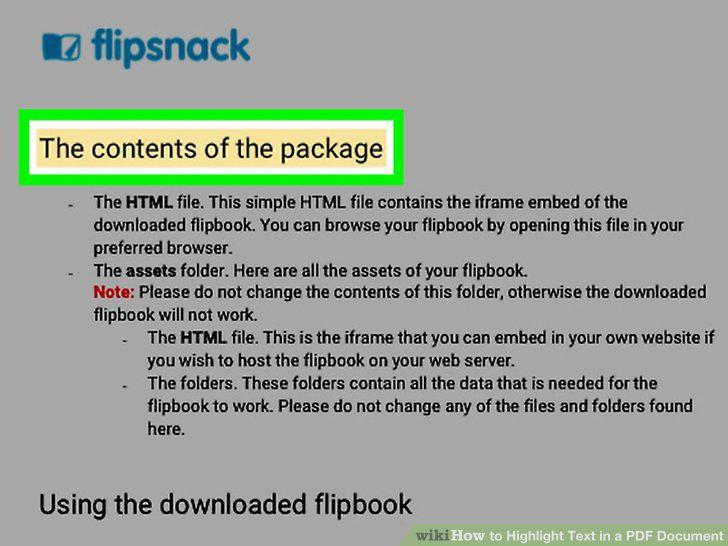
Release the click when you are done.
12
Click on File in the menu bar and Save in the drop-down menu.
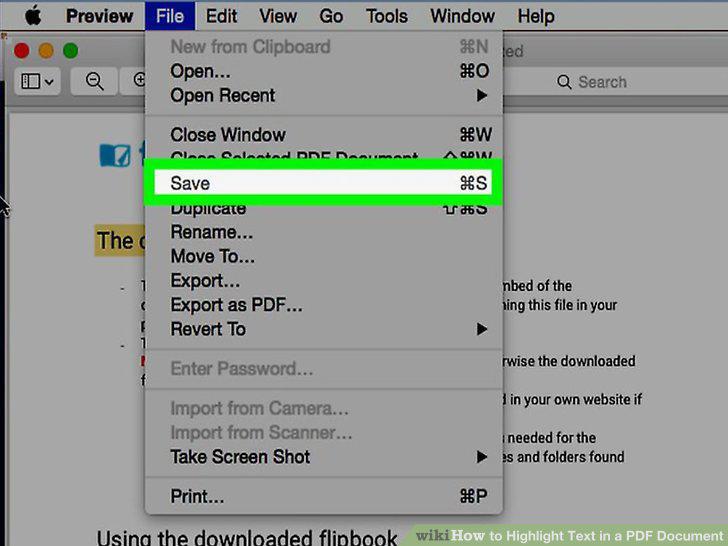
Click on File in the menu bar and Save in the drop-down menu.
Comments (0)
No comments yet. Be the first to share your thoughts!