How to Webcam With Another Person
Download and install Skype.. Connect your webcam.. Launch Skype and create or log into your account.
Steps
1
Download and install Skype.
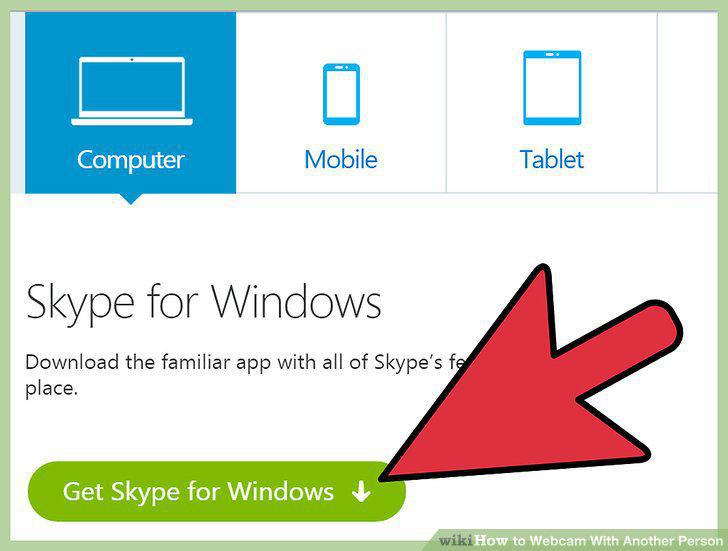
Download and install Skype.
2
Connect your webcam.
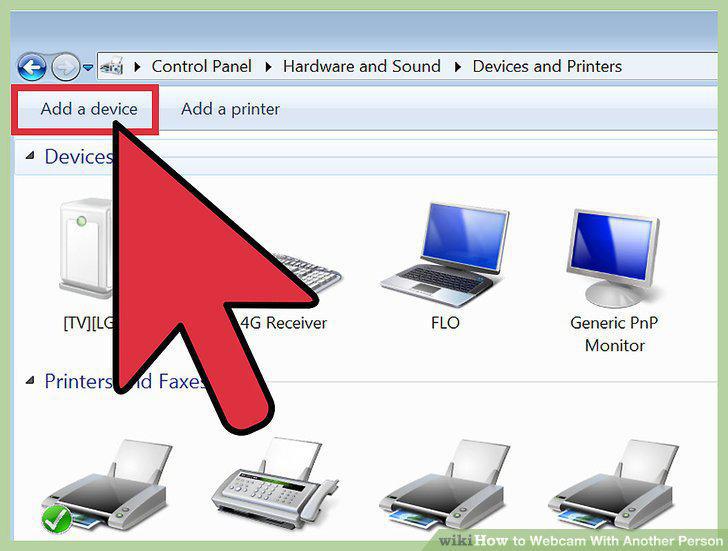
Connect your webcam.
3
Launch Skype and create or log into your account.
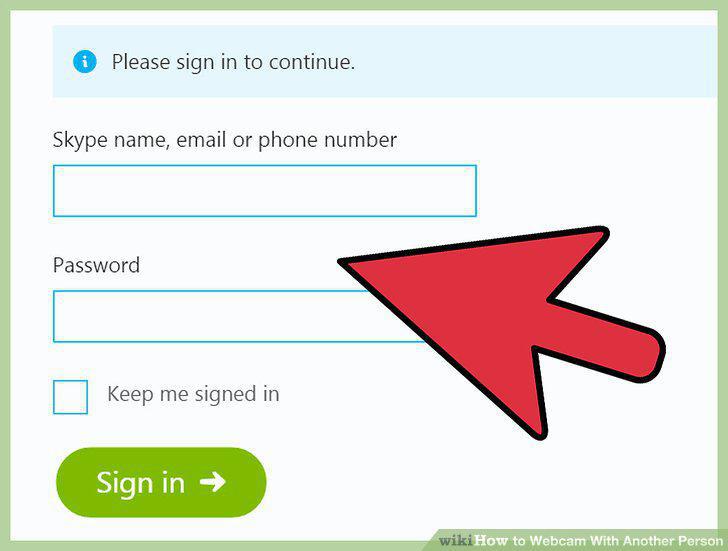
Launch Skype and create or log into your account.
4
Adjust your camera settings.
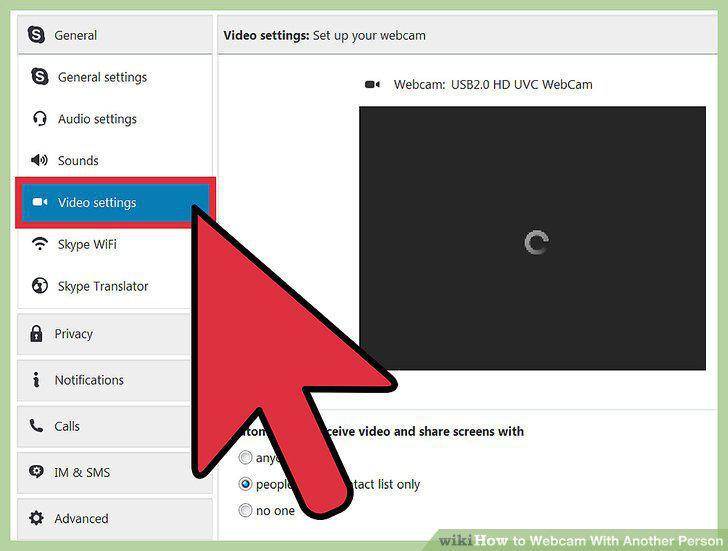
Adjust your camera settings.
5
Initiate a video call.
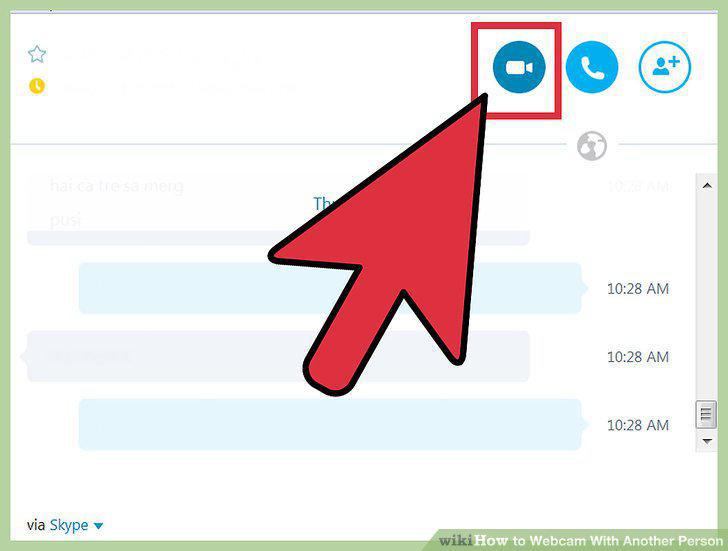
Initiate a video call.
6
Install and launch Facetime.
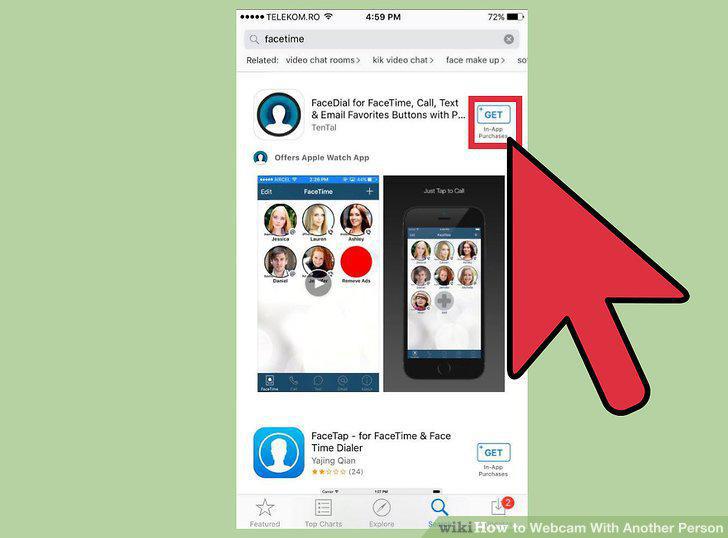
Install and launch Facetime.
7
Connect your webcam and launch Facetime.
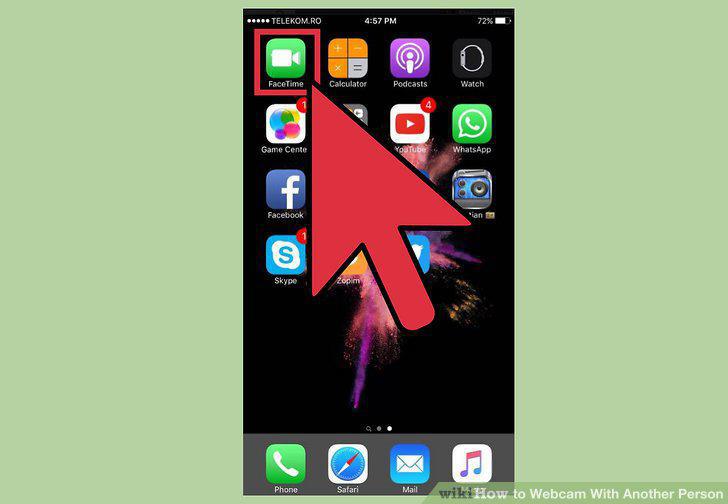
Connect your webcam and launch Facetime.
8
Sign in using your Apple ID.
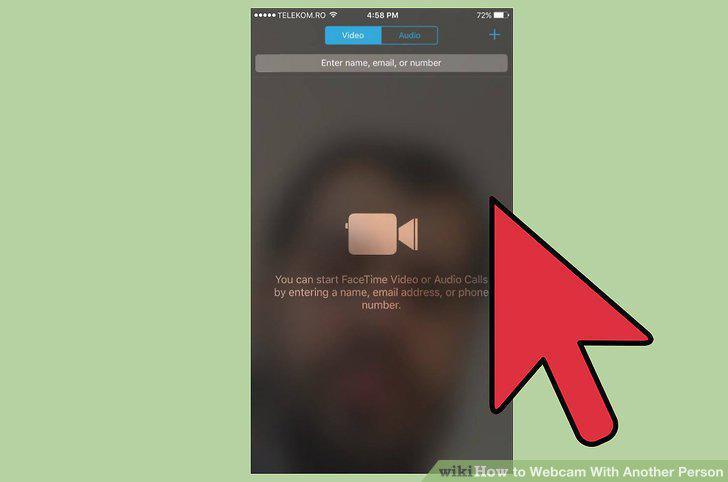
Sign in using your Apple ID.
9
Initiate a call.
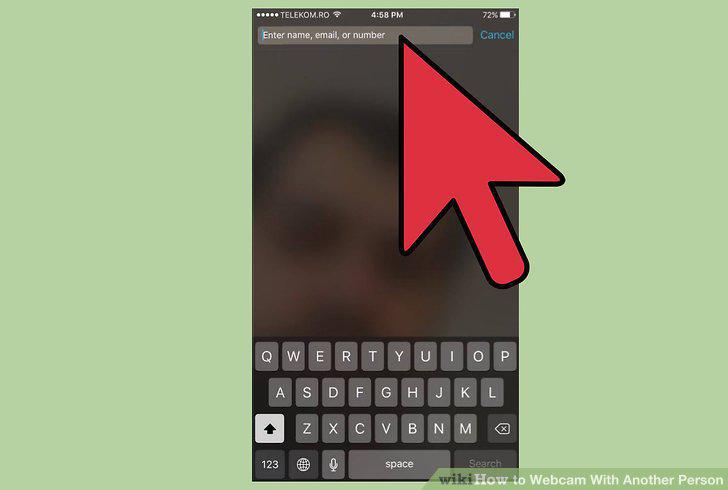
Initiate a call.
10
Choose a social media platform.

Choose a social media platform.
11
Connect your webcam and sign into your account.
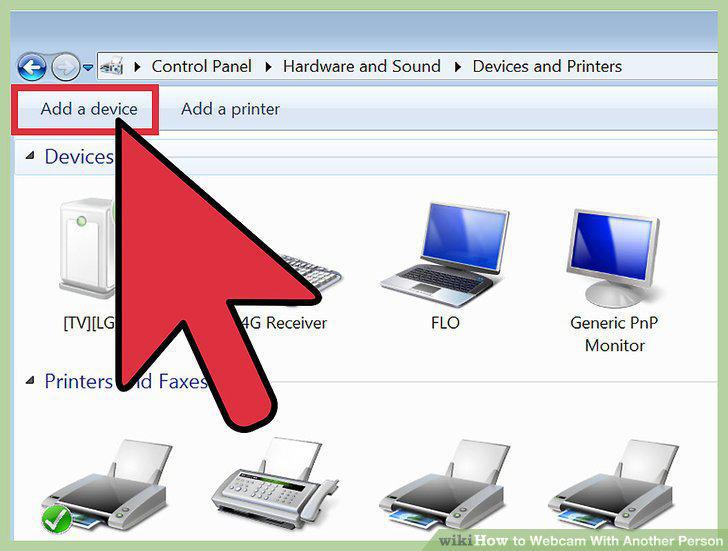
Connect your webcam and sign into your account.
12
Open a chat window with the desired recipient.
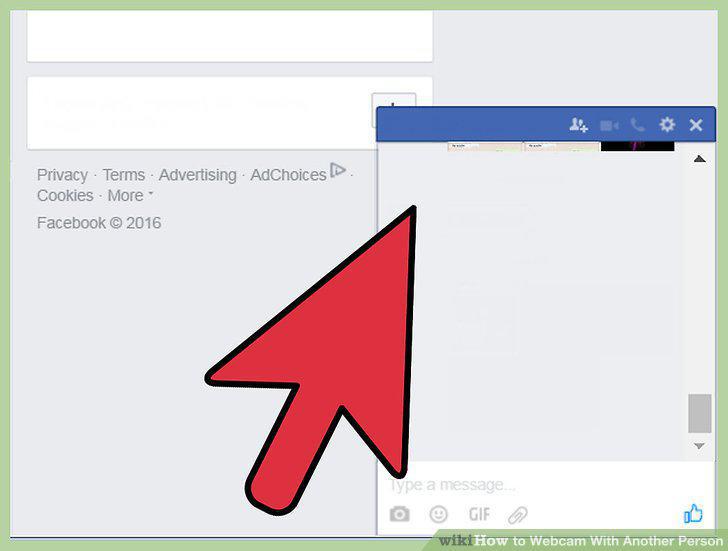
Open a chat window with the desired recipient.
13
Press the video call button.
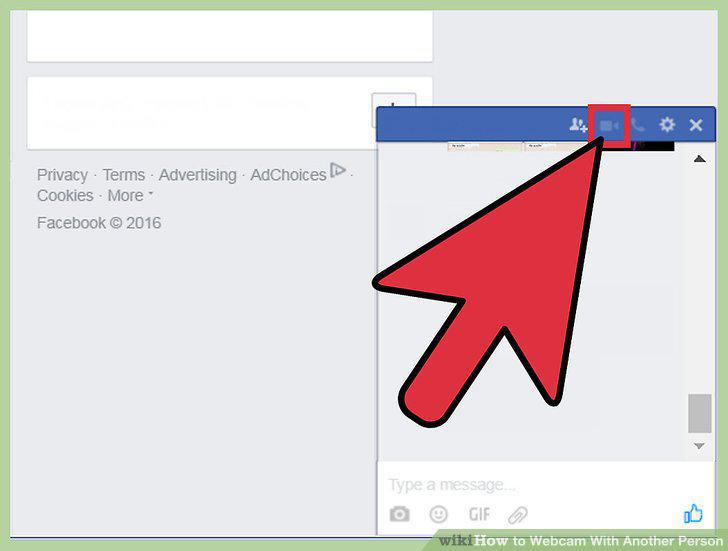
Press the video call button.
Comments (0)
No comments yet. Be the first to share your thoughts!