How to Check Transaction Log Size in a SQL Server
Log into the SQL Server Management Studio.. Select the database in the Object Explorer.. Click New Query.
Steps
1
Log into the SQL Server Management Studio.
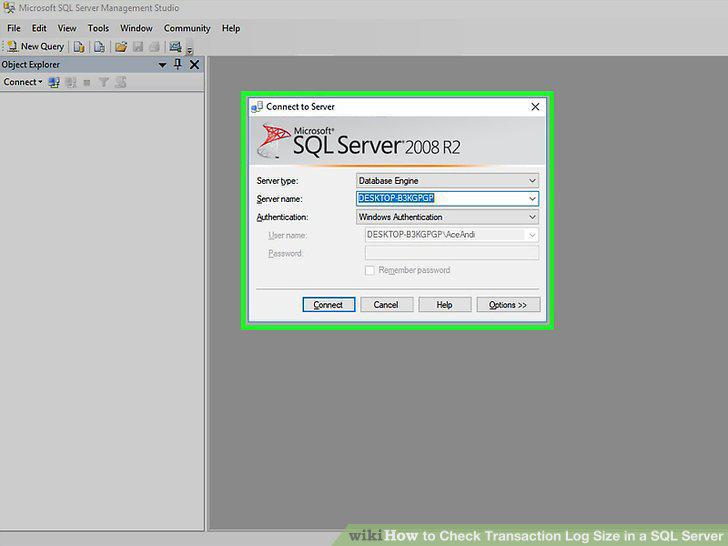
Log into the SQL Server Management Studio.
2
Select the database in the Object Explorer.
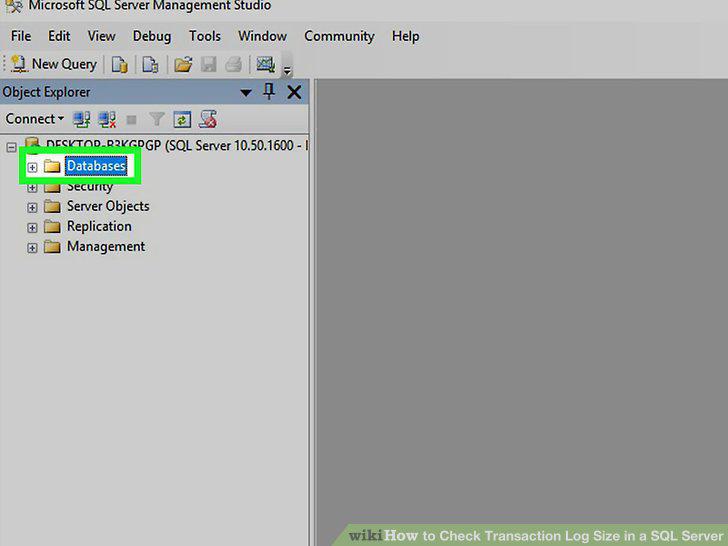
Select the database in the Object Explorer.
3
Click New Query.
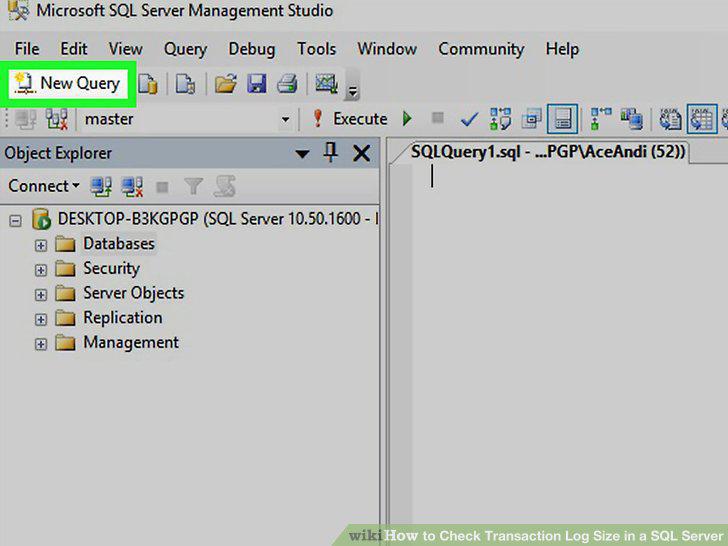
Click New Query.
4
Find the size of the transaction log.
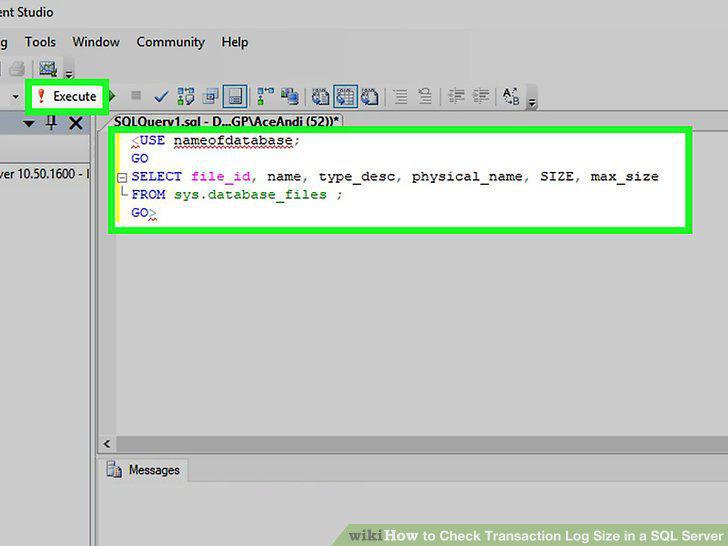
Find the size of the transaction log.
5
Find the amount of log space in use.
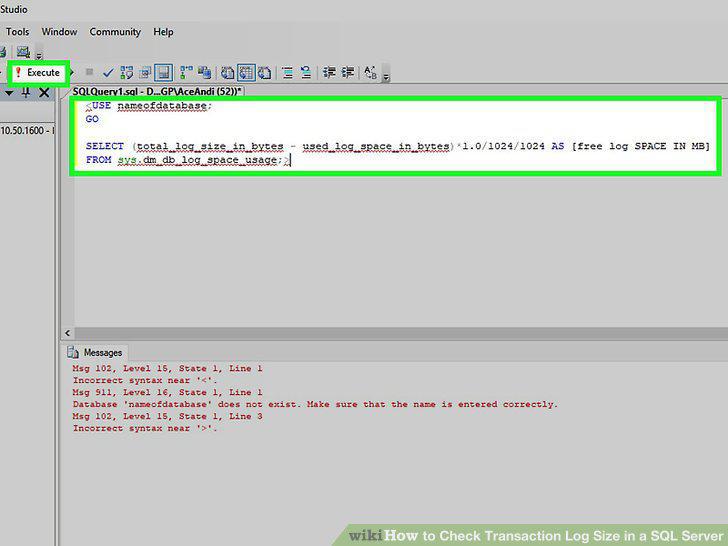
Find the amount of log space in use.
Comments (0)
No comments yet. Be the first to share your thoughts!