How to Clean a Plasma TV Screen
Turn off the plasma display and let it cool before cleaning it.. Wipe the screen with a soft, lint-free cloth to remove fingerprints and smudges.. Spray an alcohol-based screen cleaner onto a clean cloth.
Steps
Turn off the plasma display and let it cool before cleaning it.
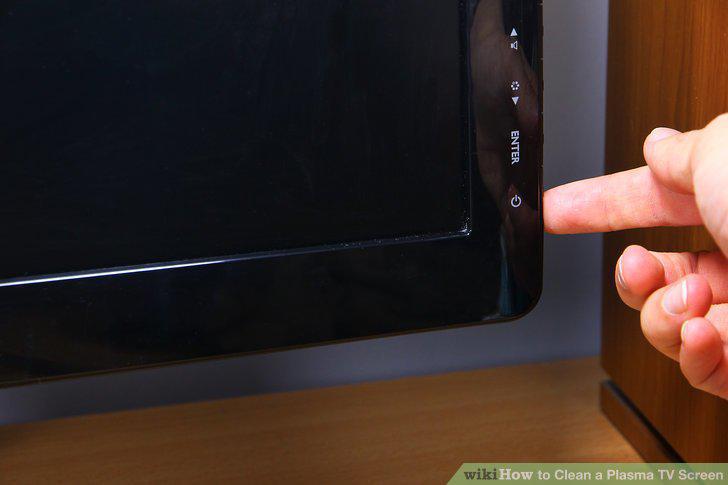
Turn off the plasma display and let it cool before cleaning it.
Wipe the screen with a soft, lint-free cloth to remove fingerprints and smudges.
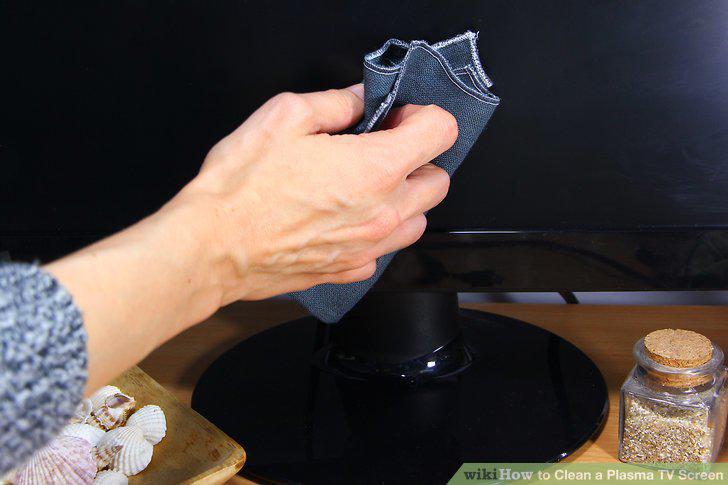
Wipe the screen with a soft, lint-free cloth to remove fingerprints and smudges.
Spray an alcohol-based screen cleaner onto a clean cloth.
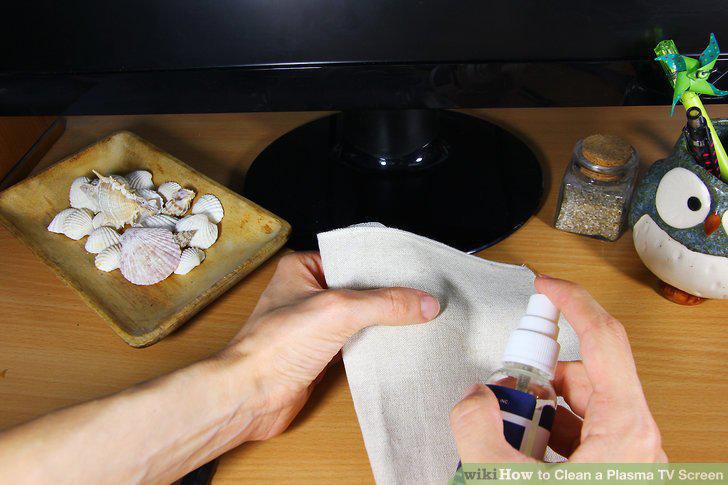
Spray an alcohol-based screen cleaner onto a clean cloth.
Swab the screen with the dampened cloth to remove stubborn dust.
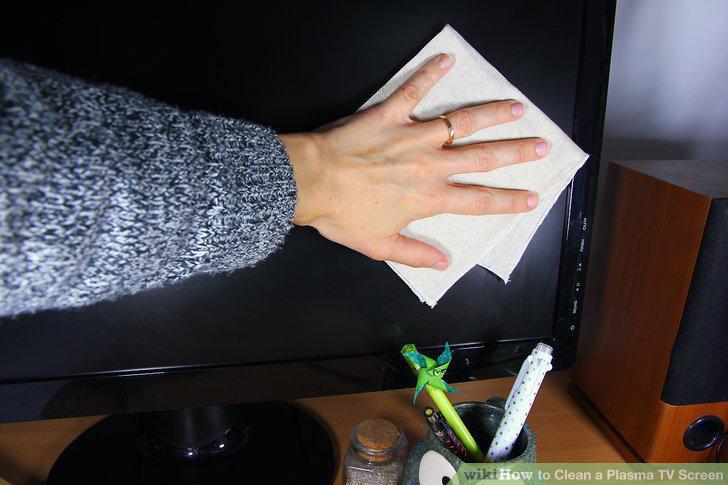
Swab the screen with the dampened cloth to remove stubborn dust.
Dry the screen with a separate clean, dry cloth.
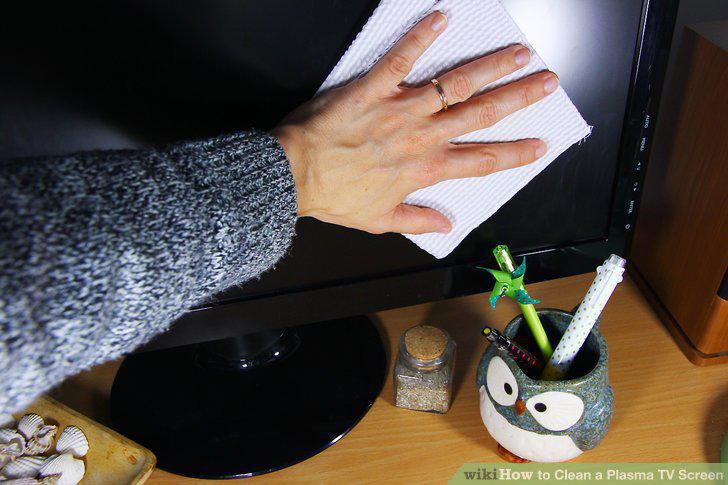
Dry the screen with a separate clean, dry cloth.
Fill a spray bottle with water and 2-3 drops of dishwashing detergent.
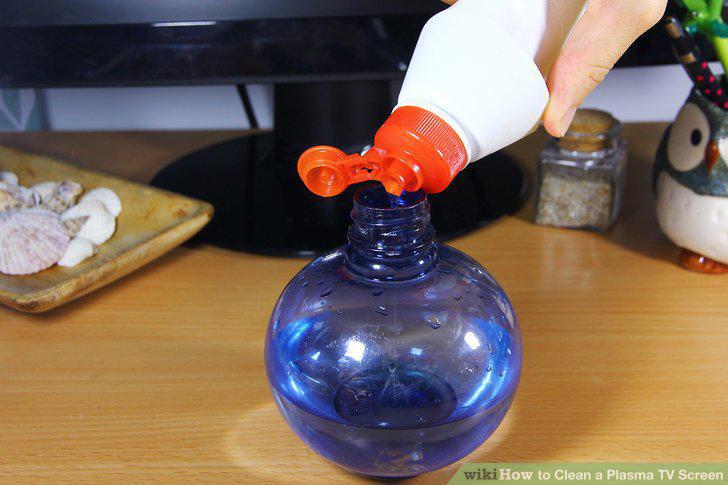
Fill a spray bottle with water and 2-3 drops of dishwashing detergent.
Spray 2-3 squirts of the liquid onto a microfiber cloth.
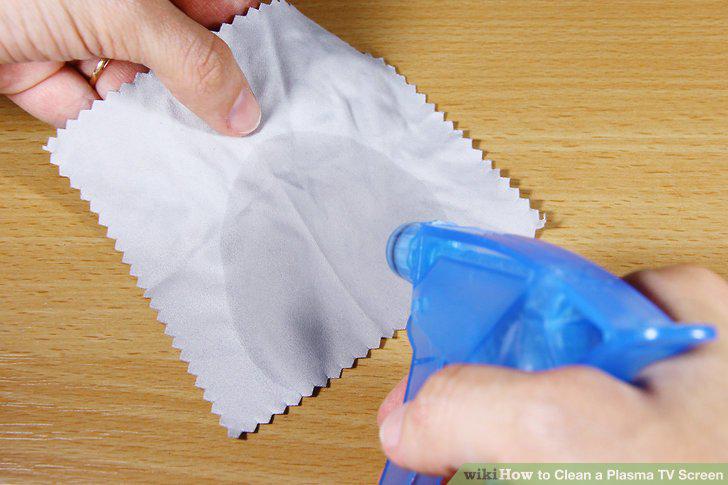
Spray 2-3 squirts of the liquid onto a microfiber cloth.
Use 1 finger to wipe the stained spot on your plasma screen.
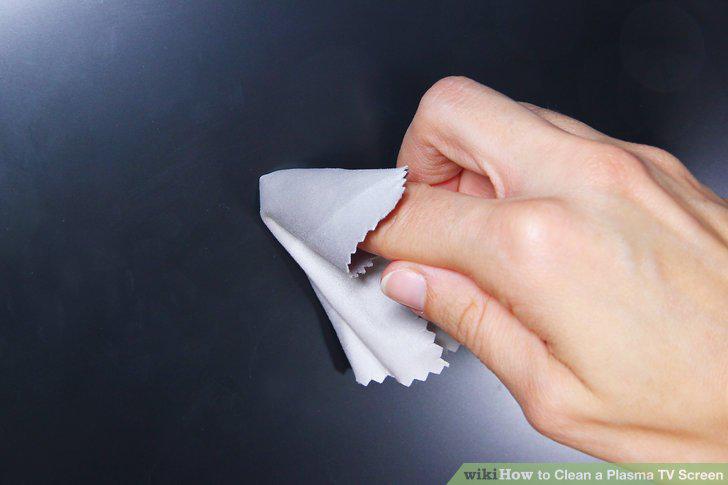
Use 1 finger to wipe the stained spot on your plasma screen.
Wipe the screen dry with a clean microfiber cloth.
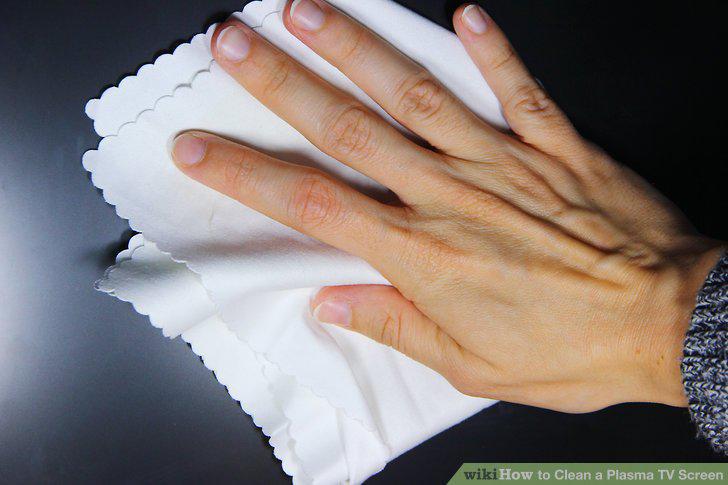
Wipe the screen dry with a clean microfiber cloth.
Comments (0)
No comments yet. Be the first to share your thoughts!