How to Leave a Channel on Slack
Open your Slack app or sign into the Slack website.. Open the channel you want to leave by clicking or tapping the channel name.. Type "/leave" into the message field.
Steps
Open your Slack app or sign into the Slack website.
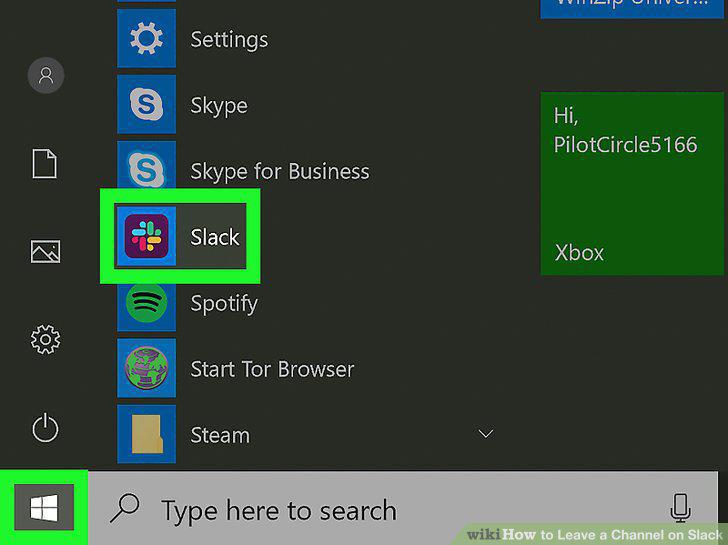
Open your Slack app or sign into the Slack website.
Open the channel you want to leave by clicking or tapping the channel name.
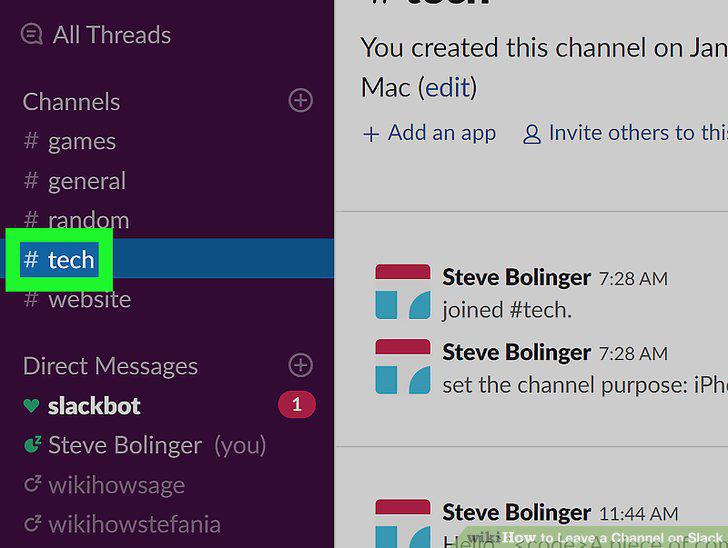
Open the channel you want to leave by clicking or tapping the channel name.
Type "/leave" into the message field.
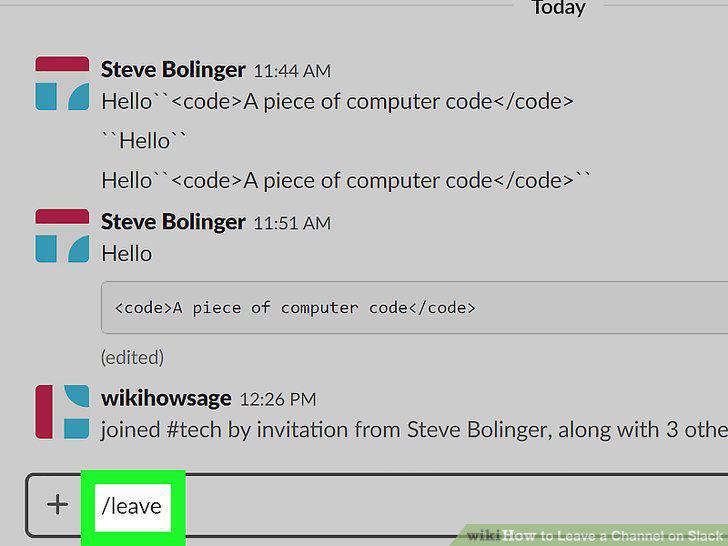
Type "/leave" into the message field.
Press .
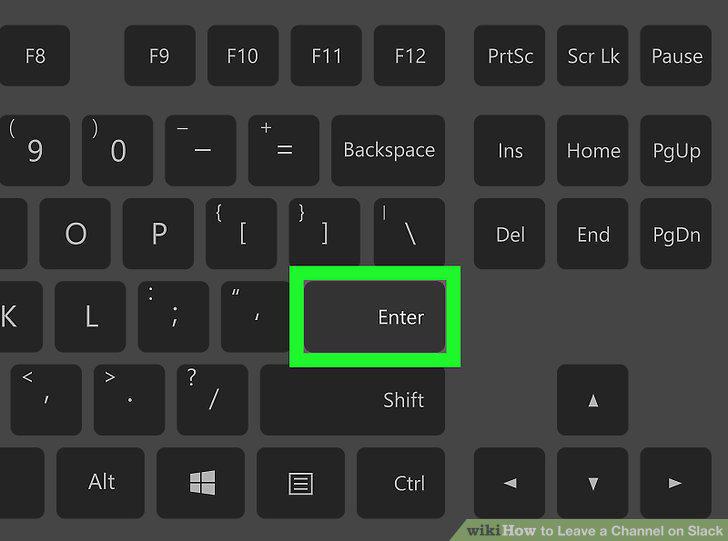
Press .
Sign into your Slack team site if you aren't already.
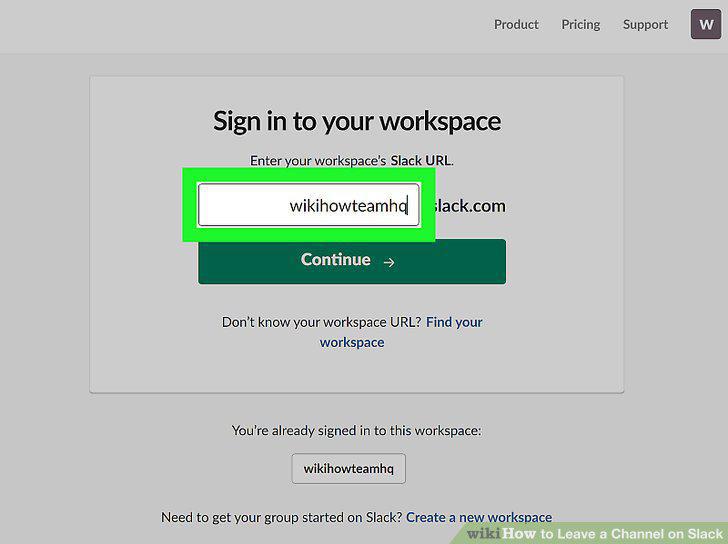
Sign into your Slack team site if you aren't already.
Click the channel you want to leave in the left menu.
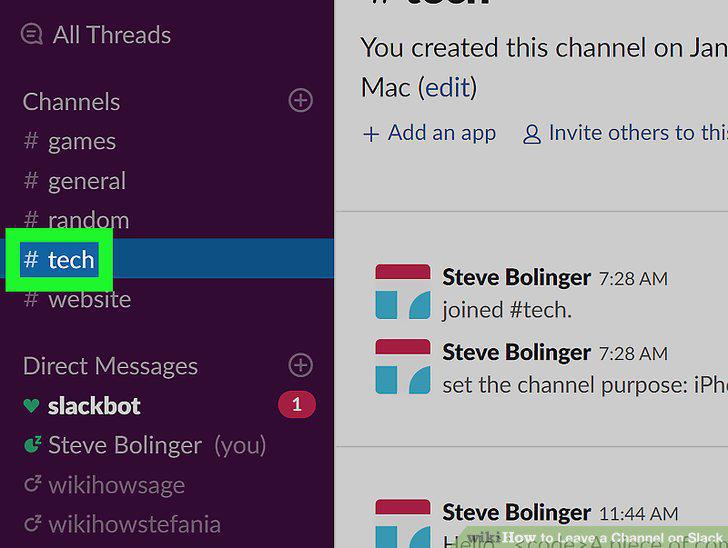
Click the channel you want to leave in the left menu.
Click the Gear button in the upper-right corner of the channel.
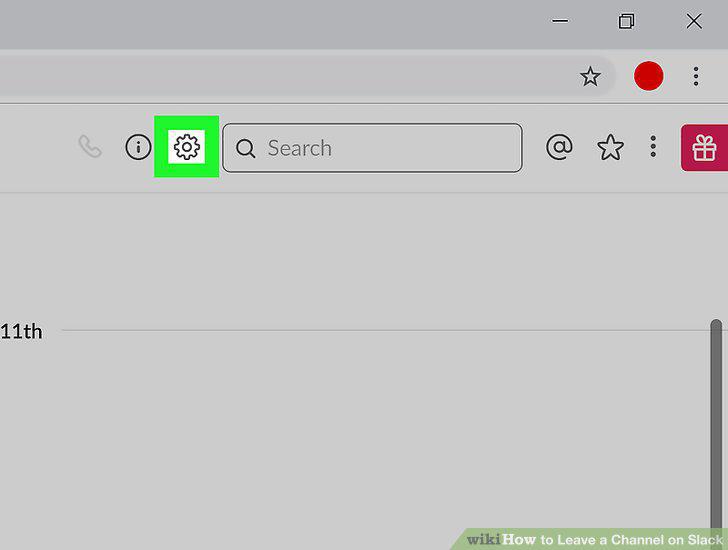
Click the Gear button in the upper-right corner of the channel.
Select "Leave #channelname."
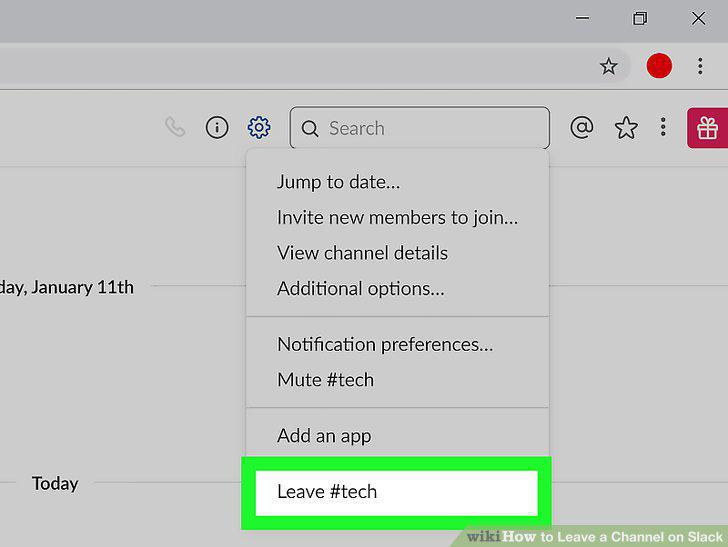
Select "Leave #channelname."
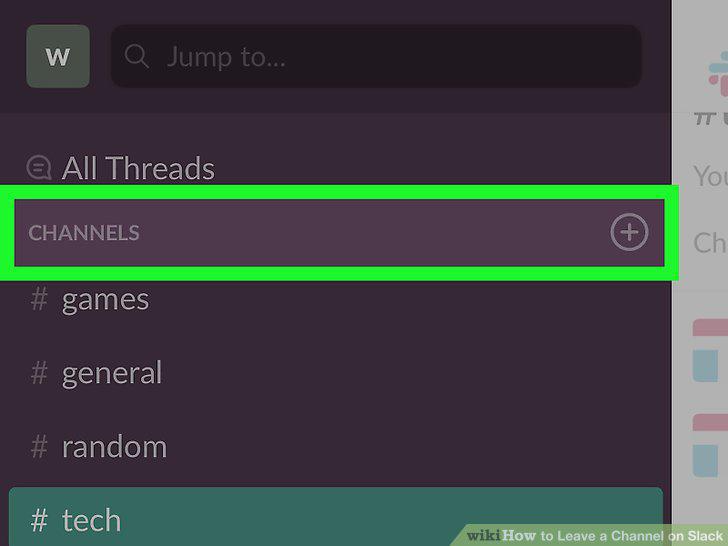
Click the "CHANNELS" heading in the left sidebar to see your available channels.
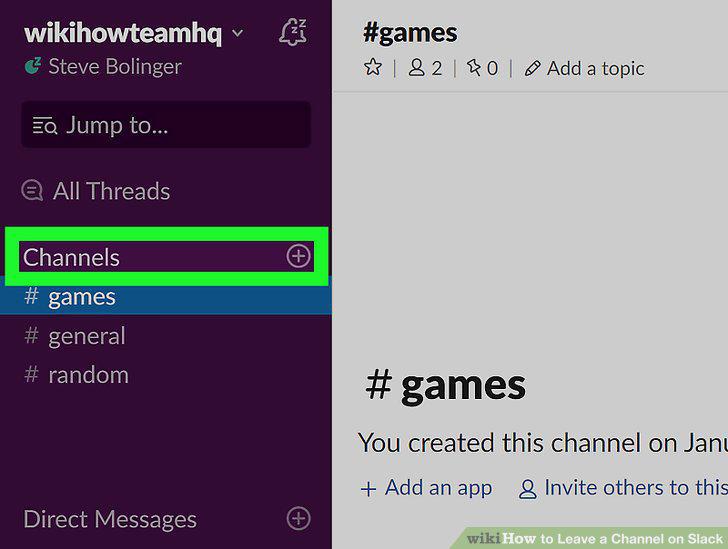
Click the "CHANNELS" heading in the left sidebar to see your available channels.
Launch the Slack mobile app and sign in if prompted.
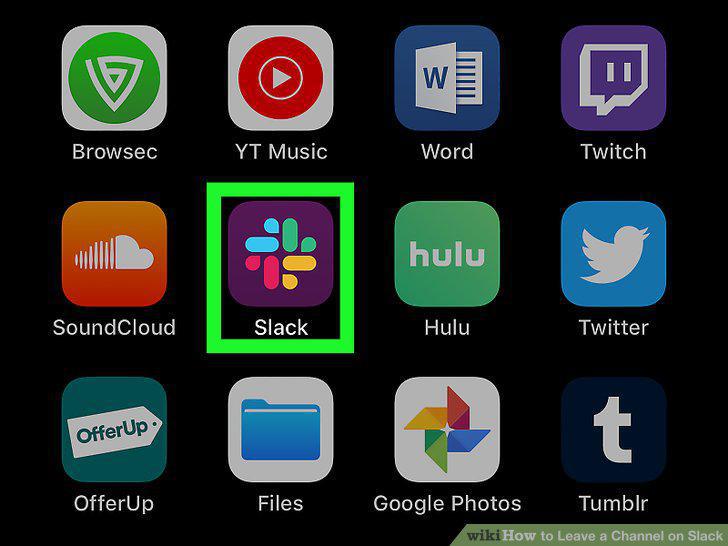
Launch the Slack mobile app and sign in if prompted.
Tap the Slack button to open the menu.
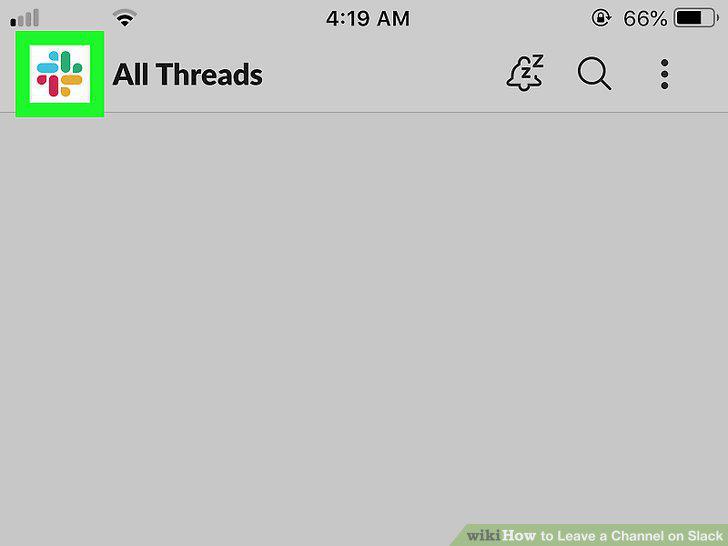
Tap the Slack button to open the menu.
Tap the channel you want to leave.
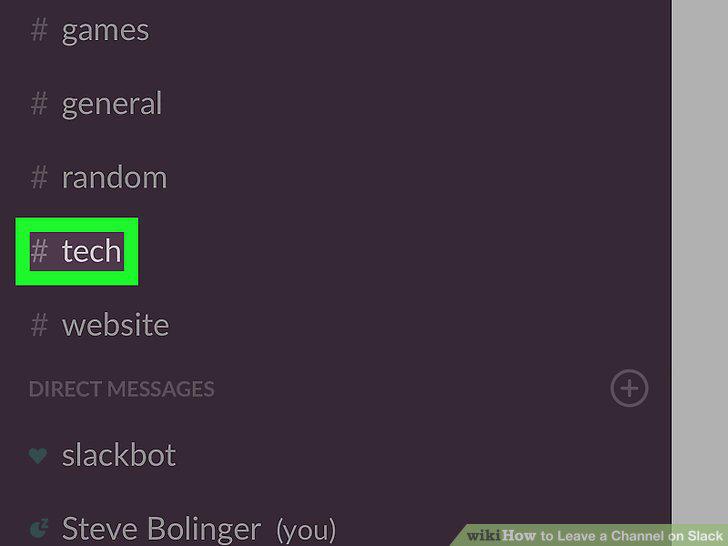
Tap the channel you want to leave.
Tap the channel name at the top of the screen.
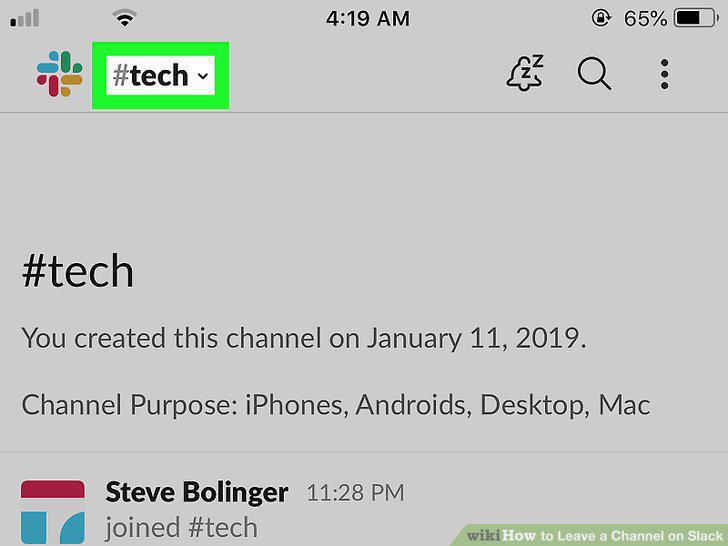
Tap the channel name at the top of the screen.
Tap "Leave" at the bottom of the menu.
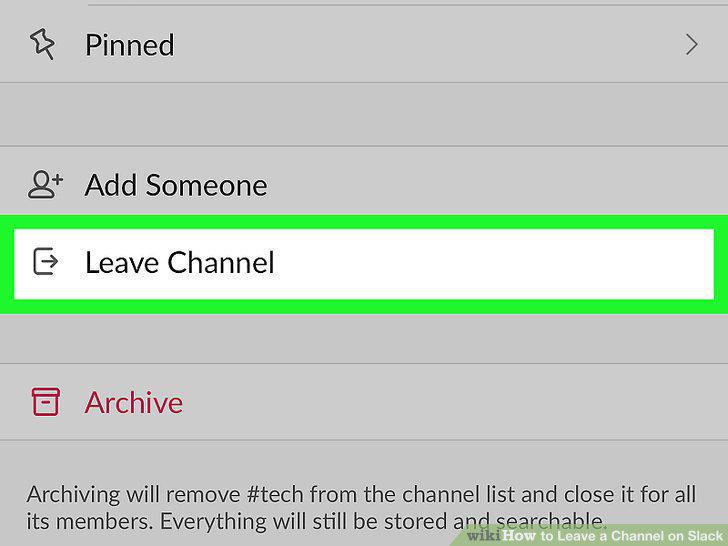
Tap "Leave" at the bottom of the menu.
Tap "Leave and Archive" to leave the channel and archive it.
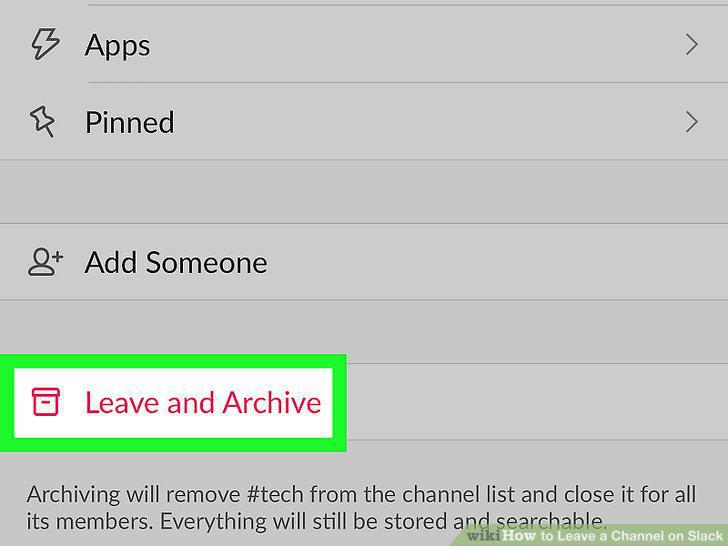
Tap "Leave and Archive" to leave the channel and archive it.
Rejoin a channel you've left.
Rejoin a channel you've left.
Comments (0)
No comments yet. Be the first to share your thoughts!