How to Install Retropie
Install Etcher on your computer.. Download the SD image from https://retropie.org.uk/download.. Unzip the file.
Steps
Install Etcher on your computer.
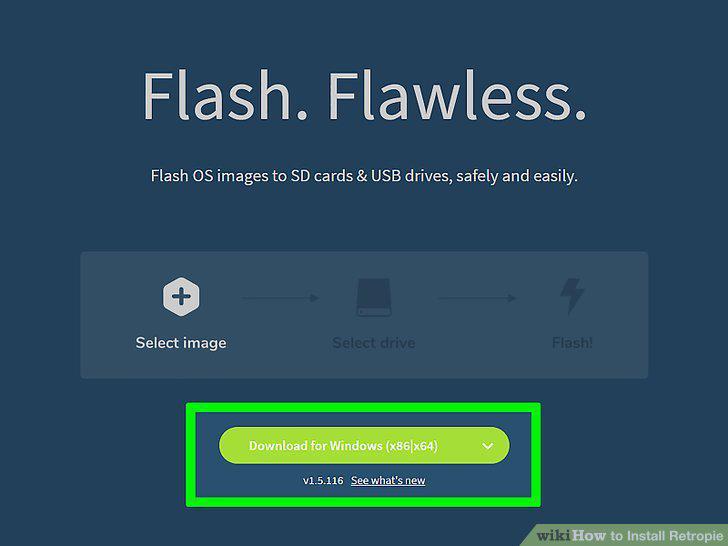
Install Etcher on your computer.
Download the SD image from https://retropie.org.uk/download.
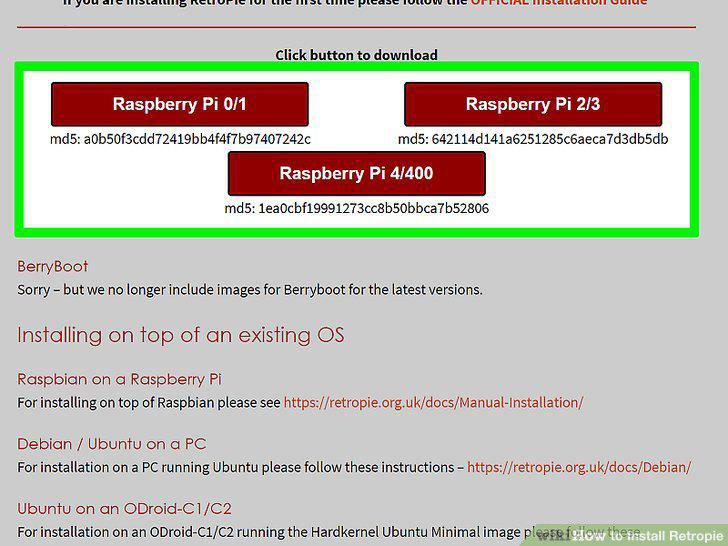
Download the SD image from https://retropie.org.uk/download.
Unzip the file.
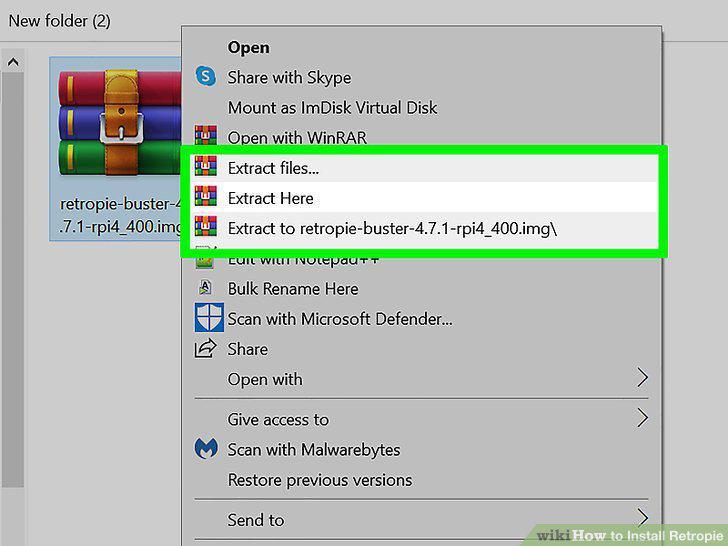
Unzip the file.
Insert the SD card into the computer.
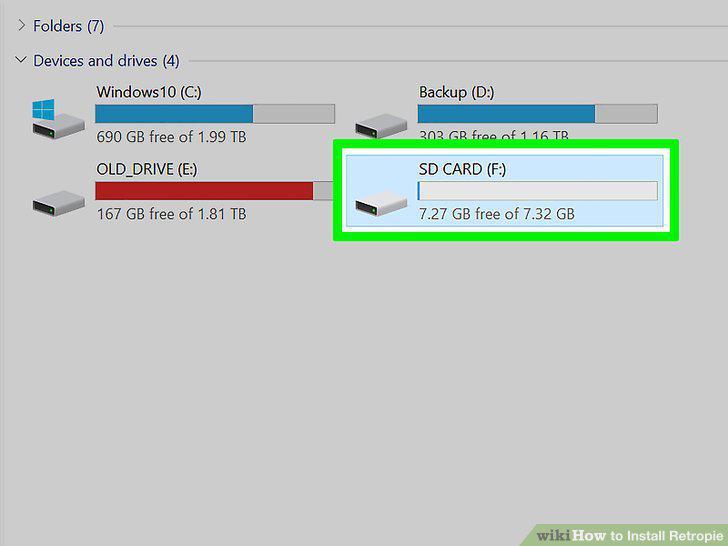
Insert the SD card into the computer.
Install the image onto the SD card.
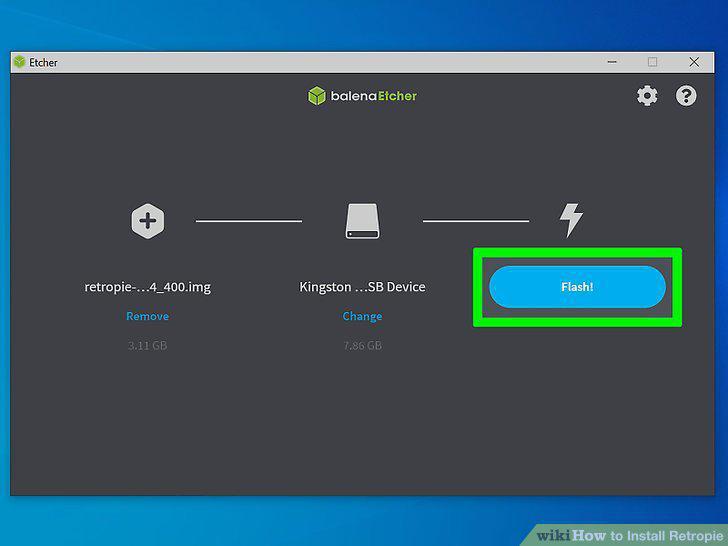
Install the image onto the SD card.
Connect the SD card and all components to your Raspberry Pi.
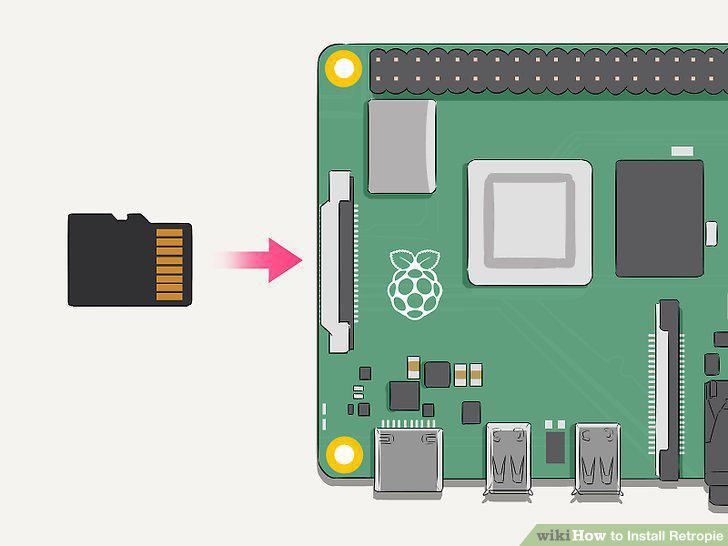
Connect the SD card and all components to your Raspberry Pi.
Boot up your Raspberry Pi.
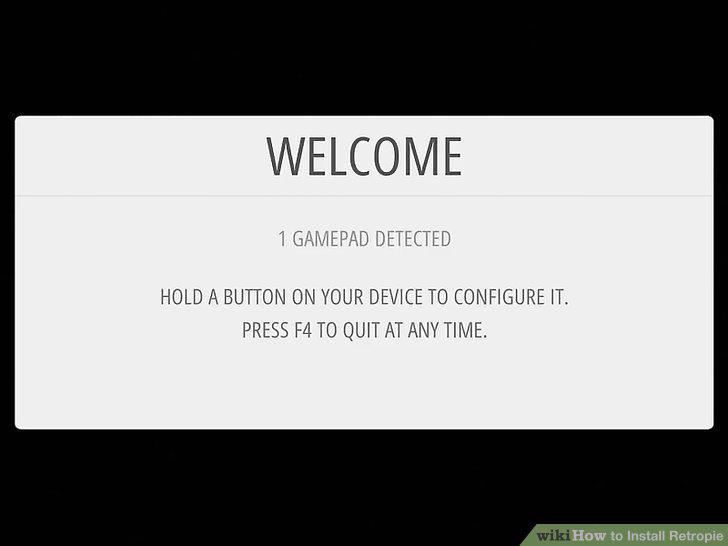
Boot up your Raspberry Pi.
Press and hold a button on your gamepad to configure it.
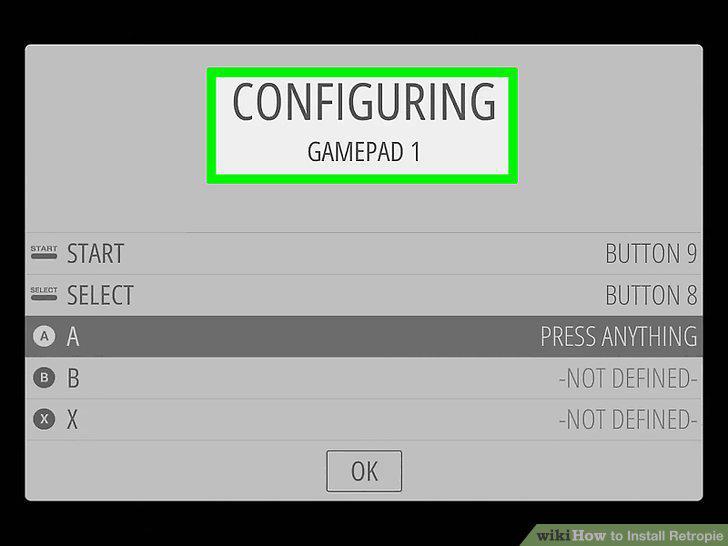
Press and hold a button on your gamepad to configure it.
Follow the on-screen instructions to customize the controller.
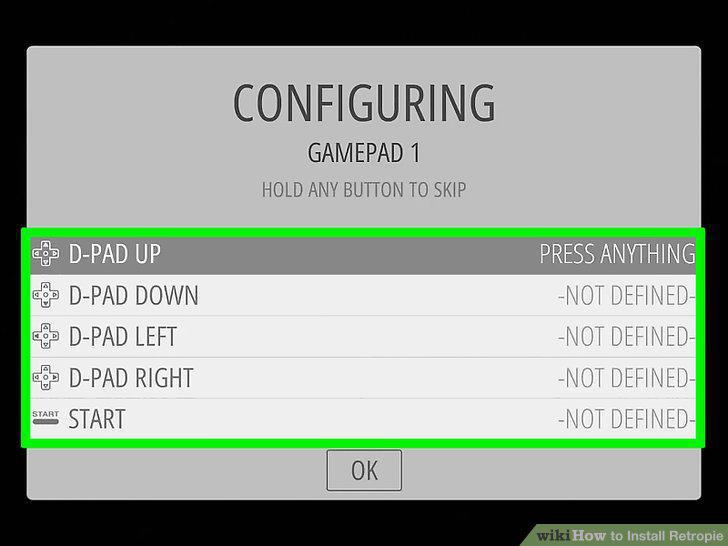
Follow the on-screen instructions to customize the controller.
Select the Configuration menu and press A.
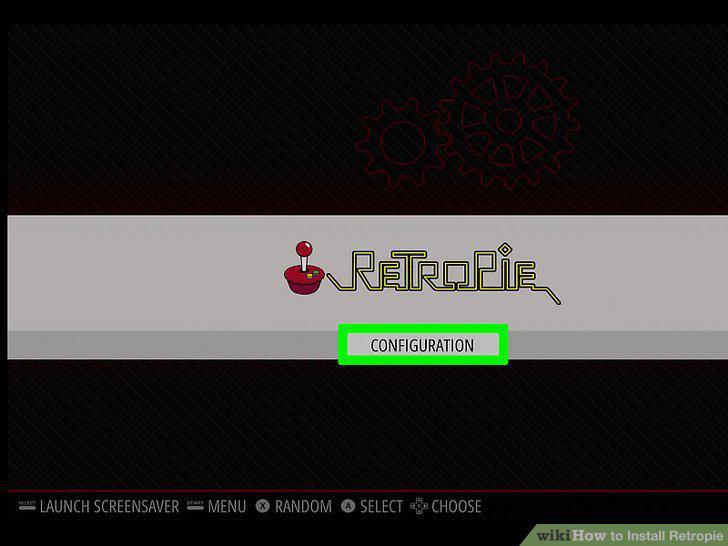
Select the Configuration menu and press A.
Select Audio to choose the audio output.
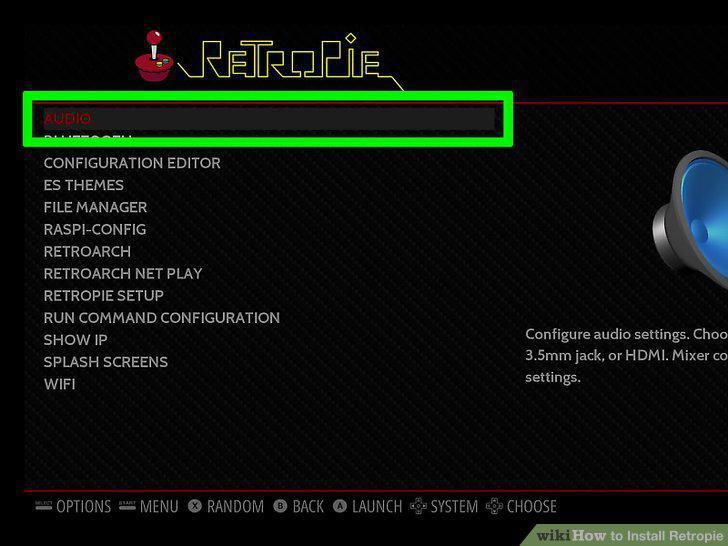
Select Audio to choose the audio output.
Select Raspi-config to set up location and network preferences.
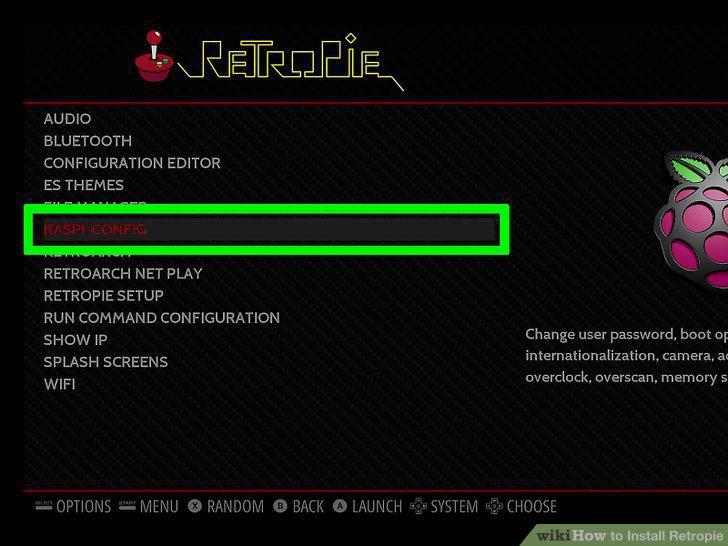
Select Raspi-config to set up location and network preferences.
Select WIFI to get online.
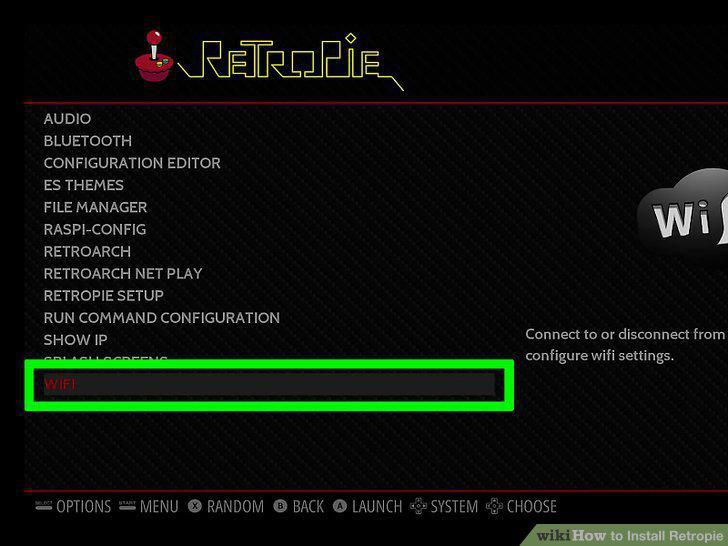
Select WIFI to get online.
Select RetroPie Setup to install additional components.
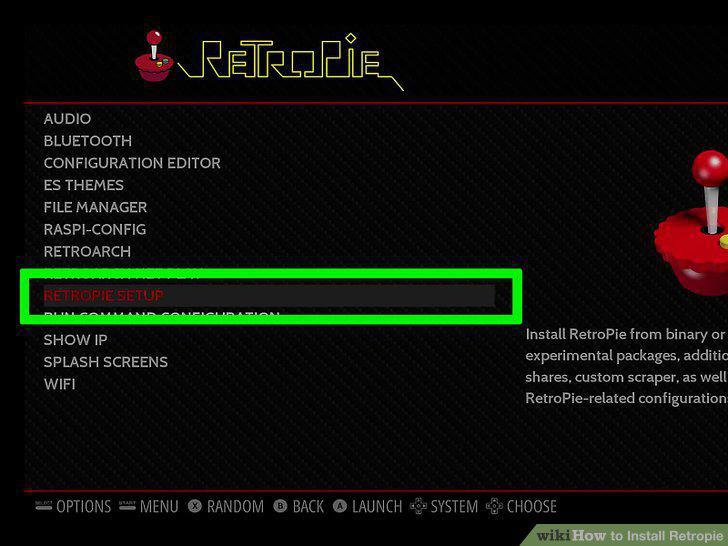
Select RetroPie Setup to install additional components.
Expand the partition on your SD card.
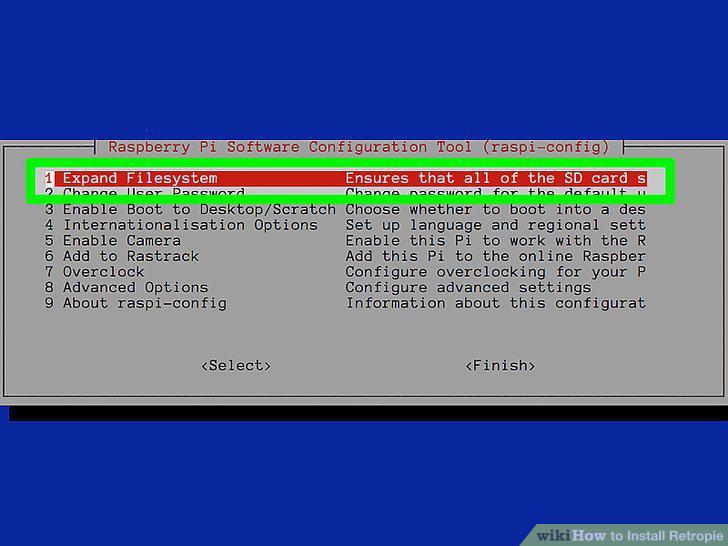
Expand the partition on your SD card.
Download free ROMs from the web.
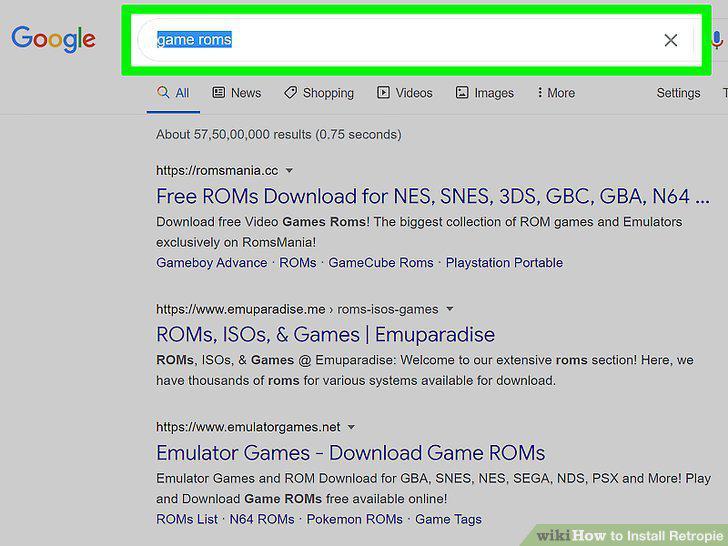
Download free ROMs from the web.
Transfer the ROM files to your Raspberry Pi.
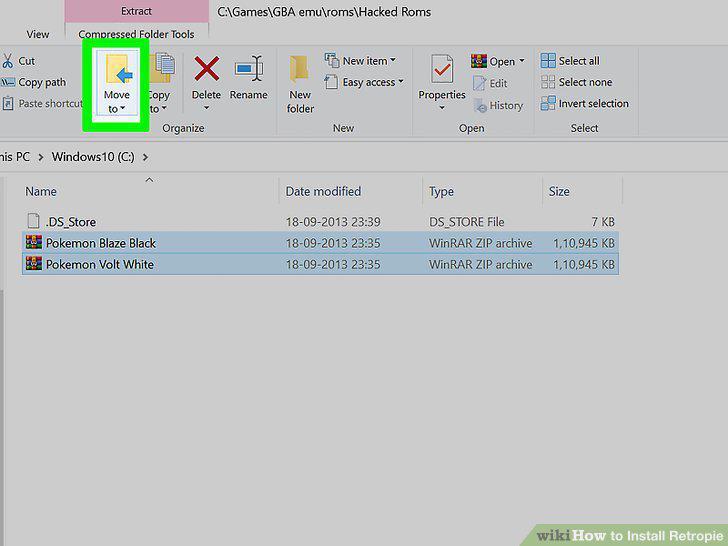
Transfer the ROM files to your Raspberry Pi.
Enable game collection menus.
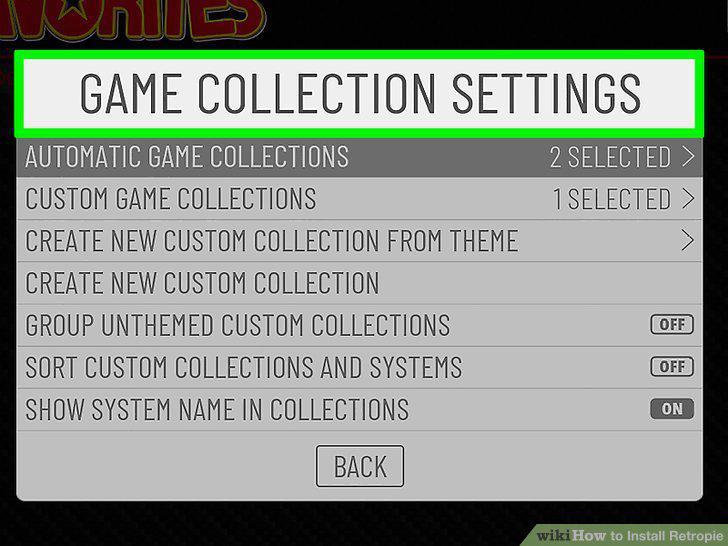
Enable game collection menus.
Start playing games.
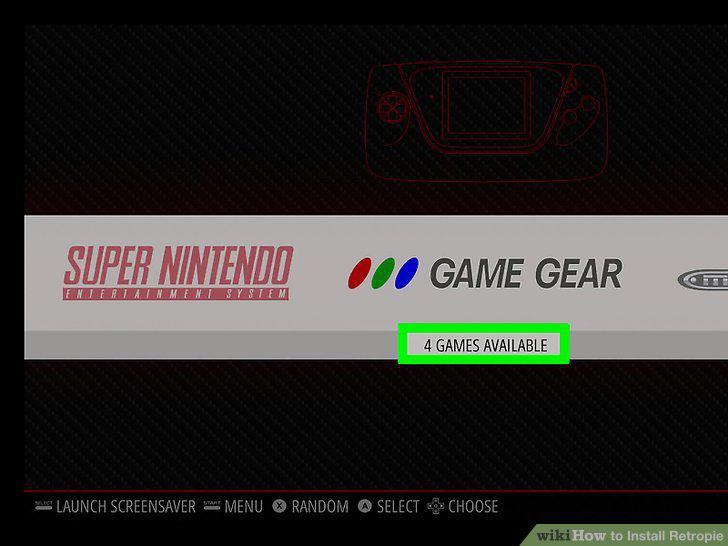
Start playing games.
Comments (0)
No comments yet. Be the first to share your thoughts!