How to Give Audible Books As a Gift
Open Audible on your phone or tablet.. Click or tap a book title to go to the book's summary page.. Click or tap Give as a gift.
Steps
1
Open Audible on your phone or tablet.
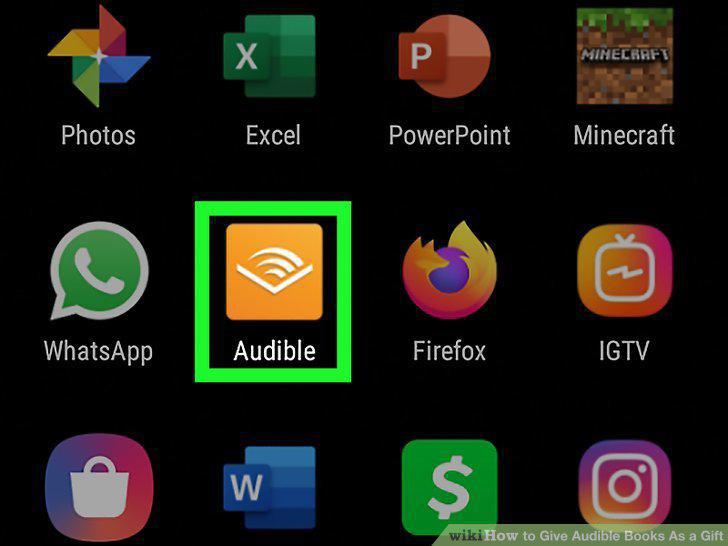
Open Audible on your phone or tablet.
2
Click or tap a book title to go to the book's summary page.
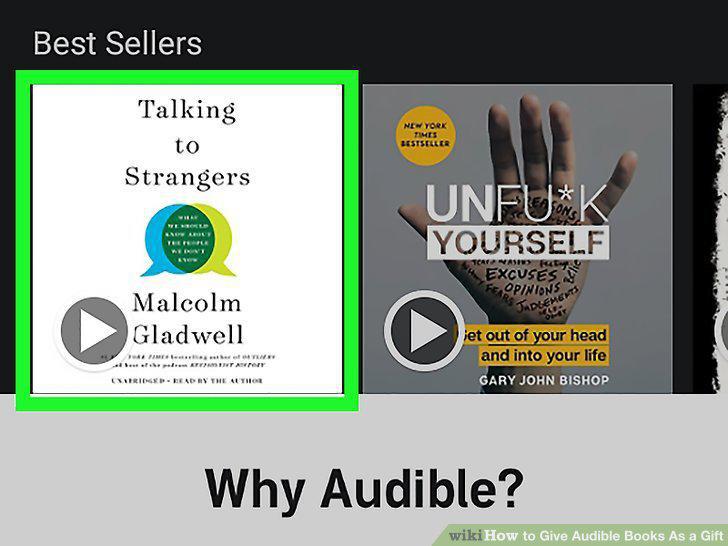
Click or tap a book title to go to the book's summary page.
3
Click or tap Give as a gift.
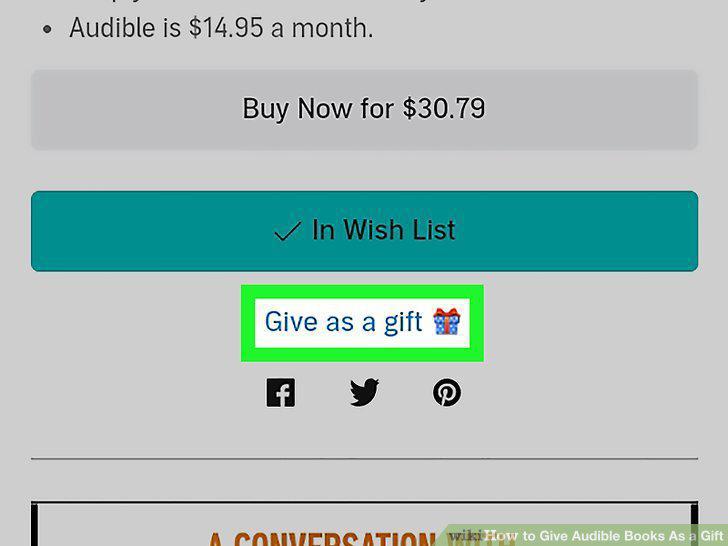
Click or tap Give as a gift.
4
Choose to send the gift as an email or printable card.
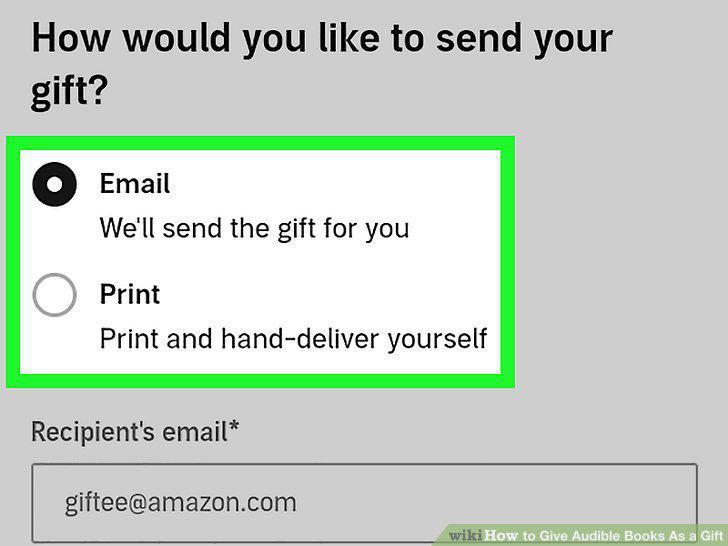
Choose to send the gift as an email or printable card.
5
Confirm your payment information.
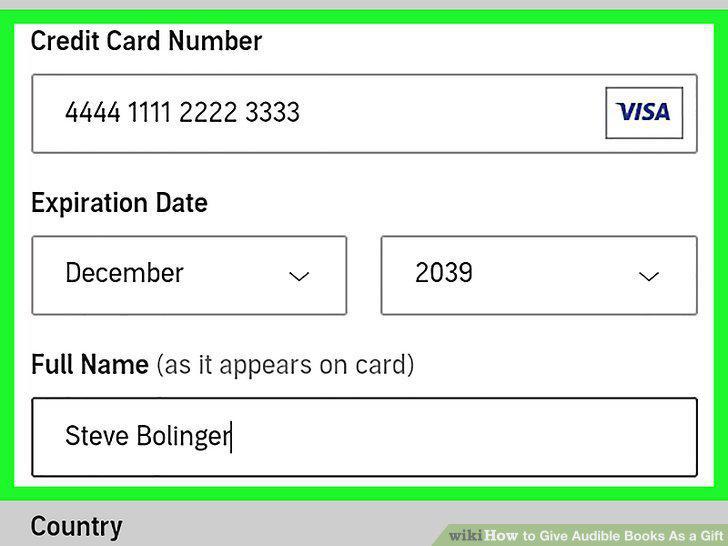
Confirm your payment information.
6
Click or tap Confirm Purchase.
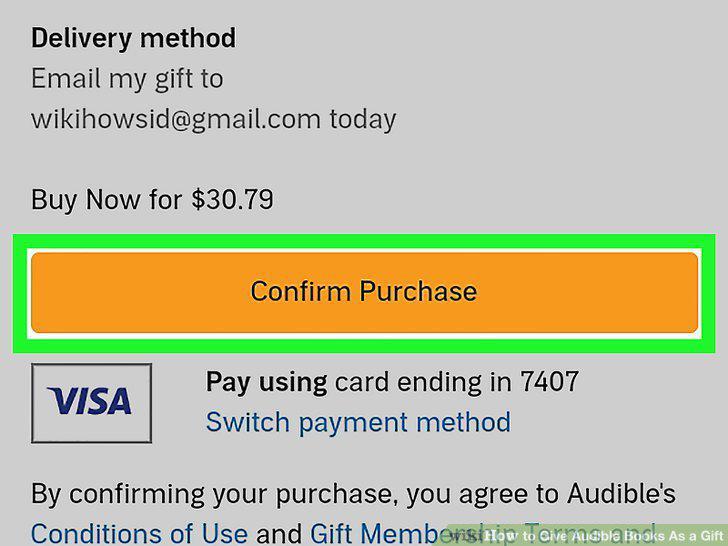
Click or tap Confirm Purchase.
Comments (0)
No comments yet. Be the first to share your thoughts!