How to Get a Tracking Number
Check your email for your shipping confirmation.. Look for your tracking number in the shipping confirmation.. Click the link in the tracking number to pull up your tracking info.
Steps
Check your email for your shipping confirmation.
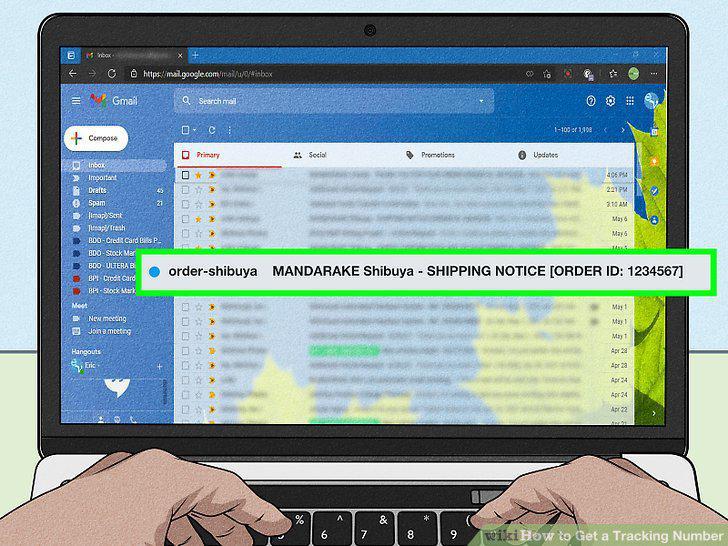
Check your email for your shipping confirmation.
Look for your tracking number in the shipping confirmation.
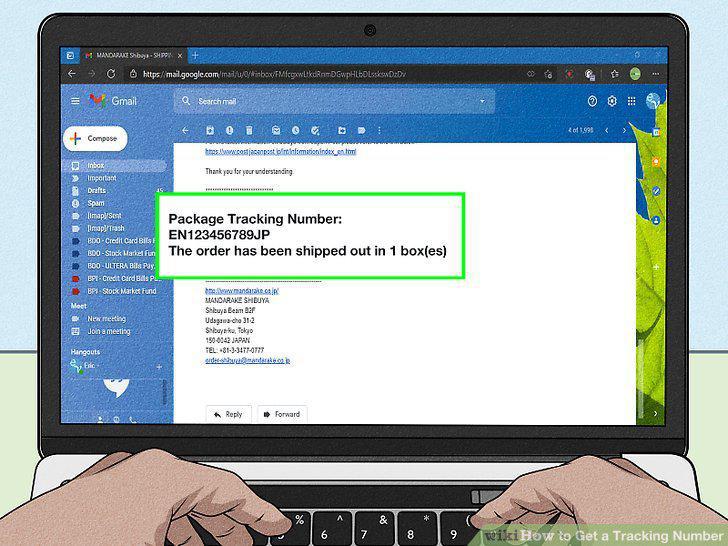
Look for your tracking number in the shipping confirmation.
Click the link in the tracking number to pull up your tracking info.
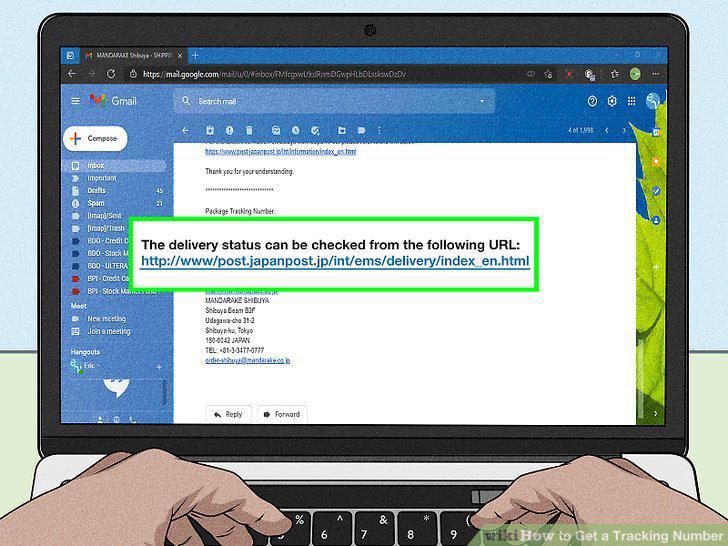
Click the link in the tracking number to pull up your tracking info.
Copy and paste the tracking number if it's not a link.
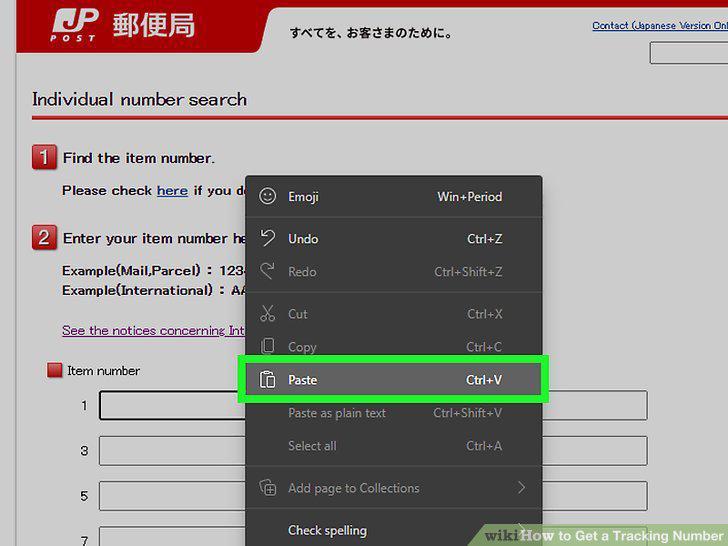
Copy and paste the tracking number if it's not a link.
Look up the shipping company's contact information.
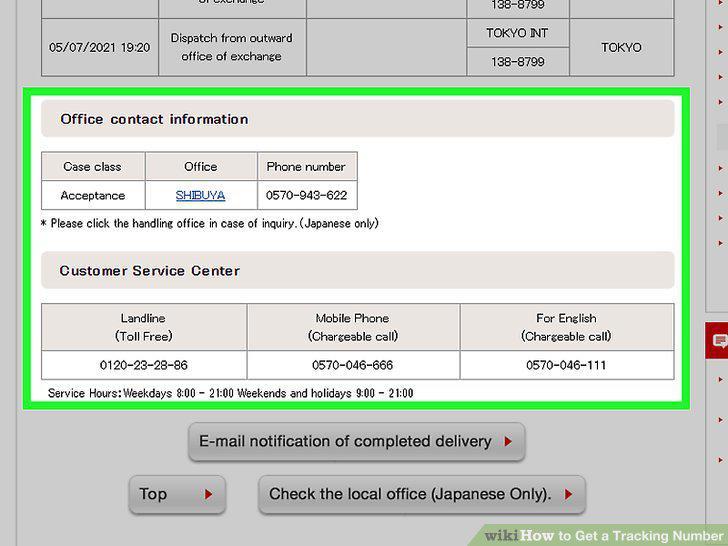
Look up the shipping company's contact information.
Call the company's customer service department.
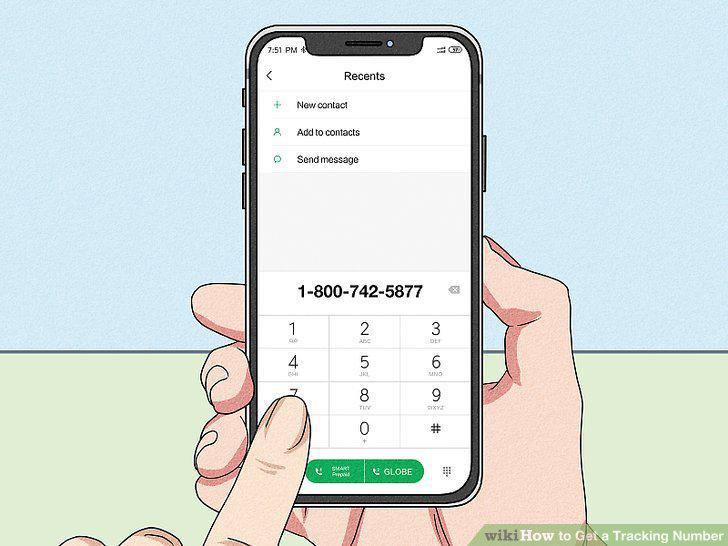
Call the company's customer service department.
Ask for the unique tracking number for your shipment.
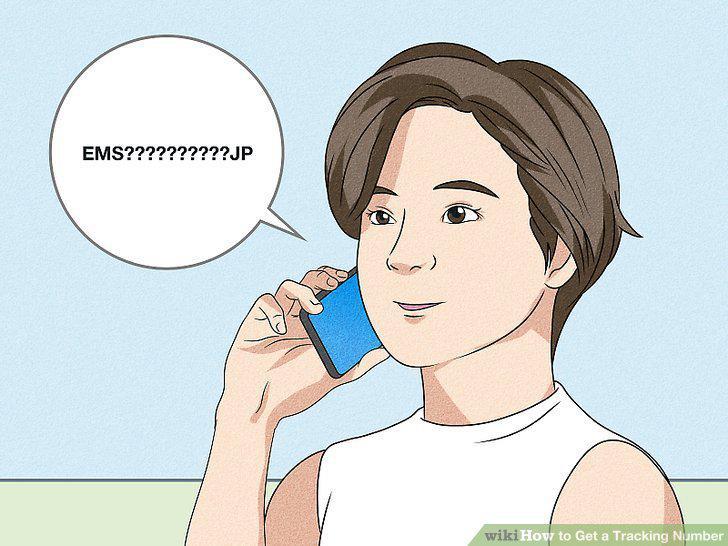
Ask for the unique tracking number for your shipment.
Provide your tracking number for a quick update.
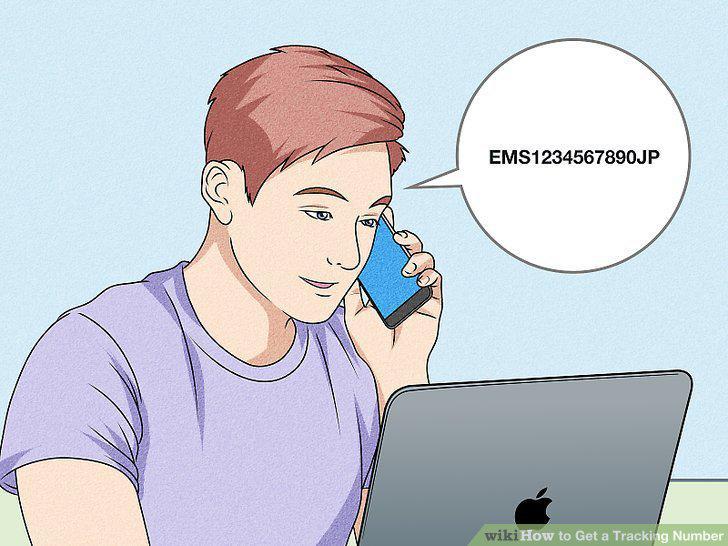
Provide your tracking number for a quick update.
Identify your tracking number in your email or product receipt.
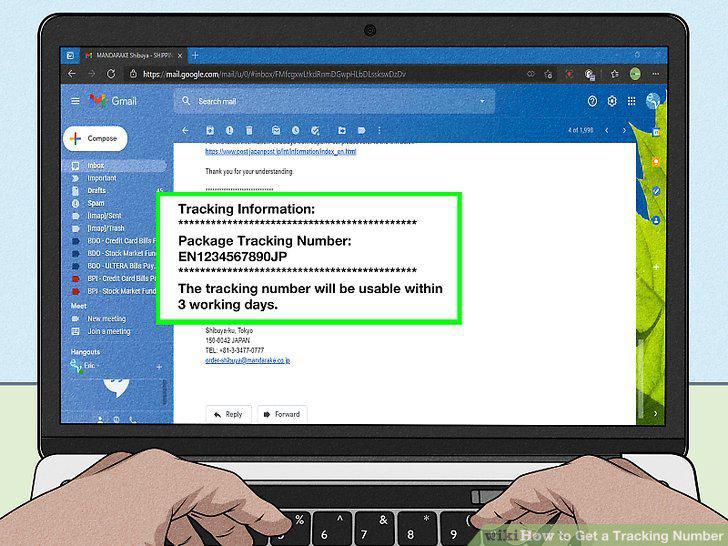
Identify your tracking number in your email or product receipt.
Visit the website of the shipping company handling your order.
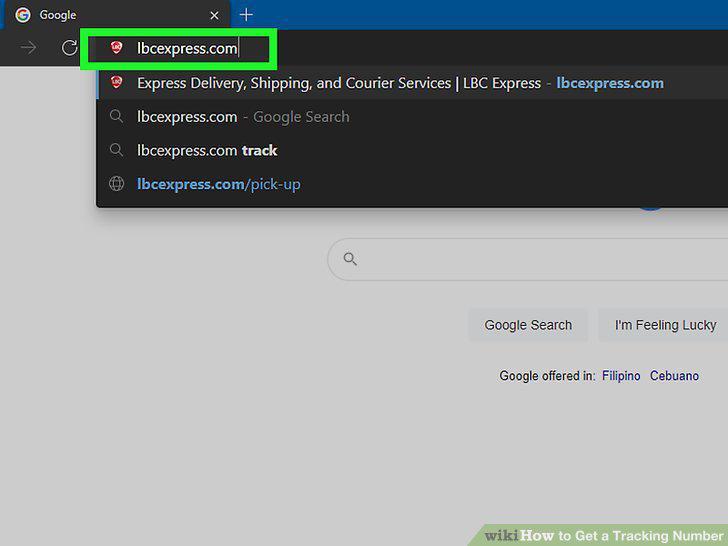
Visit the website of the shipping company handling your order.
Put in your location.
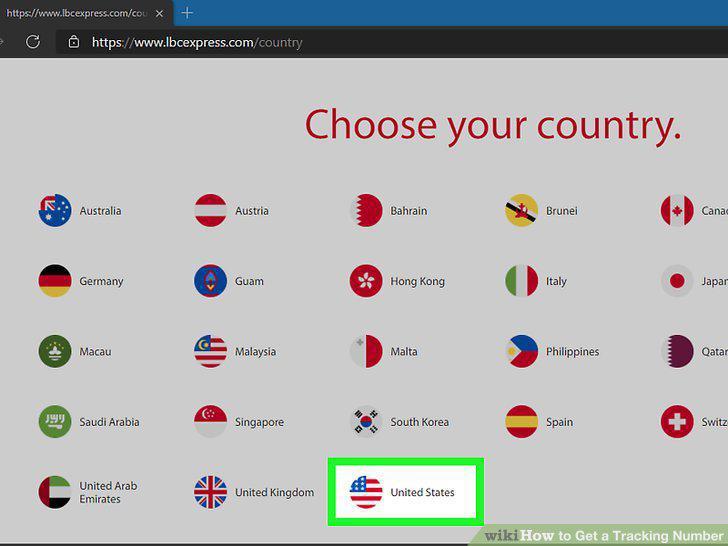
Put in your location.
Find the "Tracking" option.
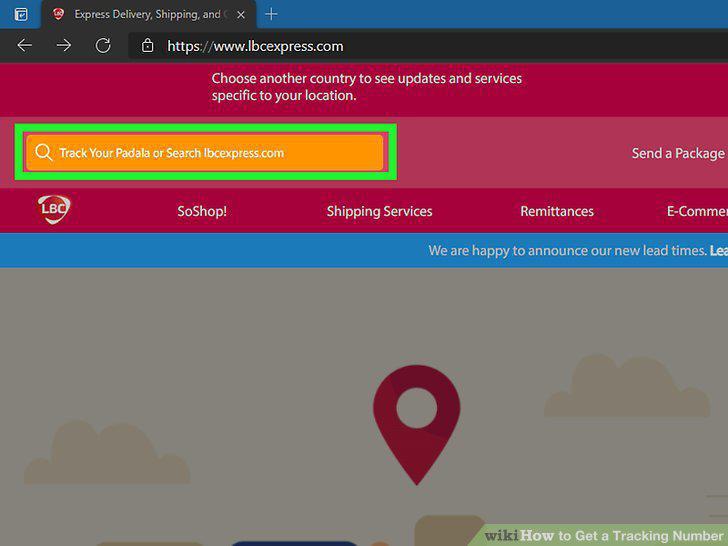
Find the "Tracking" option.
Plug your tracking number into the search bar.
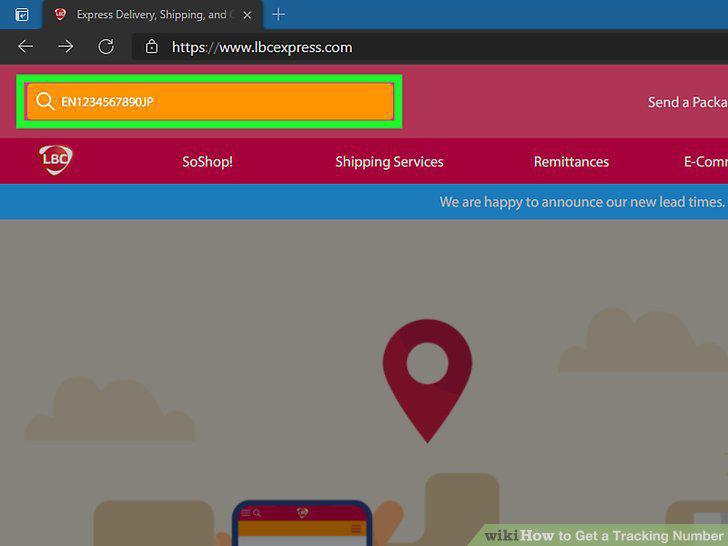
Plug your tracking number into the search bar.
Comments (0)
No comments yet. Be the first to share your thoughts!