How to Add a Facebook Messenger Account
Open Messenger.. Tap the Profile button.. Tap Switch Account.
Steps
1
Open Messenger.
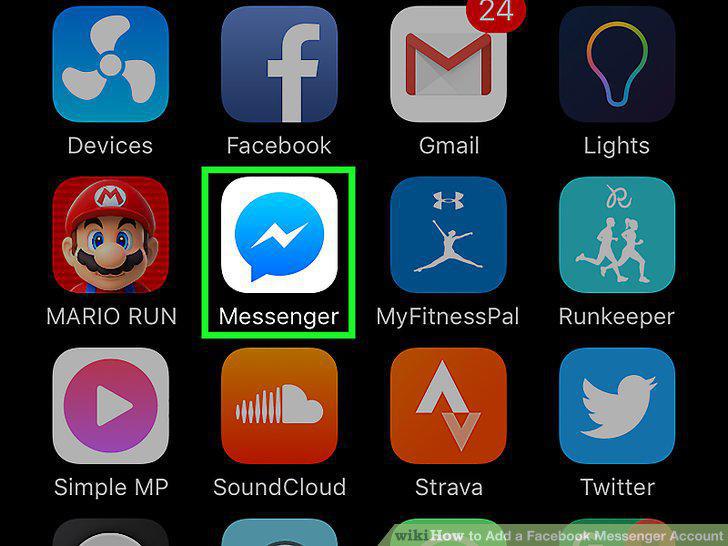
Open Messenger.
2
Tap the Profile button.
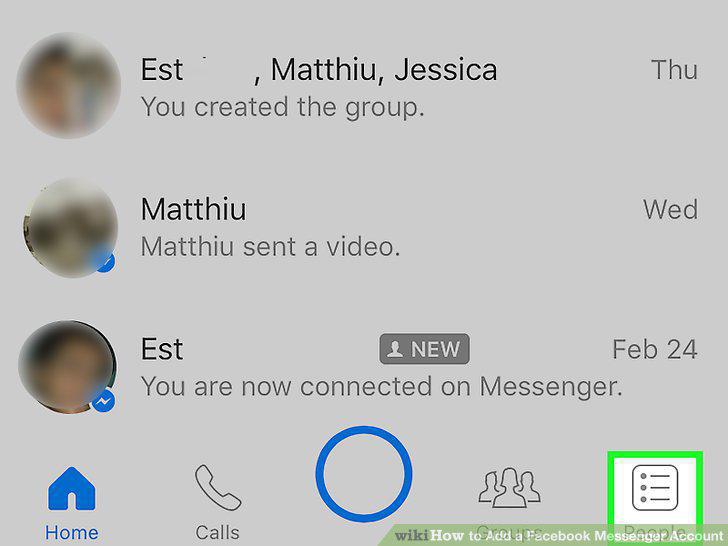
Tap the Profile button.
3
Tap Switch Account.
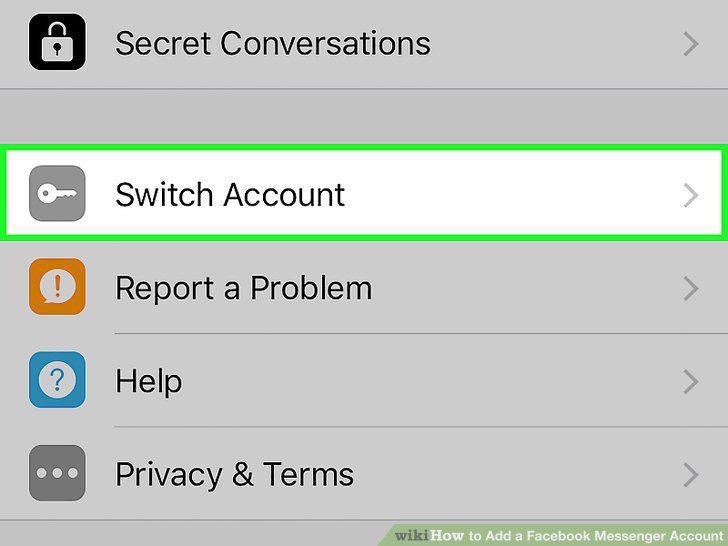
Tap Switch Account.
4
Tap +.
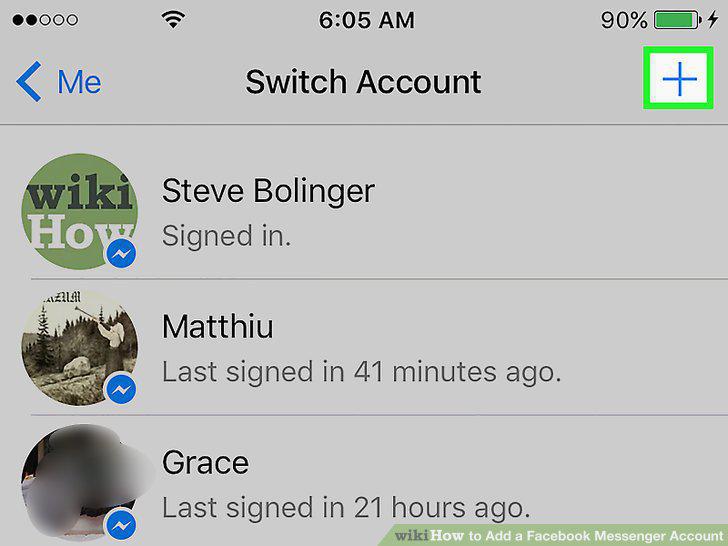
Tap +.
5
Enter the information for the account you want to add.
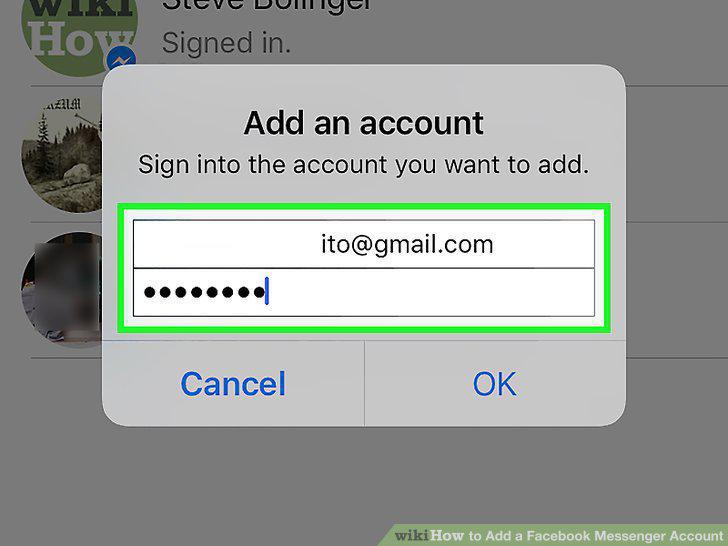
Enter the information for the account you want to add.
6
Tap OK.
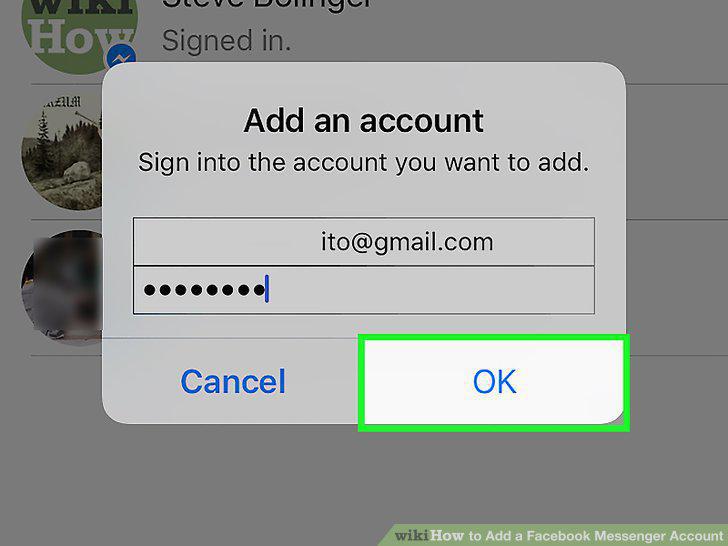
Tap OK.
7
Tap Require to require a password.
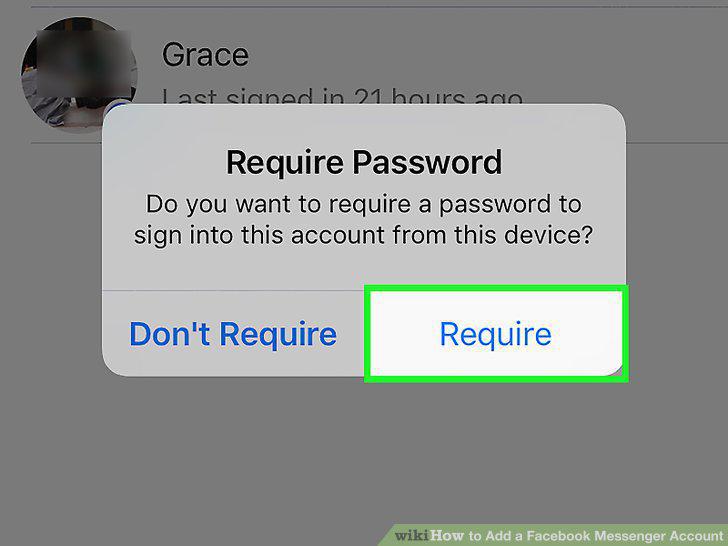
Tap Require to require a password.
8
Tap Continue as [username].
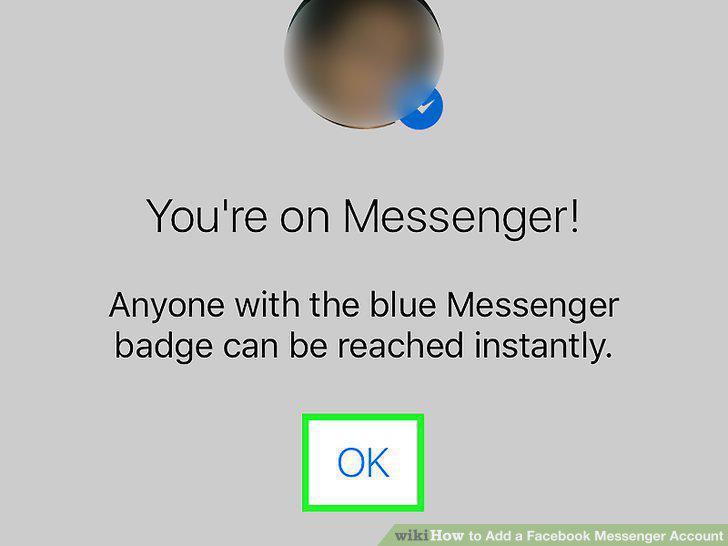
Tap Continue as [username].
Comments (0)
No comments yet. Be the first to share your thoughts!