How to Create a Dashboard in Excel
Open Excel.. Create at least two worksheets.. Import your data into your raw data sheet.
Steps
1
Open Excel.
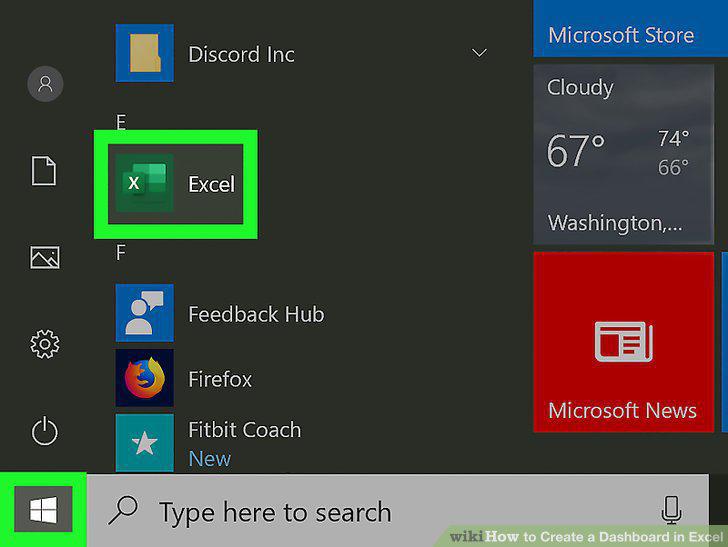
Open Excel.
2
Create at least two worksheets.
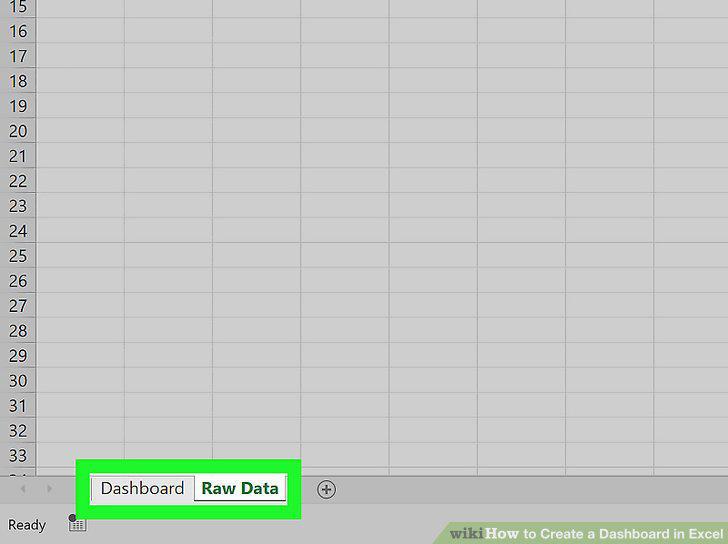
Create at least two worksheets.
3
Import your data into your raw data sheet.
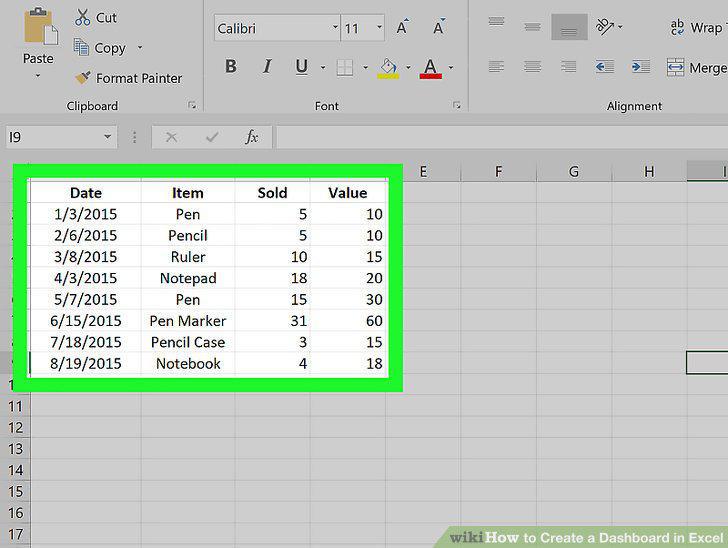
Import your data into your raw data sheet.
4
Select the data you want to appear in a chart.
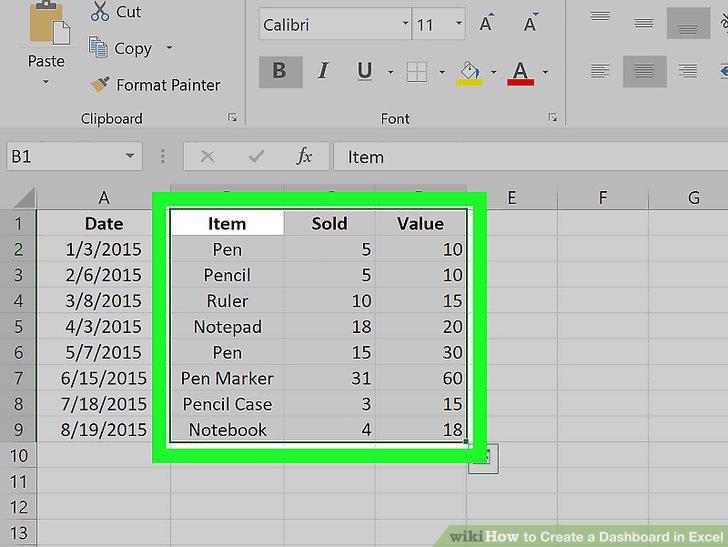
Select the data you want to appear in a chart.
5
Add a stacked-bar chart to the blank worksheet.
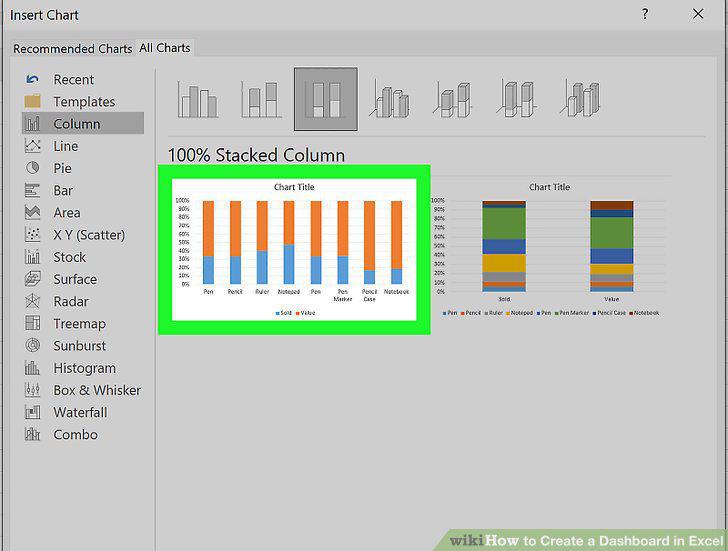
Add a stacked-bar chart to the blank worksheet.
6
Format the chart appearance.
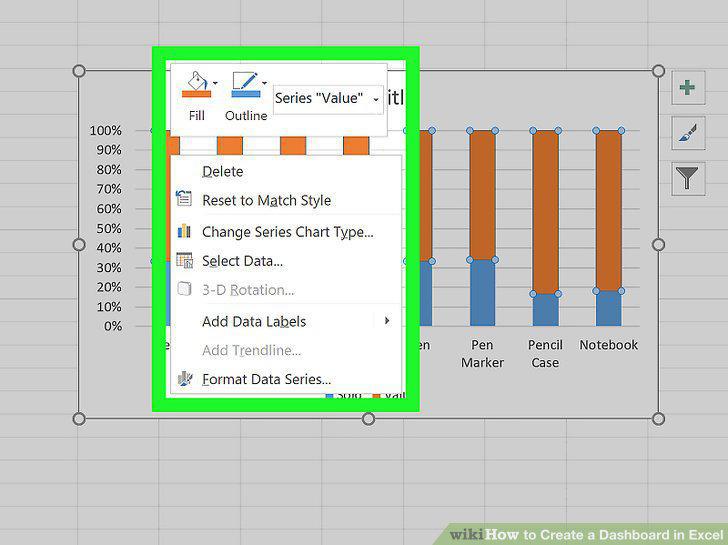
Format the chart appearance.
7
Continue adding more stacked-bar charts with your selected data.
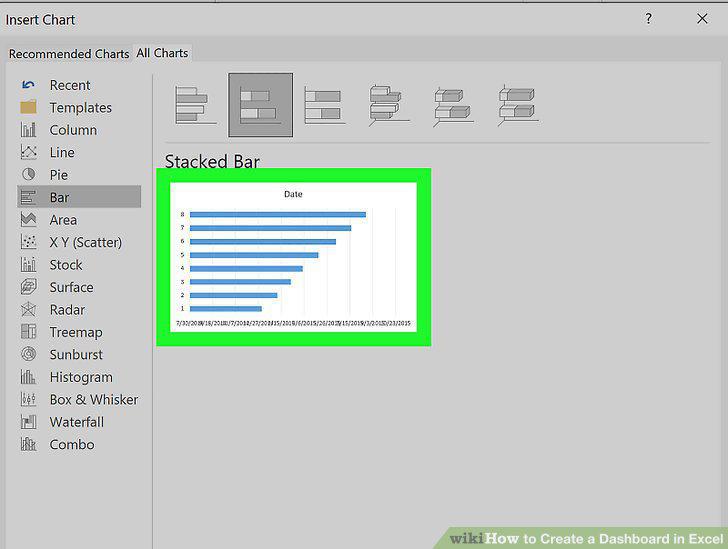
Continue adding more stacked-bar charts with your selected data.
Comments (0)
No comments yet. Be the first to share your thoughts!