How to View Your Apple ID on an iPhone
Open your iPhone's Settings.. Scroll down and tap iCloud.. Tap on the email address at the top of your screen.
Steps
1
Open your iPhone's Settings.
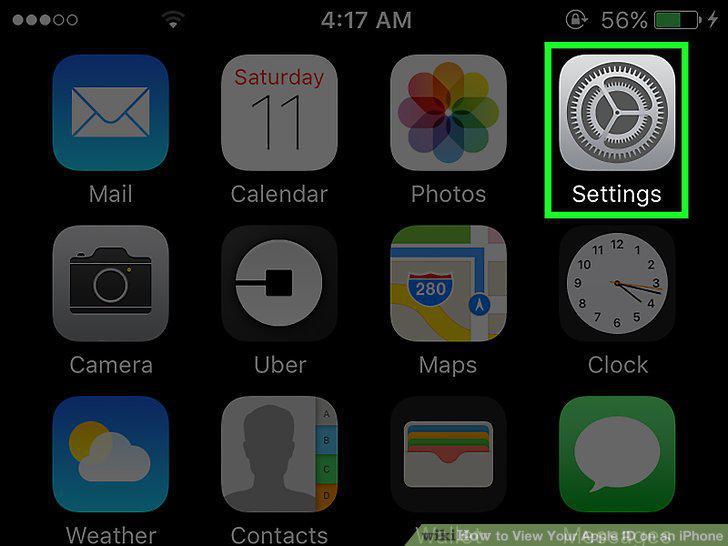
Open your iPhone's Settings.
2
Scroll down and tap iCloud.
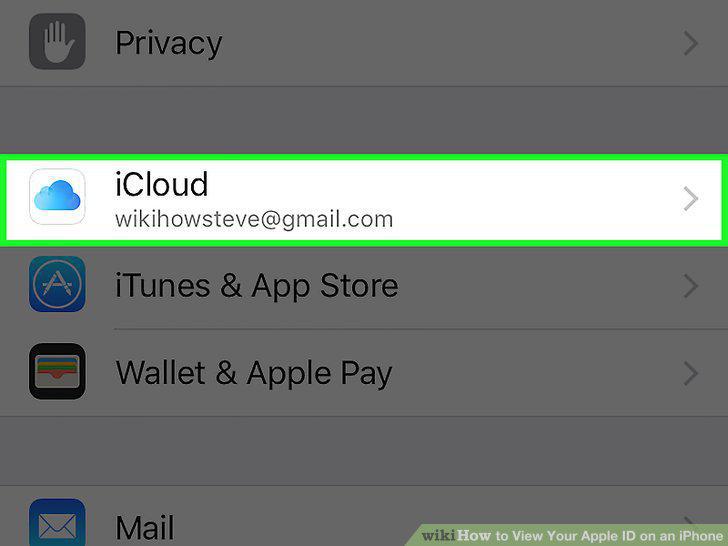
Scroll down and tap iCloud.
3
Tap on the email address at the top of your screen.
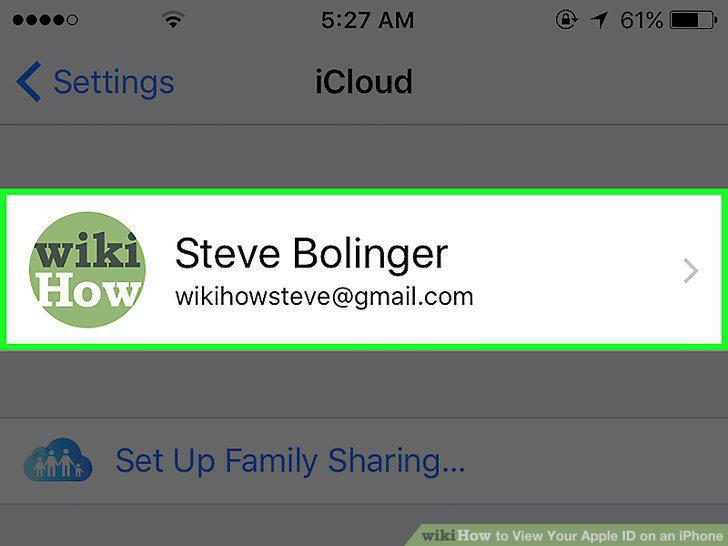
Tap on the email address at the top of your screen.
Comments (0)
No comments yet. Be the first to share your thoughts!