How to Open Obj Files on PC or Mac
Open the folder that contains the .OBJ file.. Right-click the file.. Click Open with.
Steps
1
Open the folder that contains the .OBJ file.
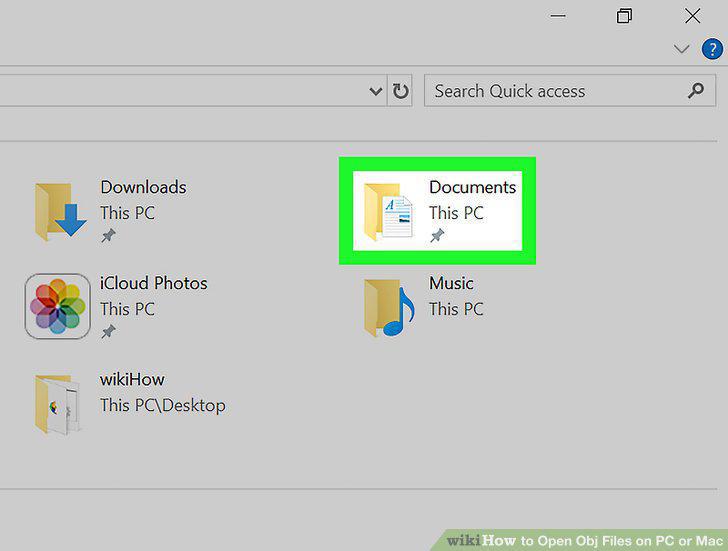
Open the folder that contains the .OBJ file.
2
Right-click the file.
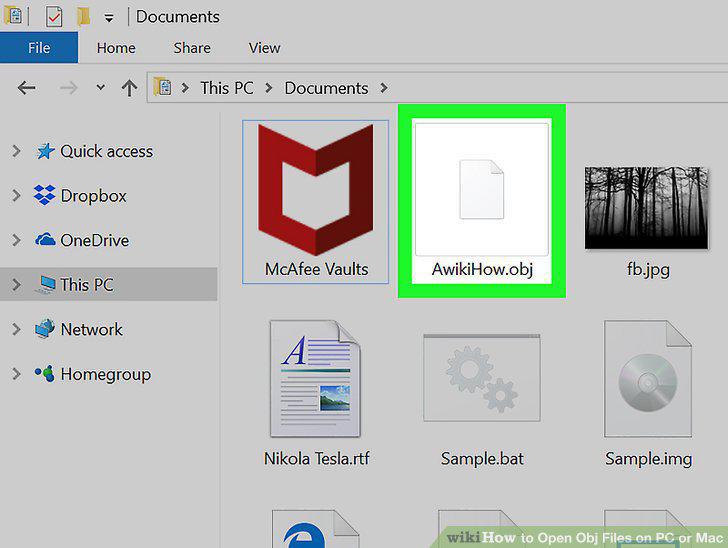
Right-click the file.
3
Click Open with.
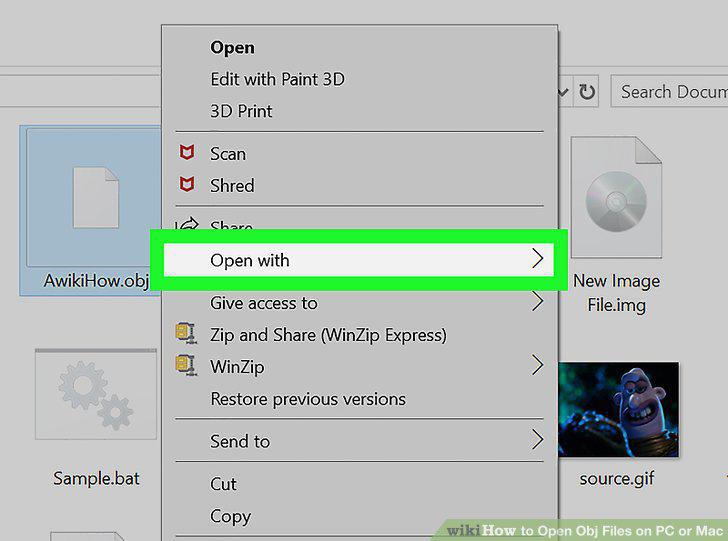
Click Open with.
4
Click Paint 3D.
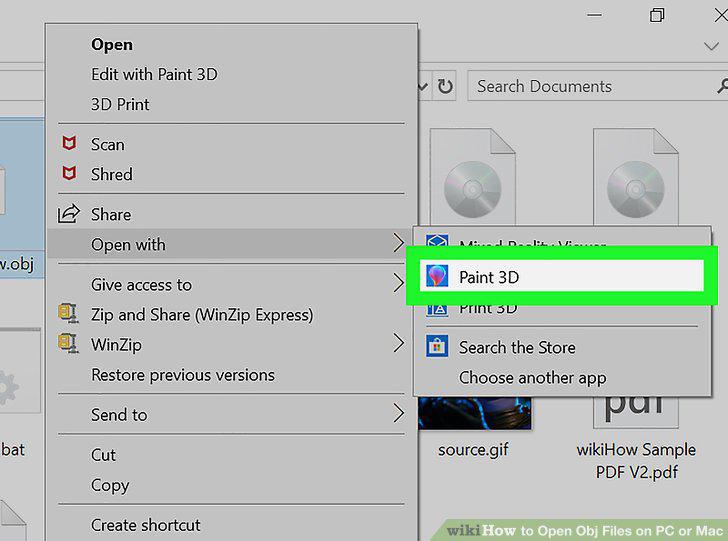
Click Paint 3D.
5
Download and install MeshLab for macOS.
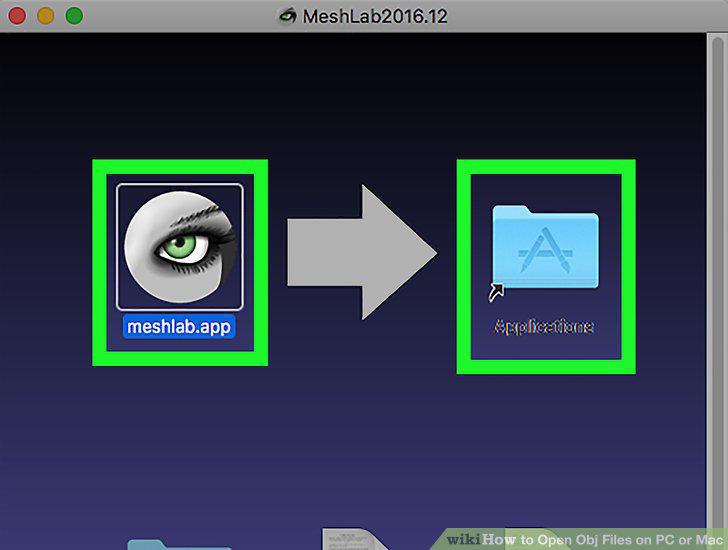
Download and install MeshLab for macOS.
6
Open Meshlab.
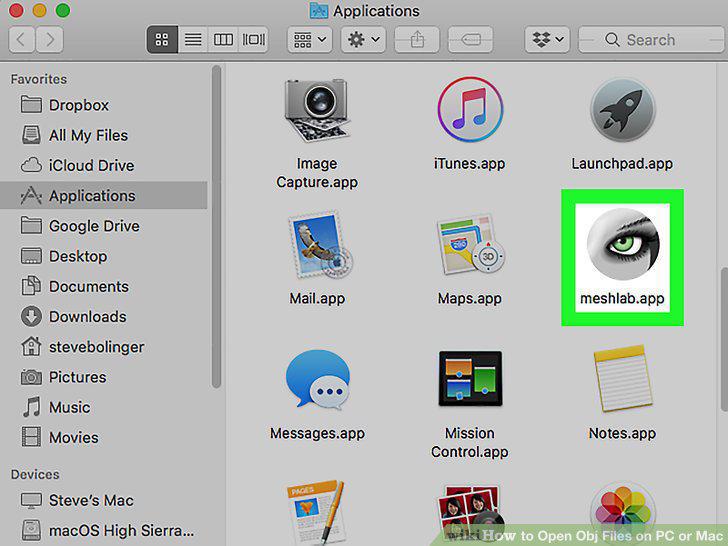
Open Meshlab.
7
Click the Open/Import icon.
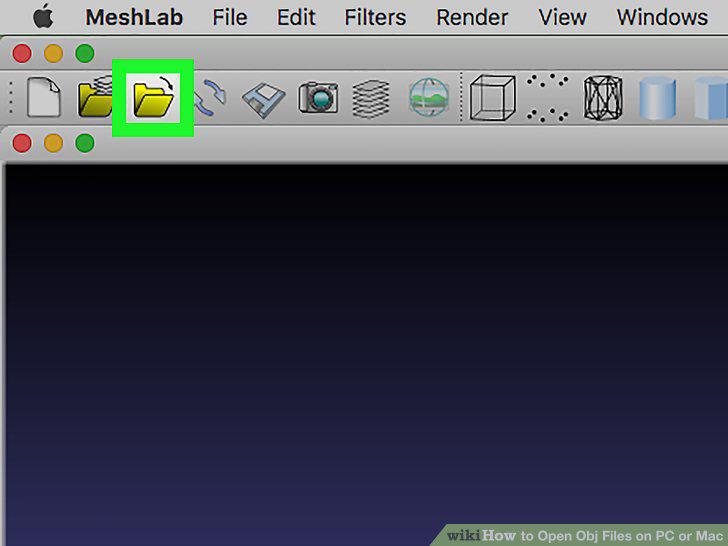
Click the Open/Import icon.
8
Select the .OBJ file and click Open.
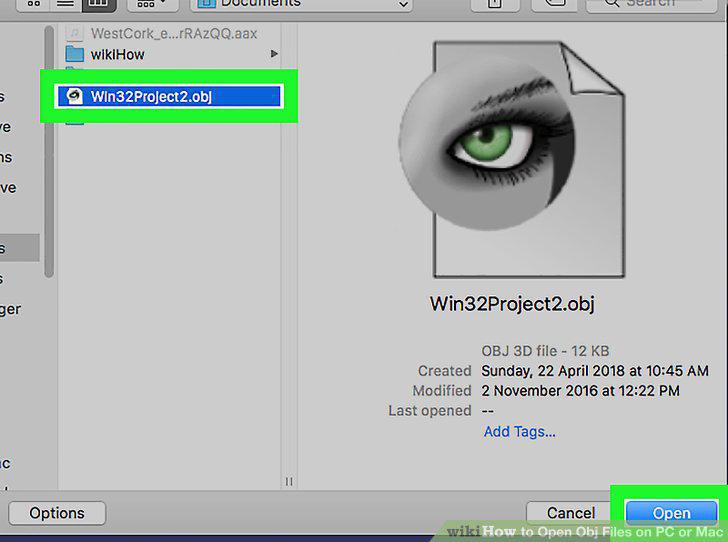
Select the .OBJ file and click Open.
Comments (0)
No comments yet. Be the first to share your thoughts!