How to Change Your Location for FaceTime Calls on an iPhone
Open the iPhone's Settings.. Scroll down and tap FaceTime.. Slide the FaceTime button to the On position (if necessary).
Steps
1
Open the iPhone's Settings.
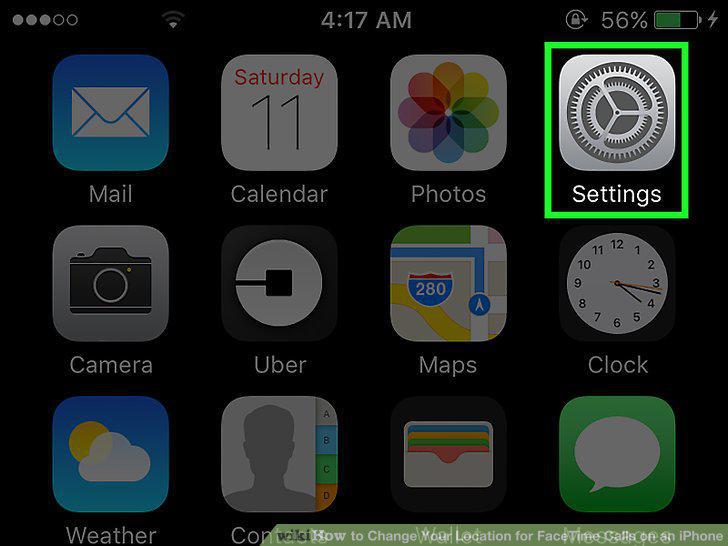
Open the iPhone's Settings.
2
Scroll down and tap FaceTime.
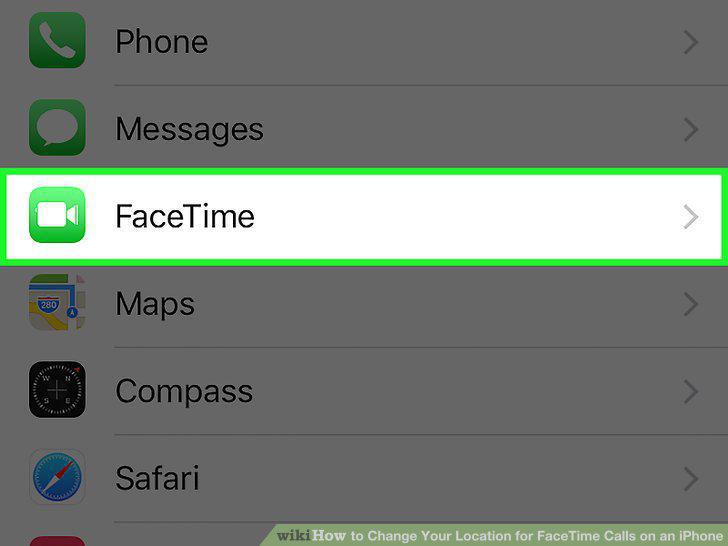
Scroll down and tap FaceTime.
3
Slide the FaceTime button to the On position (if necessary).
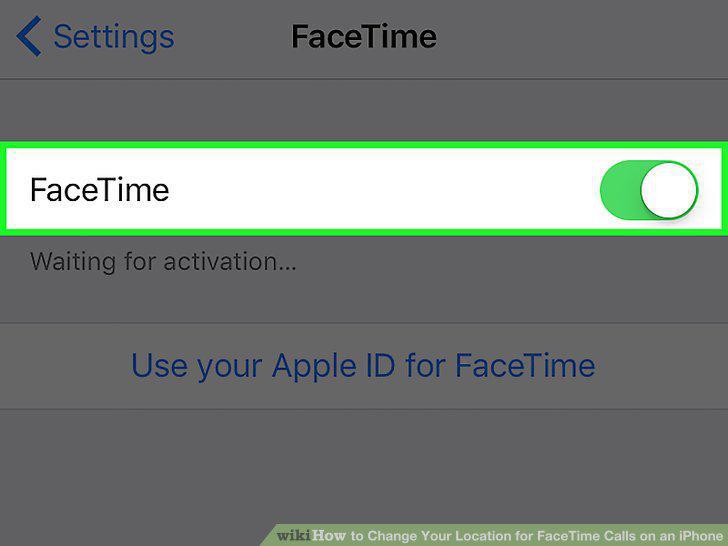
Slide the FaceTime button to the On position (if necessary).
4
Sign in with your Apple ID (if necessary).
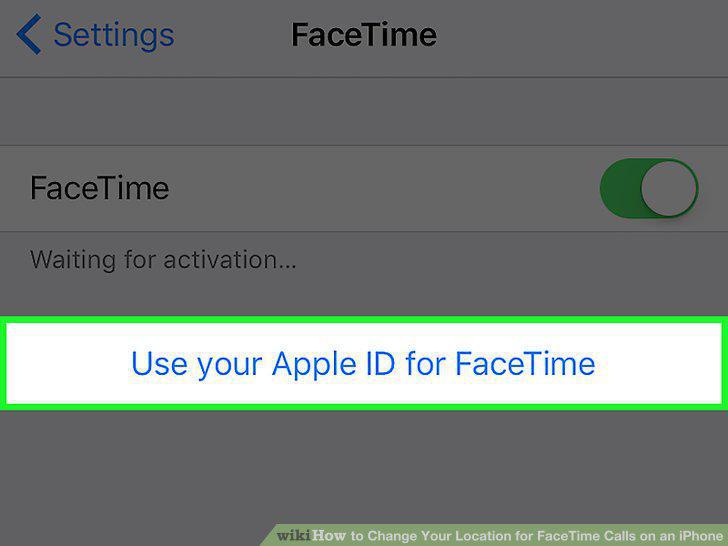
Sign in with your Apple ID (if necessary).
5
Tap your Apple ID.
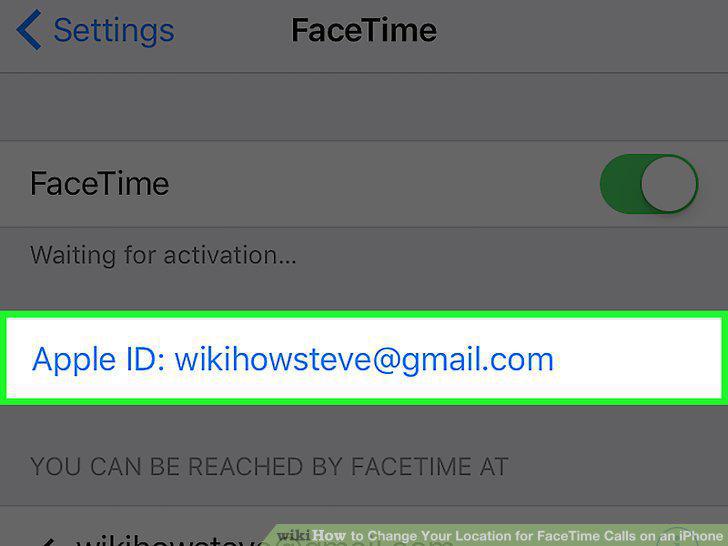
Tap your Apple ID.
6
Tap Change Location.
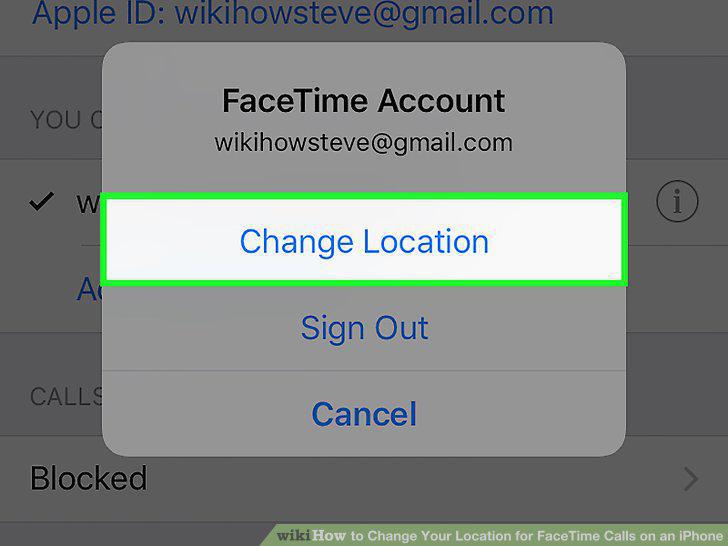
Tap Change Location.
7
Tap Region.
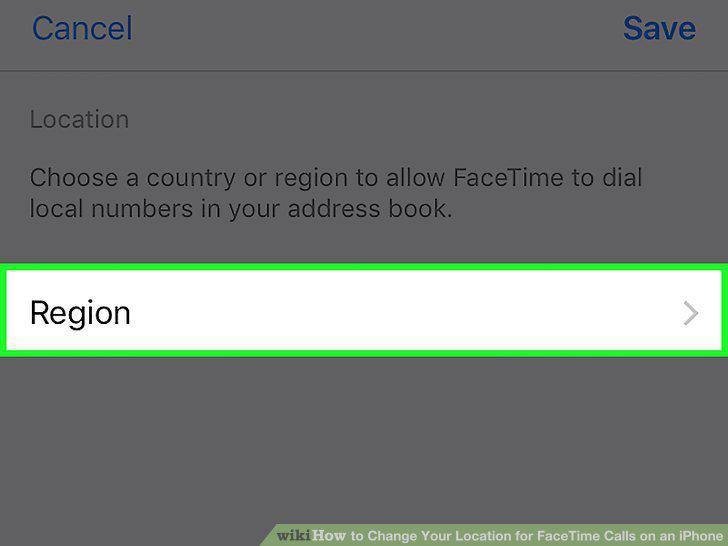
Tap Region.
8
Select a region from the list.
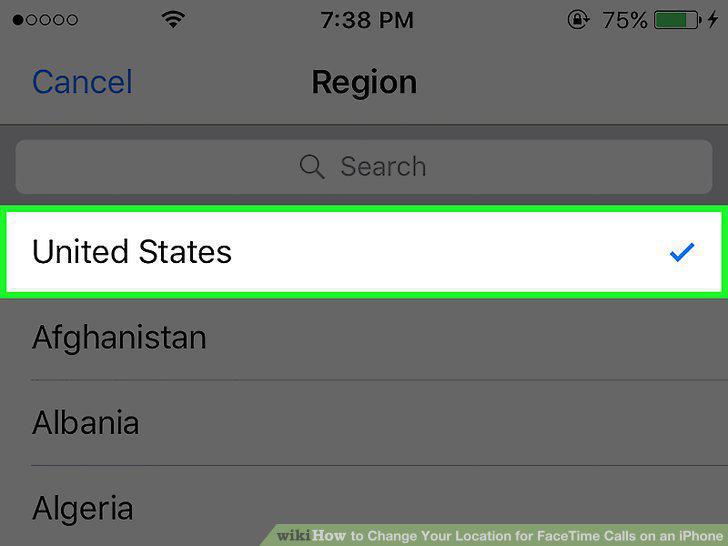
Select a region from the list.
9
Tap Save.
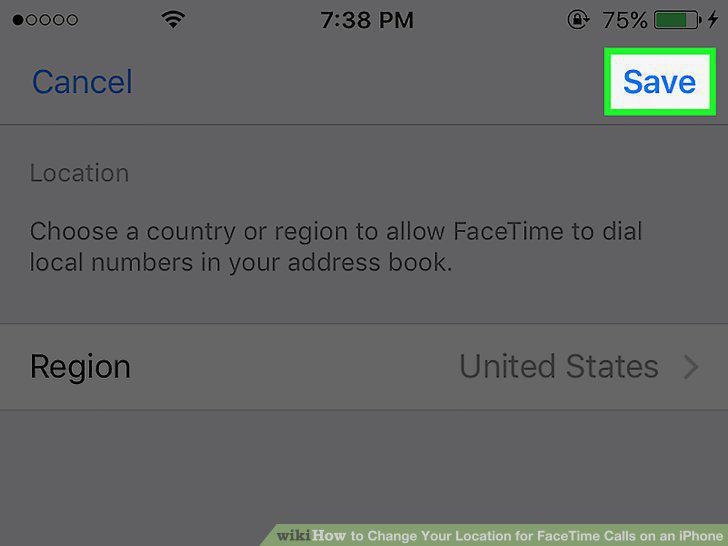
Tap Save.
Comments (0)
No comments yet. Be the first to share your thoughts!