How to Send an Animated Heart on WhatsApp on iPhone or iPad
Open WhatsApp.. Select a chat.. Tap the text box.
Steps
1
Open WhatsApp.

Open WhatsApp.
2
Select a chat.

Select a chat.
3
Tap the text box.

Tap the text box.
4
Tap and hold the globe key on the keyboard.
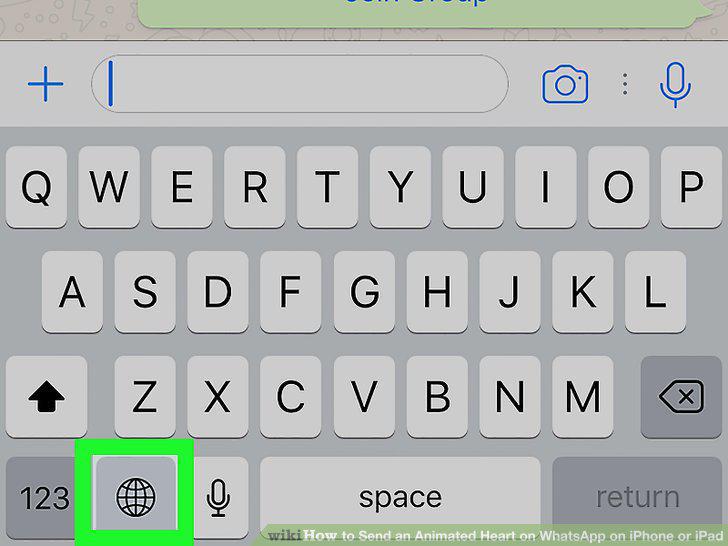
Tap and hold the globe key on the keyboard.
5
Tap Emoji.
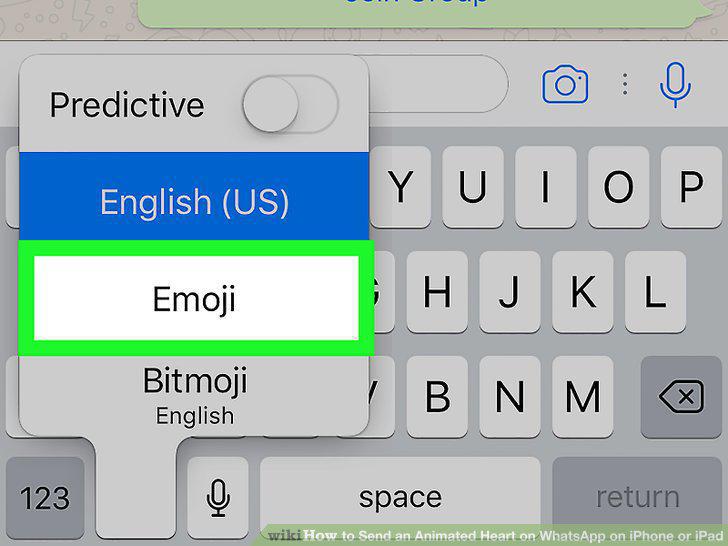
Tap Emoji.
6
Tap the next-to-last Emoji category.
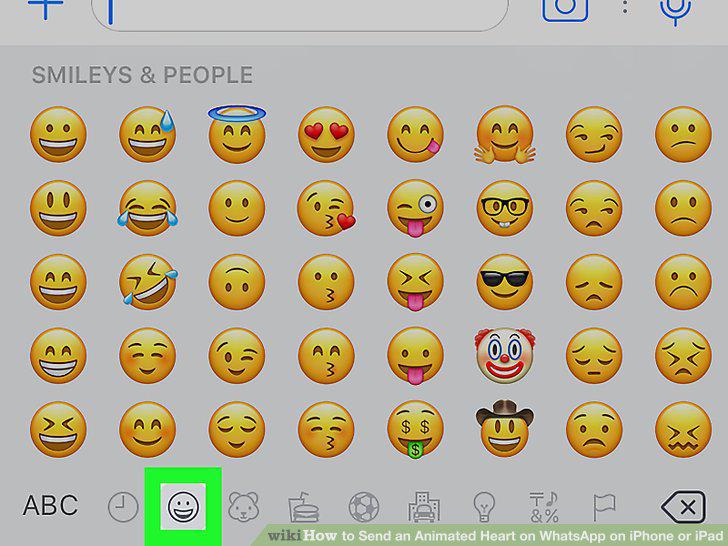
Tap the next-to-last Emoji category.
7
Tap the simple red heart.
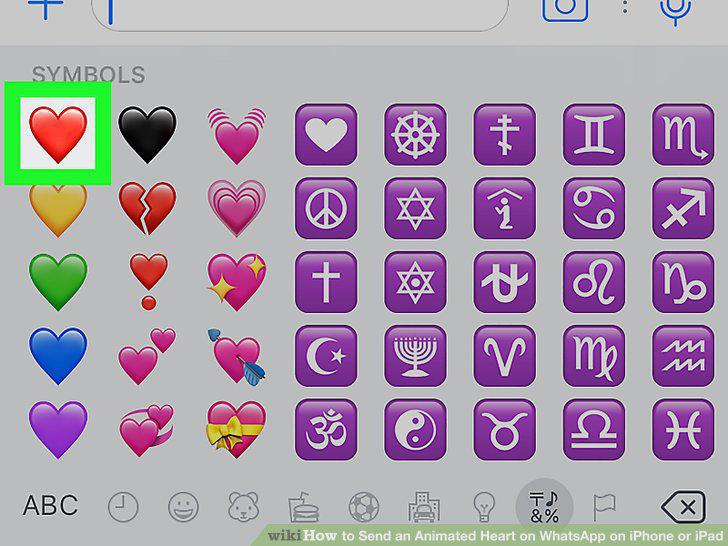
Tap the simple red heart.
8
Tap the send icon.
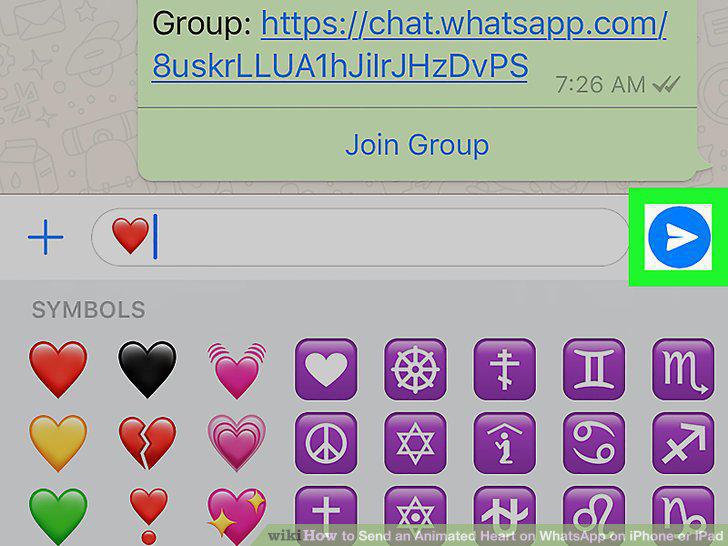
Tap the send icon.
Comments (0)
No comments yet. Be the first to share your thoughts!