How to Make a Custom Thumbnail for YouTube
Verify your YouTube account. Go to Google images and search for backgrounds.. Copy the background you want.
Steps
Verify your YouTube account
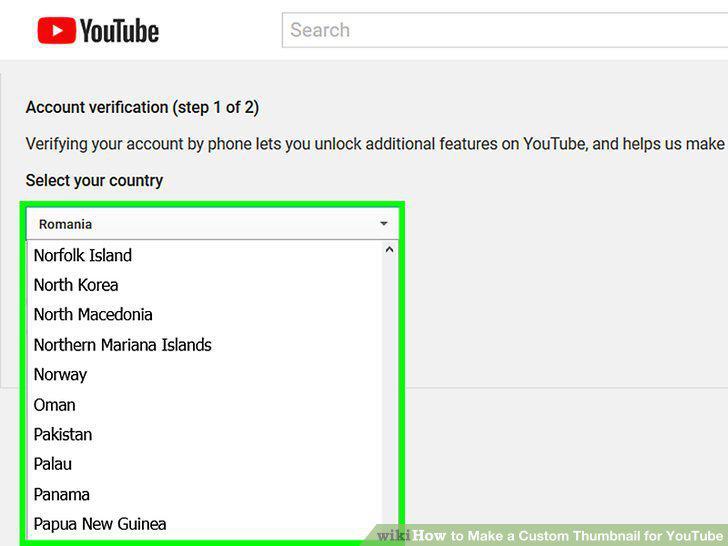
Verify your YouTube account
Go to Google images and search for backgrounds.
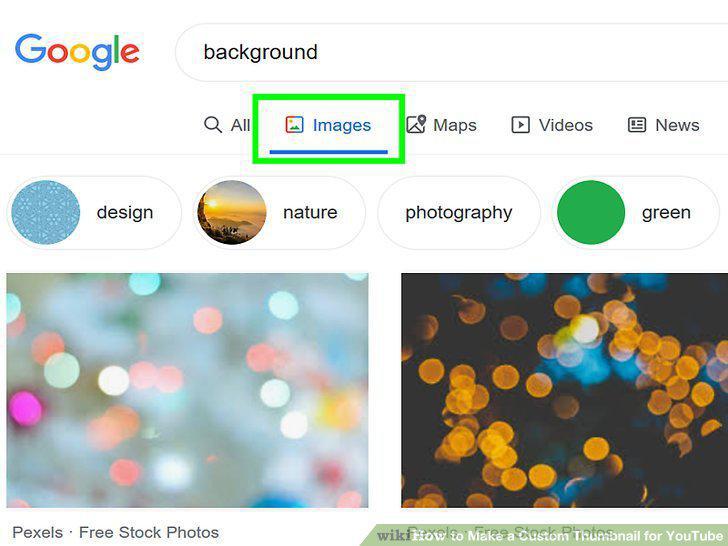
Go to Google images and search for backgrounds.
Copy the background you want.
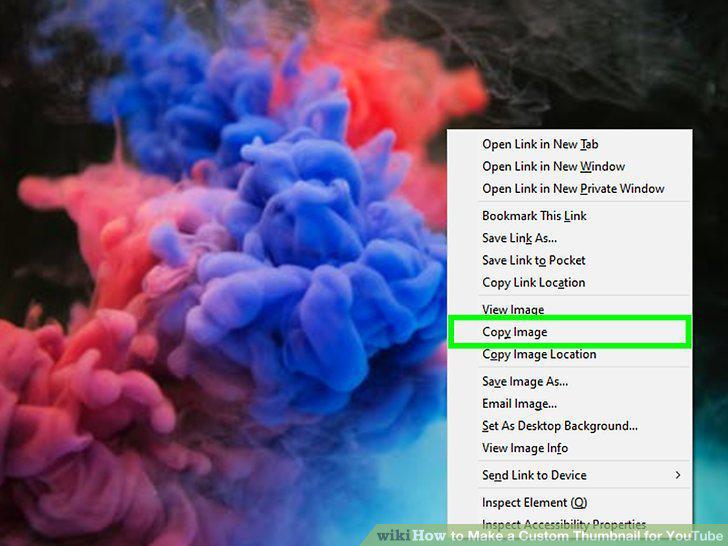
Copy the background you want.
Open an image editor and insert the image as the background.
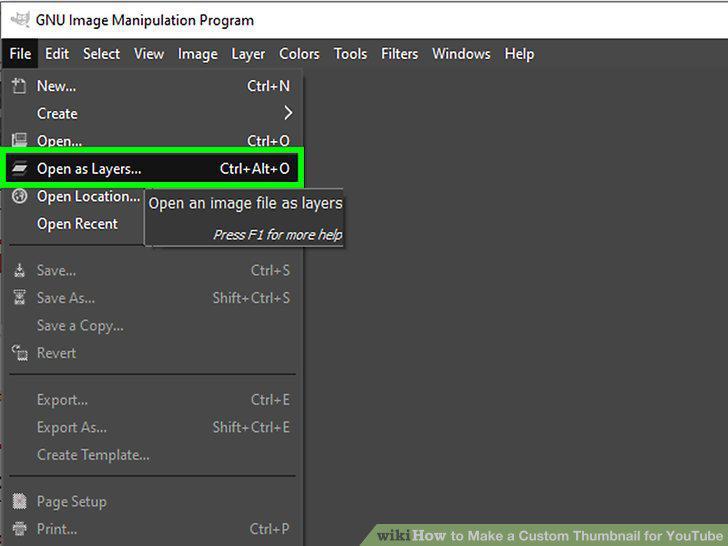
Open an image editor and insert the image as the background.
Visit a custom font site like DaFont.
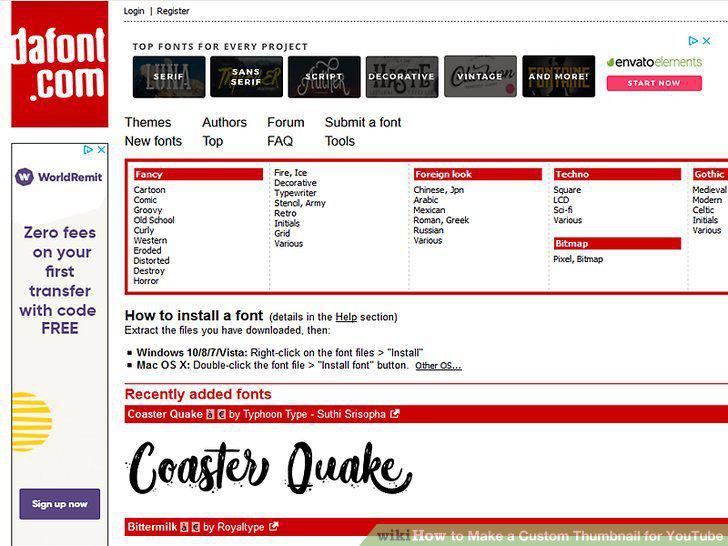
Visit a custom font site like DaFont.
Select a font category.
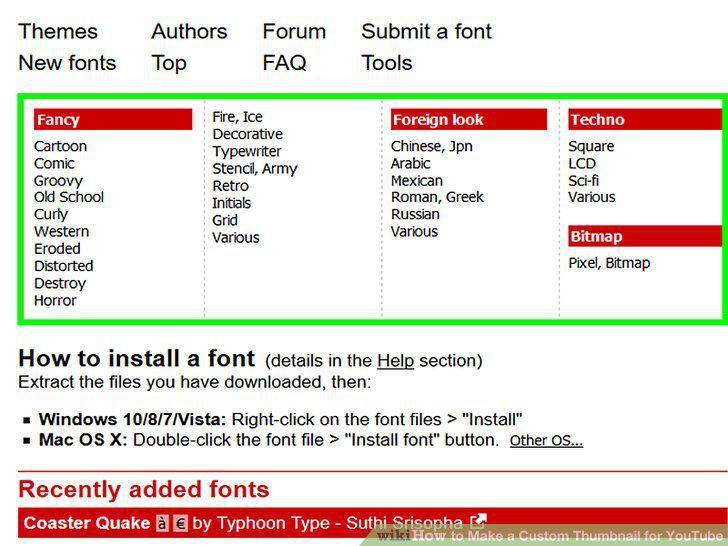
Select a font category.
Scroll through the fonts and download one.
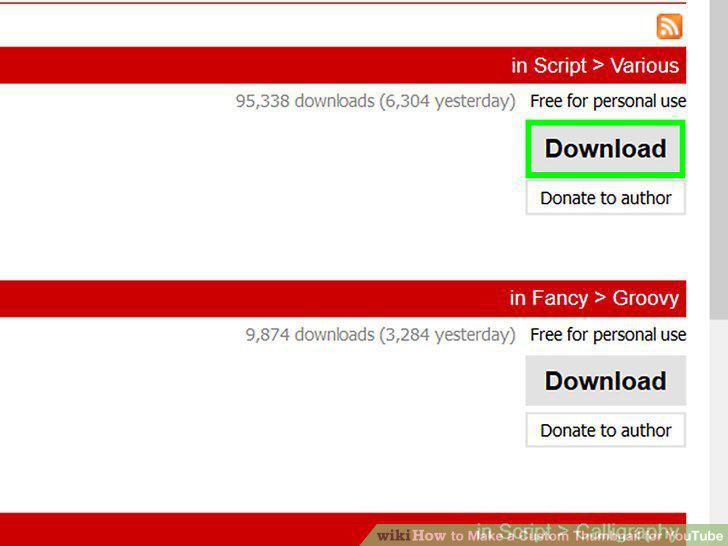
Scroll through the fonts and download one.
Save the ZIP file and open it.
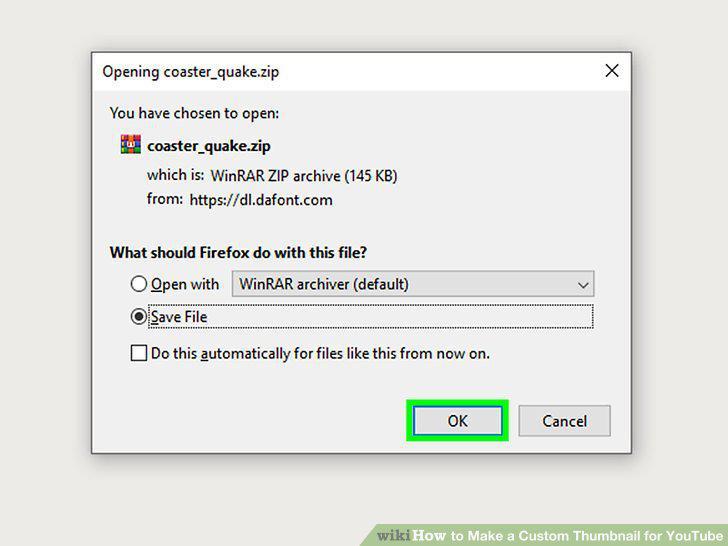
Save the ZIP file and open it.
Open the font file.
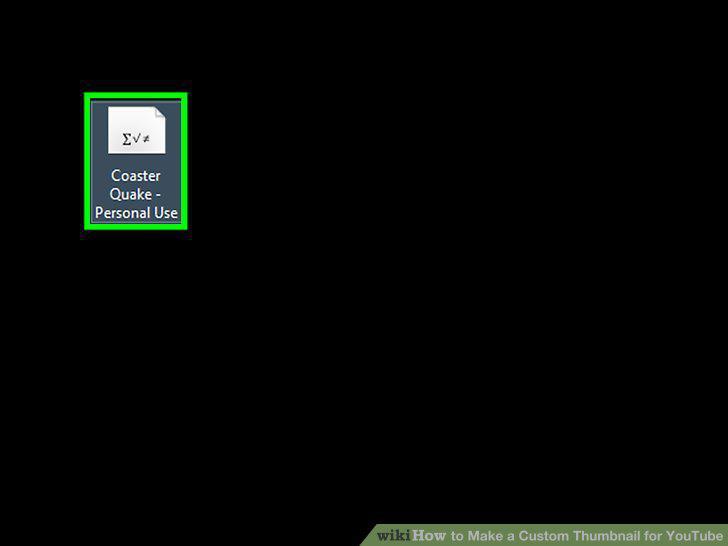
Open the font file.
Click on the Install button.
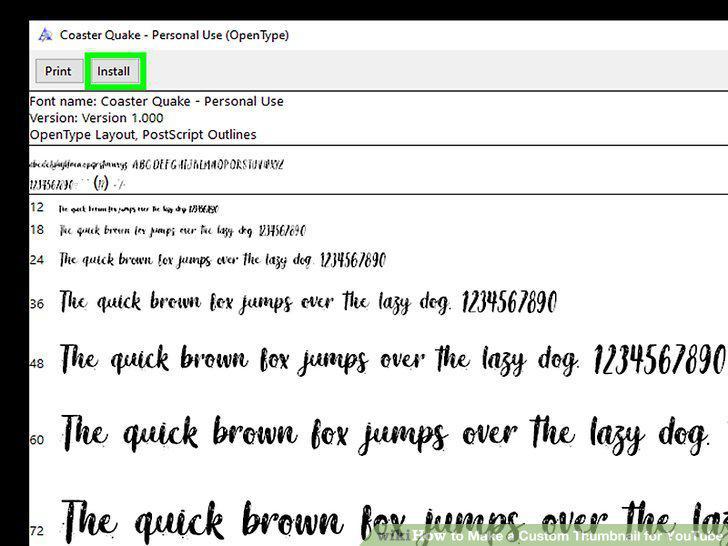
Click on the Install button.
Go back to your image editor.
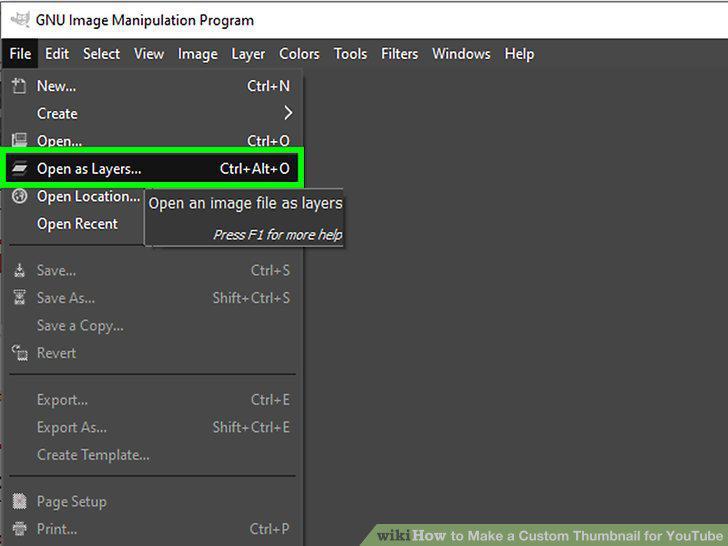
Go back to your image editor.
Type over the background what you want to have written on your thumbnail.
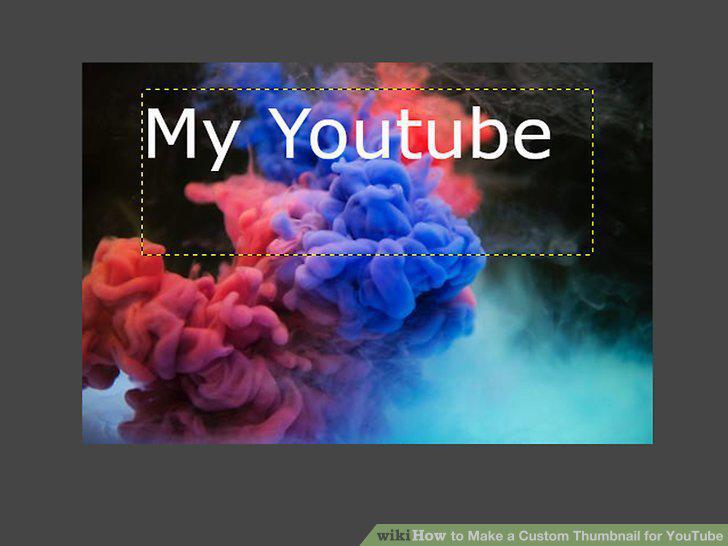
Type over the background what you want to have written on your thumbnail.
Look at thumbnails for YouTube videos you watch.
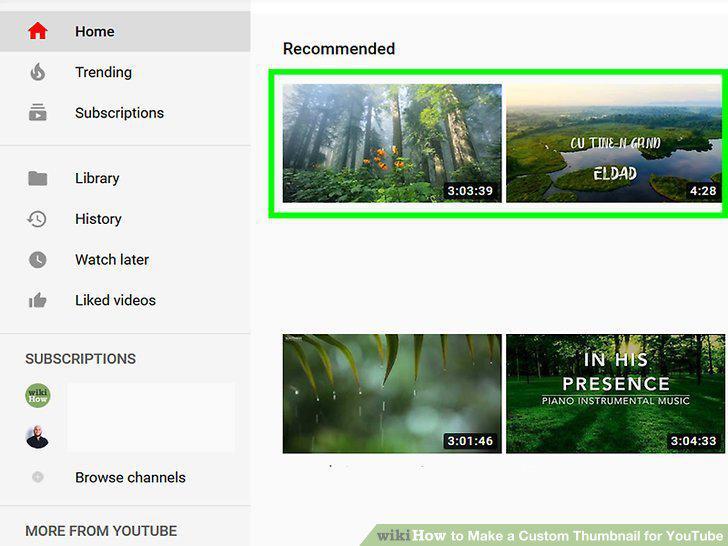
Look at thumbnails for YouTube videos you watch.
Customize your design.
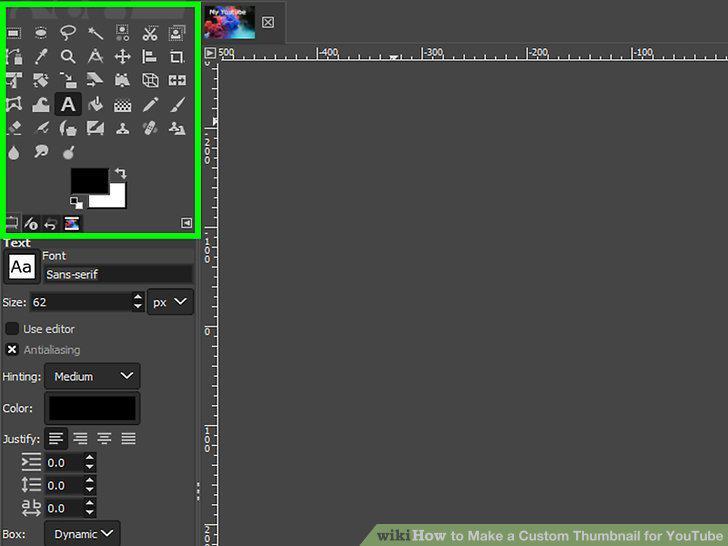
Customize your design.
Format your thumbnail around the title.
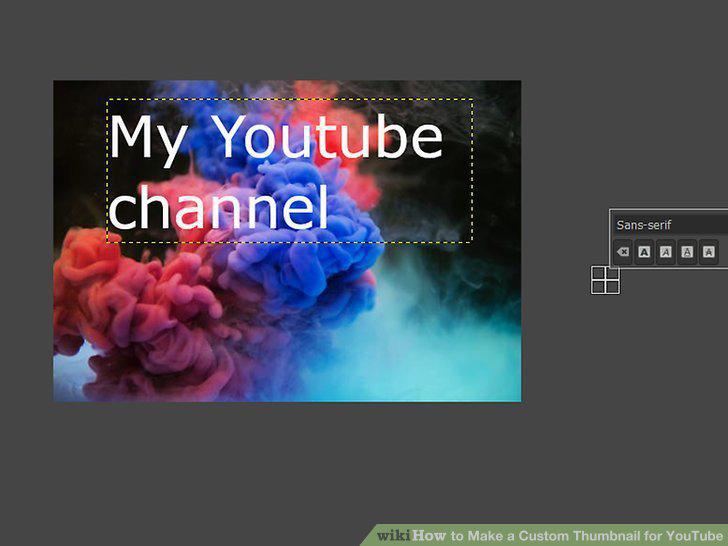
Format your thumbnail around the title.
Make a rectangular image.
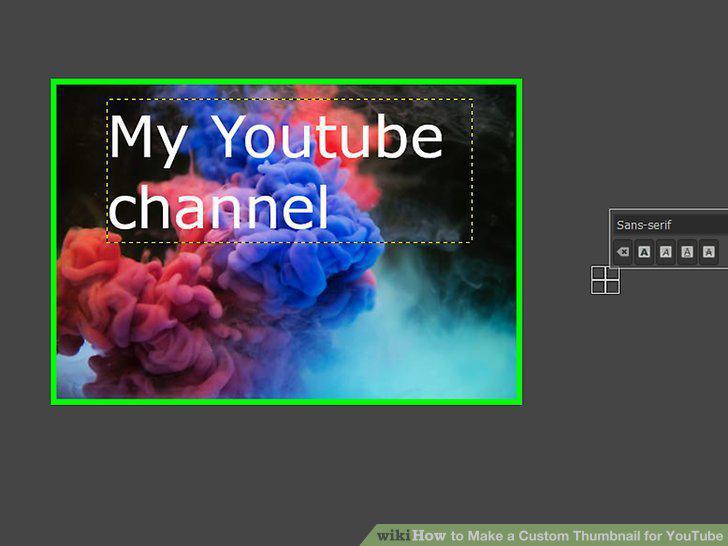
Make a rectangular image.
Click the File tab in your image editor.
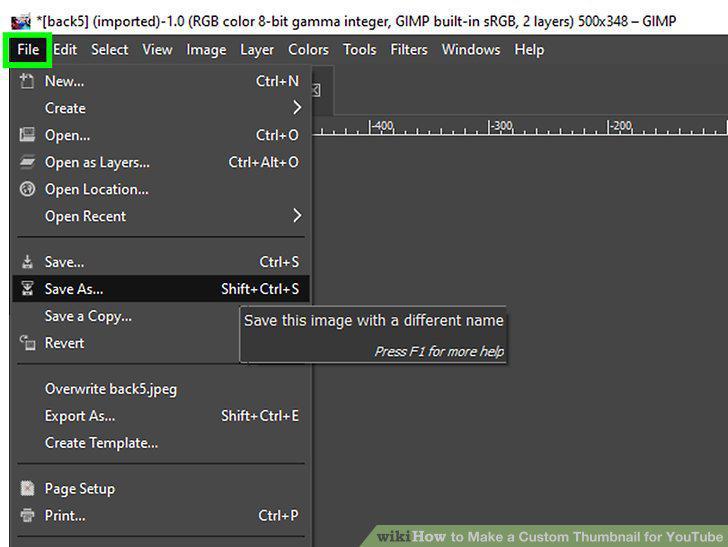
Click the File tab in your image editor.
Select Save As... in the menu.
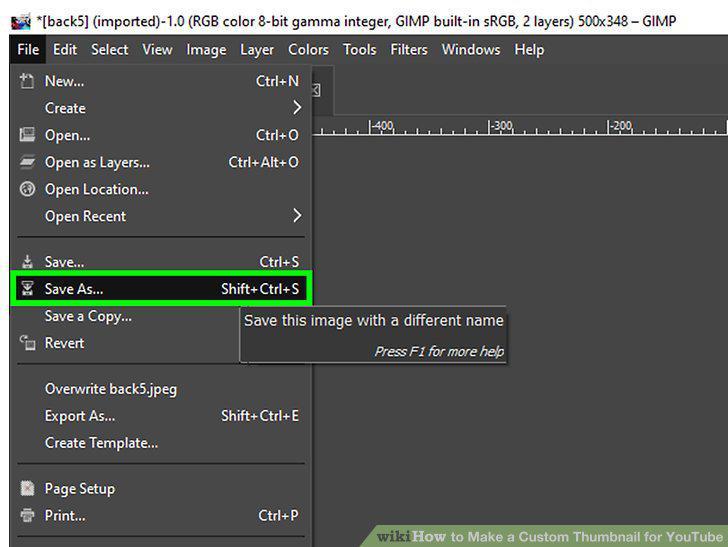
Select Save As... in the menu.
Click the File Type field.
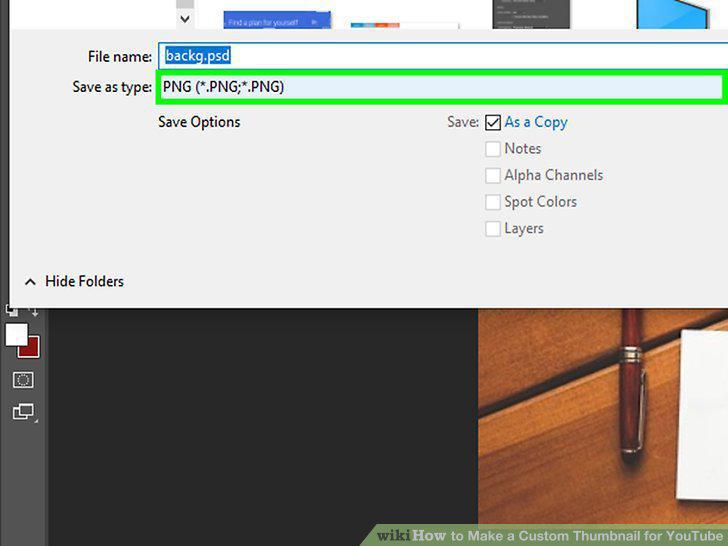
Click the File Type field.
Select .PNG file in the menu.
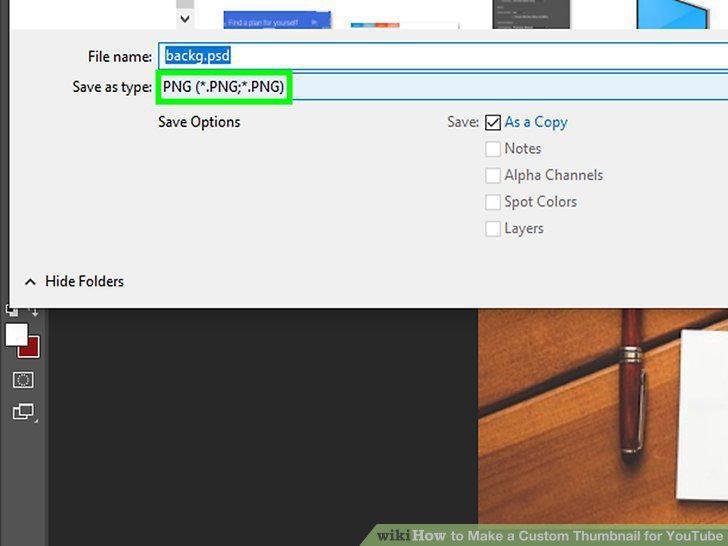
Select .PNG file in the menu.
Upload the customized thumbnail to your video.
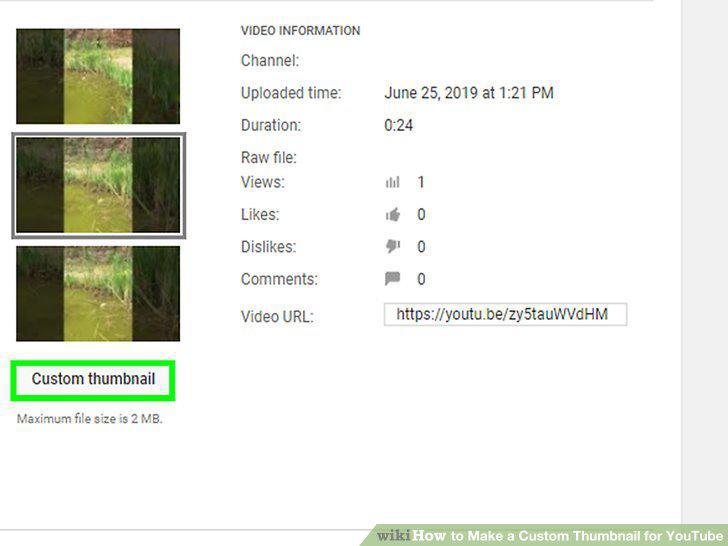
Upload the customized thumbnail to your video.
Comments (0)
No comments yet. Be the first to share your thoughts!