How to Enable Attribute Editor Tab in Active Directory on Windows
Click the Windows Start menu.. Type Active Directory Users and Computers.. Click Active Directory Users and Computers.
Steps
1
Click the Windows Start menu.

Click the Windows Start menu.
2
Type Active Directory Users and Computers.
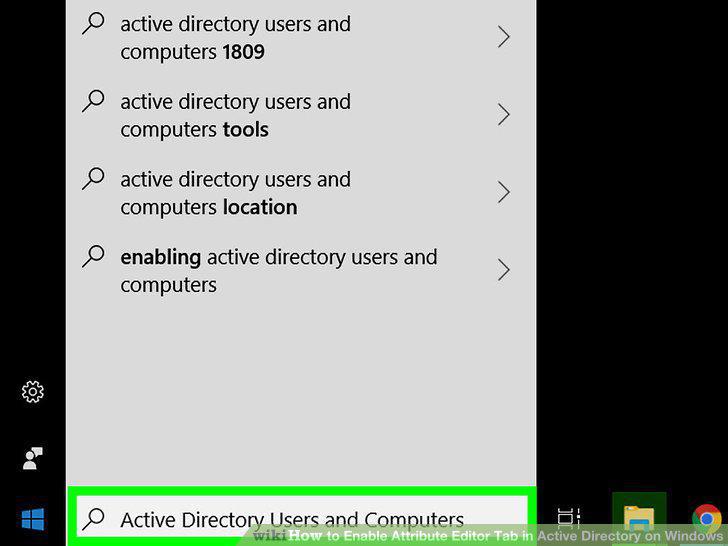
Type Active Directory Users and Computers.
3
Click Active Directory Users and Computers.
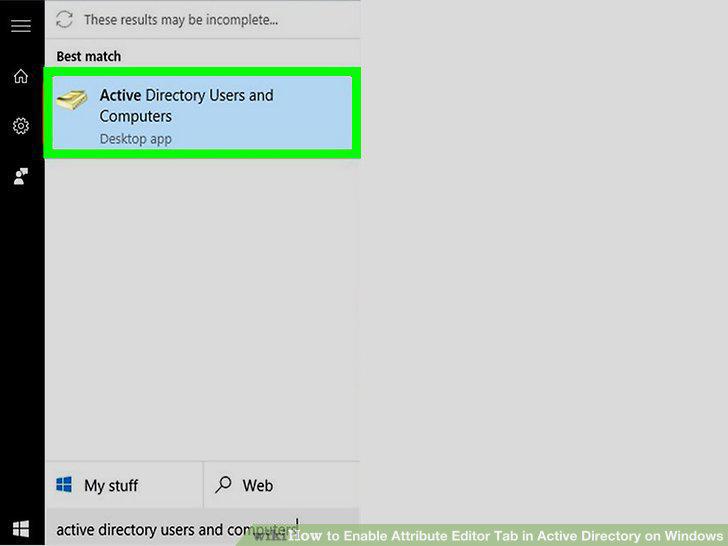
Click Active Directory Users and Computers.
4
Click View.
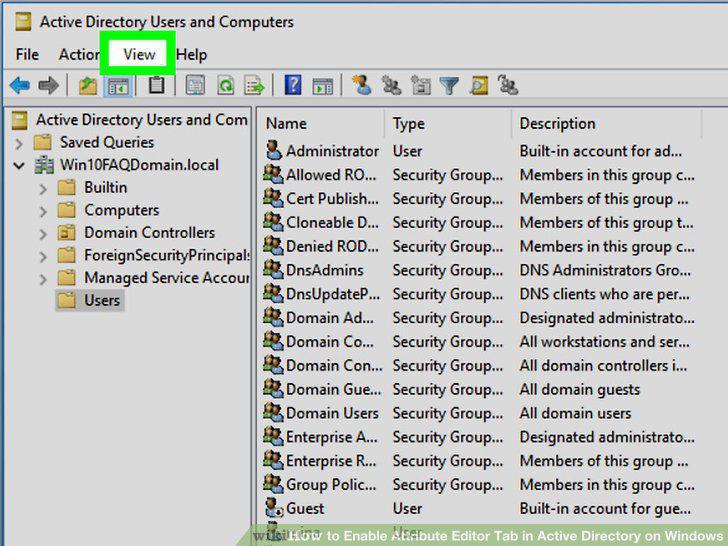
Click View.
5
Check Advanced Features.
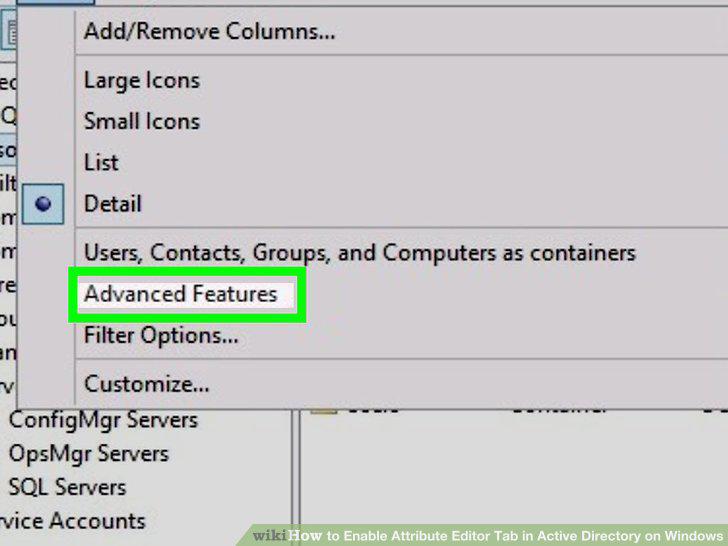
Check Advanced Features.
6
Right-click a user-object you want to edit.
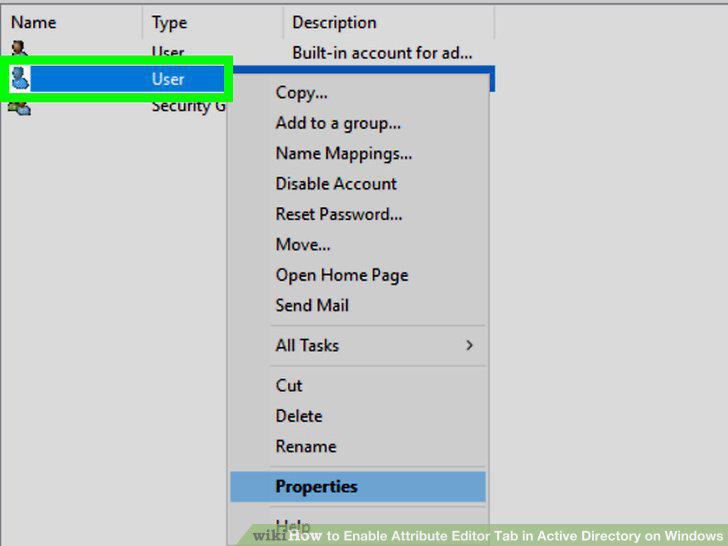
Right-click a user-object you want to edit.
7
Click Properties.
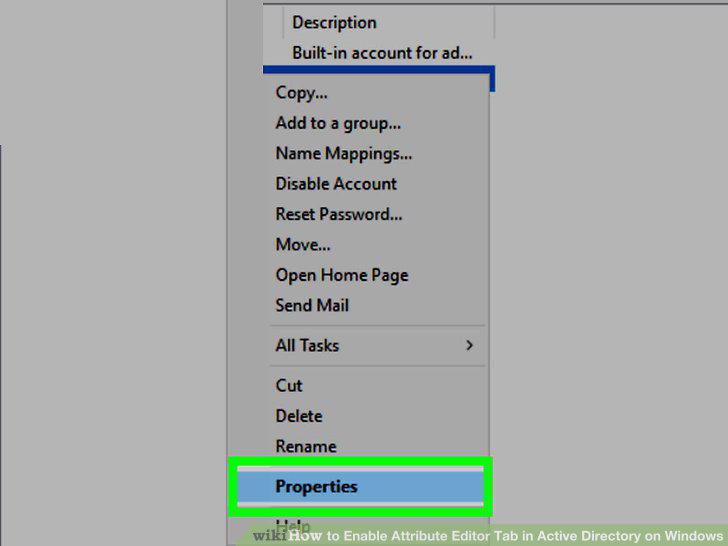
Click Properties.
8
Click Attribute Editor.
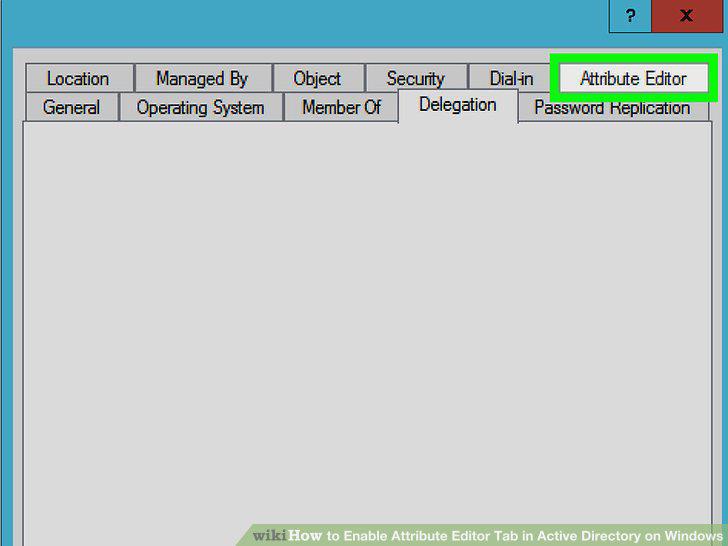
Click Attribute Editor.
Comments (0)
No comments yet. Be the first to share your thoughts!