How to Mute a Channel on Slack
Open Slack's website.. Click "Sign in" at the bottom of the page.. Enter your team's name, then click "Continue".
Steps
Open Slack's website.
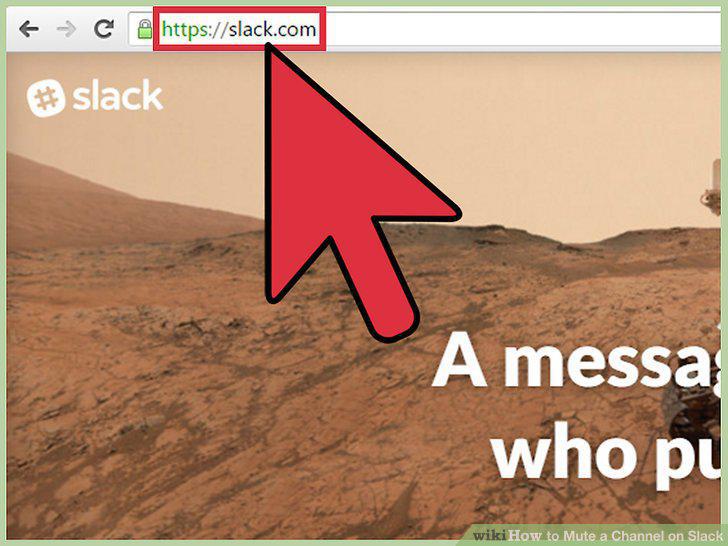
Open Slack's website.
Click "Sign in" at the bottom of the page.
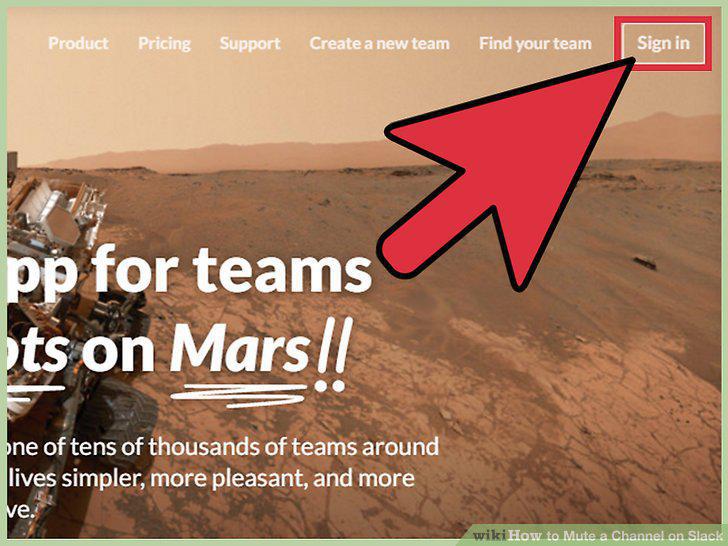
Click "Sign in" at the bottom of the page.
Enter your team's name, then click "Continue".
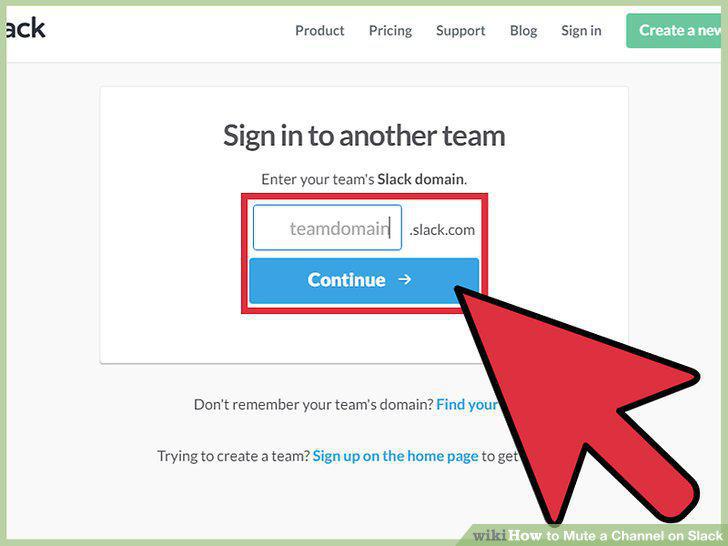
Enter your team's name, then click "Continue".
Click on the channel you wish to mute.
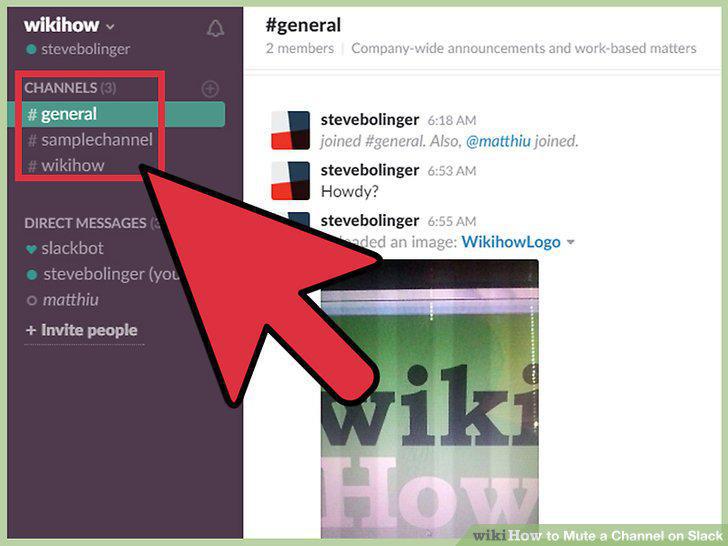
Click on the channel you wish to mute.
Click on the gear symbol to open the Channel Settings menu.
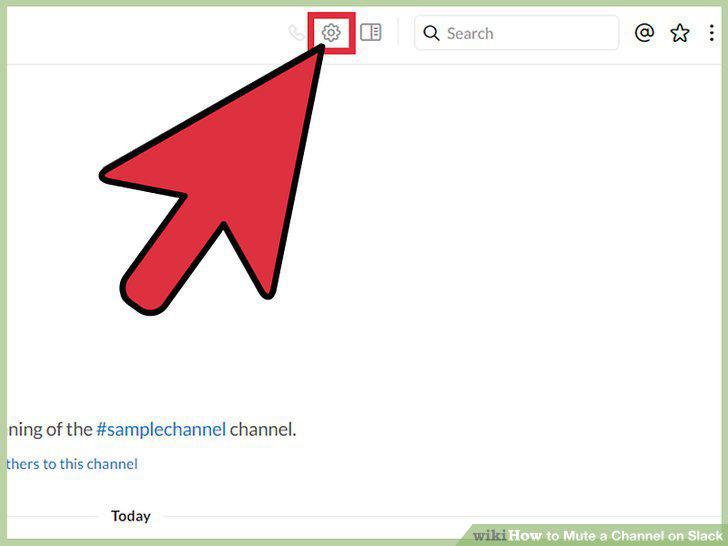
Click on the gear symbol to open the Channel Settings menu.
Click the "mute #[channel name]" option to mute the channel.
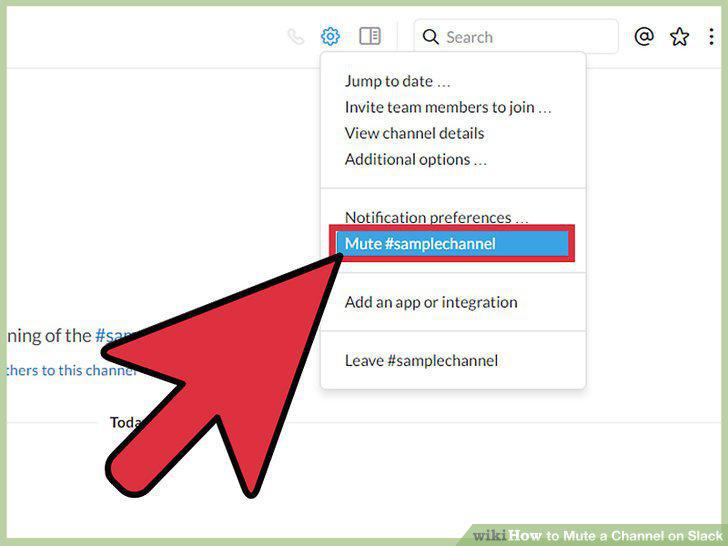
Click the "mute #[channel name]" option to mute the channel.
Unmute the channel when you're ready.
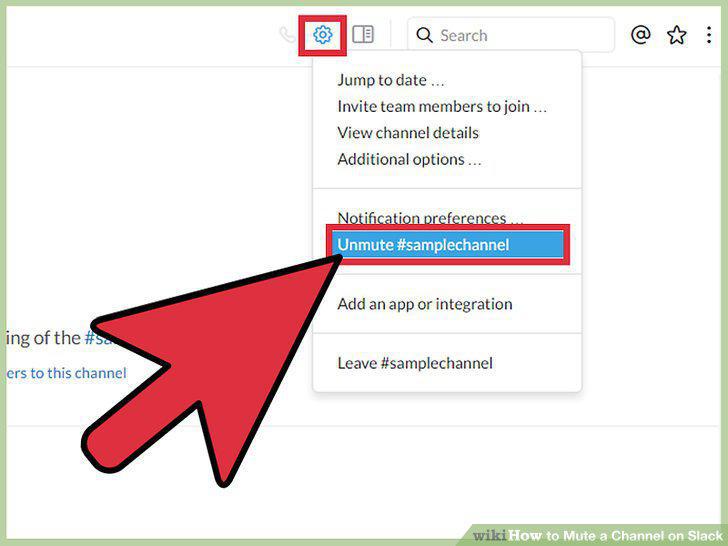
Unmute the channel when you're ready.
Open Slack's website.
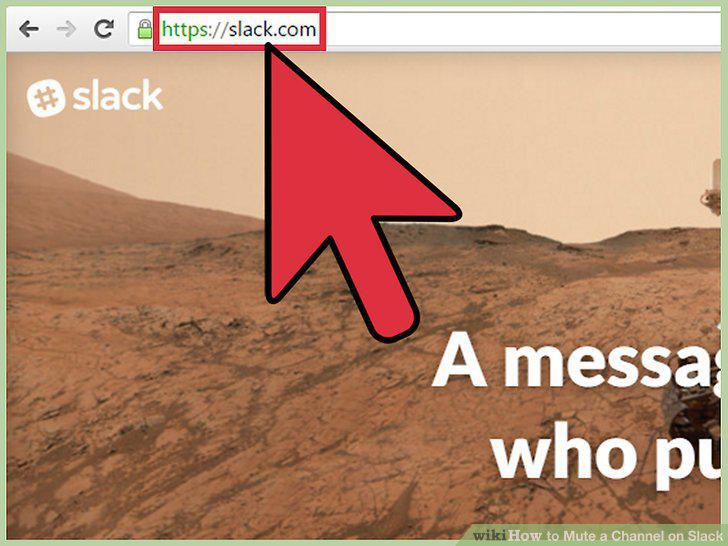
Open Slack's website.
Click "Sign in" at the bottom of the page.
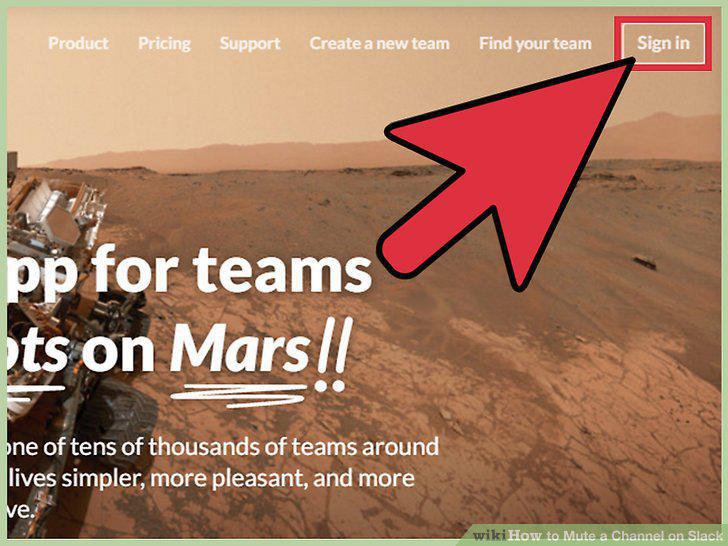
Click "Sign in" at the bottom of the page.
Enter your team's name, then click "Continue".
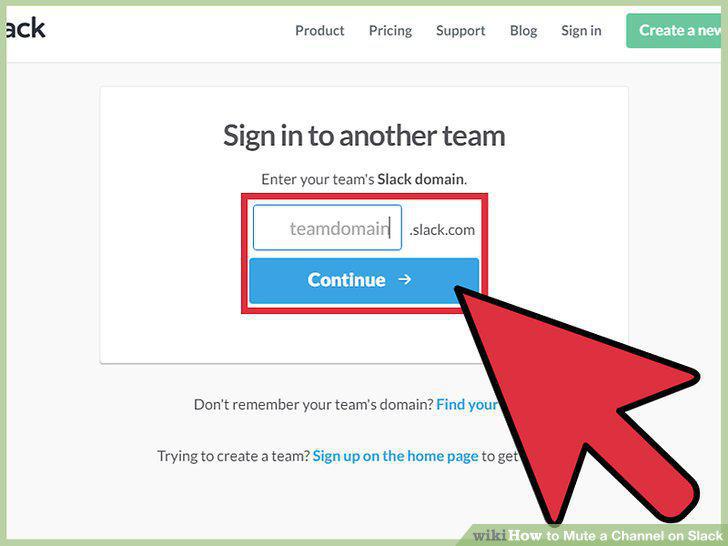
Enter your team's name, then click "Continue".
Click the notifications icon next to your team name.
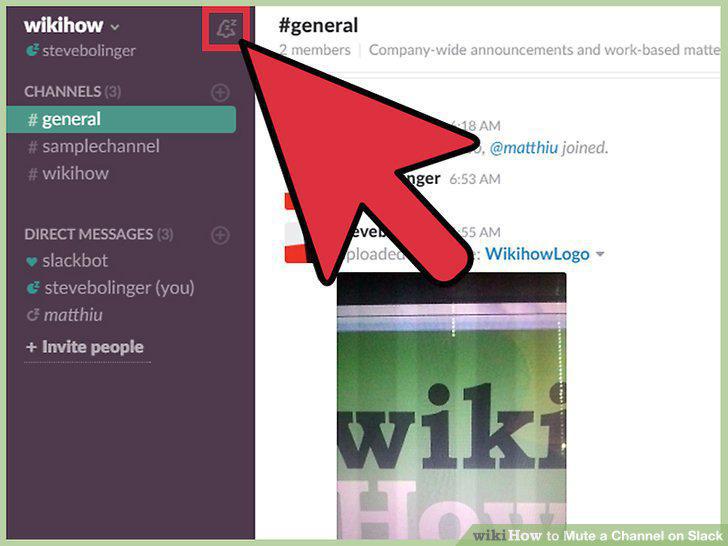
Click the notifications icon next to your team name.
Click or tap the "Do Not Disturb Schedule" option.
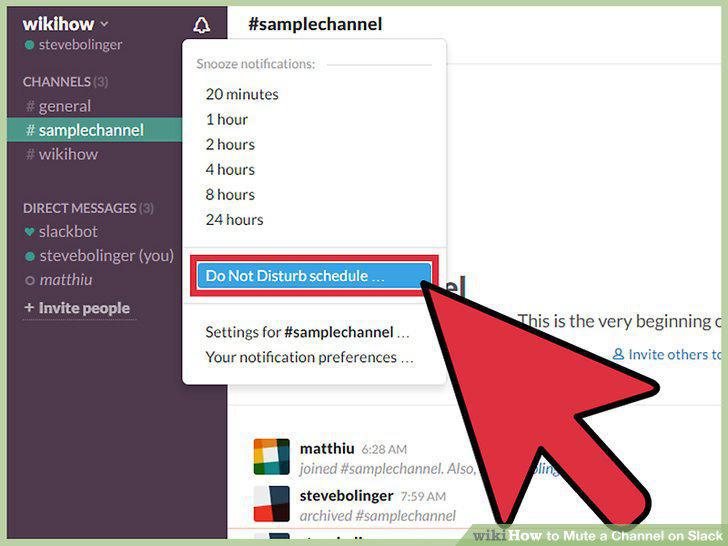
Click or tap the "Do Not Disturb Schedule" option.
Set a span of time for which to disable notifications from your team.
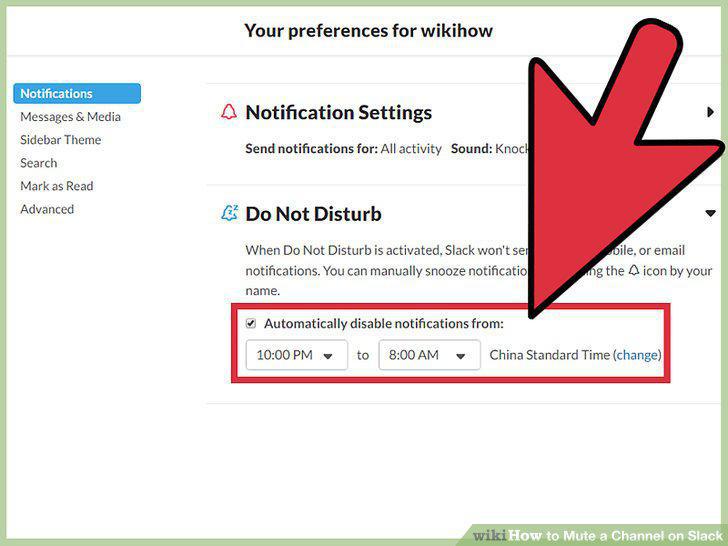
Set a span of time for which to disable notifications from your team.
Click the "X" in the upper right-hand corner of your screen.
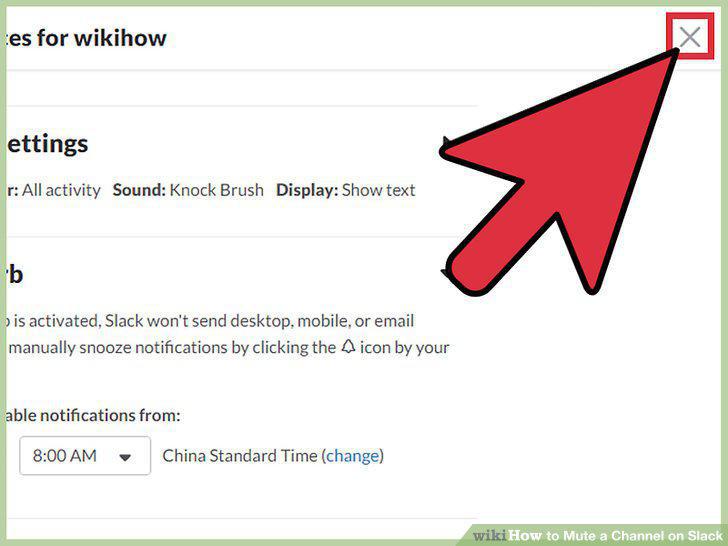
Click the "X" in the upper right-hand corner of your screen.
Open Slack's website.
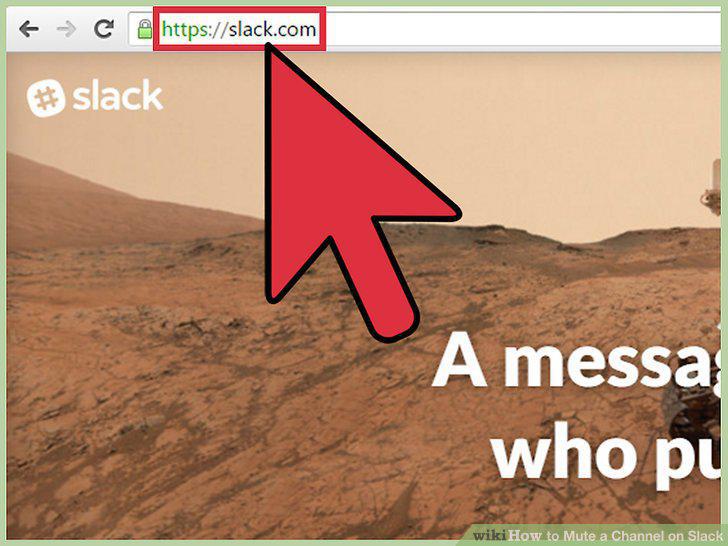
Open Slack's website.
Click "Sign in" at the bottom of the page.
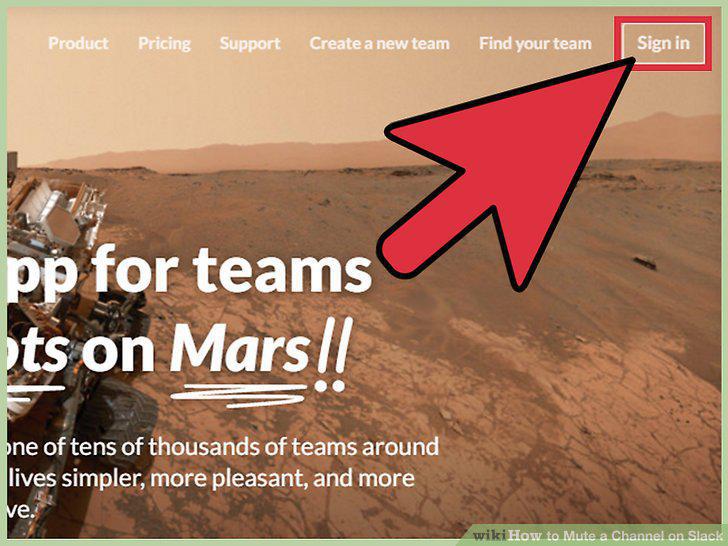
Click "Sign in" at the bottom of the page.
Enter your team's name, then click "Continue".
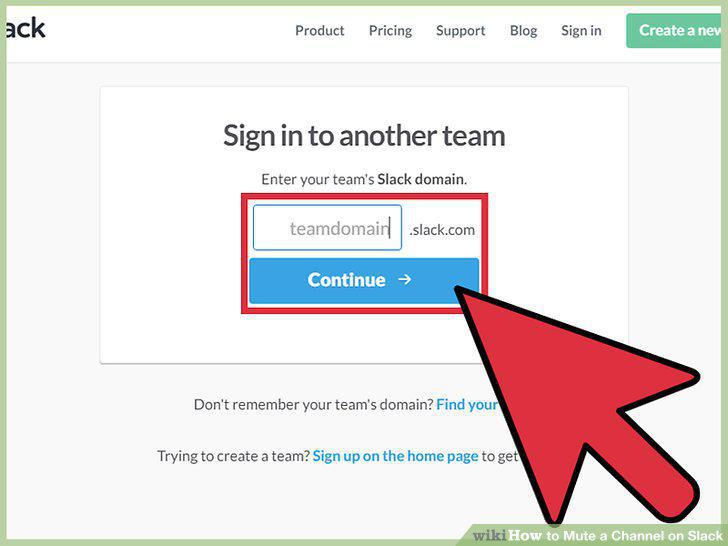
Enter your team's name, then click "Continue".
Click or tap on the channel you wish to leave.
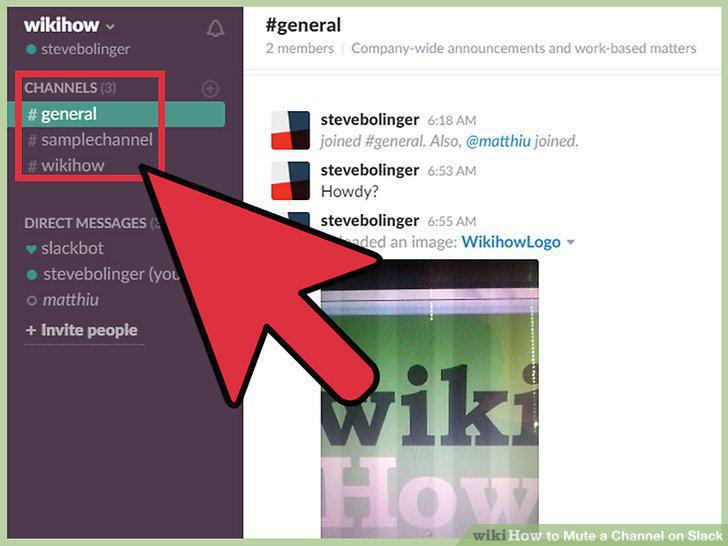
Click or tap on the channel you wish to leave.
Click on the gear symbol to open the Channel Settings menu.
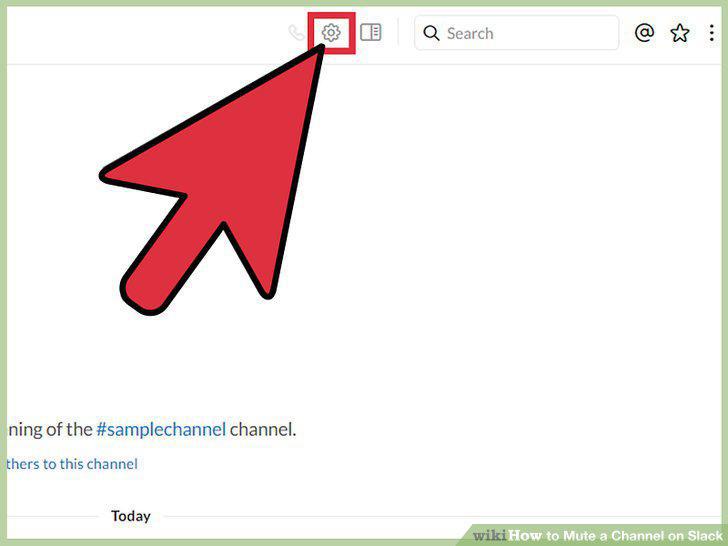
Click on the gear symbol to open the Channel Settings menu.
Click the "leave #[channel name]" option to leave the channel.
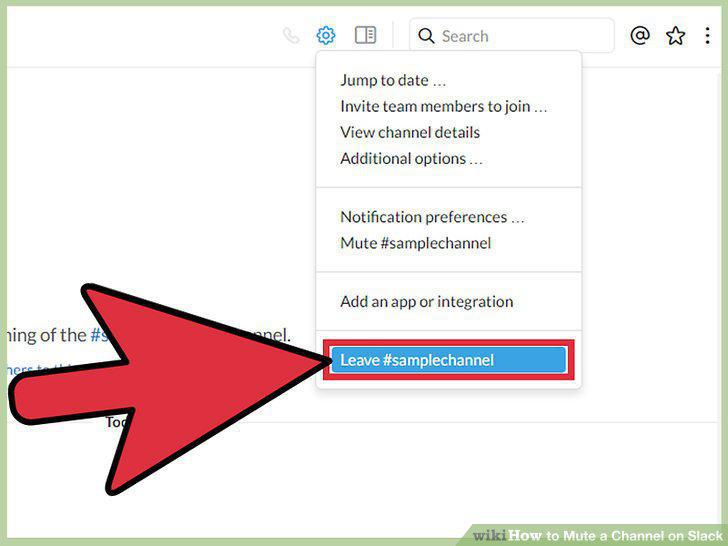
Click the "leave #[channel name]" option to leave the channel.
Comments (0)
No comments yet. Be the first to share your thoughts!