How to Download an iPhone App Without Wi-Fi
Open your iPhone's Settings .. Tap Cellular or Mobile.. Scroll down and slide "App Store" to On .
Steps
1
Open your iPhone's Settings .
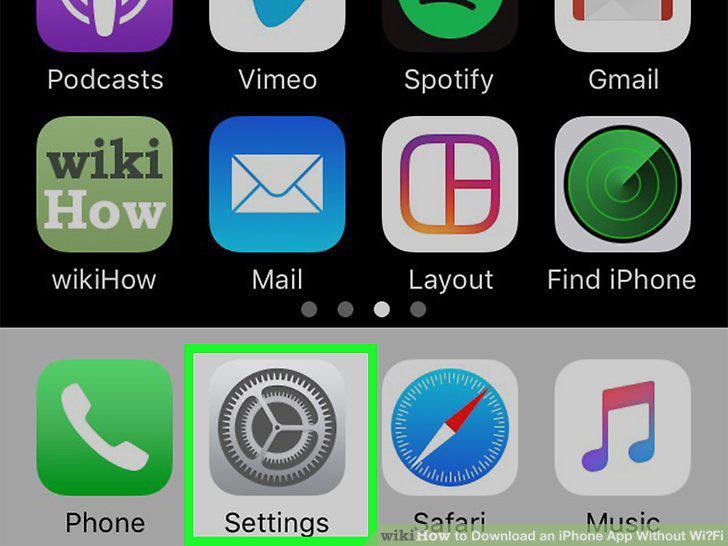
Open your iPhone's Settings .
2
Tap Cellular or Mobile.
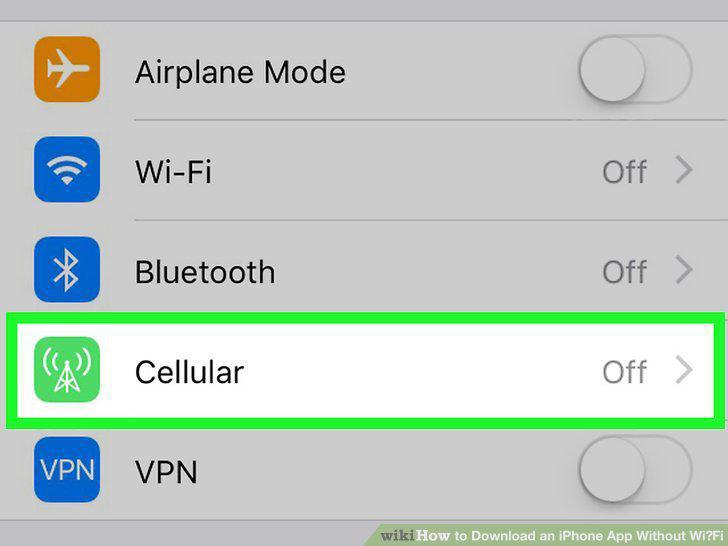
Tap Cellular or Mobile.
3
Scroll down and slide "App Store" to On .
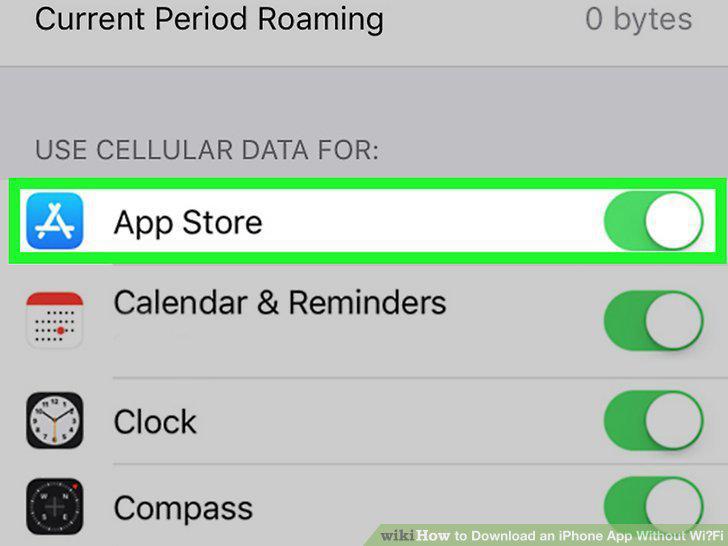
Scroll down and slide "App Store" to On .
4
Tap the back button to return to the Settings menu.
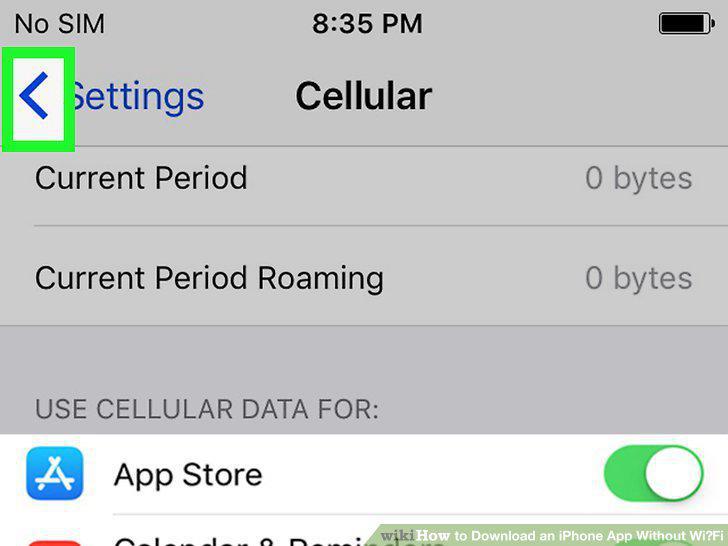
Tap the back button to return to the Settings menu.
5
Scroll down and tap App Store.
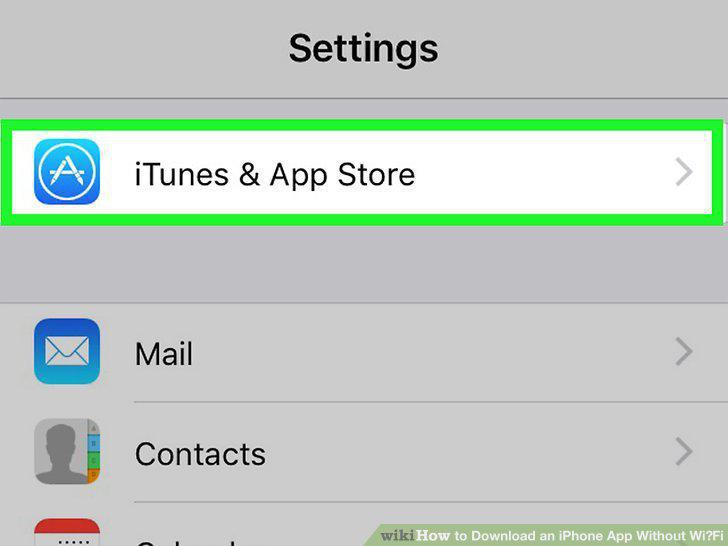
Scroll down and tap App Store.
6
Tap App Downloads.
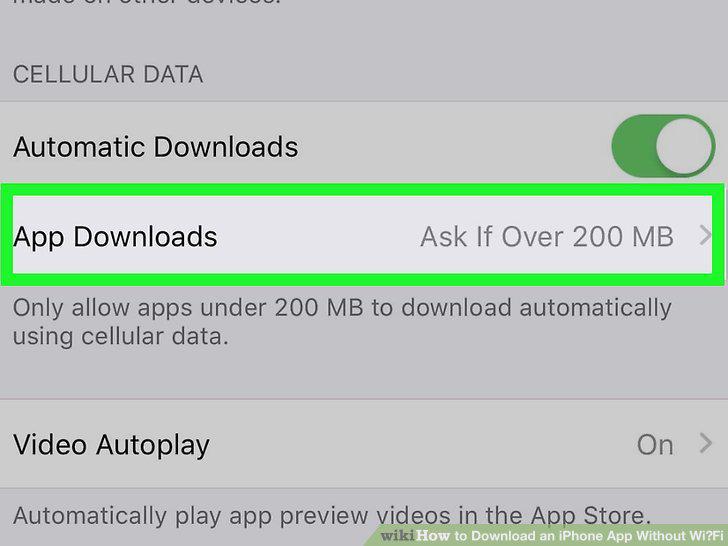
Tap App Downloads.
7
Select a download option.
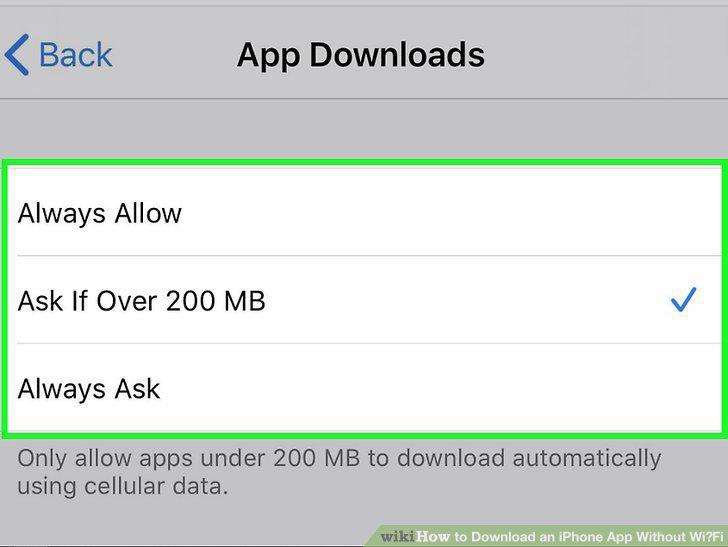
Select a download option.
8
Allow app updates over cellular (optional).
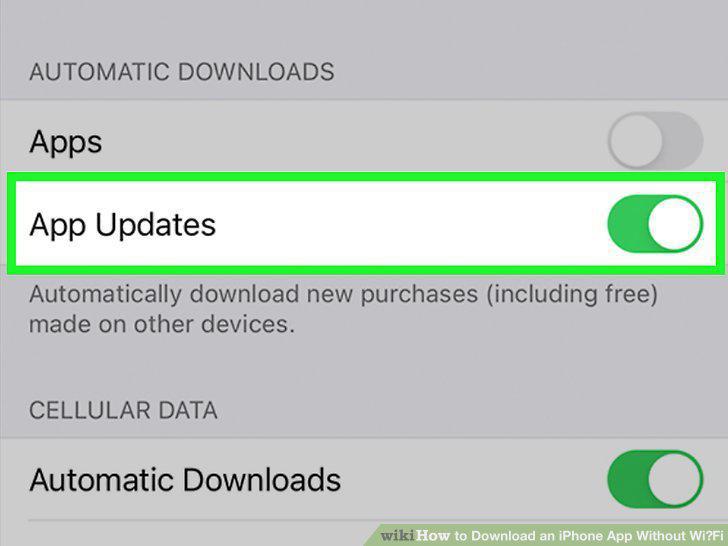
Allow app updates over cellular (optional).
9
Turn off Wi-Fi if you'd prefer to use your cellular data plan.
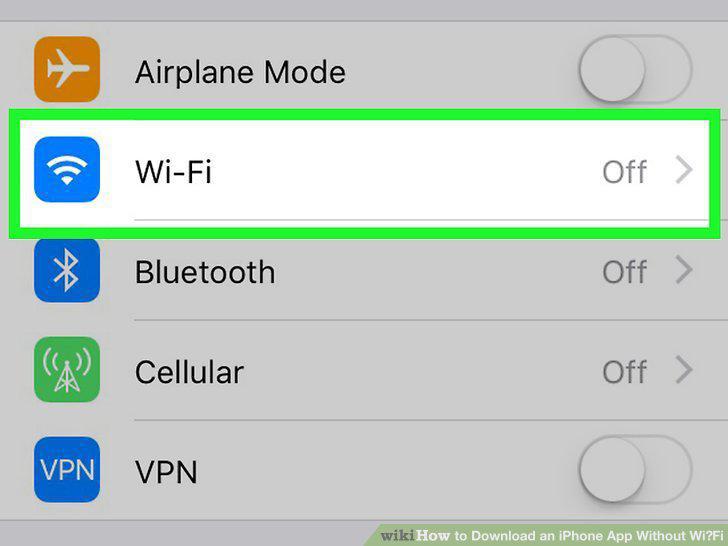
Turn off Wi-Fi if you'd prefer to use your cellular data plan.
10
Toggle on cellular data if it's off.
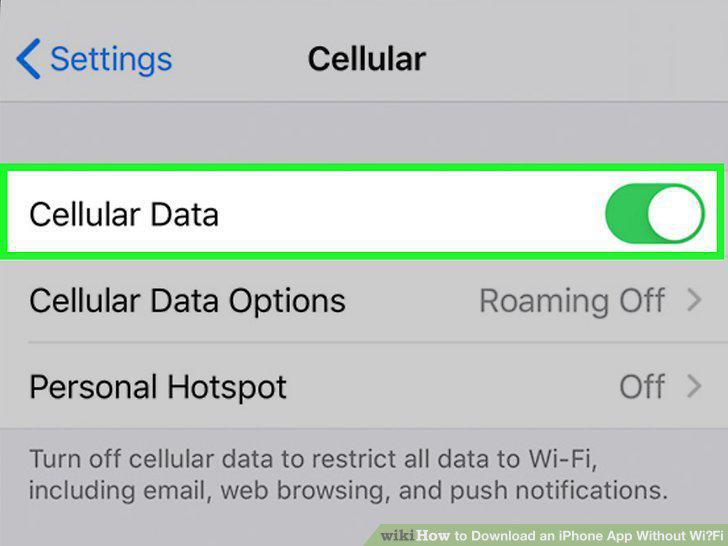
Toggle on cellular data if it's off.
11
Open the App Store.
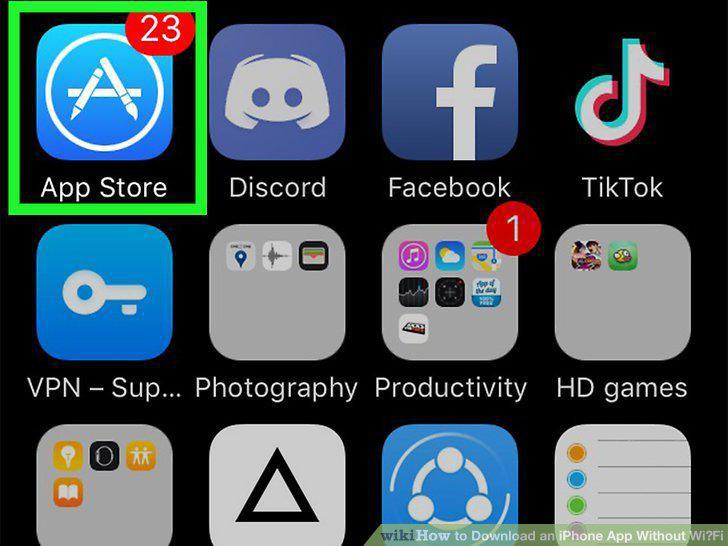
Open the App Store.
12
Find the app you want to download.
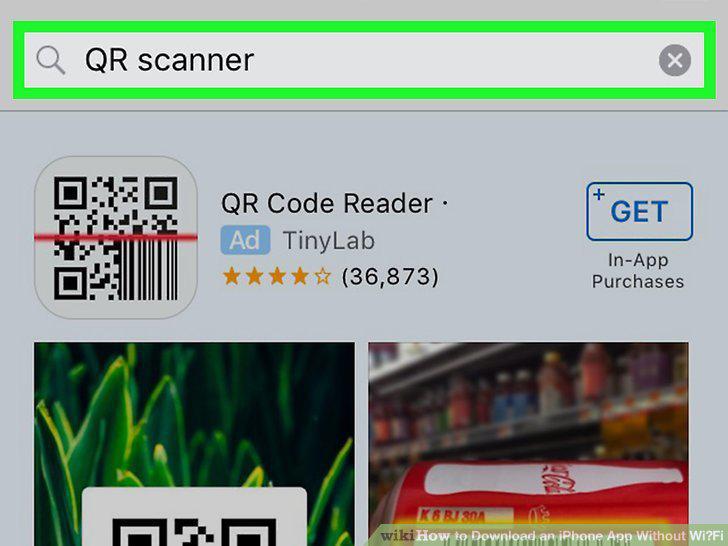
Find the app you want to download.
13
Tap GET to start the download.
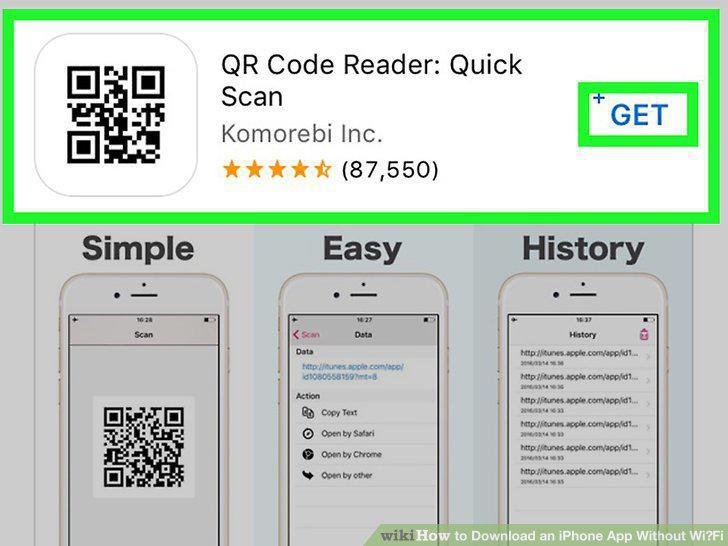
Tap GET to start the download.
Comments (0)
No comments yet. Be the first to share your thoughts!