How to Open a .DOCX File
Go to https://www.office.com in a web browser.. Log in with your Microsoft account.. Click the Word icon.
Steps
1
Go to https://www.office.com in a web browser.
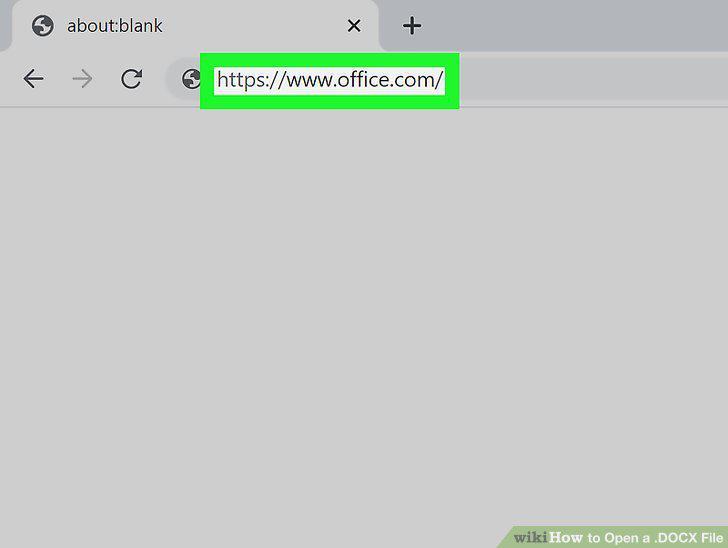
Go to https://www.office.com in a web browser.
2
Log in with your Microsoft account.
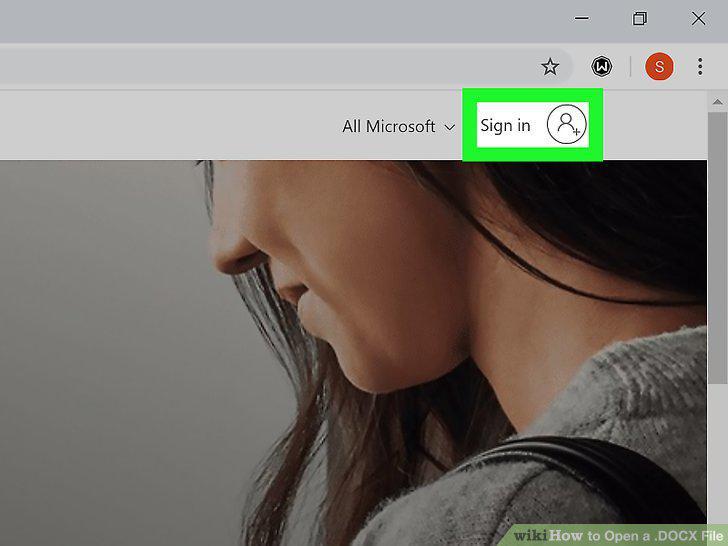
Log in with your Microsoft account.
3
Click the Word icon.
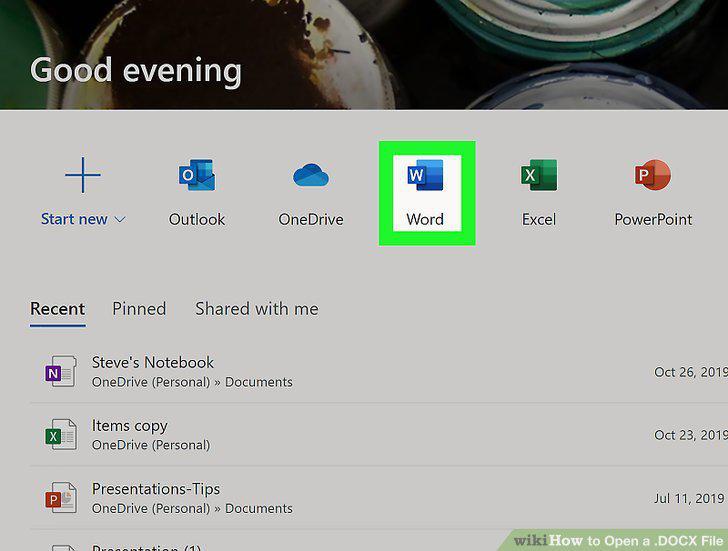
Click the Word icon.
4
Click Upload and open.
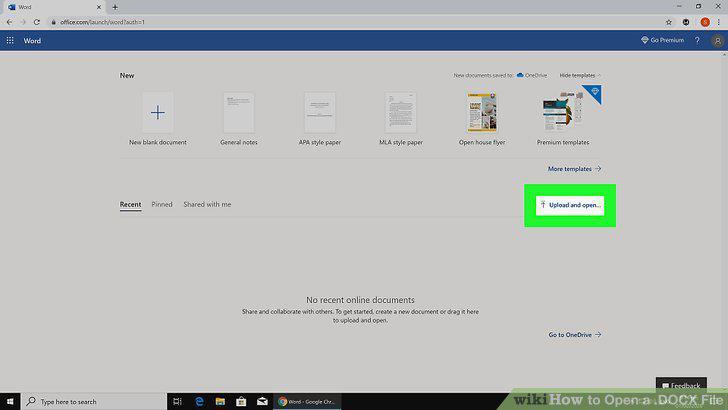
Click Upload and open.
5
Select the .DOCX file and click Open.
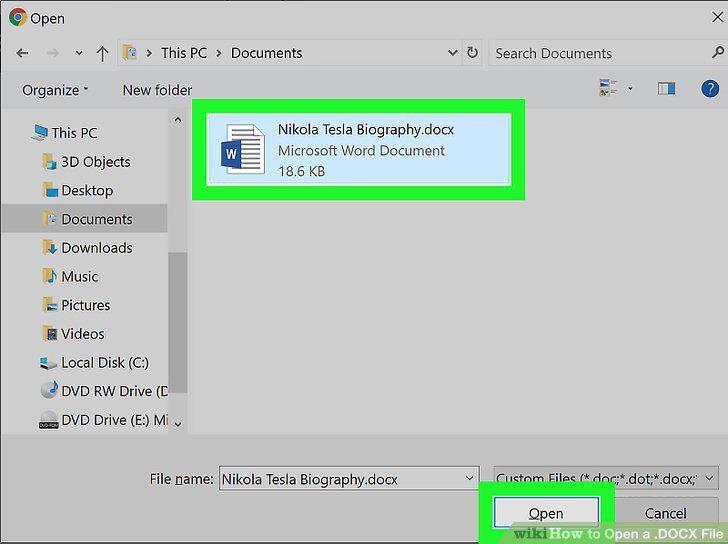
Select the .DOCX file and click Open.
6
Go to https://drive.google.com in a web browser.
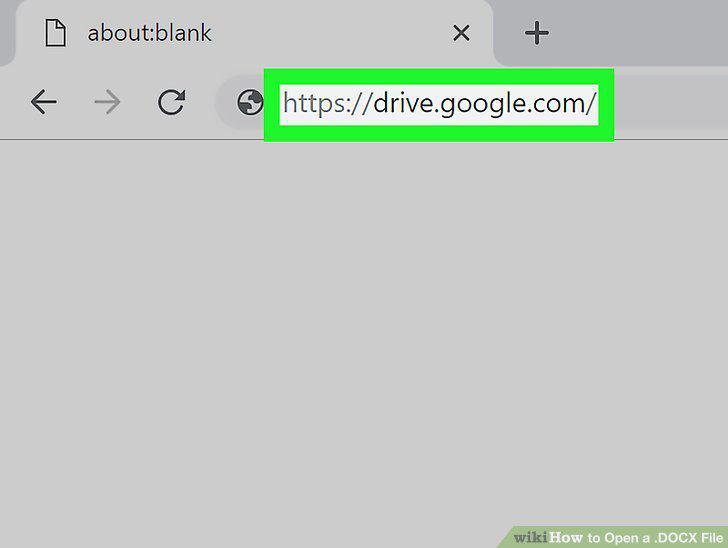
Go to https://drive.google.com in a web browser.
7
Click the + New button.
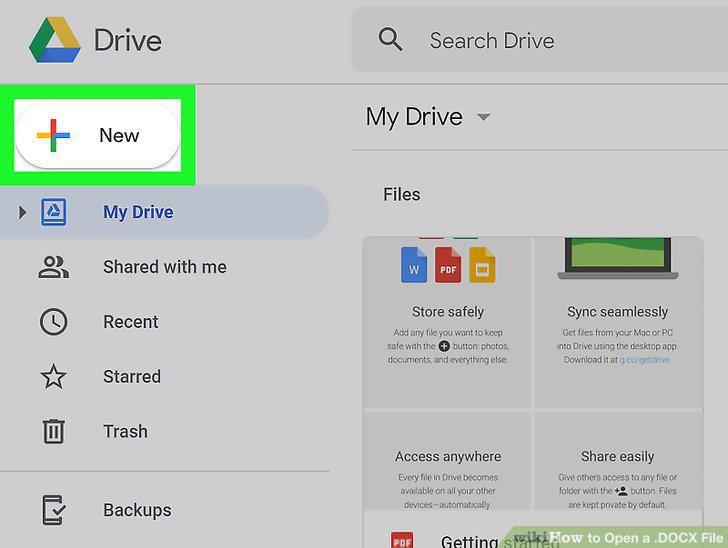
Click the + New button.
8
Click File Upload.
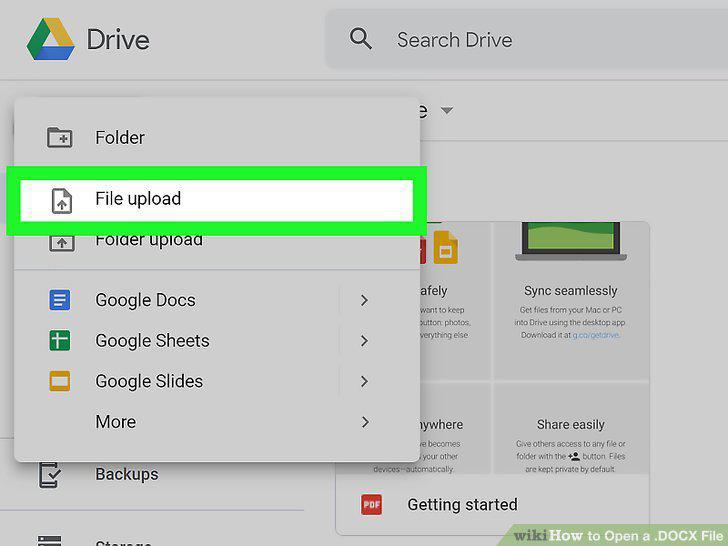
Click File Upload.
9
Select the .DOCX file and click Open.
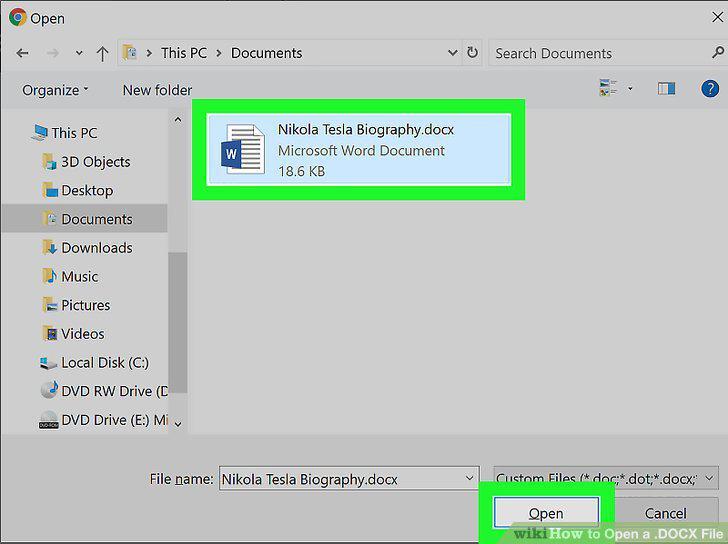
Select the .DOCX file and click Open.
10
Double-click the file name to see a preview.
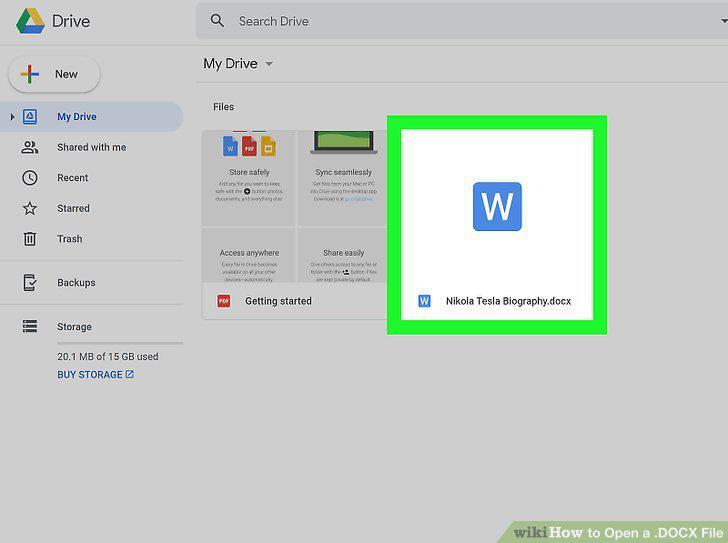
Double-click the file name to see a preview.
11
Select Google Docs from the "Open With" menu.
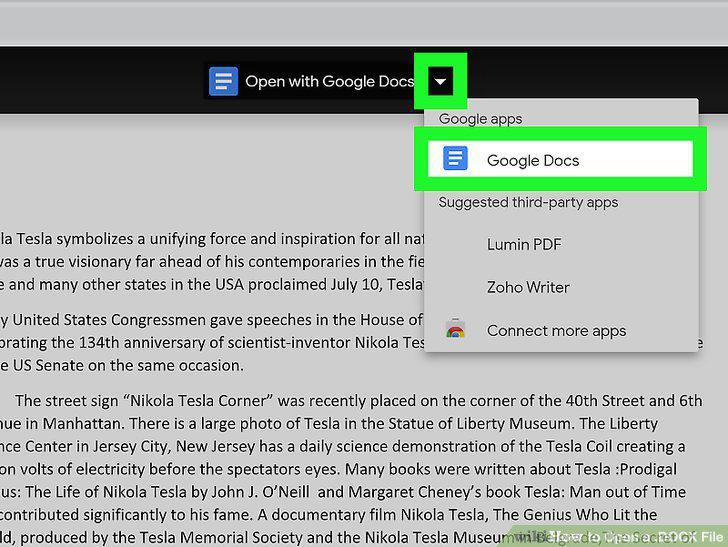
Select Google Docs from the "Open With" menu.
12
Download Microsoft Word from the App Store or Play Store .
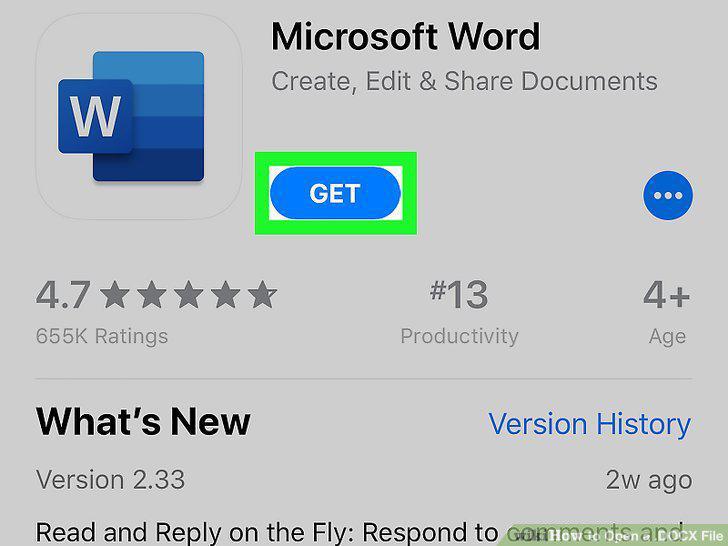
Download Microsoft Word from the App Store or Play Store .
13
Open Microsoft Word on your phone or tablet.
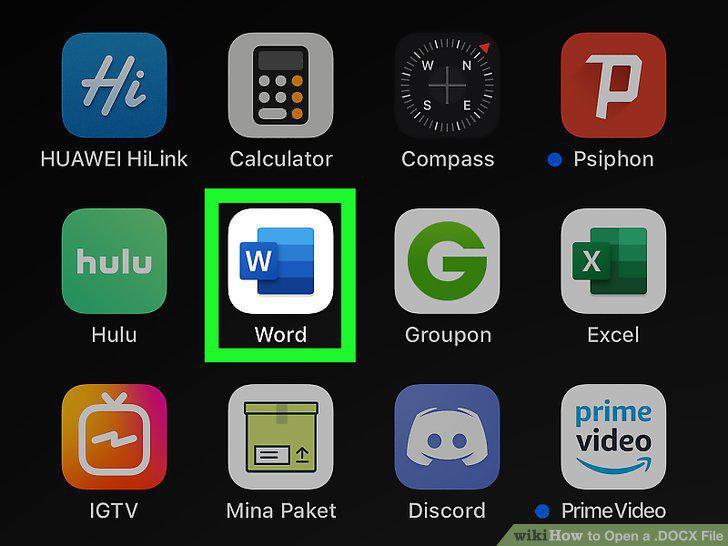
Open Microsoft Word on your phone or tablet.
14
Tap Open.
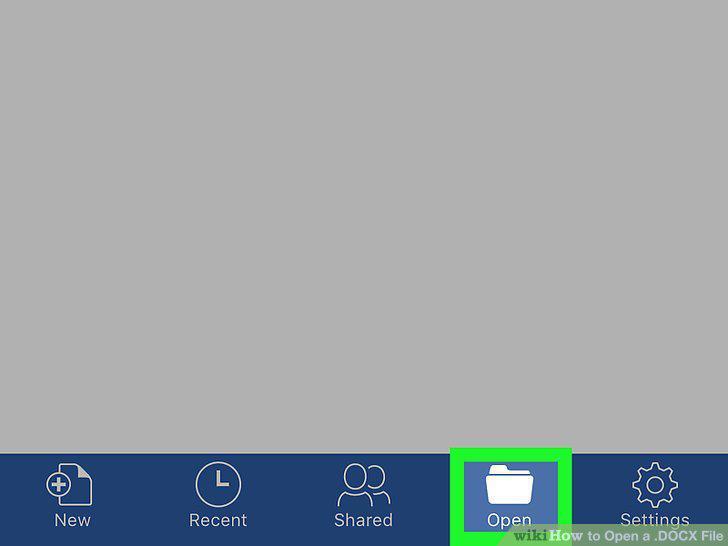
Tap Open.
15
Select the document you want to open.
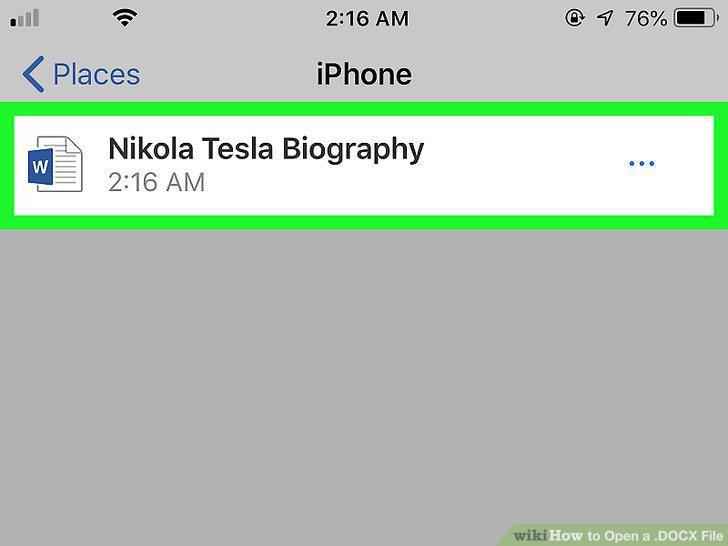
Select the document you want to open.
Comments (0)
No comments yet. Be the first to share your thoughts!