How to Report a Spam Text
Open your Messages app.. Open the conversation that contains the spam message.. Long-press on the spam message.
Steps
1
Open your Messages app.
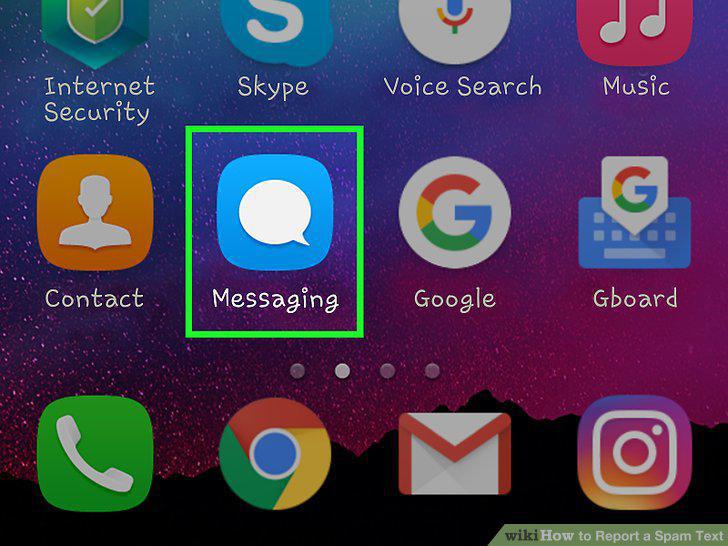
Open your Messages app.
2
Open the conversation that contains the spam message.
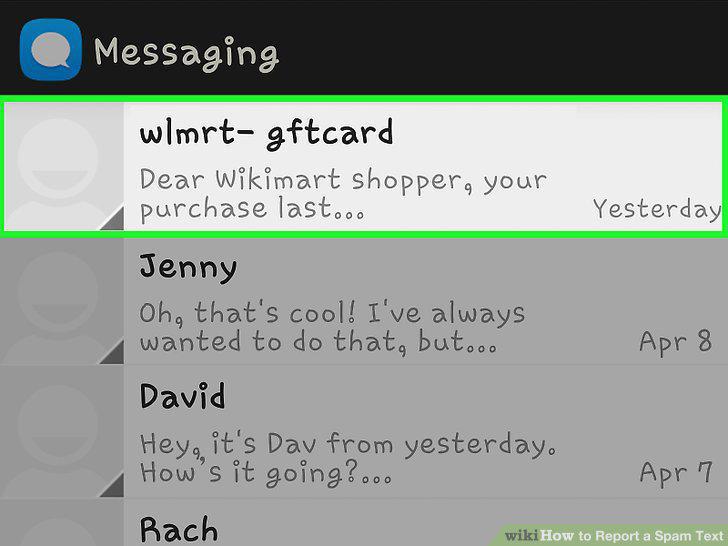
Open the conversation that contains the spam message.
3
Long-press on the spam message.
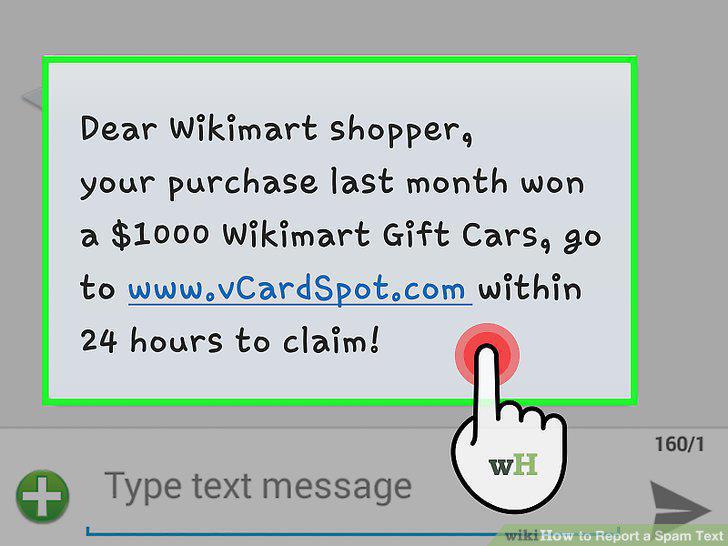
Long-press on the spam message.
4
Tap or "Forward.
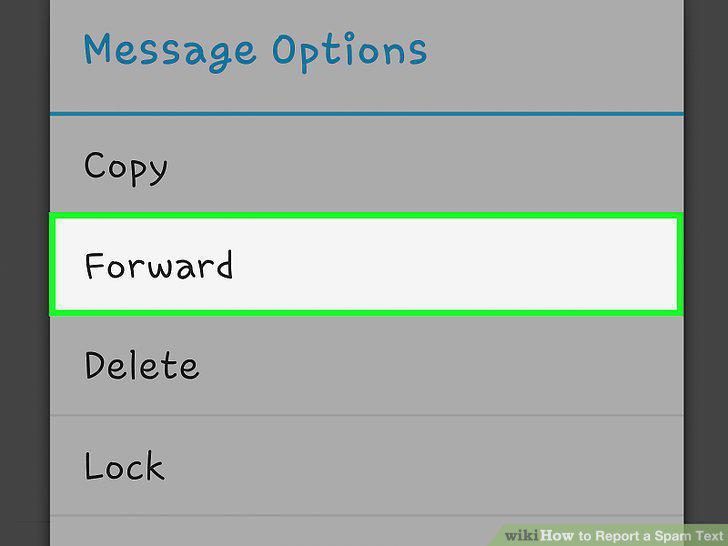
Tap or "Forward.
5
Type 7726 as the recipient.
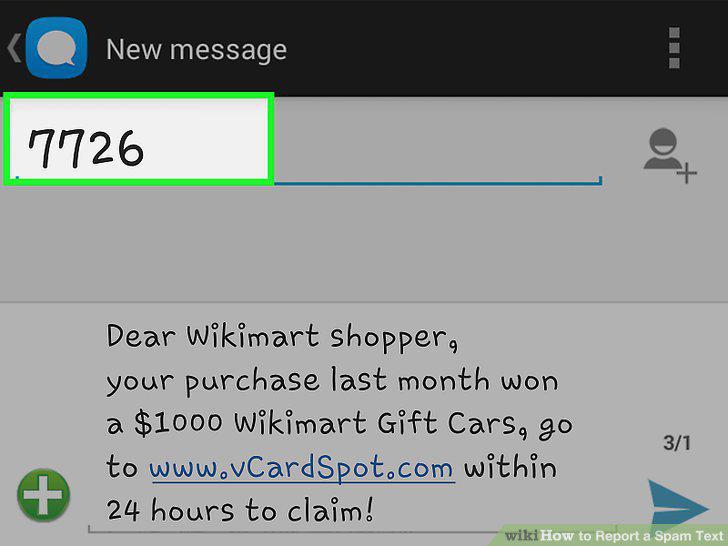
Type 7726 as the recipient.
6
Tap or "Send.
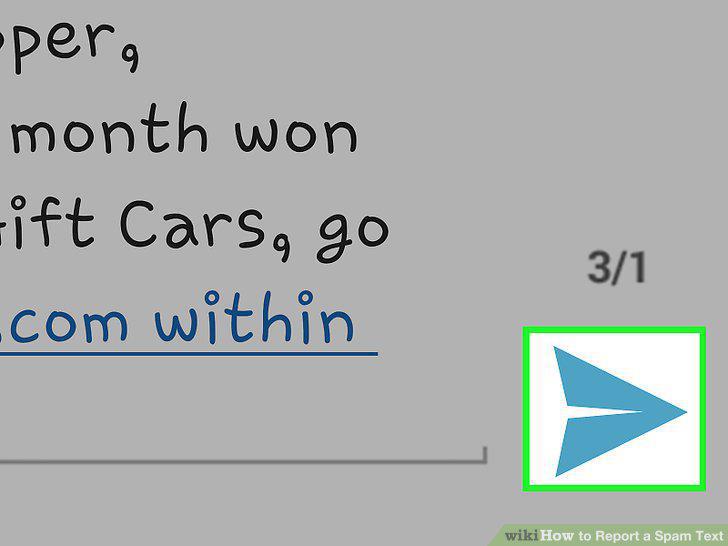
Tap or "Send.
7
Report any unauthorized charges.
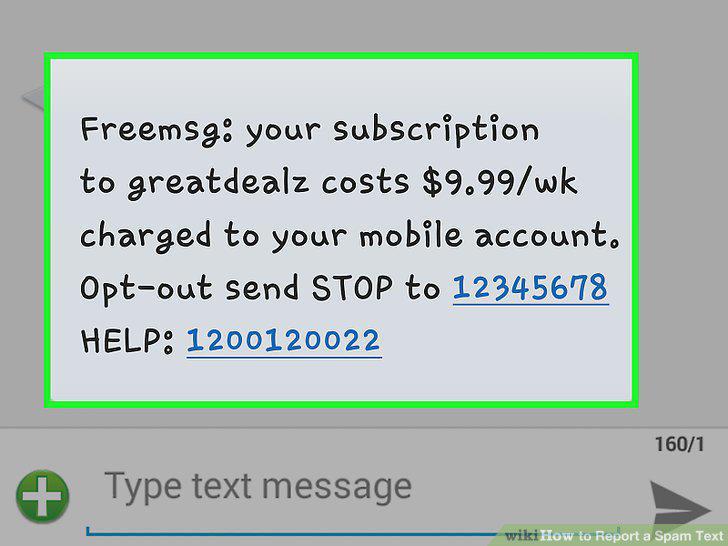
Report any unauthorized charges.
8
Open Messages .
Open Messages .
9
Open the conversation that contains the spam message.
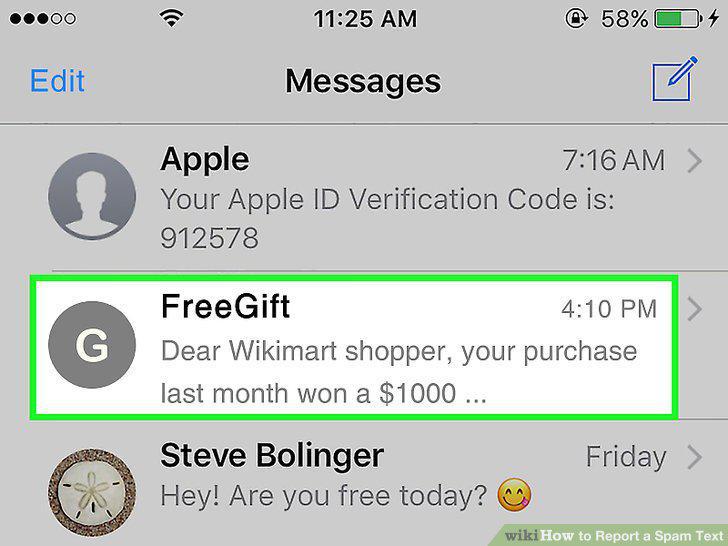
Open the conversation that contains the spam message.
10
Long-press on the spam message.
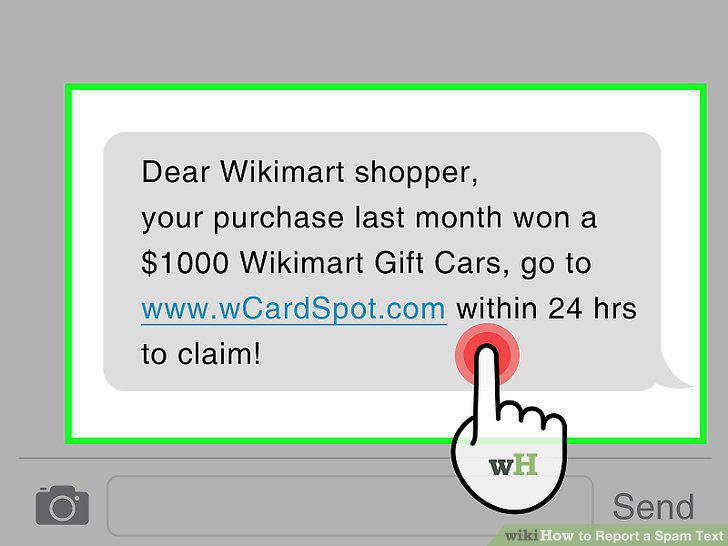
Long-press on the spam message.
11
Tap More.
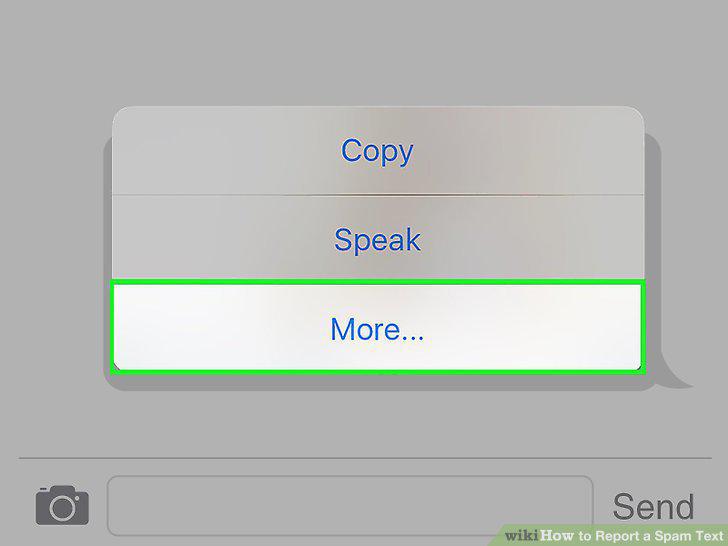
Tap More.
12
Tap .
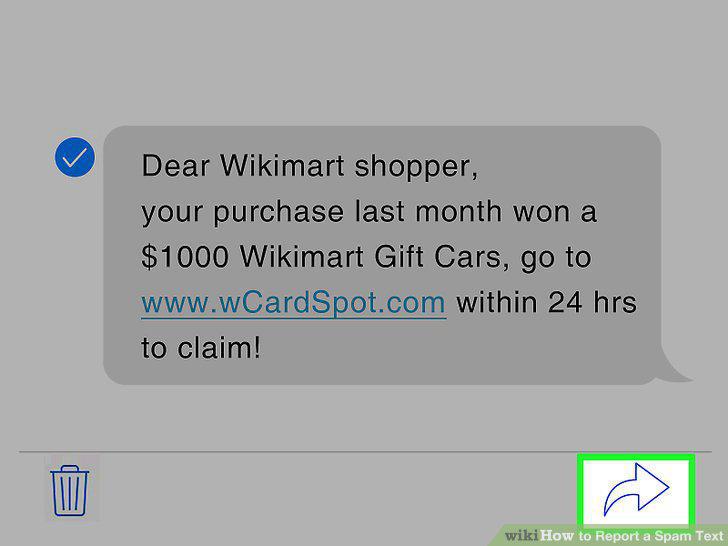
Tap .
13
Enter 7726 as the recipient.
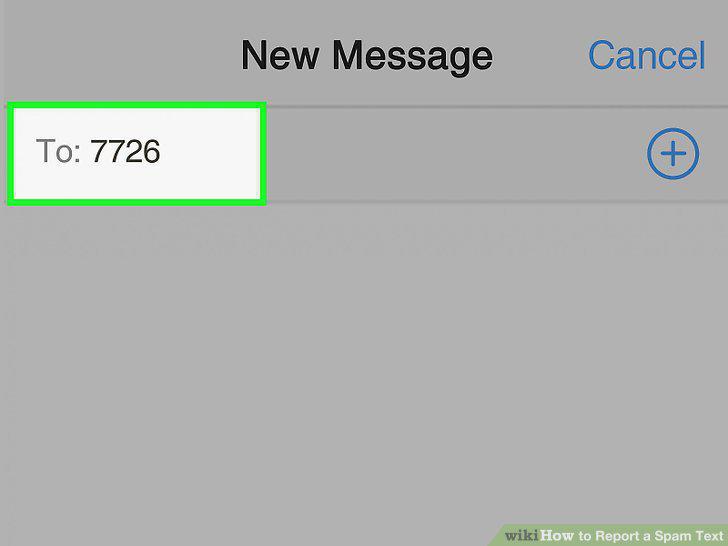
Enter 7726 as the recipient.
14
Tap the Send icon.
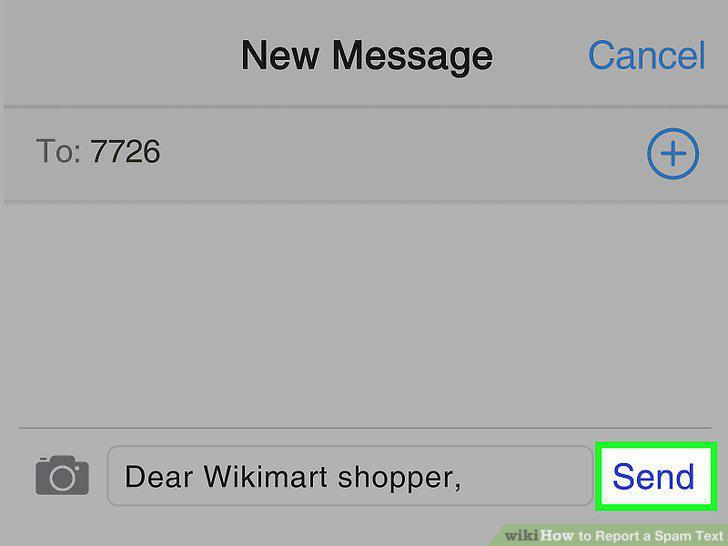
Tap the Send icon.
15
Report any unauthorized charges.
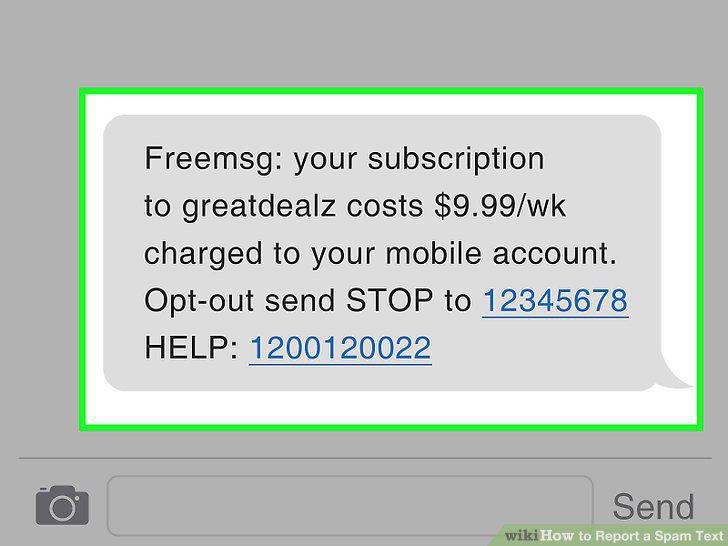
Report any unauthorized charges.
Comments (0)
No comments yet. Be the first to share your thoughts!