How to Become an Apple Product Tester
Visit the Beta Software program page online.. Log into the program page with your Apple account.. Enroll your device in the program.
Steps
1
Visit the Beta Software program page online.
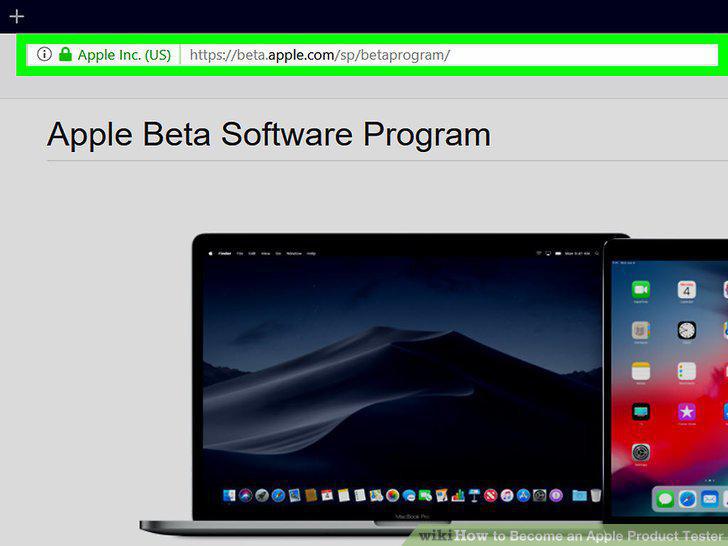
Visit the Beta Software program page online.
2
Log into the program page with your Apple account.
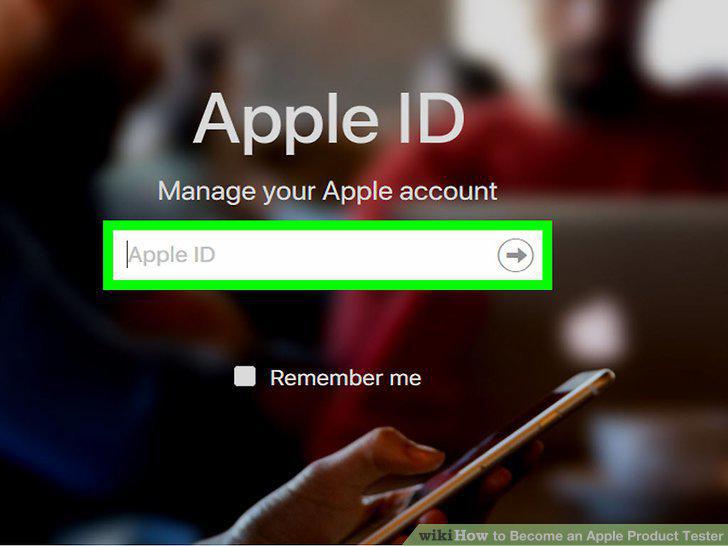
Log into the program page with your Apple account.
3
Enroll your device in the program.
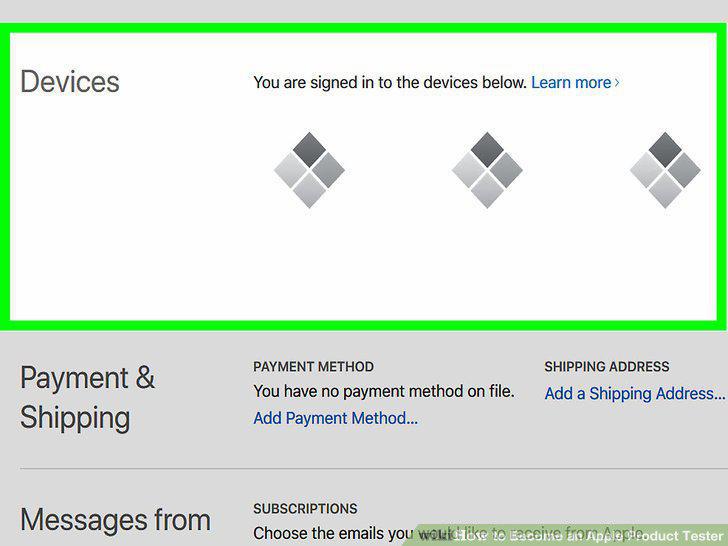
Enroll your device in the program.
4
Back your device up before downloading new software.
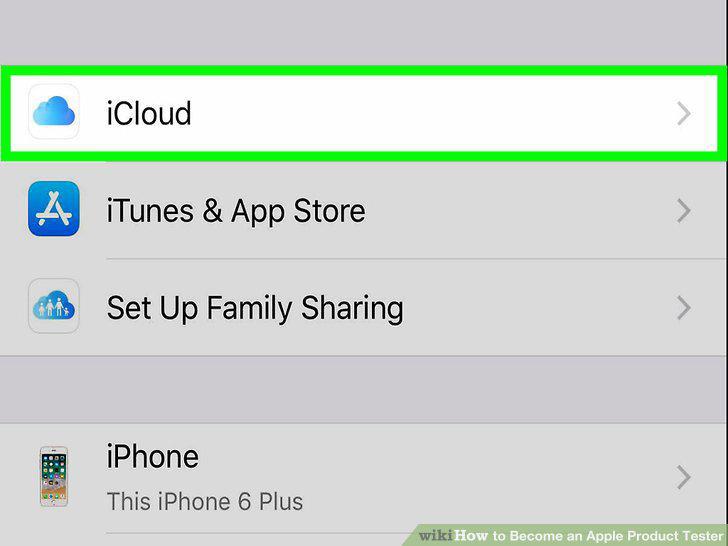
Back your device up before downloading new software.
5
Install software updates on your registered device.
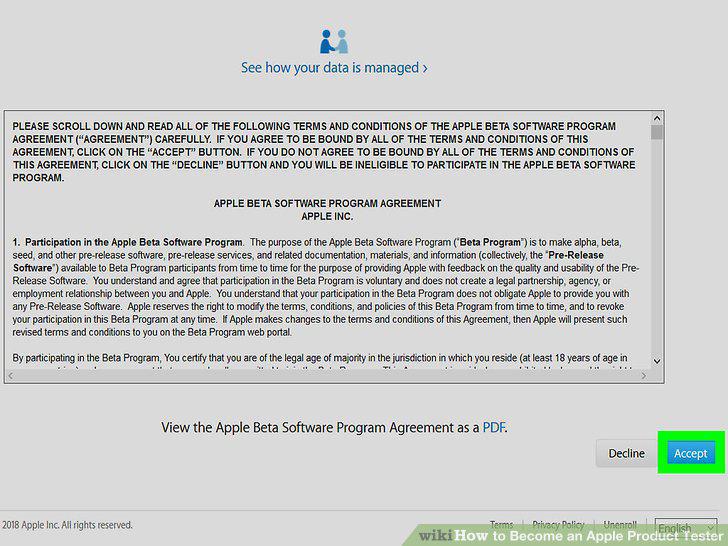
Install software updates on your registered device.
6
Send feedback through the Feedback Assistant as you use your device.
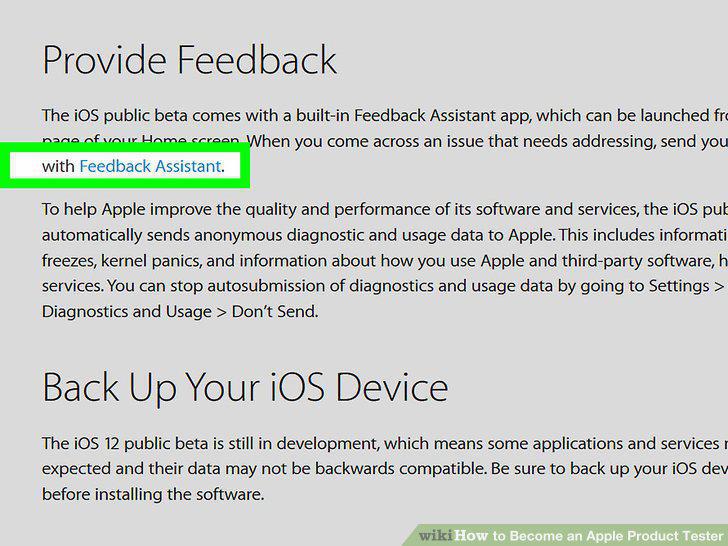
Send feedback through the Feedback Assistant as you use your device.
7
Visit the Apple Seed page online.
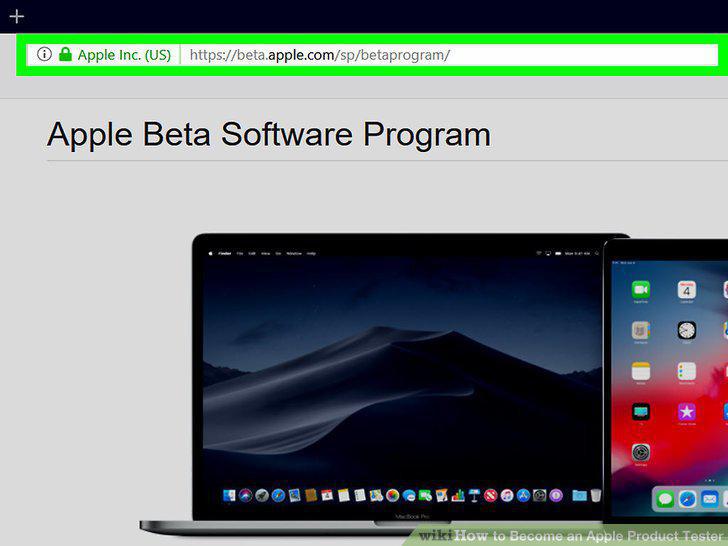
Visit the Apple Seed page online.
8
Sign in with your Apple account.
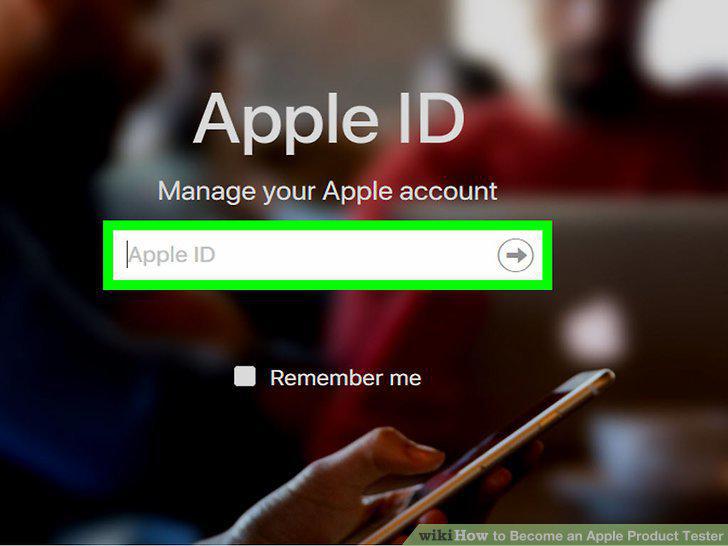
Sign in with your Apple account.
9
Complete your user profile on the program website.
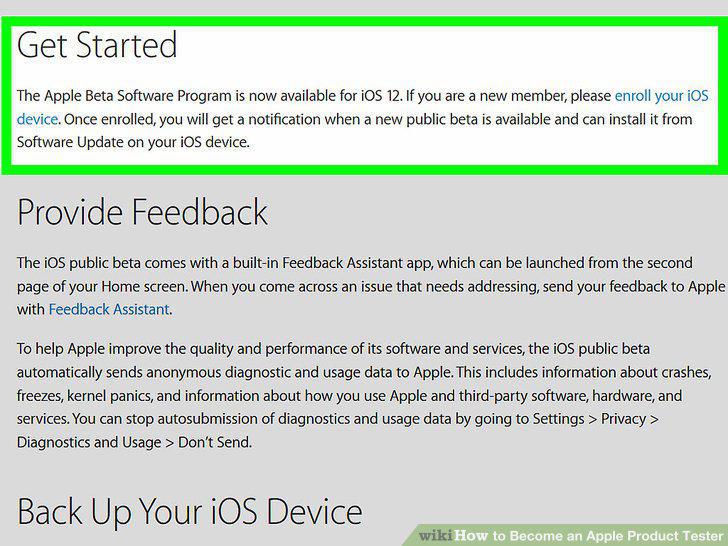
Complete your user profile on the program website.
10
Read and sign the confidentiality agreement.
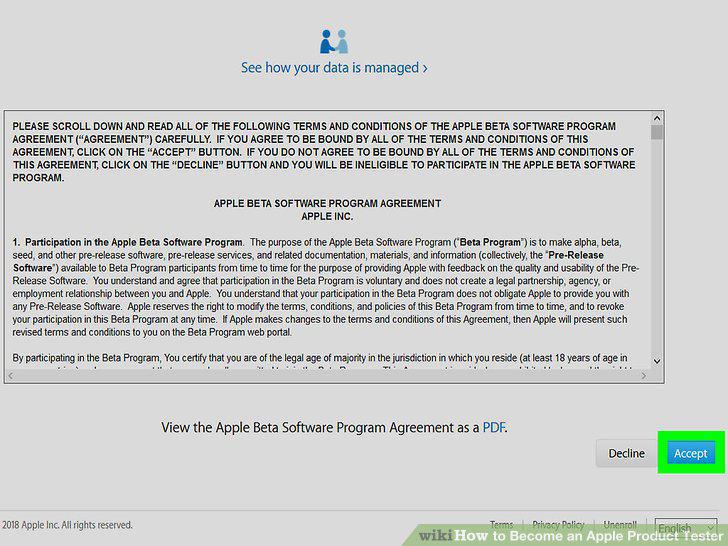
Read and sign the confidentiality agreement.
11
Wait for an invitation to test a product.
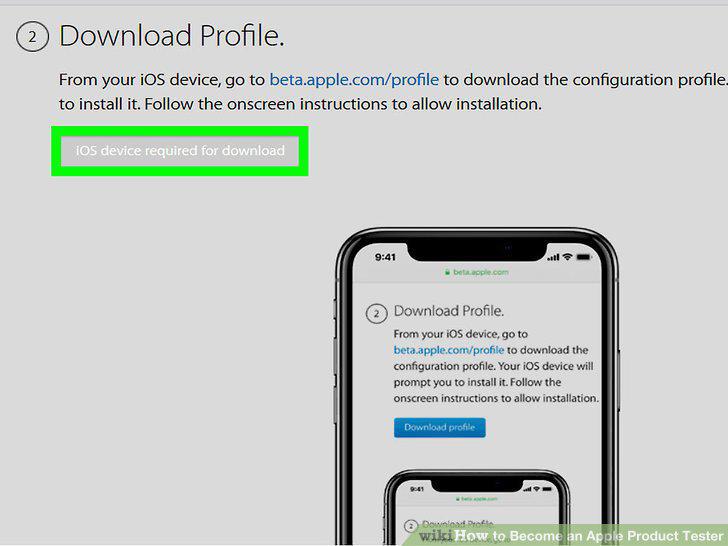
Wait for an invitation to test a product.
12
Test programs and submit feedback to Apple.
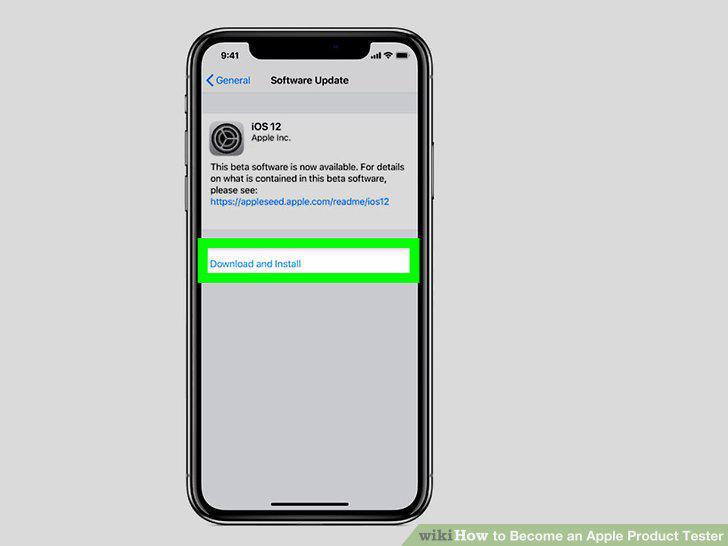
Test programs and submit feedback to Apple.
Comments (0)
No comments yet. Be the first to share your thoughts!