How to Join a Zoom Meeting on PC or Mac
Open the Zoom meeting invitation in your mailbox.. Click the invitation link in the email.. Click on "download here" if a download doesn't start automatically.
Steps
Open the Zoom meeting invitation in your mailbox.
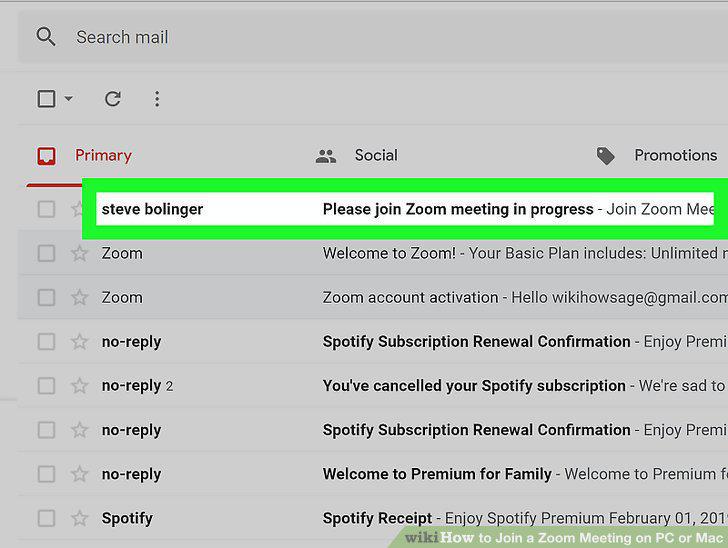
Open the Zoom meeting invitation in your mailbox.
Click the invitation link in the email.
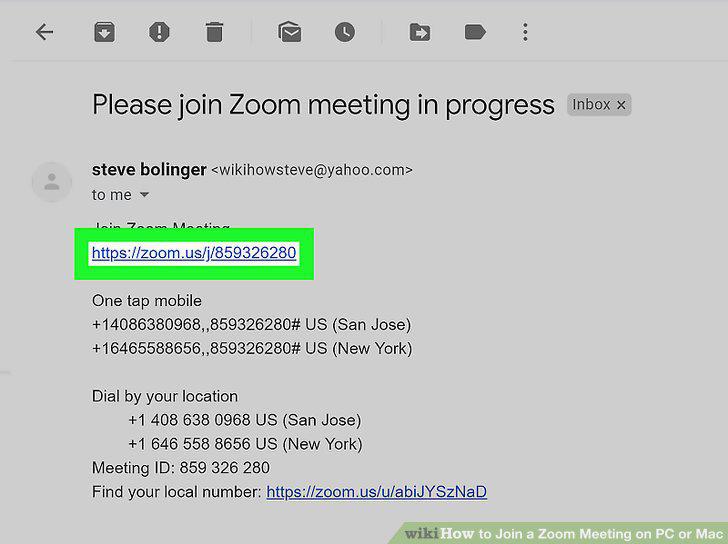
Click the invitation link in the email.
Click on "download here" if a download doesn't start automatically.
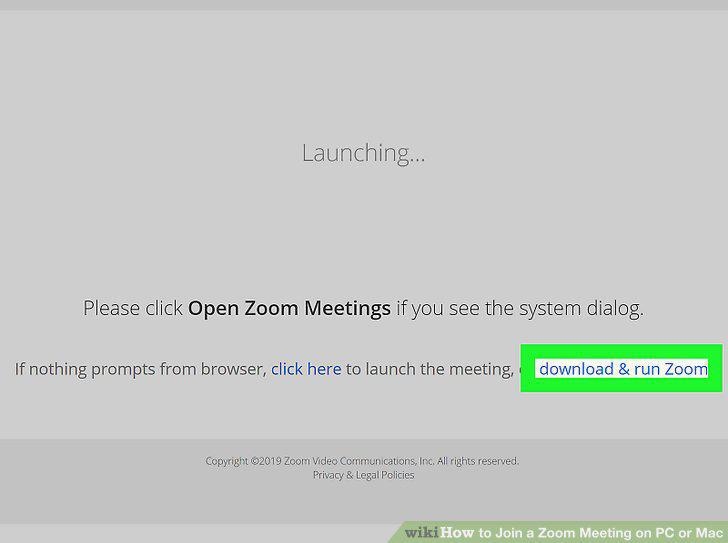
Click on "download here" if a download doesn't start automatically.
Double click the downloaded file to install Zoom.
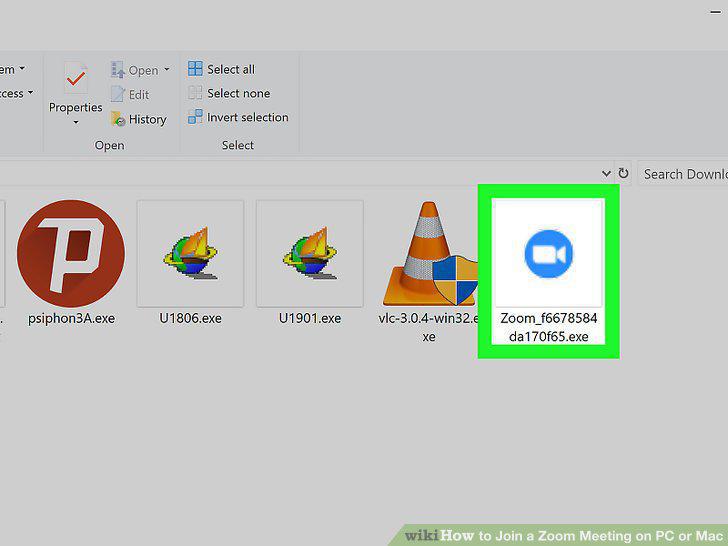
Double click the downloaded file to install Zoom.
Reopen your email and click on the meeting link again.
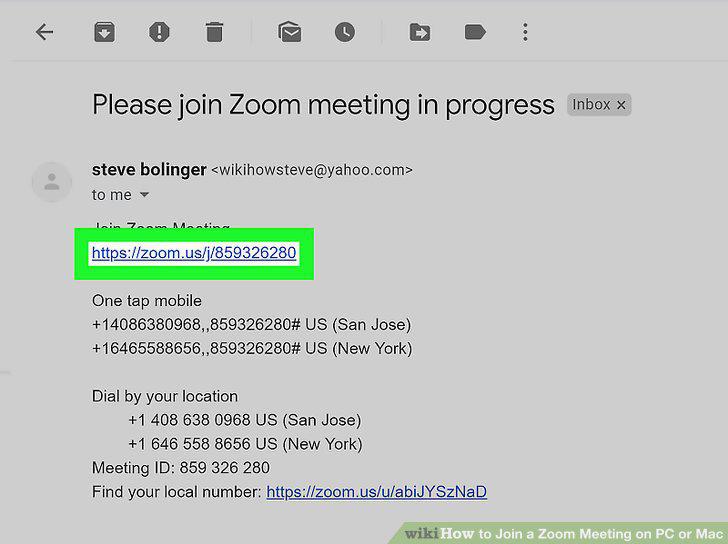
Reopen your email and click on the meeting link again.
Click the green Join Audio Conference by Computer button.
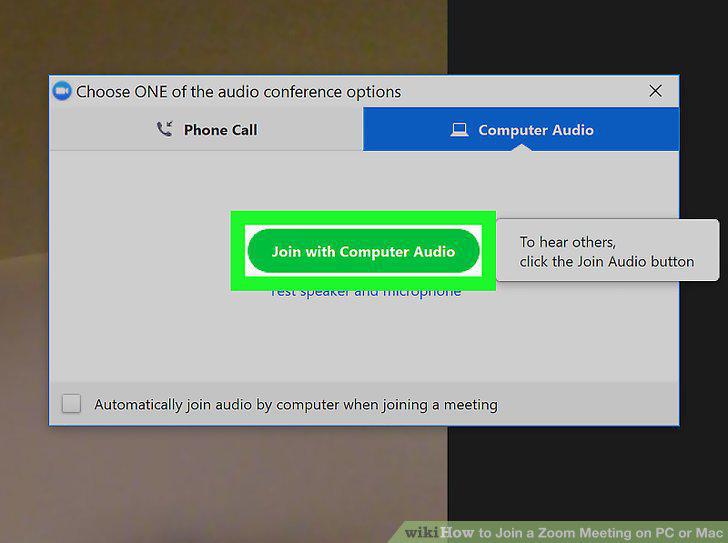
Click the green Join Audio Conference by Computer button.
Click the Start Video button on the bottom-left (optional).
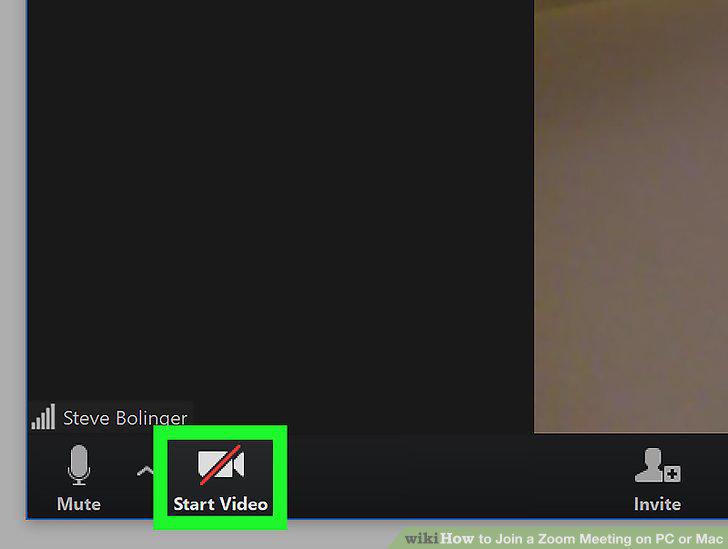
Click the Start Video button on the bottom-left (optional).
Open the Zoom website in your internet browser.
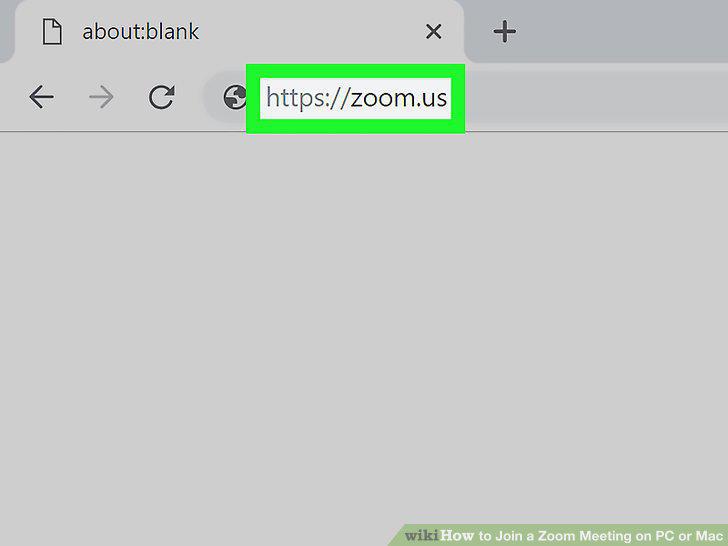
Open the Zoom website in your internet browser.
Click the JOIN A MEETING button on the top-right.
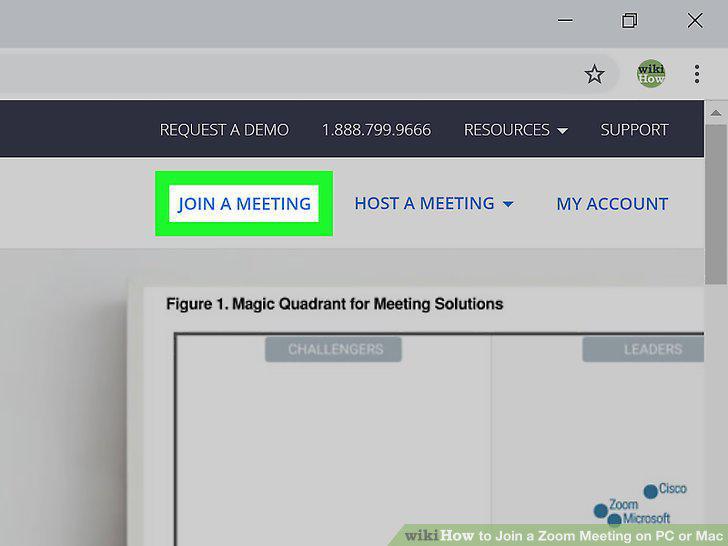
Click the JOIN A MEETING button on the top-right.
Enter the meeting ID or link into the text field.
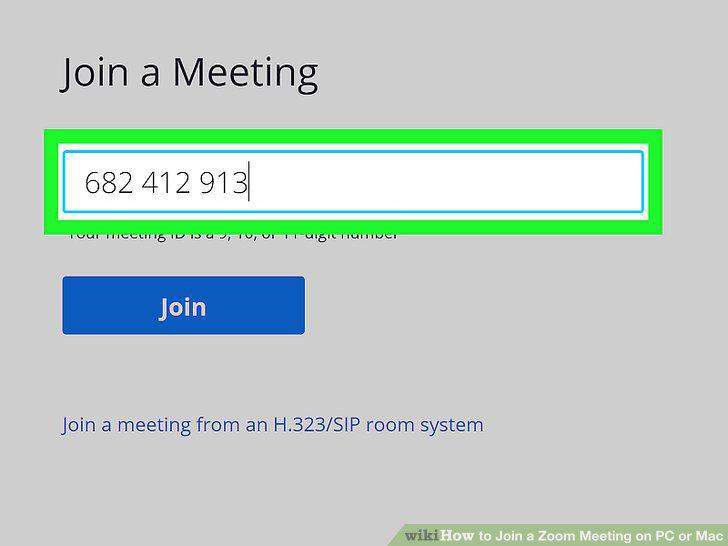
Enter the meeting ID or link into the text field.
Click the blue Join button.
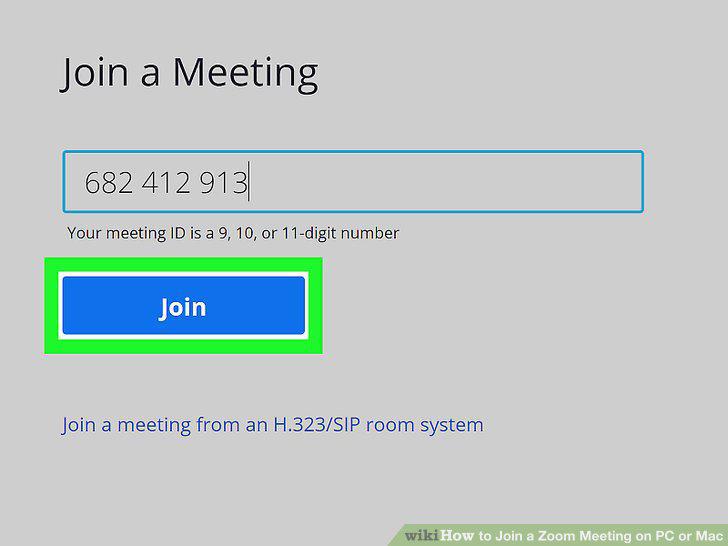
Click the blue Join button.
Enter your display name for the meeting.
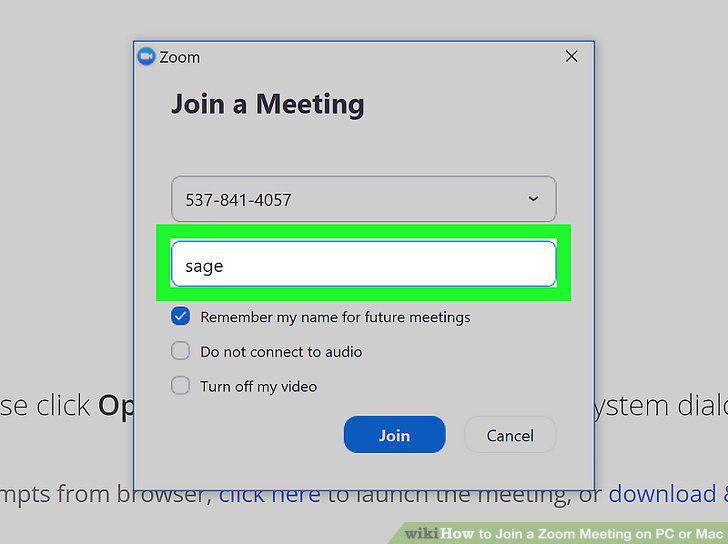
Enter your display name for the meeting.
Click the blue Join button.
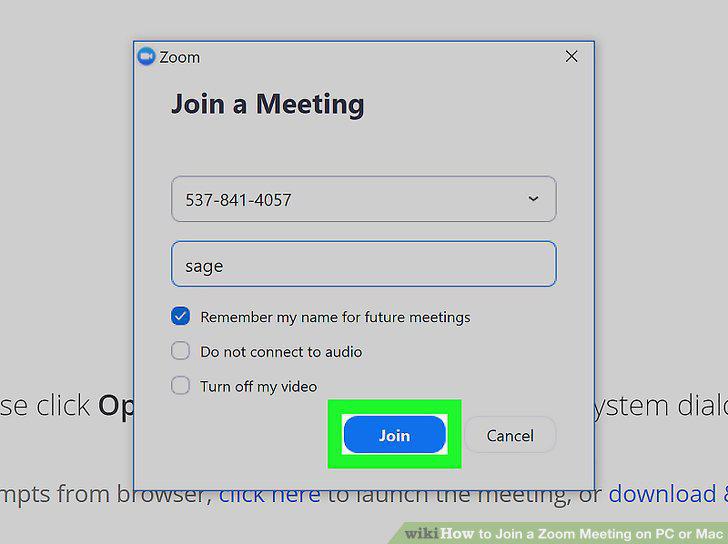
Click the blue Join button.
Click the Start Video button on the bottom-left.
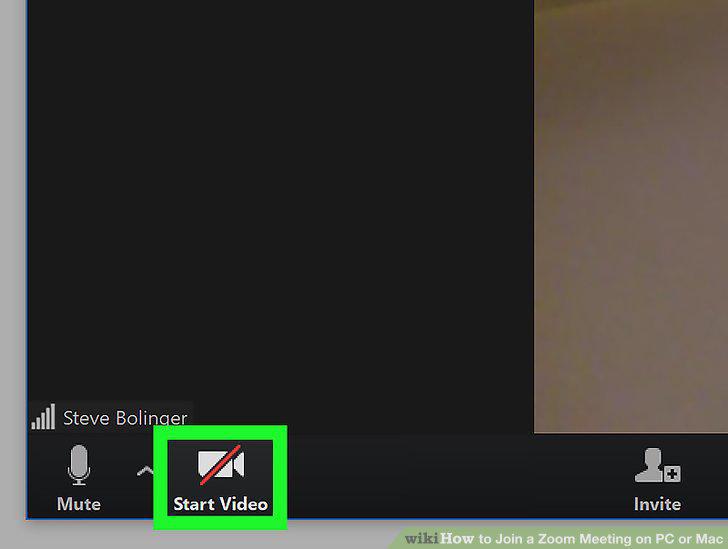
Click the Start Video button on the bottom-left.
Comments (0)
No comments yet. Be the first to share your thoughts!