How to Submit a Question to WikiAnswers
Visit and sign into the wikiAnswers website in default your web browser so you are able to save your questions to your account, so you can go back to them later, for faster access.. Type your question in the blue box at the top of the screen.. Click the "GO" button to begin to ask the question.
Steps
Visit and sign into the wikiAnswers website in default your web browser so you a
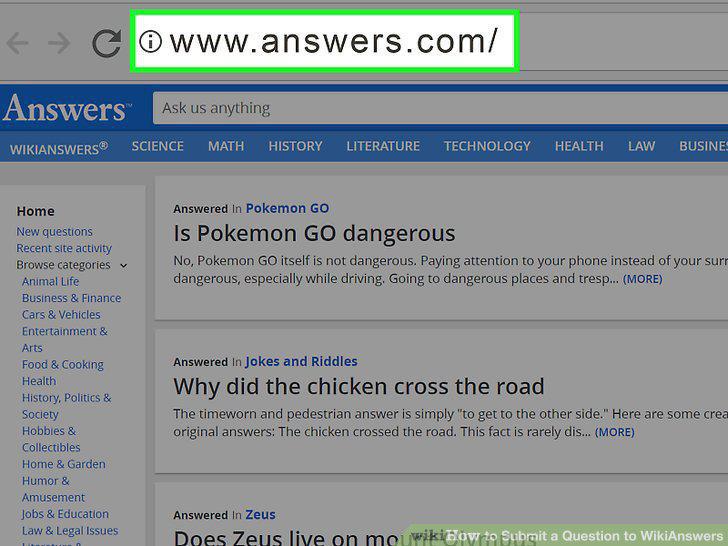
Visit and sign into the wikiAnswers website in default your web browser so you are able to save your questions to your account, so you can go back to them later, for faster access.
Type your question in the blue box at the top of the screen.
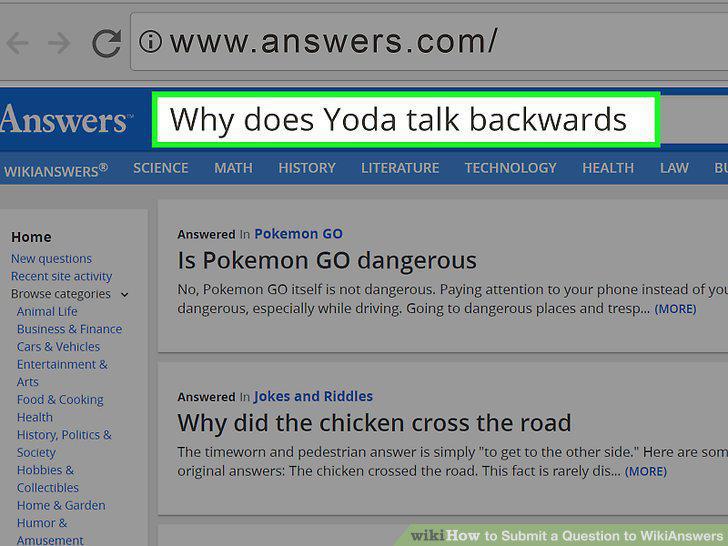
Type your question in the blue box at the top of the screen.
Click the "GO" button to begin to ask the question.
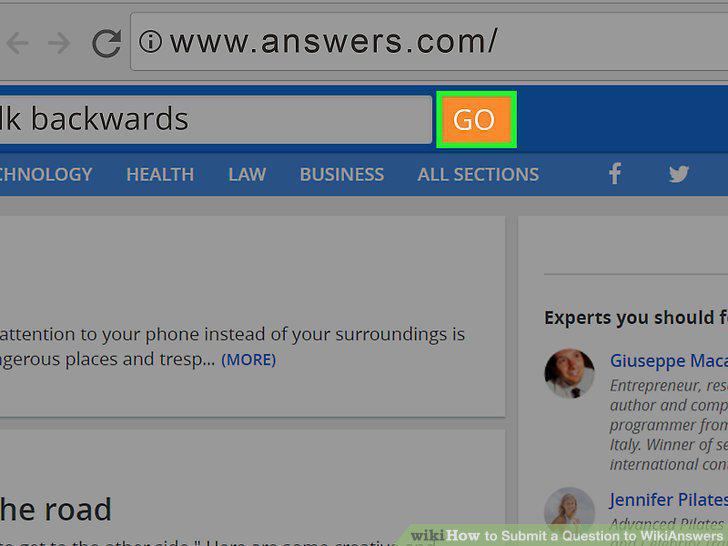
Click the "GO" button to begin to ask the question.
Make sure there are no other questions that ALSO answer your question.

Make sure there are no other questions that ALSO answer your question.
Scroll down a little bit until you see the box that contains your previously-ask
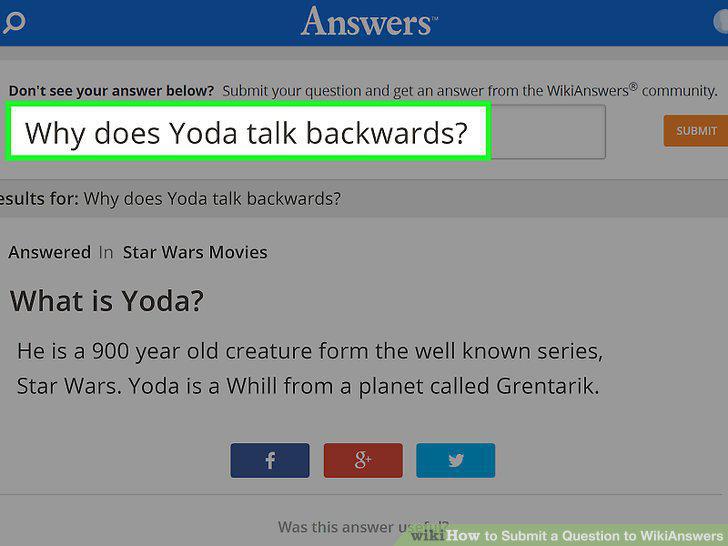
Scroll down a little bit until you see the box that contains your previously-asked question that hasn't been submitted just yet.
Check for spelling and grammar errors, along with capitalization errors from you
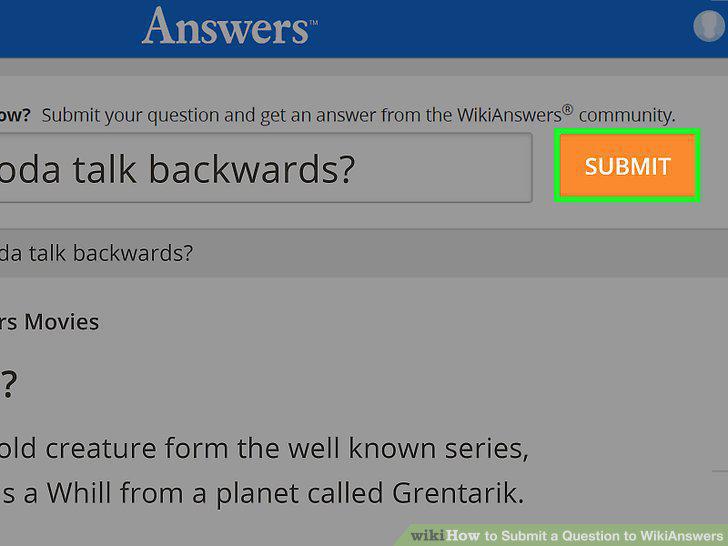
Check for spelling and grammar errors, along with capitalization errors from your questions and click the "Submit Question" button.
Categorize your question.
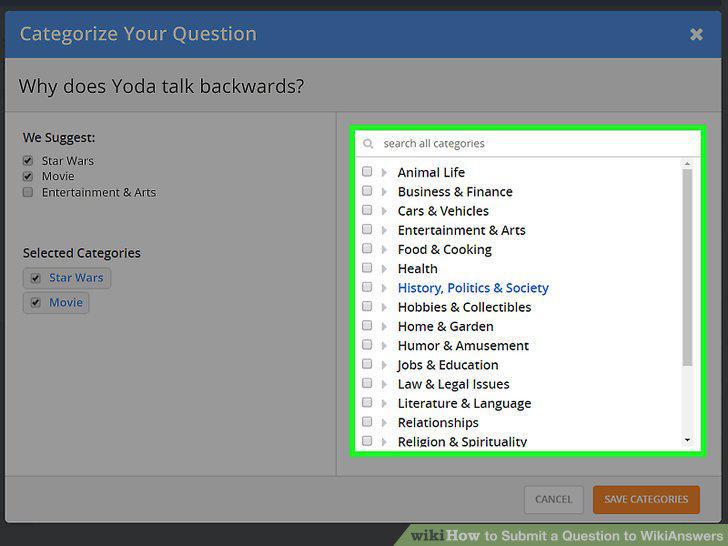
Categorize your question.
Click the new "Submit Question" button.

Click the new "Submit Question" button.
Wait a little while for your question to be answered.
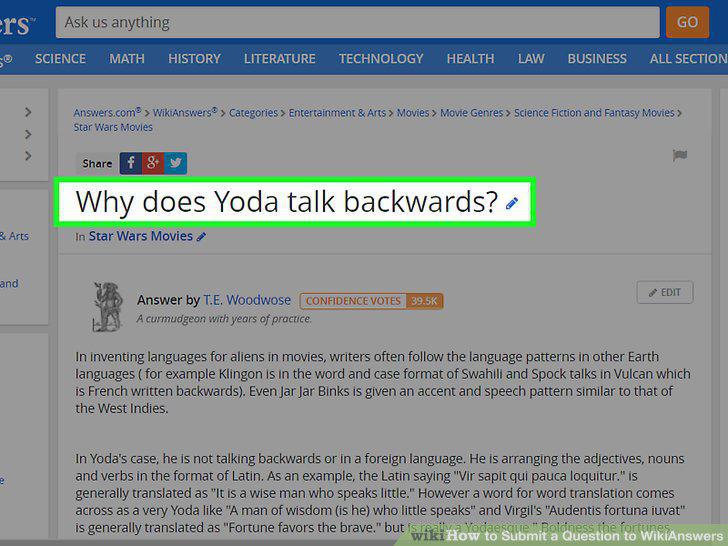
Wait a little while for your question to be answered.
Comments (0)
No comments yet. Be the first to share your thoughts!