How to See Page Likes on Facebook
Open Facebook on your computer or mobile device.. Click or tap on the Search field.. Type in the name of the page you're looking for.
Steps
1
Open Facebook on your computer or mobile device.
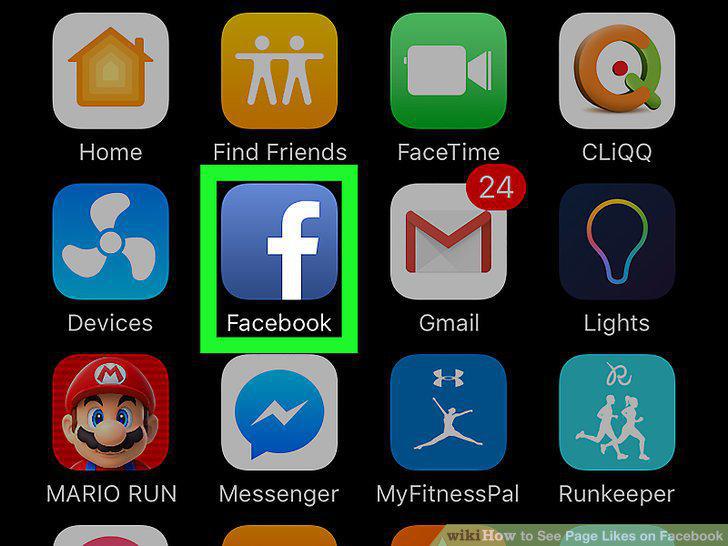
Open Facebook on your computer or mobile device.
2
Click or tap on the Search field.
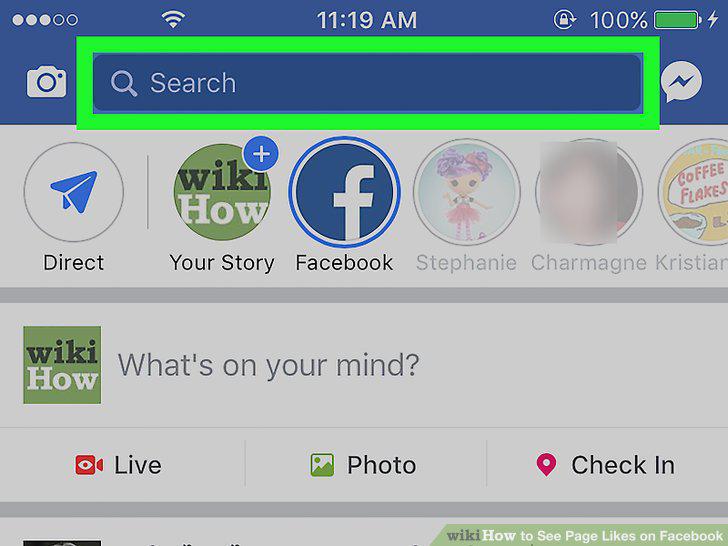
Click or tap on the Search field.
3
Type in the name of the page you're looking for.
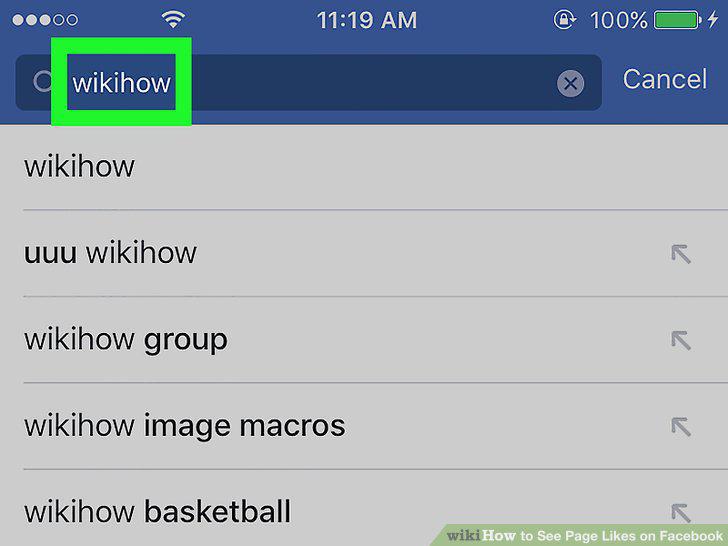
Type in the name of the page you're looking for.
4
Click or tap on the page from the search results.
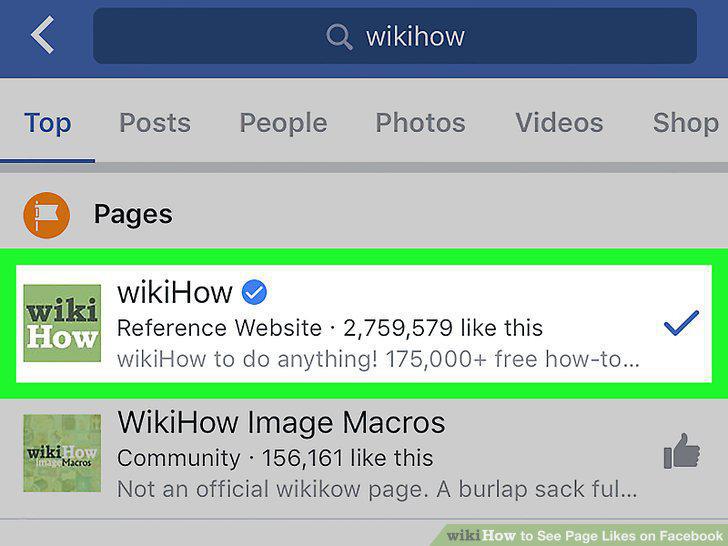
Click or tap on the page from the search results.
5
Find the number of likes on the page.
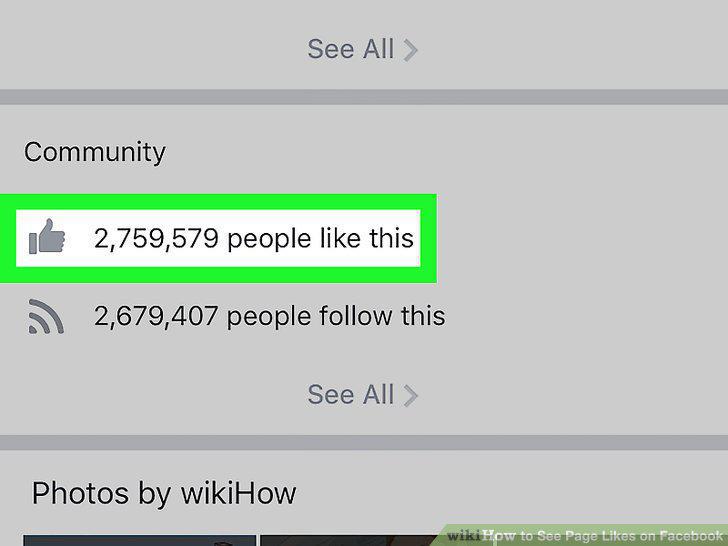
Find the number of likes on the page.
Comments (0)
No comments yet. Be the first to share your thoughts!