How to Delete TotalAV on Android
Open your Android's Settings menu.. Find and tap Applications in Settings.. Tap Application Manager in Applications.
Steps
1
Open your Android's Settings menu.
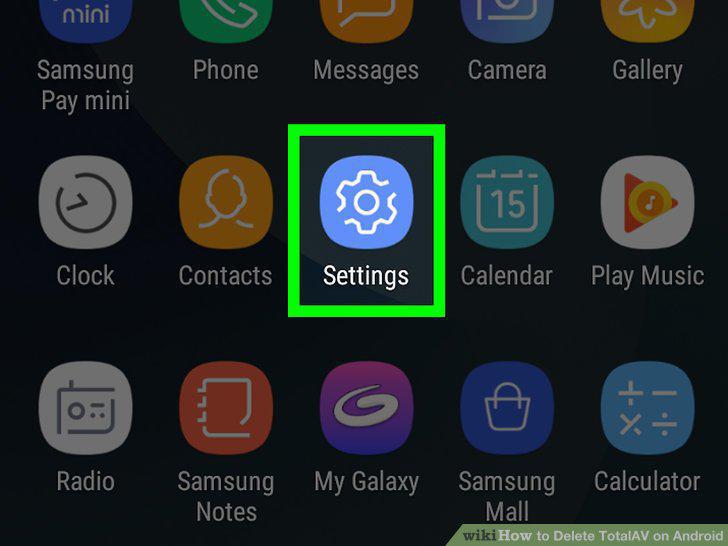
Open your Android's Settings menu.
2
Find and tap Applications in Settings.
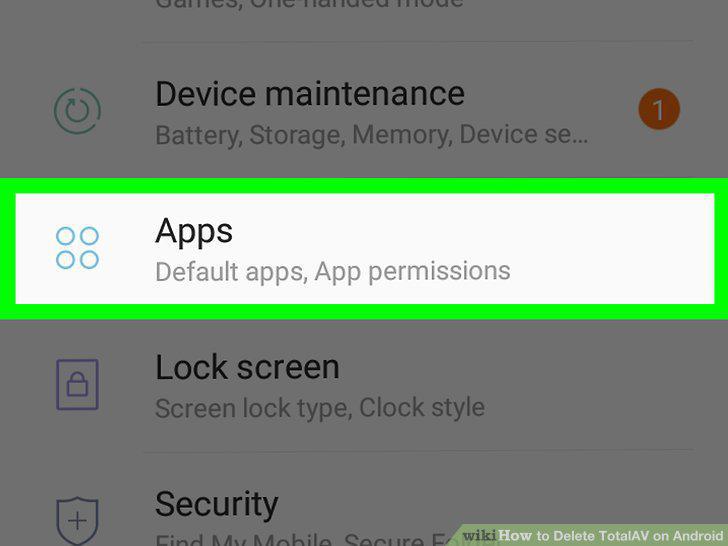
Find and tap Applications in Settings.
3
Tap Application Manager in Applications.
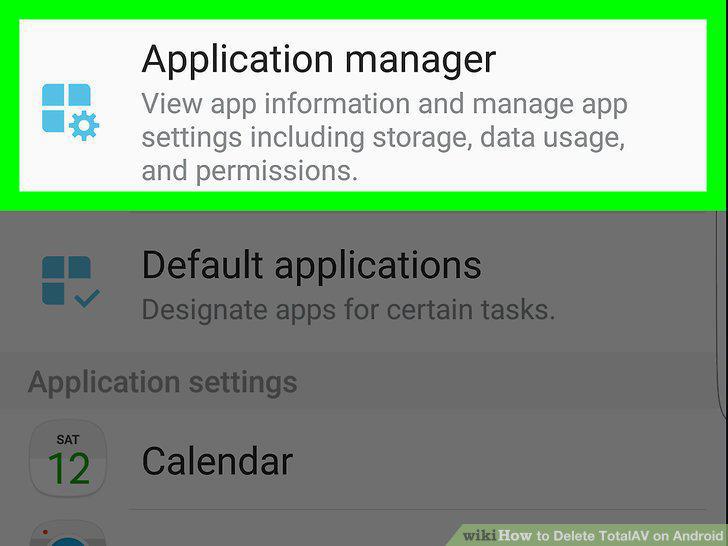
Tap Application Manager in Applications.
4
Find and tap TotalAV on your Apps list.
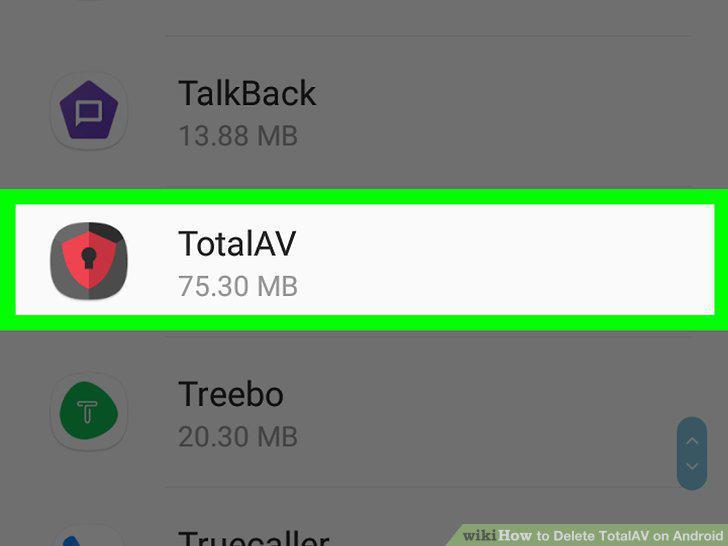
Find and tap TotalAV on your Apps list.
5
Tap Storage on the app details page.
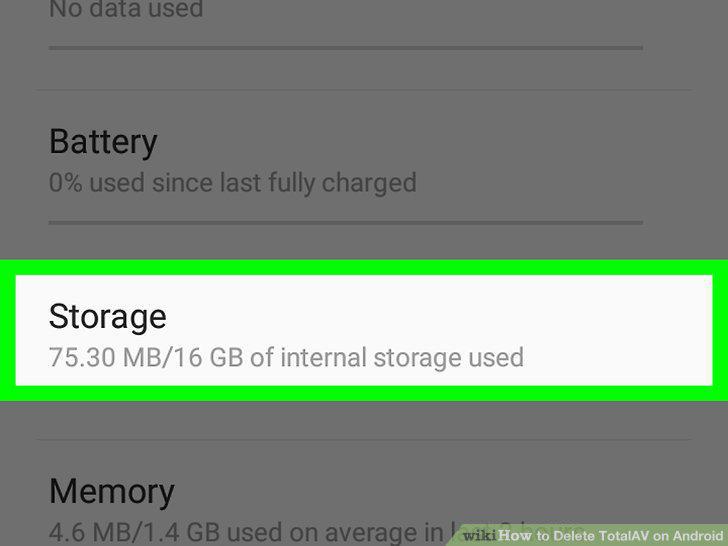
Tap Storage on the app details page.
6
Tap CLEAR DATA and CLEAR CACHE.
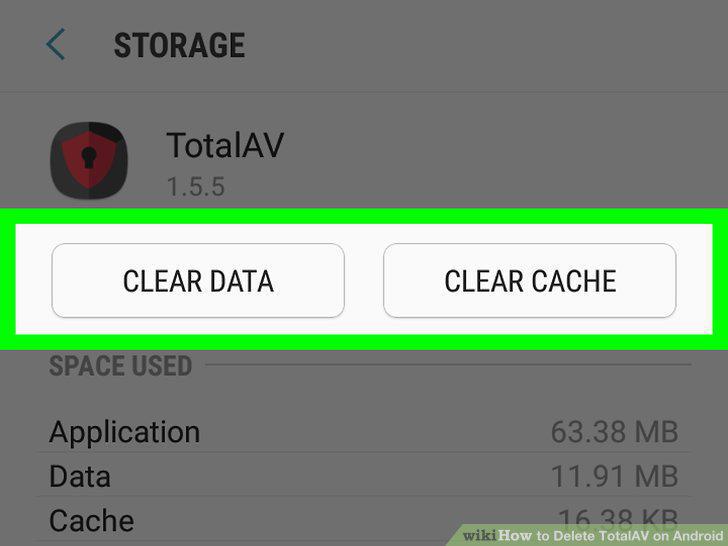
Tap CLEAR DATA and CLEAR CACHE.
7
Tap the button on the top-left.
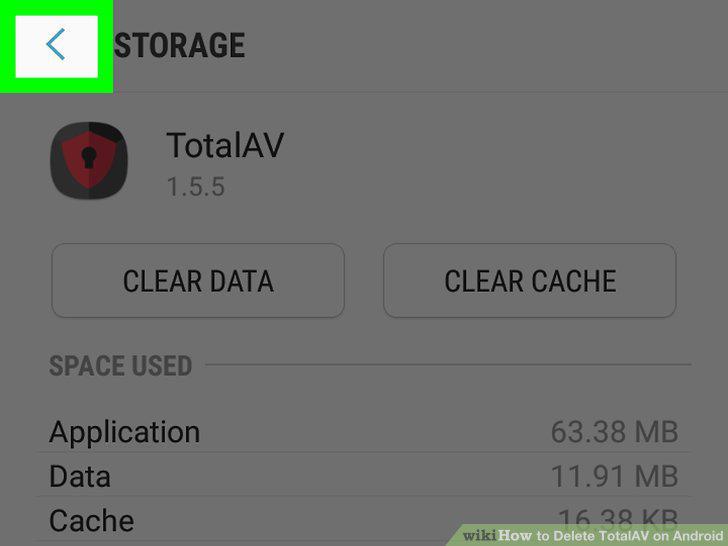
Tap the button on the top-left.
8
Tap the UNINSTALL button.
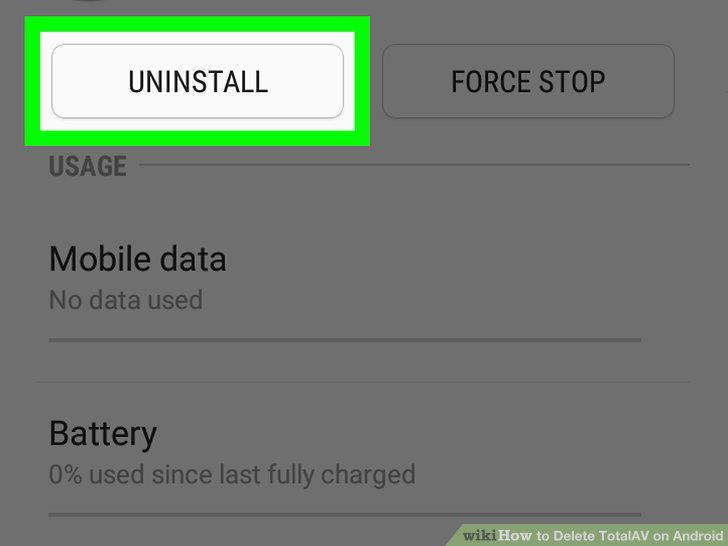
Tap the UNINSTALL button.
9
Tap OK in the confirmation pop-up.
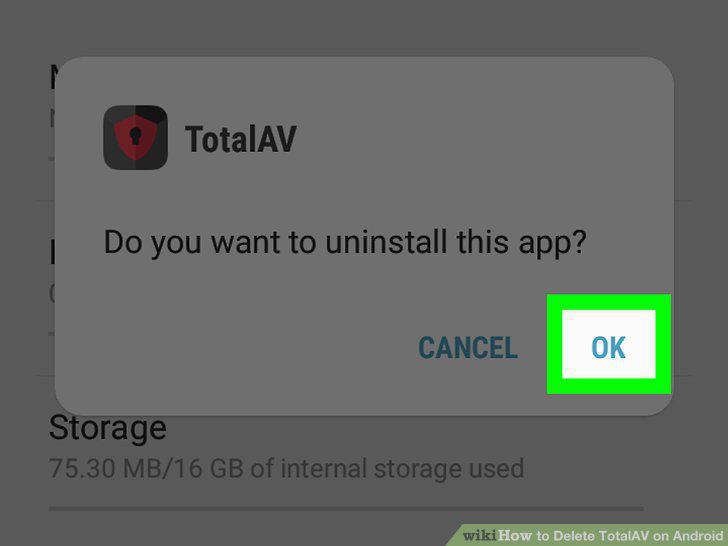
Tap OK in the confirmation pop-up.
10
Open your Android's Apps menu.
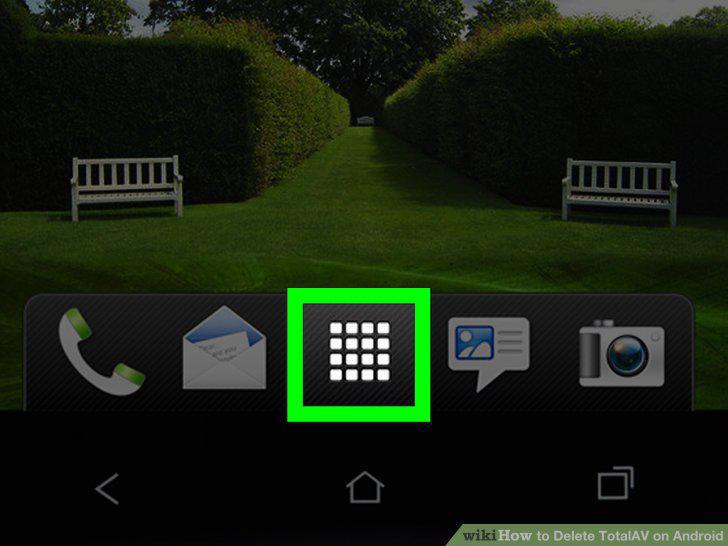
Open your Android's Apps menu.
11
Tap and hold the TotalAV icon on the Apps menu.
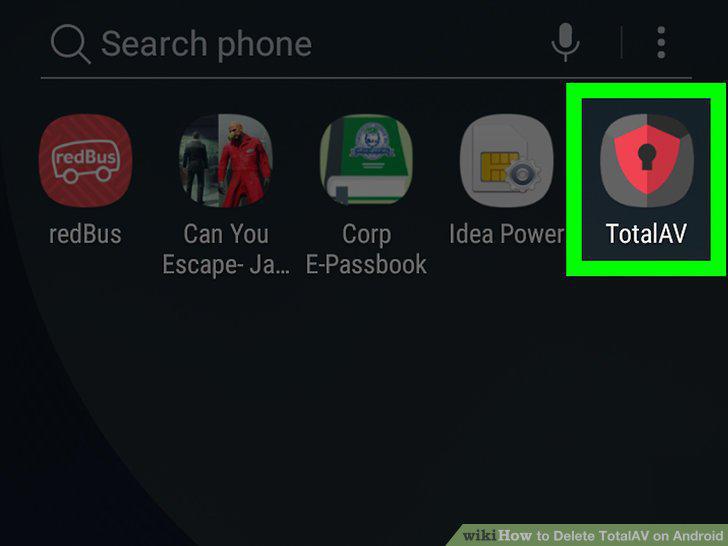
Tap and hold the TotalAV icon on the Apps menu.
12
Drag and drop the TotalAV icon onto the Uninstall option.
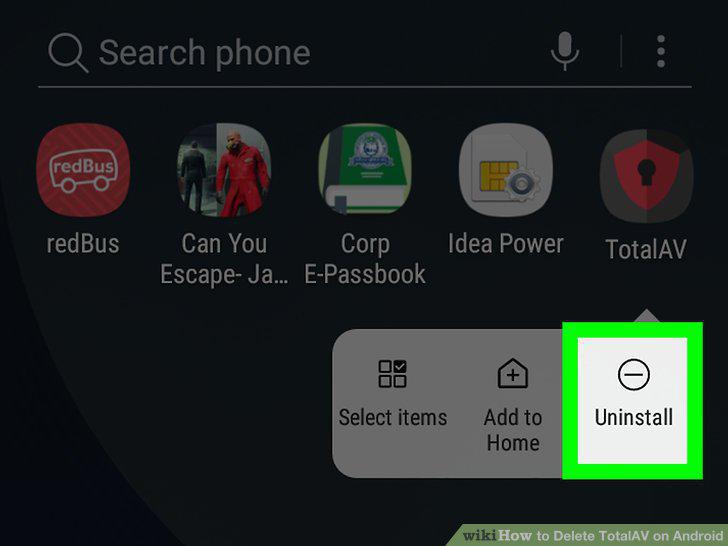
Drag and drop the TotalAV icon onto the Uninstall option.
13
Tap OK in the pop-up.
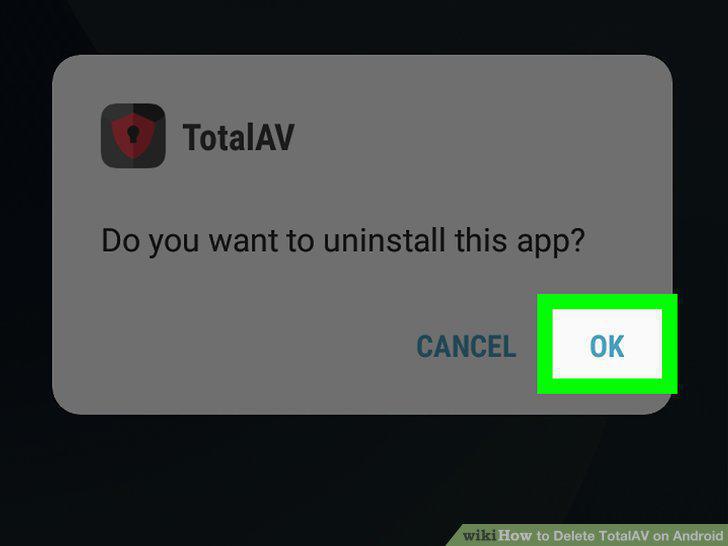
Tap OK in the pop-up.
Comments (0)
No comments yet. Be the first to share your thoughts!