How to Send from Another Email Address in Outlook
Add a second email address to your Outlook account.. Create a new message.. Click From.
Steps
1
Add a second email address to your Outlook account.
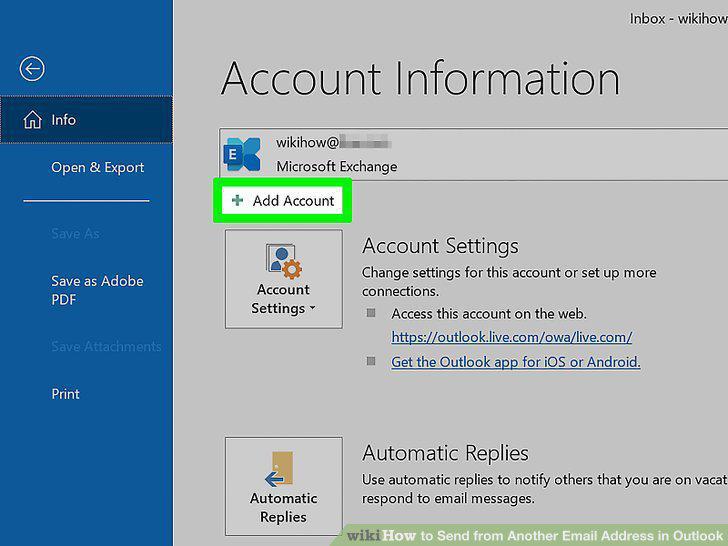
Add a second email address to your Outlook account.
2
Create a new message.
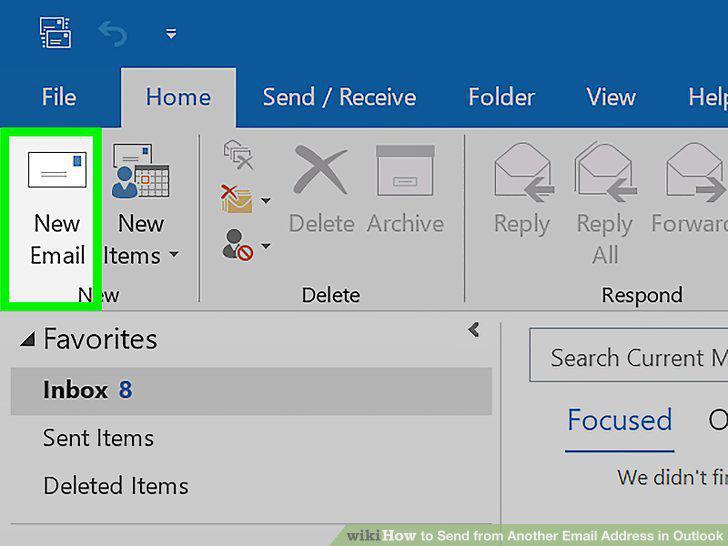
Create a new message.
3
Click From.
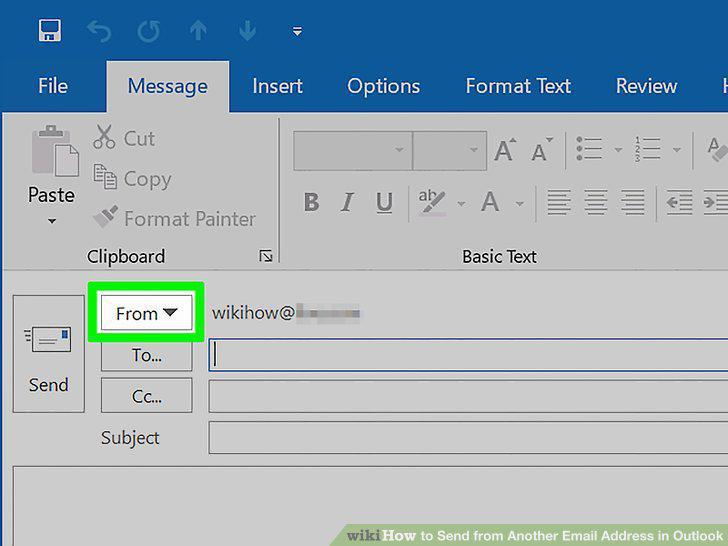
Click From.
4
Click the email address you want to use.
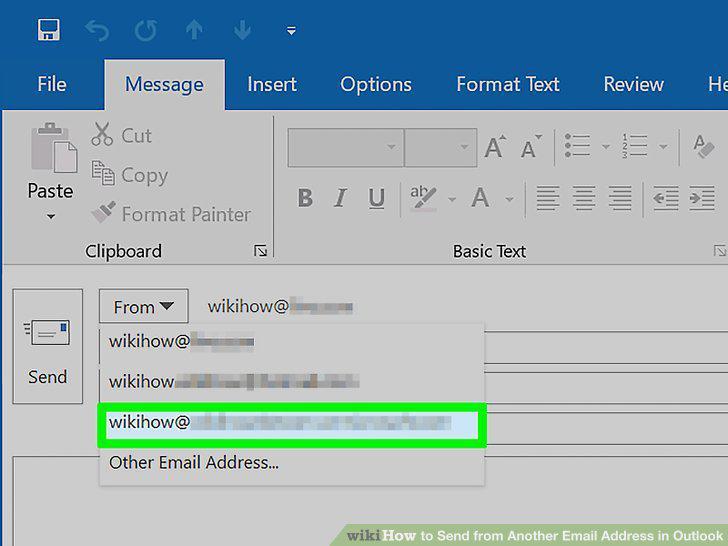
Click the email address you want to use.
Comments (0)
No comments yet. Be the first to share your thoughts!