How to Test an Ethernet Cable
Purchase an Ethernet cable tester.. Plug one end of the cable into the transmit jack.. Plug the other end of the cable into the receiver jack.The receiver jack may be labeled "RX" on the device.
Steps
1
Purchase an Ethernet cable tester.
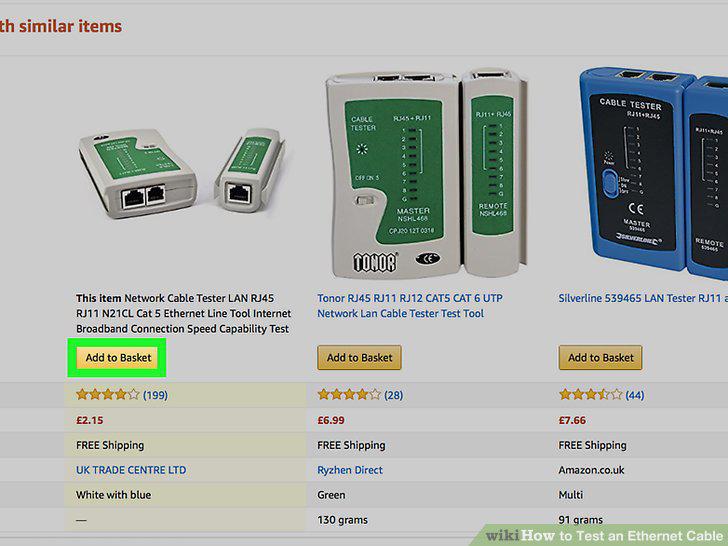
Purchase an Ethernet cable tester.
2
Plug one end of the cable into the transmit jack.
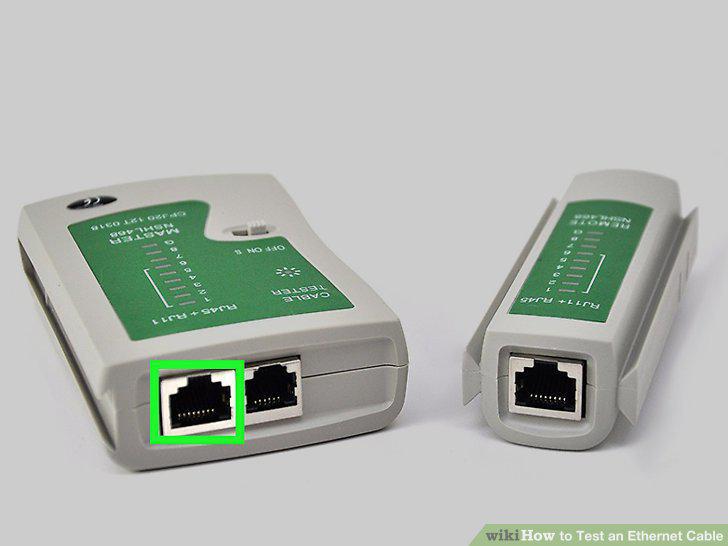
Plug one end of the cable into the transmit jack.
3
Plug the other end of the cable into the receiver jack.The receiver jack may be
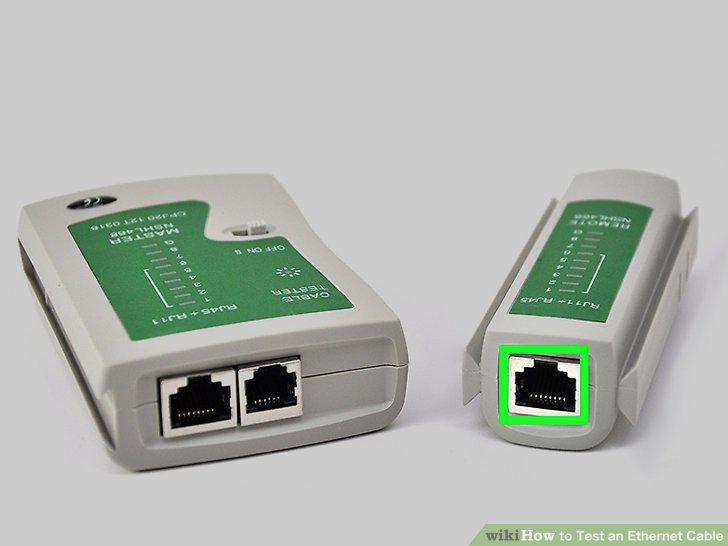
Plug the other end of the cable into the receiver jack.The receiver jack may be labeled "RX" on the device.
4
Check the lights on the tester.
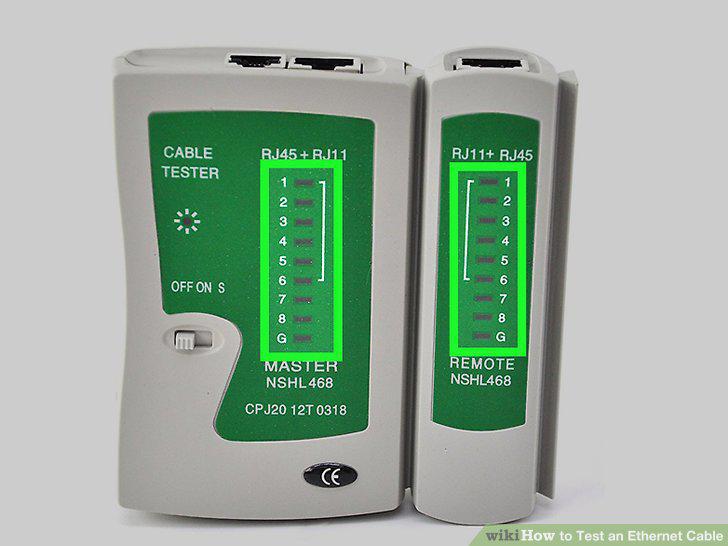
Check the lights on the tester.
Comments (0)
No comments yet. Be the first to share your thoughts!